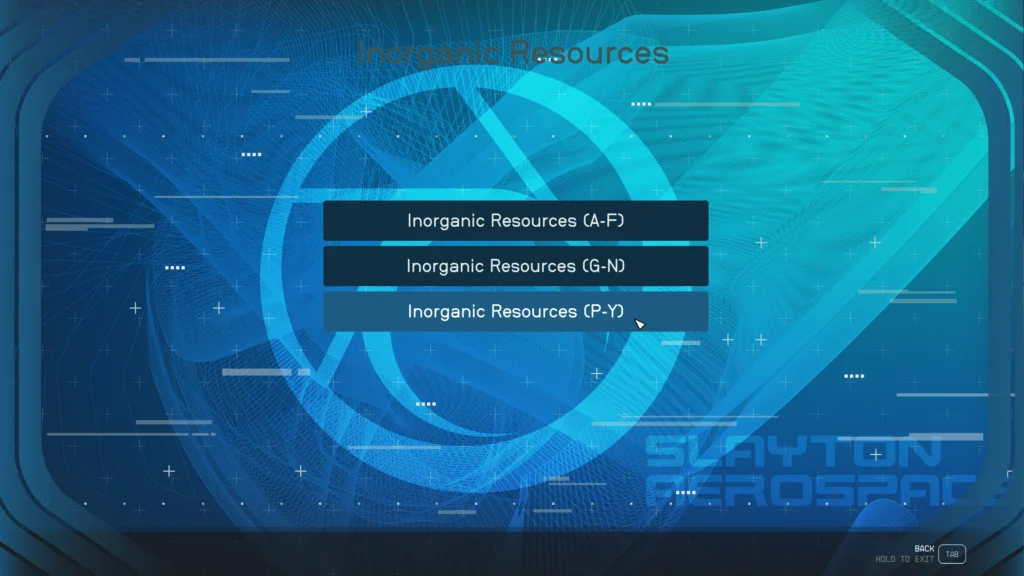
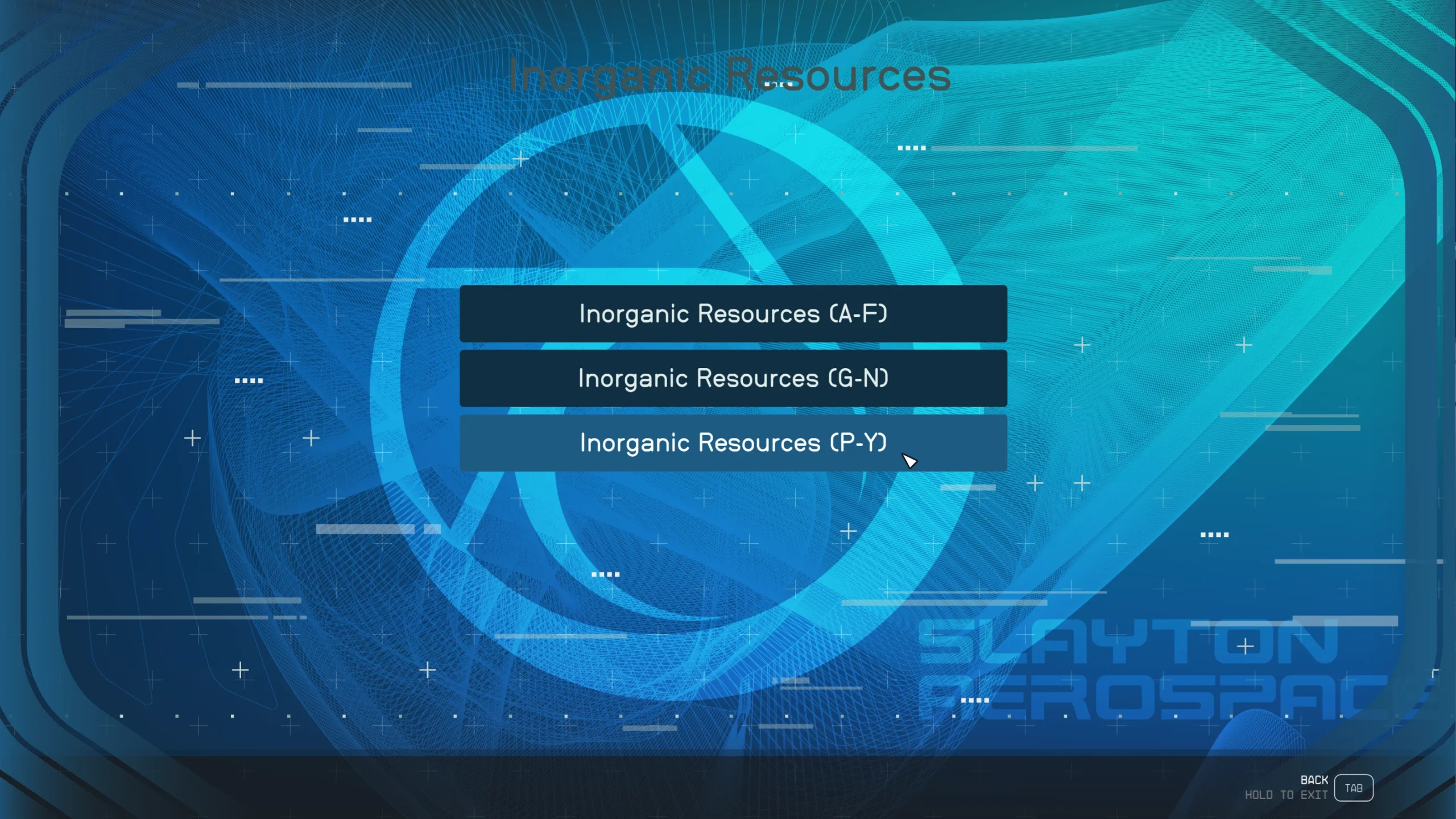
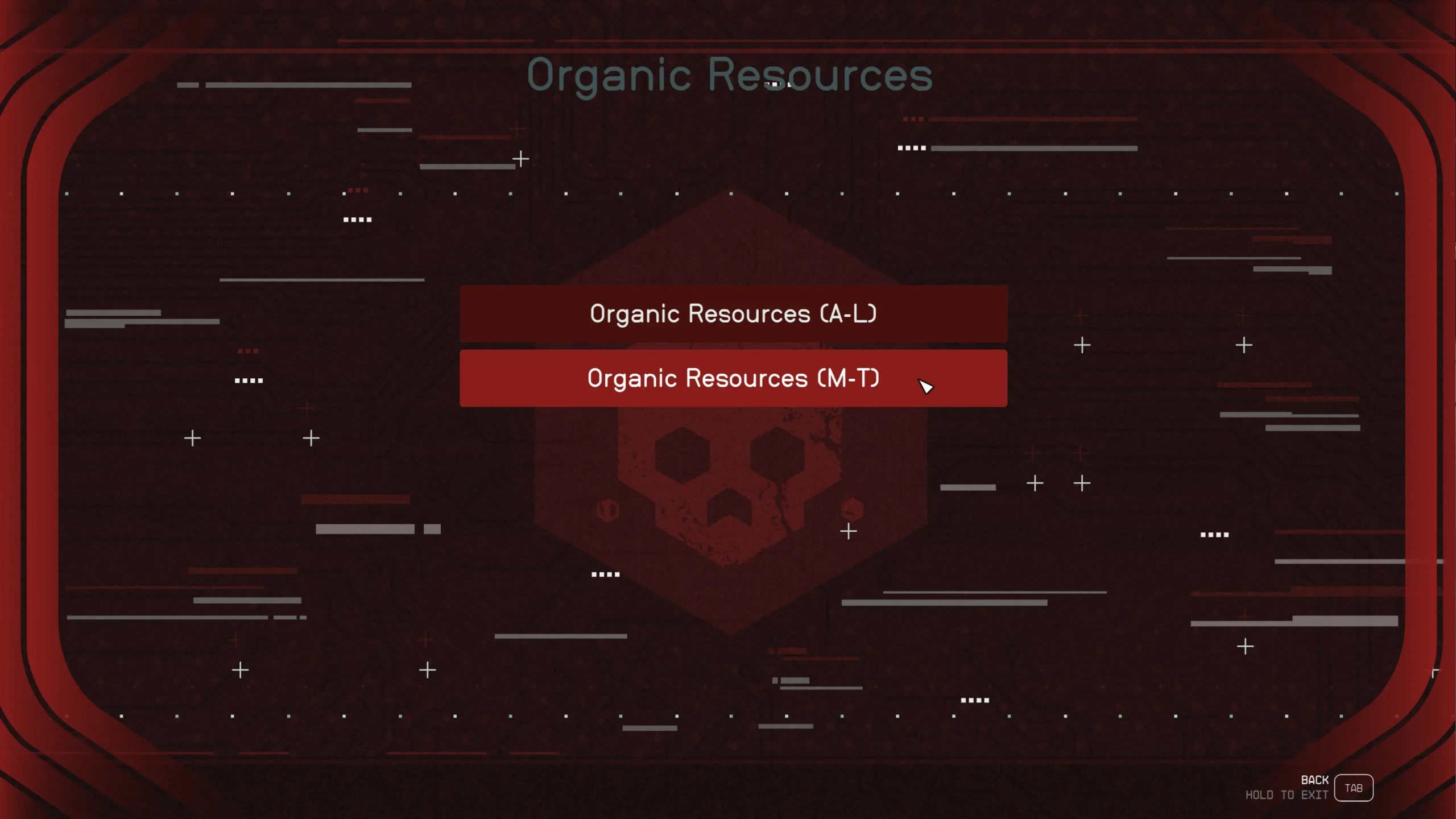
Lightweight and customizable user interface that lets you locate resources within seconds.
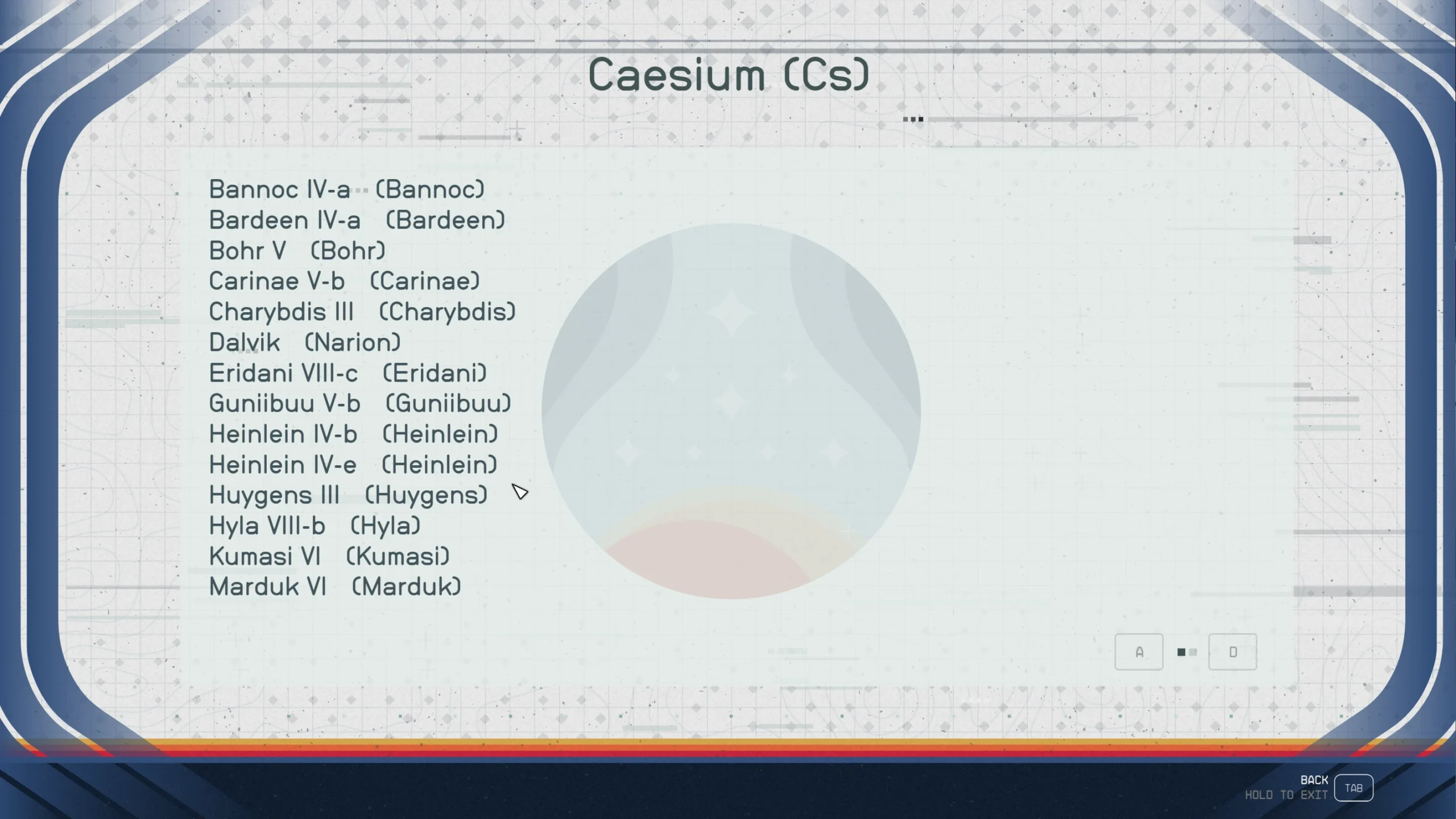
Use R) Planet Database to open the interface. By default, it appears on Cockpits and Navigation Consoles. Just navigate in the UI to a resource to see which planets it can be found and extracted from.
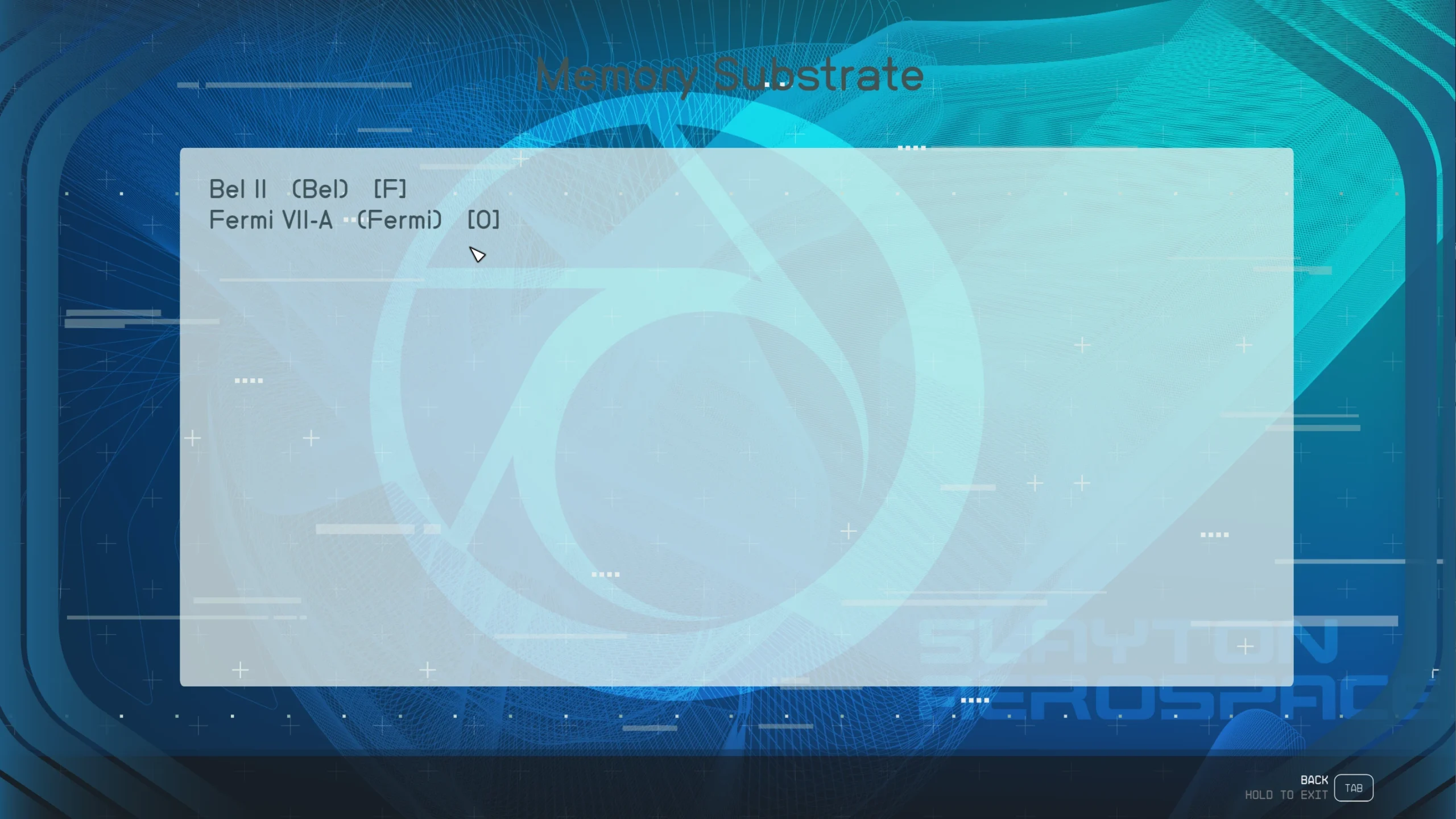
Detailed production info for organic resources: 3 symbols [F], [O] or [O+] next to the planet’s star system (see 3rd mod picture). [F] means the organic resource is a source for at least 1 fauna or flora, but it is not allowed to produce in an outpost. [O] means the organic resource is a source for at least 1 fauna or flora and it is allowed to be produced in an outpost without a production chain (i.e. missing resource for operating cost). [O+] the organic resource is a source for at least 1 fauna or flora and it is allowed to be produced in an outpost with a production chain (i.e. no missing resource for operating cost).
Find the only planet where you can extract Aldumite (Ad)
(unique inorganic resource) from, in less than 10 seconds
8 Selectable Themes
(Wallpapers & UI sounds)
Click on a Wallpaper, the UI auto-refreshes
Settings:
Show Planet Database button [X] or [ ] (on/off)
Reset Everything (full mod reset)
Install/Uninstall:
Just like any .esm/.esp (here’s a simple guide).
Credits:
LarannKiar
You can download the latest mods for this game by clicking here.