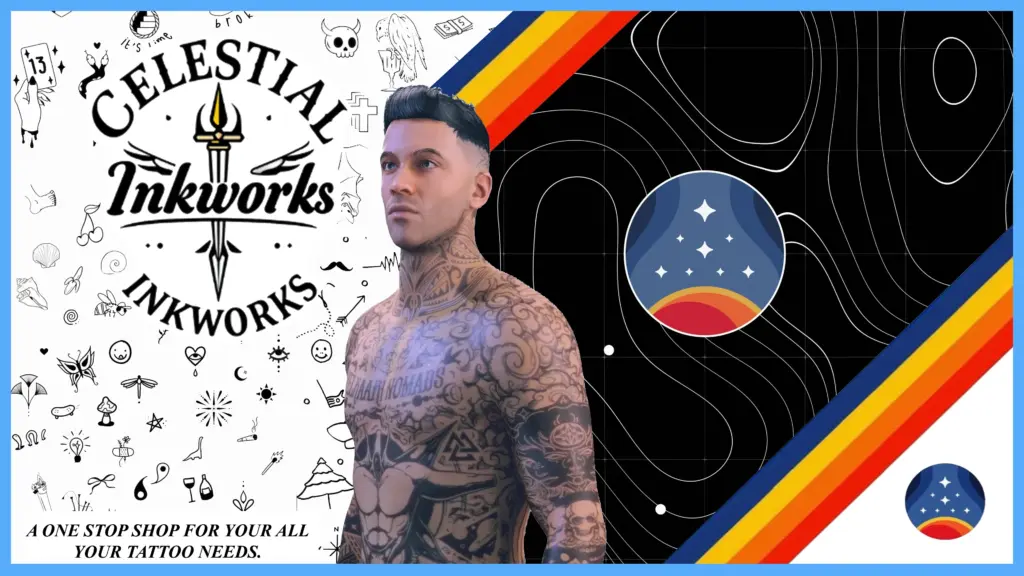
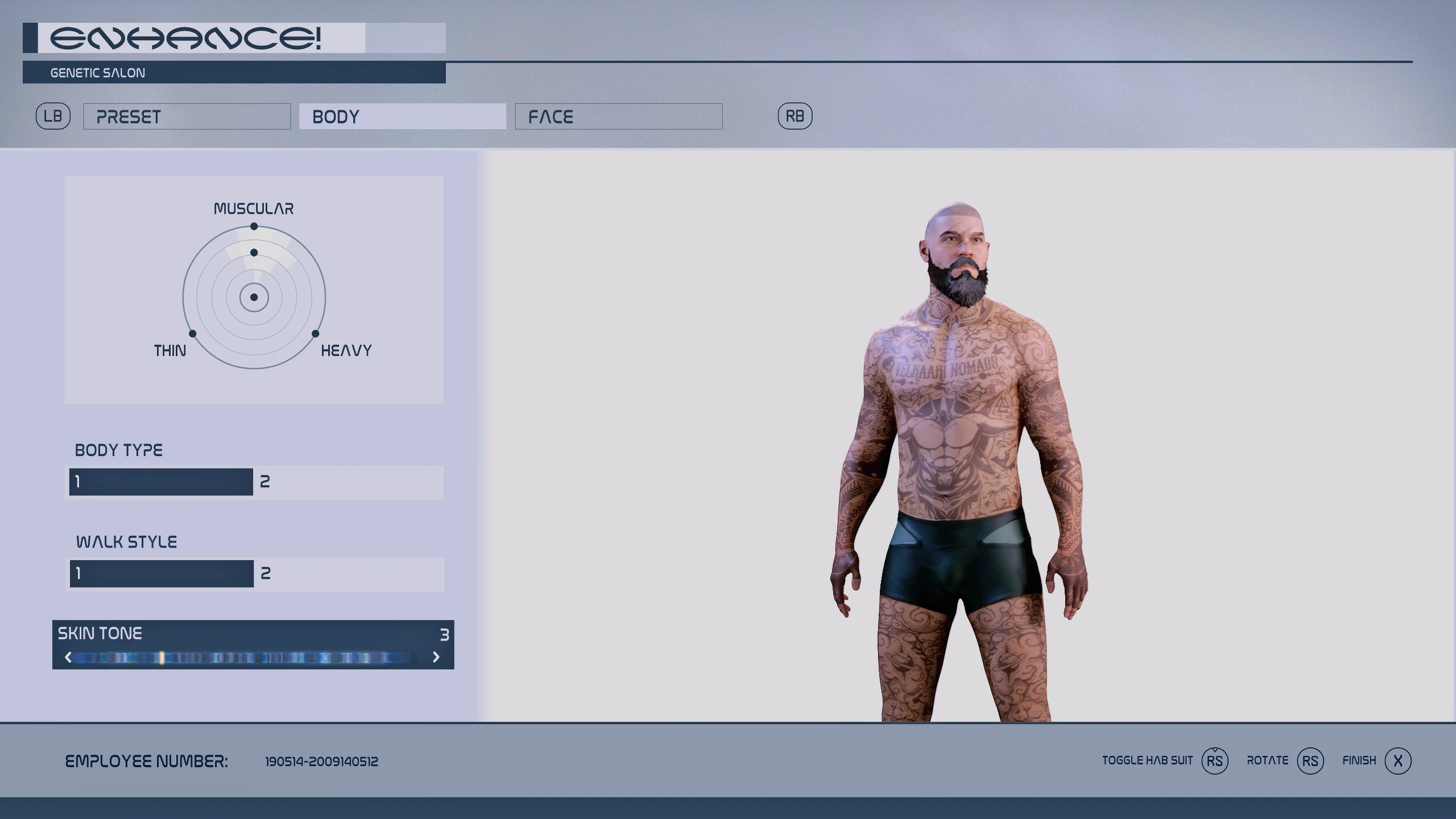
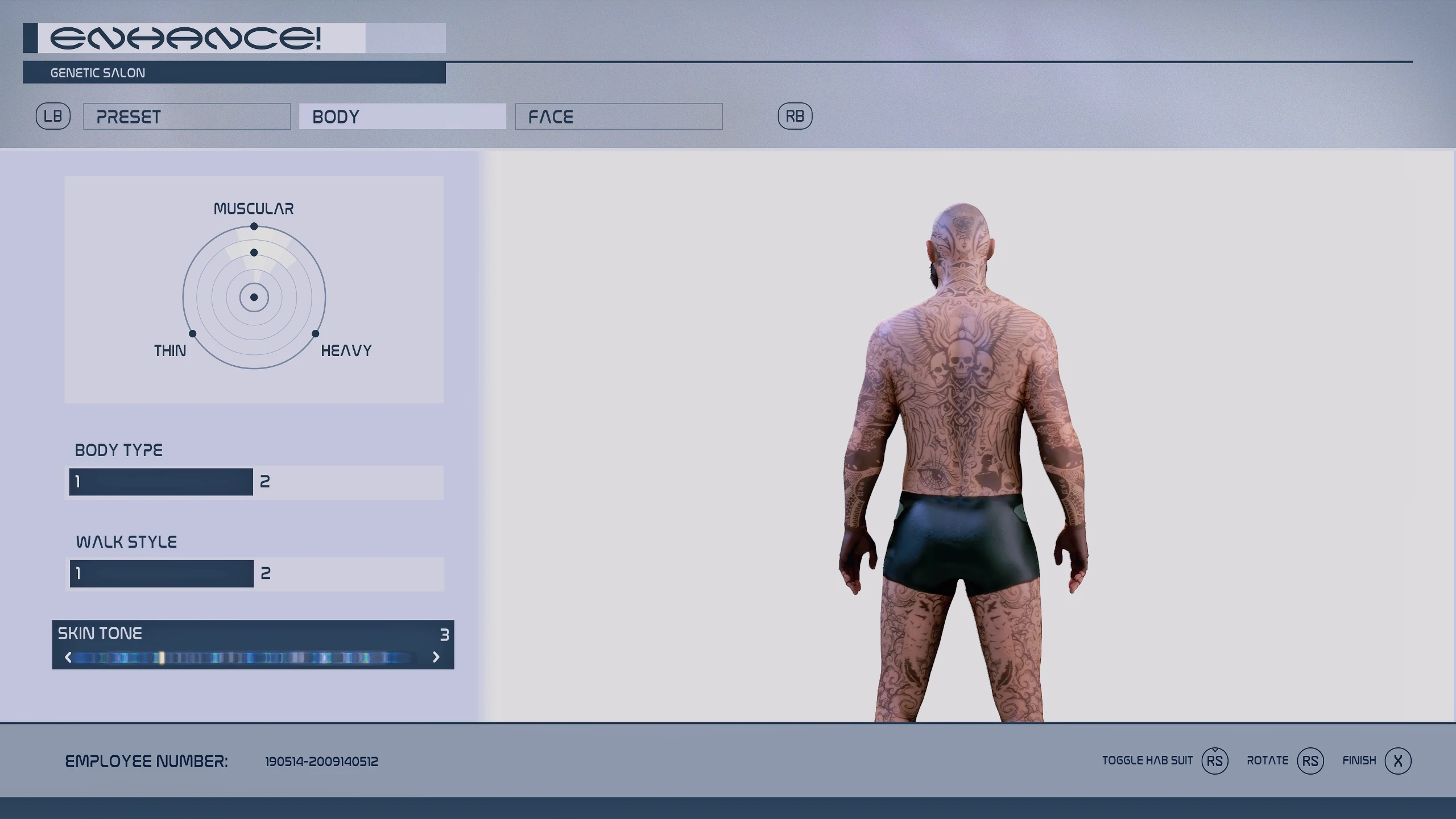
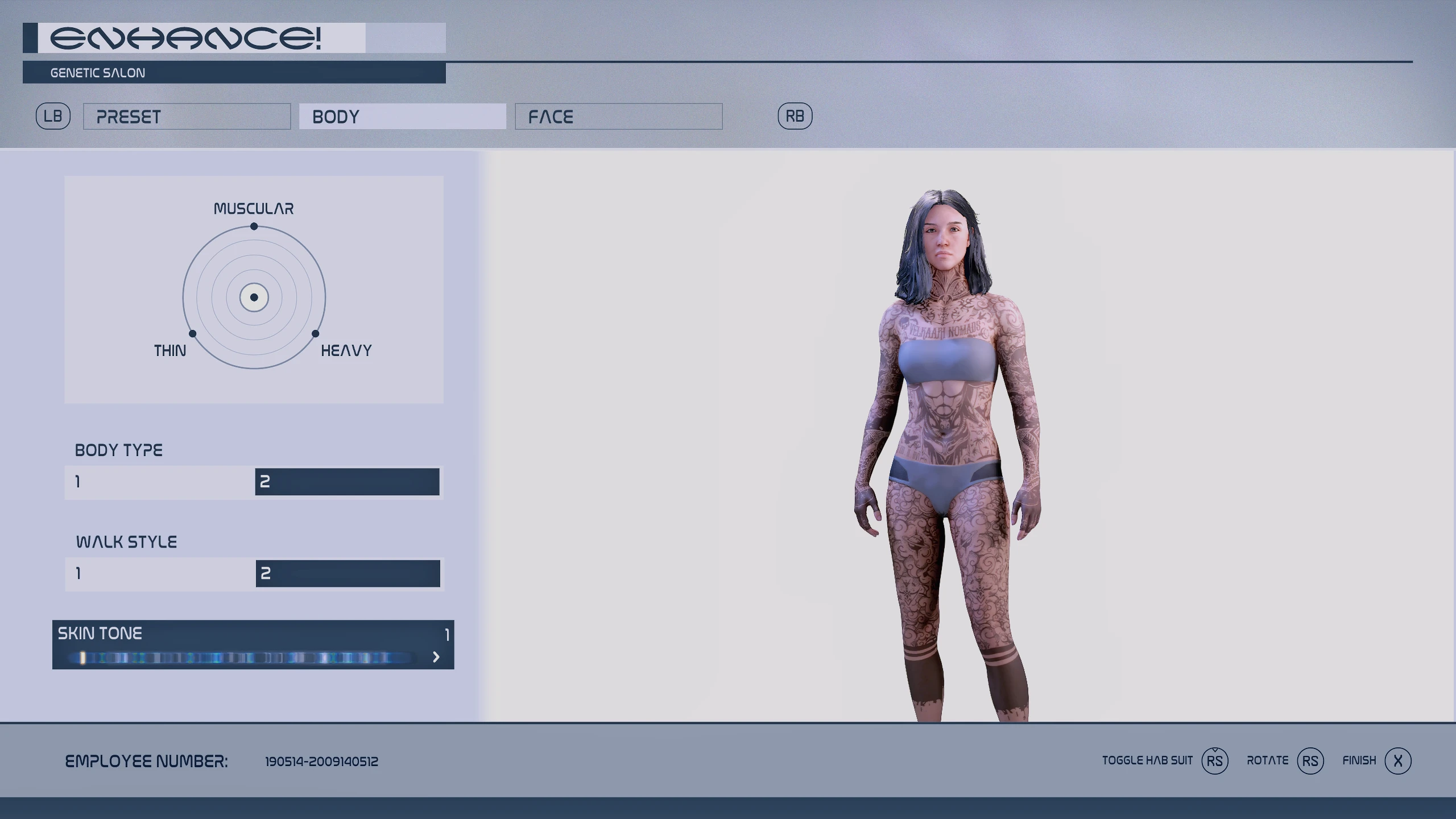
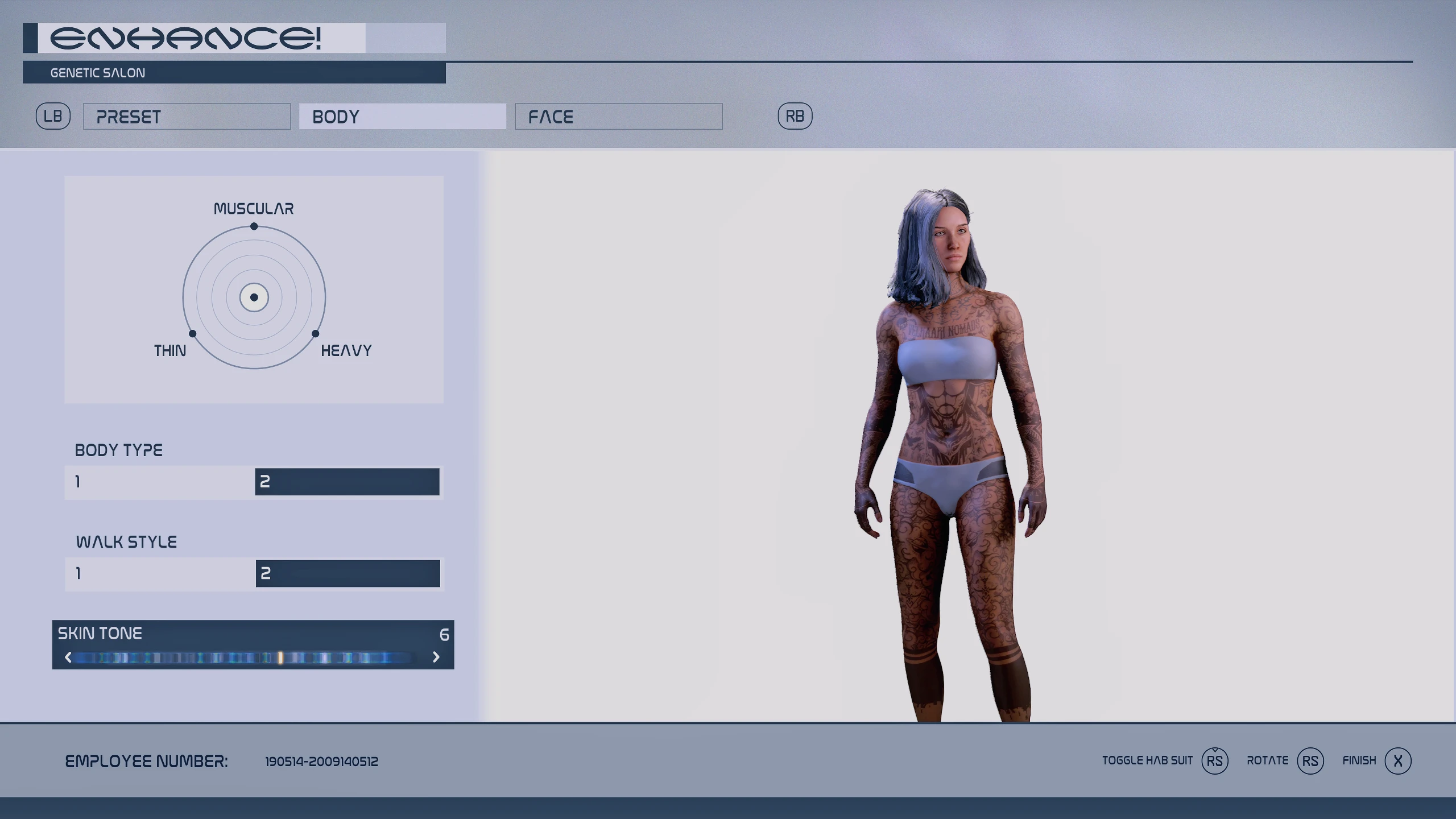
Welcome to the CELESTIAL INKWORKS
This will be the one stop shop for character tattoo designs that I add to the game. I’ll be working on Arm Sleeves, Small Tattoos, and Full Body.
At the moment I won’t be taking requests. I’ll just be adding bits here and there. So to keep track of what releases, click on that track button, and of course, if you like, ENDORES. It helps boost Dopamine levels, and encourages me to do more.
So, installation wise. I do not know creation kit, so these will be placed into your documents folder.
TO INSTALL:
Choose your selected Tattoo skin option file from the download section. Then open and place the data folder into your:
” Documents -> My Games -> Starfield ”
Start the game and choose the skin option, and option 10 of face tattoo.
Sk0 (being lightest)
Sk8 (being the darkest)
Done.
The Cons:
– Npc’s that share the same skin colour as you will also have the tattoo, I recommend downloading: -> NPC Enhancer Gun <- (You can then use the weapon on NPC's that share your skin colour and change to one of the other skin options either down from your skin colour or one above, your choice.) - Secondly, for some reason, Bethesda makes face tattoo's on black characters look Grey, not black. So I had to recolour the black tattoo design on the body to be grey. Which is stupid because it ruins the look. If there's a way to change the colour of the head tattoos to black, I can fix the grey tattoos. Credits:
Scottyus1
Download mod
| File | File size |
|---|---|
 Celestial Inkworks Tattoos
|
13 MB |