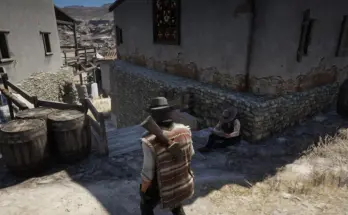
This mod is a system.xml file that boosts fps on low end pcs.
To install:
1. Download The Mod
2. Drag the system.xml file into your settings folder located at “C:\Users\YourUsername\OneDrive\Documents\Rockstar Games\Red Dead Redemption 2\Settings”. Make sure to replace “YourName” with your PC username when copy and pasting.
3. Remove the original system.xml file. (Move it to a different folder, delete it, etc.)
4. Play the game and have a good time!
Credits:
Maxtu
If the download link is outdated or doesn't work, you can add your download link. (If your link is valid, we will approve it within 24 hours.)
Download mod
| File | File size |
|---|---|
 System.xml For Low End PC-1-0
|
1 KB |