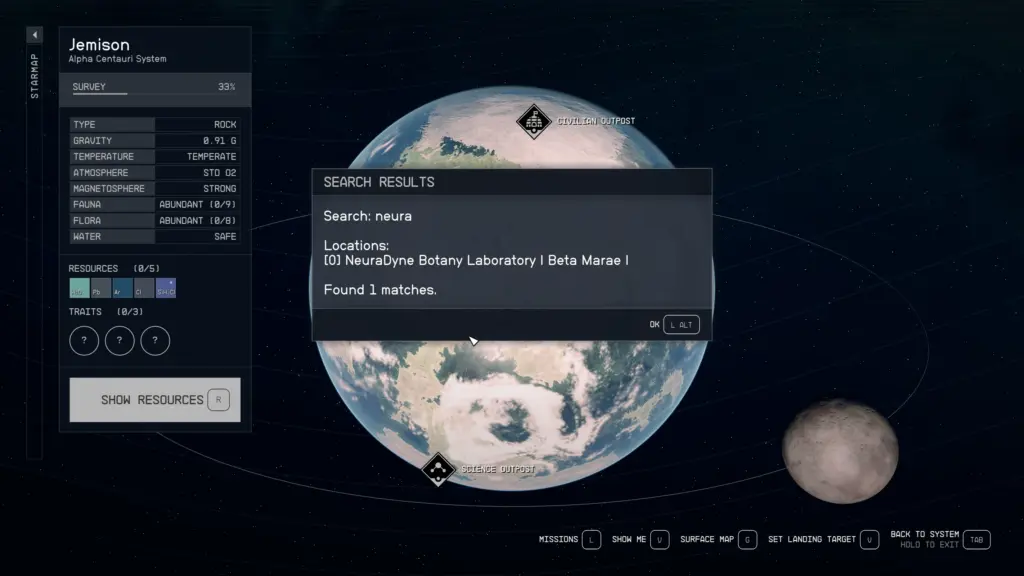
Implements a search engine to the Galaxy StarMap Menu, allowing you to find any location and planet within seconds.
Usage:
1) Open the Galaxy StarMap Menu.
2) Press a hotkey (by default, the ‘Q’ key).
3) By pressing the hotkey, the text input menu opens.
4) Type the name (or part of the name) of a planet/location/starstation/etc.
5) Press OK to search or, press the TAB or Esc key to simply close the text input menu.
6) If you pressed OK, the Search Results window will open.
7) Press one of the numbers (“index”) of the found locations/planets on your keyboard (you can use both the number and numpad keys).
8) The Galaxy StarMap Menu navigates you to the selected location/planet.
Demo:
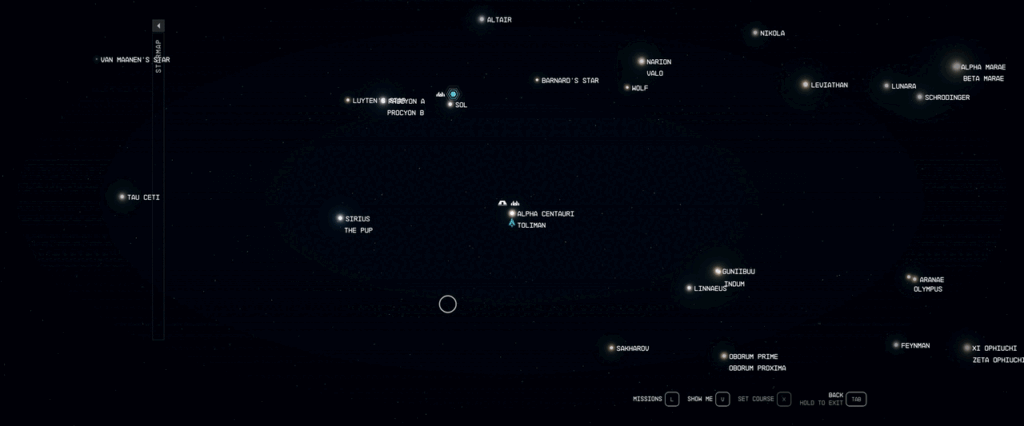
Searched for “beta” to locate “Defensive Battery Beta” (unique location on Kryx, Suvorov) then pressed 4 to auto-navigate.
Settings:
You can change the hotkey that opens the text input menu in the INI (Data\SFSE\Plugins\StarwareSearchEngine.ini).
The value of iTextInputMenuHotkey is a Virtual-Key Code. By default, it’s 0x51 (the ‘Q’ key).
Requirements:
Starfield Script Extender
Changelog:
Version 3.1
Hotfix for missing Starborn Temples from the search results.
Version 3.0
Fixes a bug that could cause inreachable or non StarMap visible locations to be listed as search results (see new INI setting bSkipNonStarMapVisibleMapMarkers).
Exposed the window texts to a new INI file StarwareSearchEngineLang.ini for partial multi-language support. (Partial because only English characters are supported).
Credits:
LarannKiar
If the download link is outdated or doesn't work, you can add your download link. (If your link is valid, we will approve it within 24 hours.)
Download mod
| File | File size |
|---|---|
 Starware Search Engine - SFSE-3-1
|
119 KB |
|
Starware Search Engine - SFSE-2-0
|
113 KB |