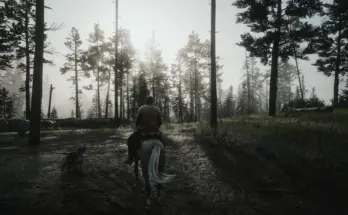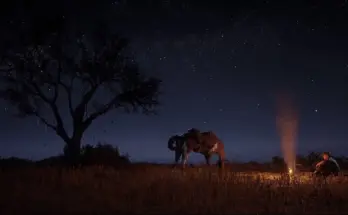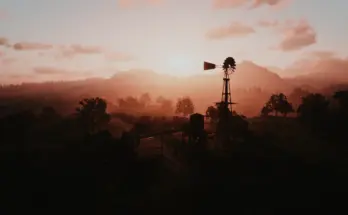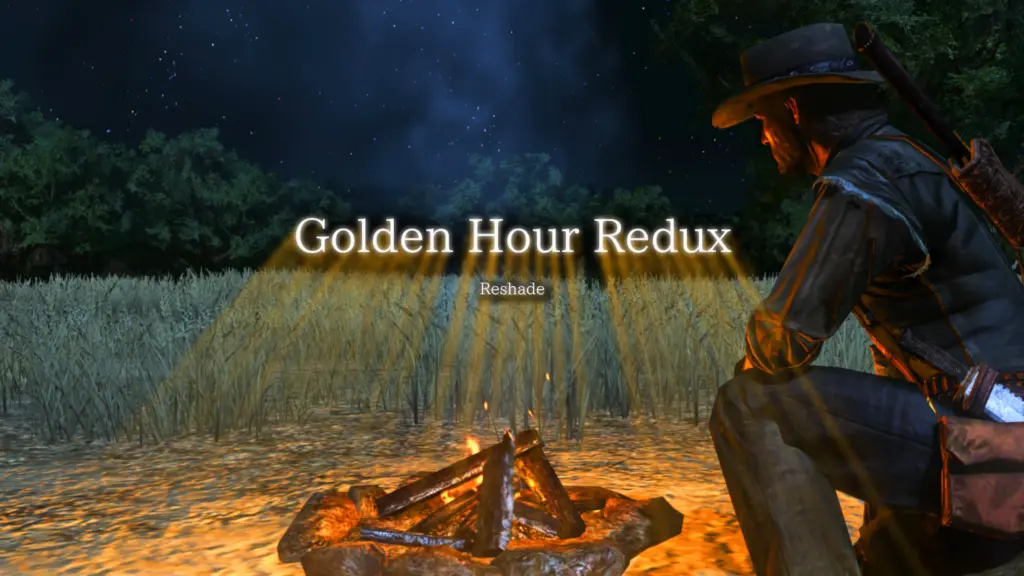
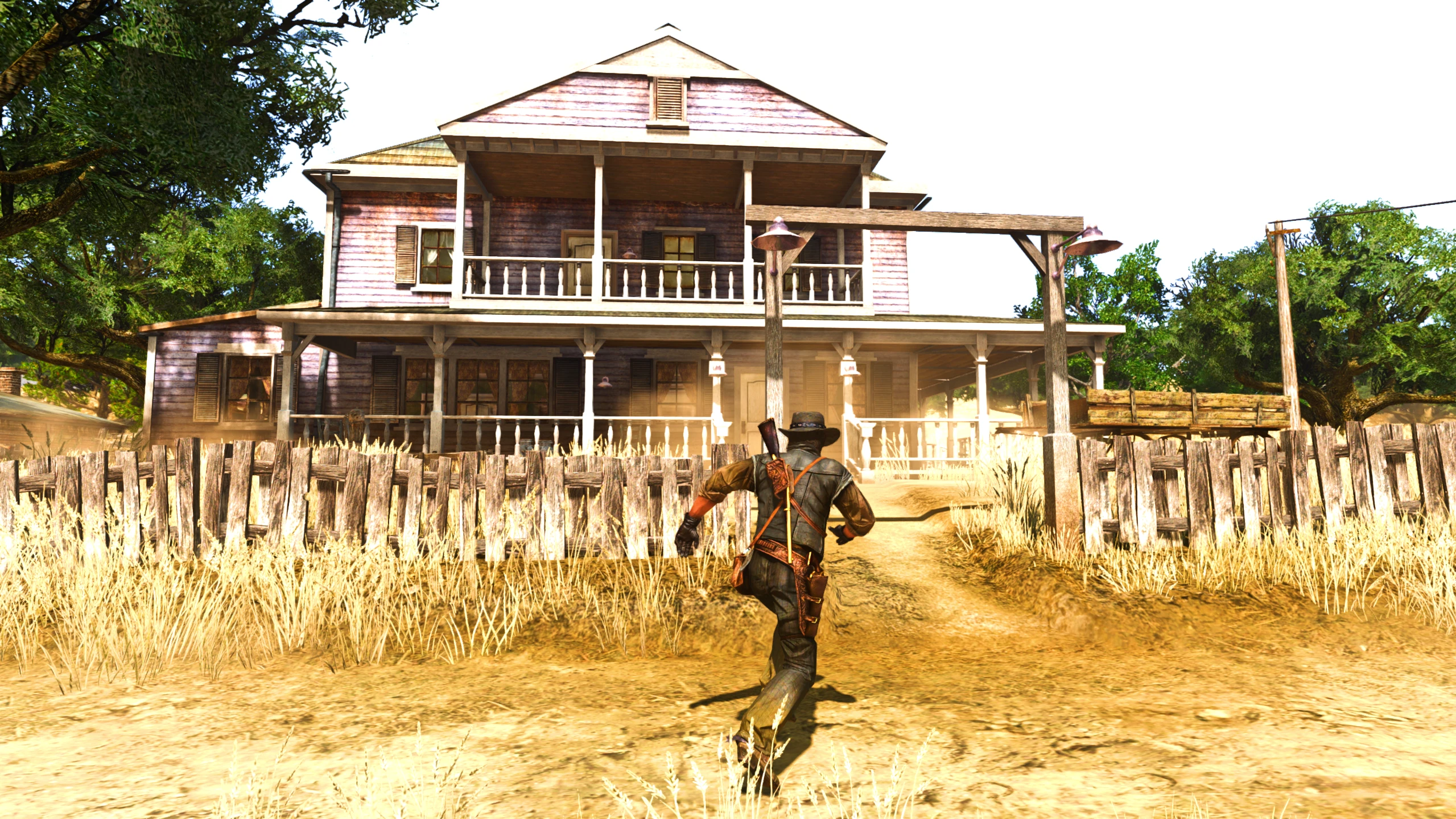
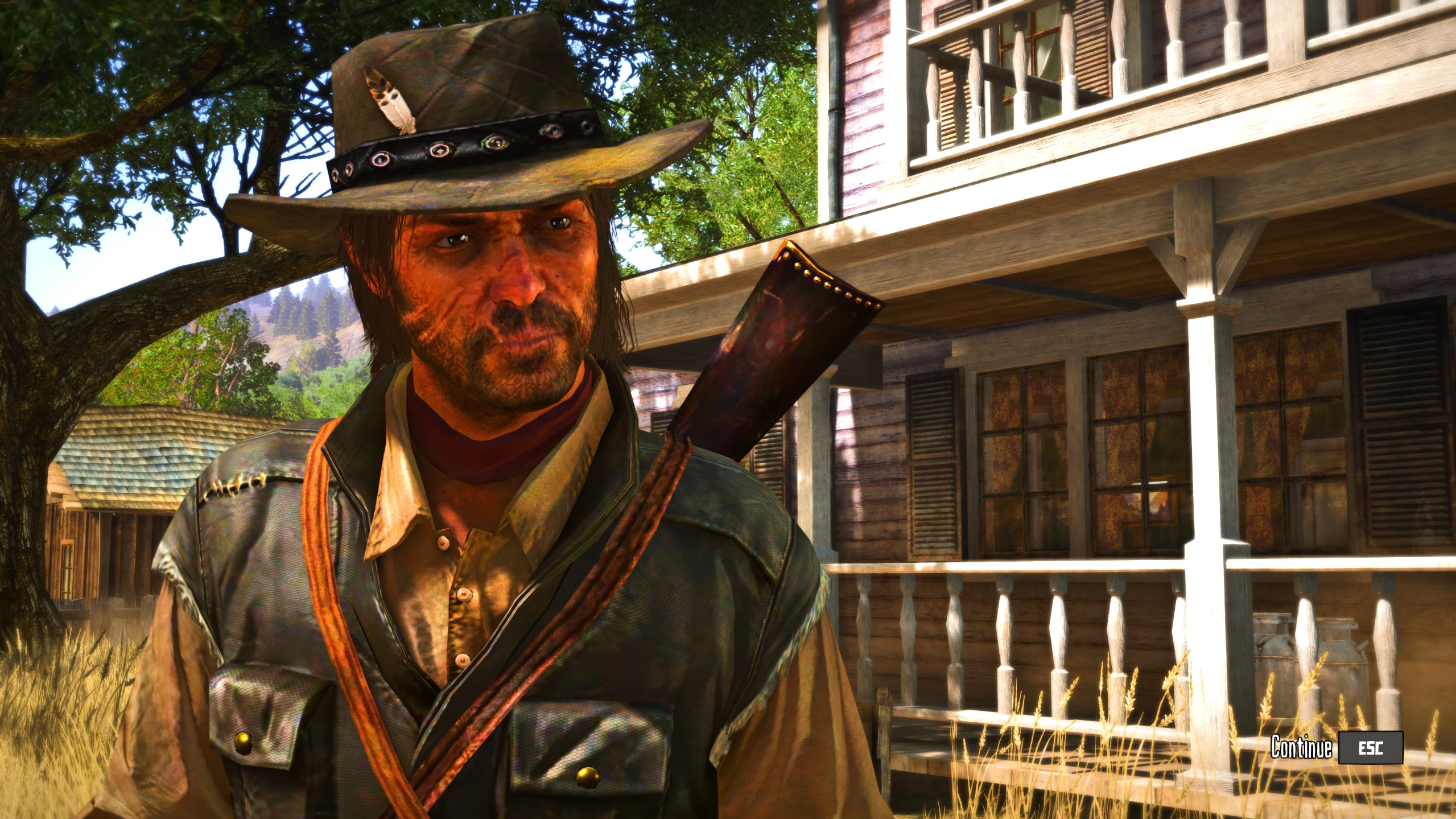
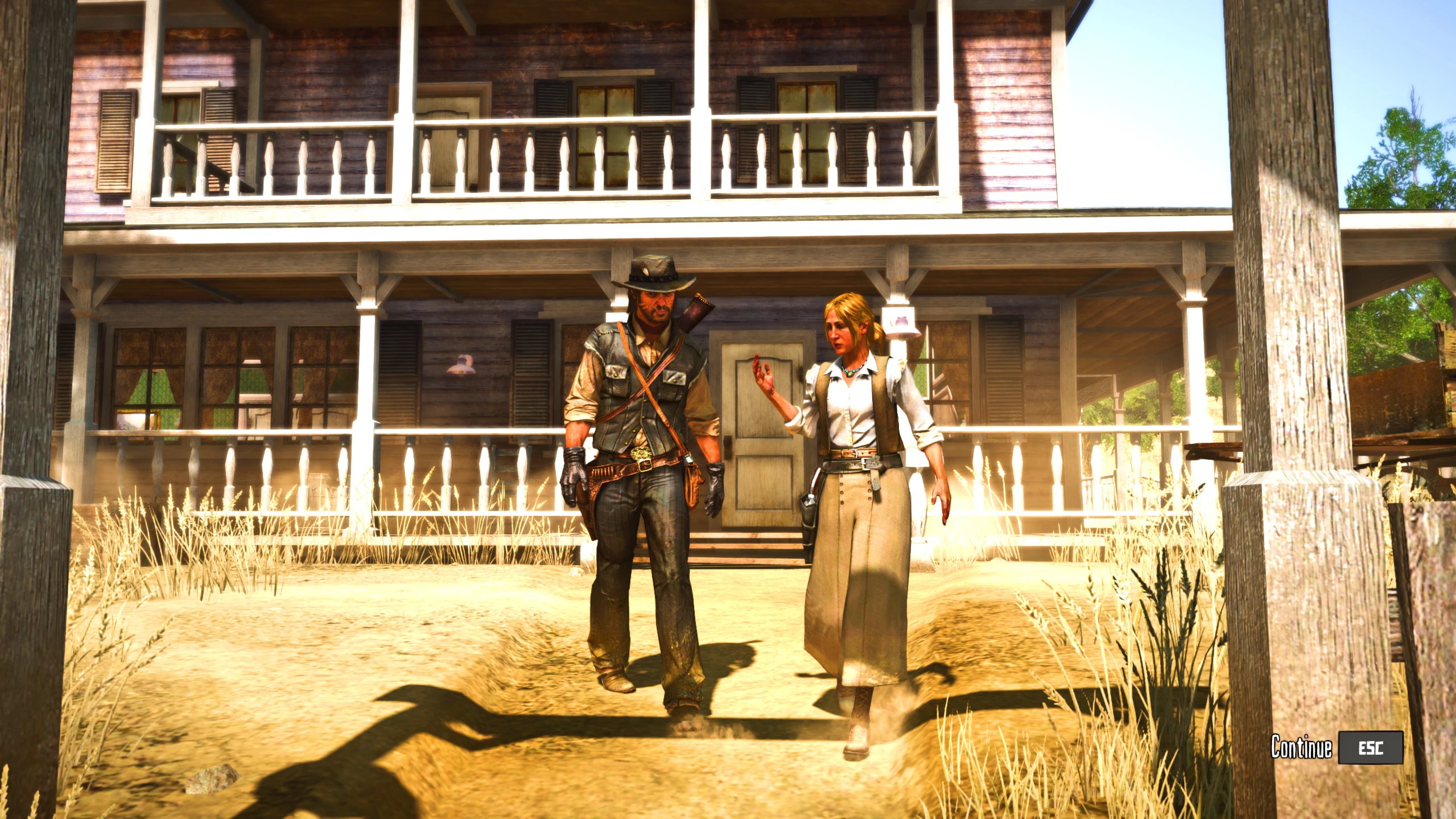
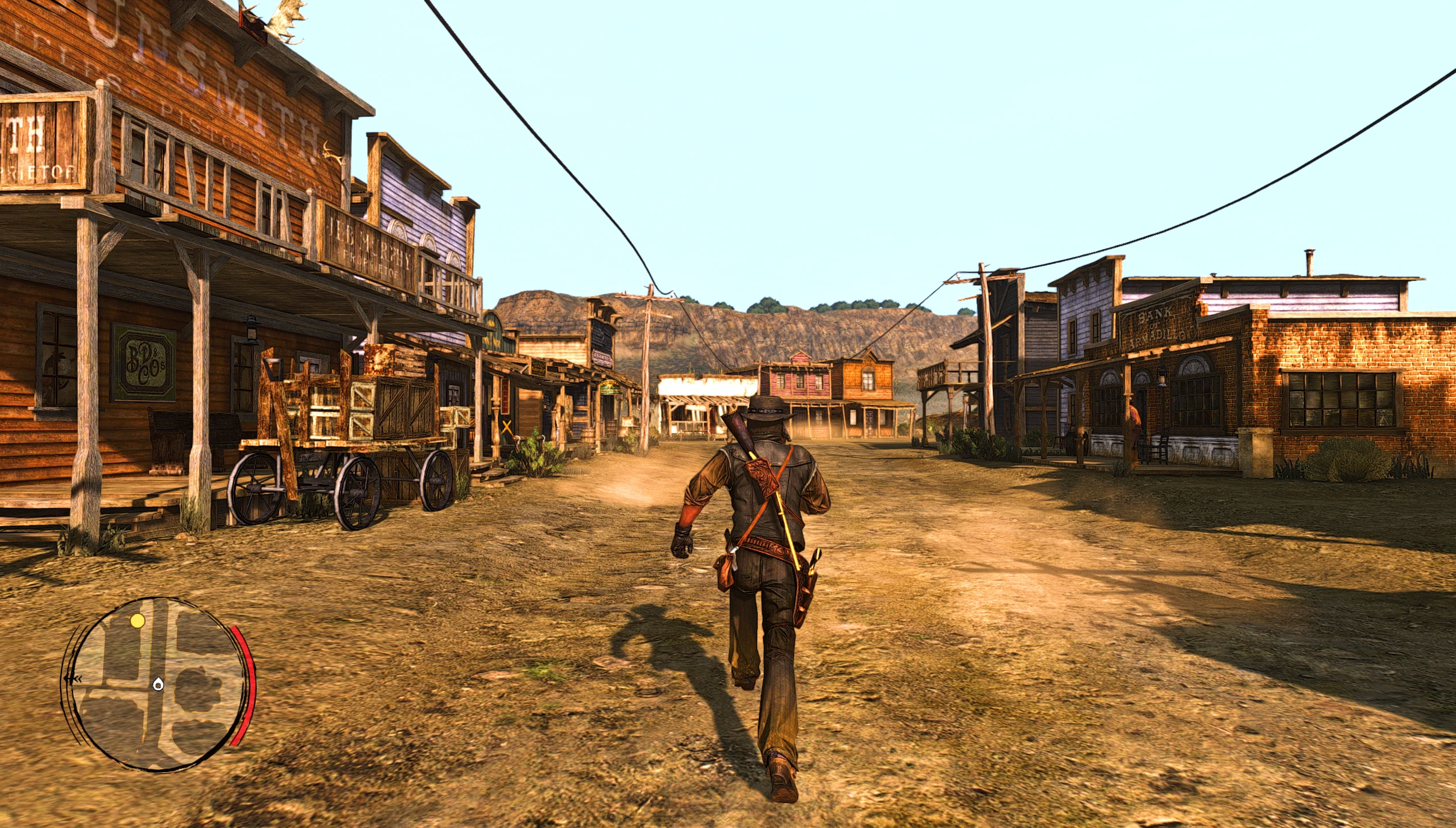
Golden Hour Redux brings out the colors sharpens every detail and makes the world feel alive. Mornings are bright evenings glow and everything just looks cleaner and more vibrant and fresh
Installation Guide – Golden Hour Redux Reshade
Download & Launch
Grab the Reshade setup file included with Golden Hour Redux.
Run the setup.
Apply to RDR1
When prompted, select the RDR1 executable (rdr.exe
).
Choose DirectX 12 when it asks for the graphics API.
Click Next → Next → Next → Finish to install Reshade on RDR1.
Copy Shaders & Effects
Open the folder where you installed Golden Hour Redux.
Go to Shaders and Effects folders inside the package.
Copy these both to the reshade-shaders folder in your rdr and replace if needed
Add Presets
Take the Golden Hour Redux preset files and place them directly into the game directory where rdr.exe is located.
Launch the Game
Start RDR1.
Press Home (default Reshade menu key) to open the Reshade menu.
Load the Golden Hour Redux preset from the menu.
Credits:
Mrpuffypants
You can download this mod by clicking here.