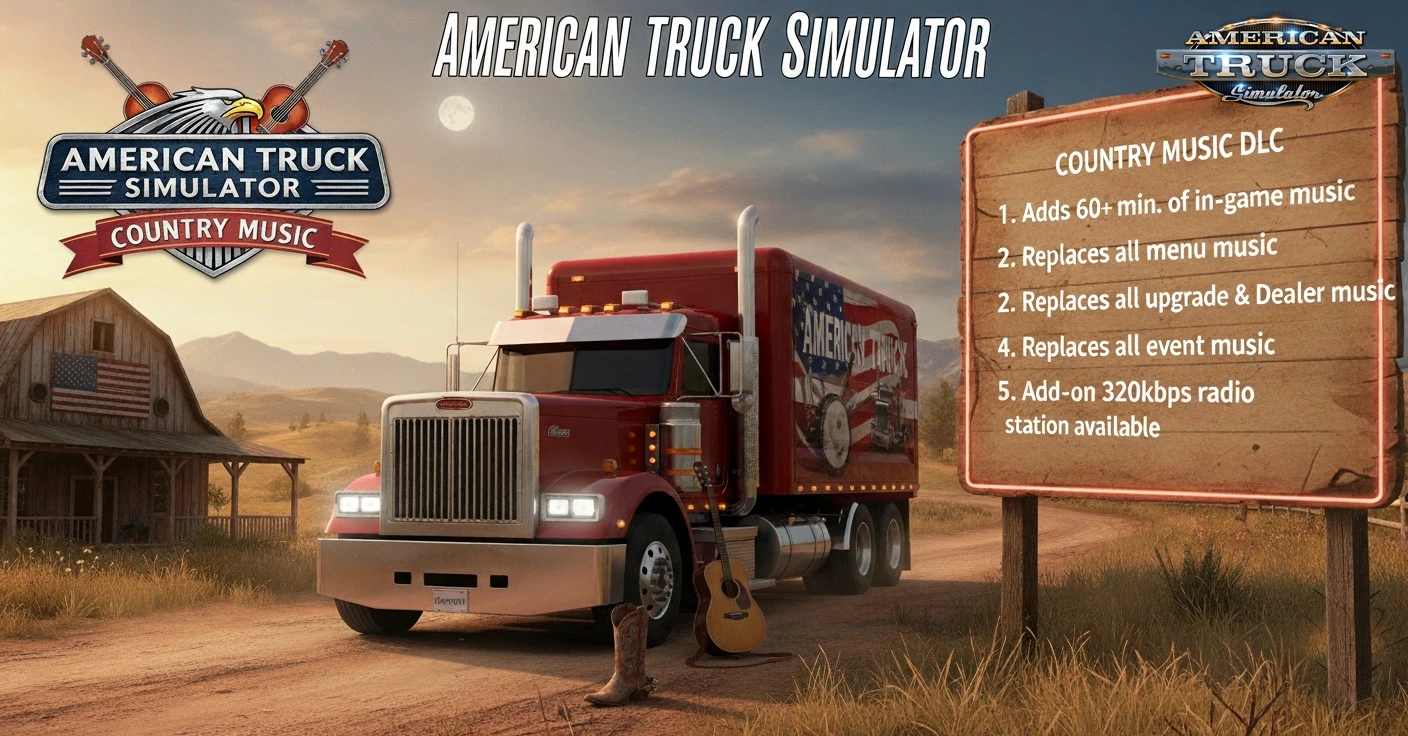
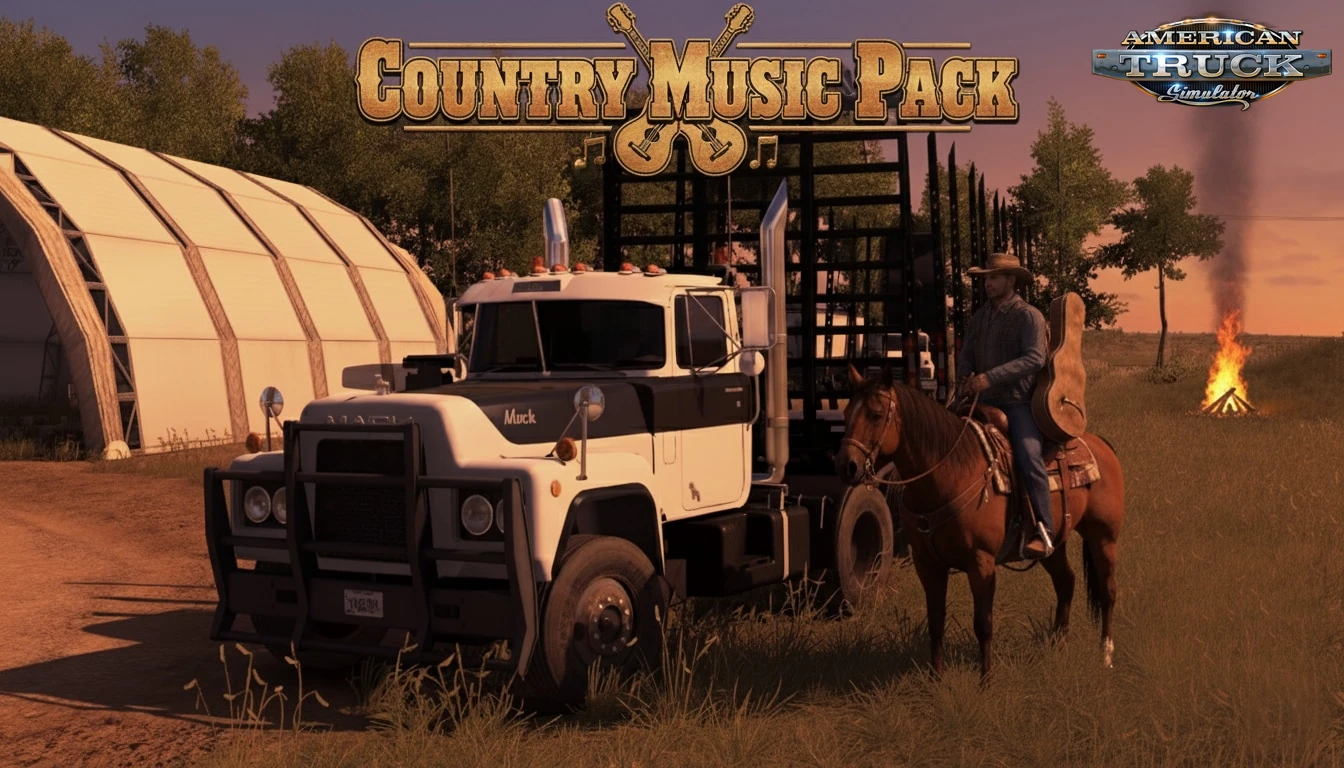
Country Music Pack for ATS – replacing all default in-game music with over 60 minutes of original instrumental country tracks produced at Tedeschi Studio. Produced by TheSimGuy at Tedeschi Studios, this mod gives you a brand-new soundtrack for your heavy hauls, featuring over 60 minutes of unique original tracks. Just download and enjoy a fresh set of tunes for your journey.
Features Country Music Pack:
– Replaces music in: Main Menus, Delivery Finished/Expected Soon Events, Cutscenes, Truck Upgrading & Service
– Over 60 minutes of unique original instrumental country music (vocals removed in v1.1 for mod compatibility)
– TheSimGuy Country Radio Station (320Kbps stream; manual setup required; includes additional tracks from Desert Country Music Pack)
– Safe for YouTube/Twitch streaming (no ContentID claims; test uploads recommended)
– Produced with FMOD Studio, Studio One 7, and AI tools for authentic twang (acoustic, dobro, slide guitar)
Changelog:
Changes in v1.1:
– Converted all in-game radio, menus, & events to instrumental;
– removed vocals;
– added 5 new instrumental tracks
– added Desert Country Music Pack tracks to radio (09/29/2025)
⚠️ATENTION YOUTUBE CONTENT CREATORS!⚠️ TheSimGuy packs DO NOT have a YoutTube ContentID which would otherwise demonetize your content. Feel free to stream worry free while having this mod and/or TheSimGuy radio stations playing in the background! Remember, it is best practice to always upload a test sample to ensure YouTube (or other service) policies and methods have not changed.
Adding In-Game Radio Station
To add the Country Music Pack radio station and other TheSimGuy stations, you’ll need to manually edit the `live_streams.sii` file located in your Documents/American Truck Simulator folder.
⚠️ Important: Editing this file can overwrite any existing custom radio stations you’ve added. Always make a backup of your current `live_streams.sii` file before making changes. If you’re unsure, there are several YouTube tutorials that walk through the process step by step.
Steps:
1) While game is not running, navigate to: Documents/American Truck Simulator
2) Open live_streams.sii with a text editor (e.g., NotepTheSimGuysad).
3) Replace the existing content with the code below :
SiiNunit
{
live_stream_def : _nameless.thesimguy {
stream_dаta: 3
stream_data[0]: “http://leopard.streemlion.com:7733/stream|TheSimGuy Country|Country Music Pack|EN|320|0”
stream_data[1]: “http://leopard.streemlion.com:8939/stream|TheSimGuy 80’s|80’s Retro Music Pack|EN|320|0”
stream_data[2]: “http://leopard.streemlion.com:7838/stream|TheSimGuy Heavy Rock|Heavy Rock Music Pack|EN|320|0”
}
}
4) Save the file.
5) Launch American Truck Simulator.
6) Open the in-game Radio and click Update From Internet.
TheSimGuy stations should now appear in your radio list. Happy trucking!
Credits:
TheSimGuys
If the download link is outdated or doesn't work, you can add your download link. (If your link is valid, we will approve it within 24 hours.)
Download mod
| File | File size |
|---|---|
 Country Music Pack v1.1 1.56
|
82 MB |