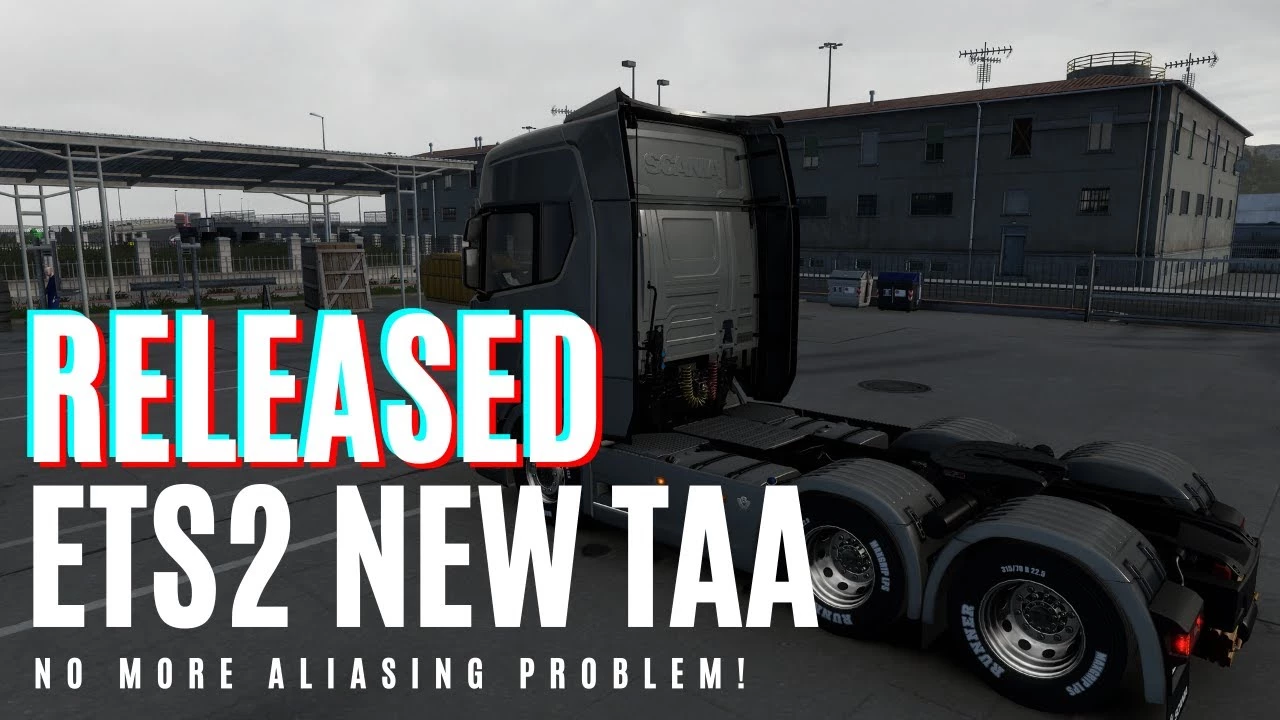
TAA is a method used by modern games to solve aliasing issues.
– Full implementation of TAA for ETS2/ATS
– It has low performance impact compared to any other anti aliasing solution.
– It is not an only postprocess TAA like you have in other apps which just blurs your screen.
TAA (Temporal Anti Aliasing) implemented with a .dll file to replace default anti aliasing method with TAA.
It is removing/recuding aliasing, flickering, shimmering with minimal performance impact.
You can get rid of aliasing problems with only 100% resolution scale in game. You can use left gpu power for higher graphic settings or anything you want.
Supported Versions:
ETS2: 1.48.1.6
ATS: 1.48.2.6
Requirements:
Windows 10 x64 or Windows 11 x64, DirectX 11
Settings:
Press “HOME” key to open menu ingame
Rate = TAA apply rate (9 default and recommended)
Sharpness = Sharpen filter rate
Installation:
1. Go to Euro Truck Simulator 2/American Truck Simulator folder
2. Go to “bin\win_x64” folder
3. Copy & paste dxgi.dll file
4. Start game with DirectX 11
5. Disable any other anti aliasing (SMAA, MSAA, Nvidia Profile Inspector (NPI))
***You can use this method for any other project uses dxgi.dll.
Create a folder named “reshade” inside “bin\win_x64\” folder.
Copy reshade files (dxgi.dll, ReShade.ini, ReShadePreset.ini, reshade-shaders) to “bin\win_x64\reshade\” folder.
Put TAA dxgi.dll to “bin\win_x64\” folder.
Now you can play the game with TAA and ReShade.
***When reshade is activated, you need to use “END” key for TAA instead of “HOME” key.
Changelog:
Changes v8.4.9
-Ghosting improvements for Temporal Anti Aliasing Rev.2
-Performance improvements for Temporal Anti Aliasing Rev.2
-Added Temporal Anti Aliasing Rev.2 (testing DLAA alternative algorithm)
-Improved DLSS Quality, DLSS Balanced, DLSS Performance
Changes v8.4.3
-Added DLSS/DLAA
-Added multithread support for TAA shader generation, game is not going to slow down when you see a new type of object
04/11/2023 v8.3.2
Added multithread support for TAA shader generation, game won’t slow down when you see a new type of object
31/10/2023 v8.3.0
Changes for game version 1.49
29/10/2023 v8.2.1
Fixed cursor flickering when used with camera plugins
Changes v8.2
-Hotfix for T.SSAO ghosting
-Randomly flickering objects fixed
Changes v8
-T.Shadow added
-Some flickering objects fixed
Changes v7.3
-AMD fps drop issue fixed
Changes v7.2
-Fixed some FPS drop problems
-TAA for foliage (tree, grass etc) improved a lot
-T.SSAO improved a lot, Stronger SSAO added
-Flickering & blurry objects at night fixed
-Some changes to solve fps drop on AMD GPUs (not tested)
Changes v4
-released to solve low FPS/FPS drop issue
Credits:
snowymoon
If the download link is outdated or doesn't work, you can add your download link. (If your link is valid, we will approve it within 24 hours.)
Download mod
| File | File size |
|---|---|
 taa_snowymoon_v4
|
6 MB |
|
taa_snowymoon_7.3
|
7 MB |
|
taa_snowymoon_v8
|
6 MB |
|
taa_snowymoon_v8.2
|
6 MB |
 taa_snowymoon.io_8_3_2
|
7 MB |
|
taa_snowymoon.io_8_4_3
|
7 MB |
|
taa_dlss_snowymoon.io_8_4_3
|
41 MB |
|
taa_snowymoon.io_8_4_7
|
7 MB |
|
taa_snowymoon.io_8_4_9
|
6 MB |
|
taa_dlss_snowymoon.io_8_4_9
|
41 MB |