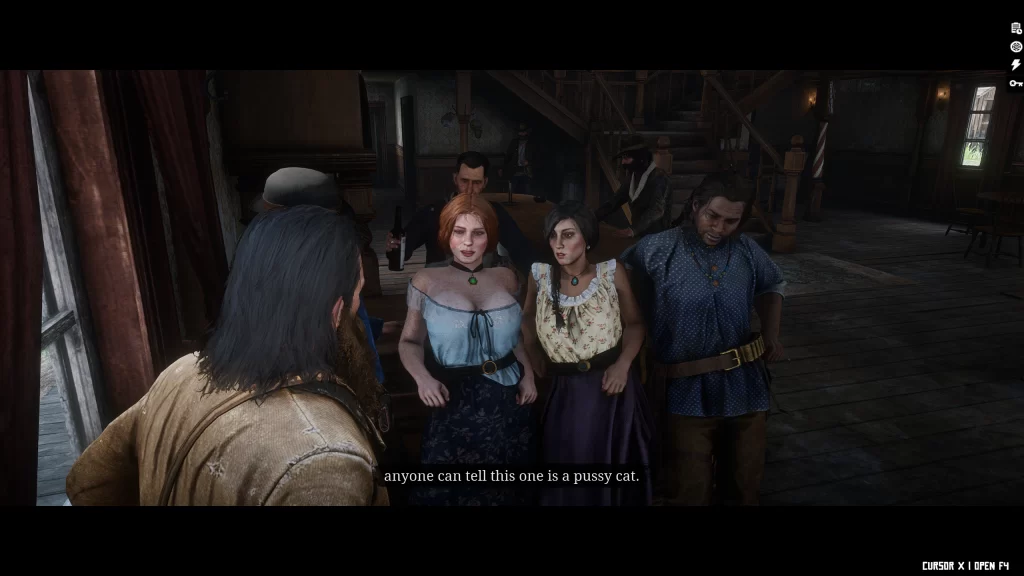
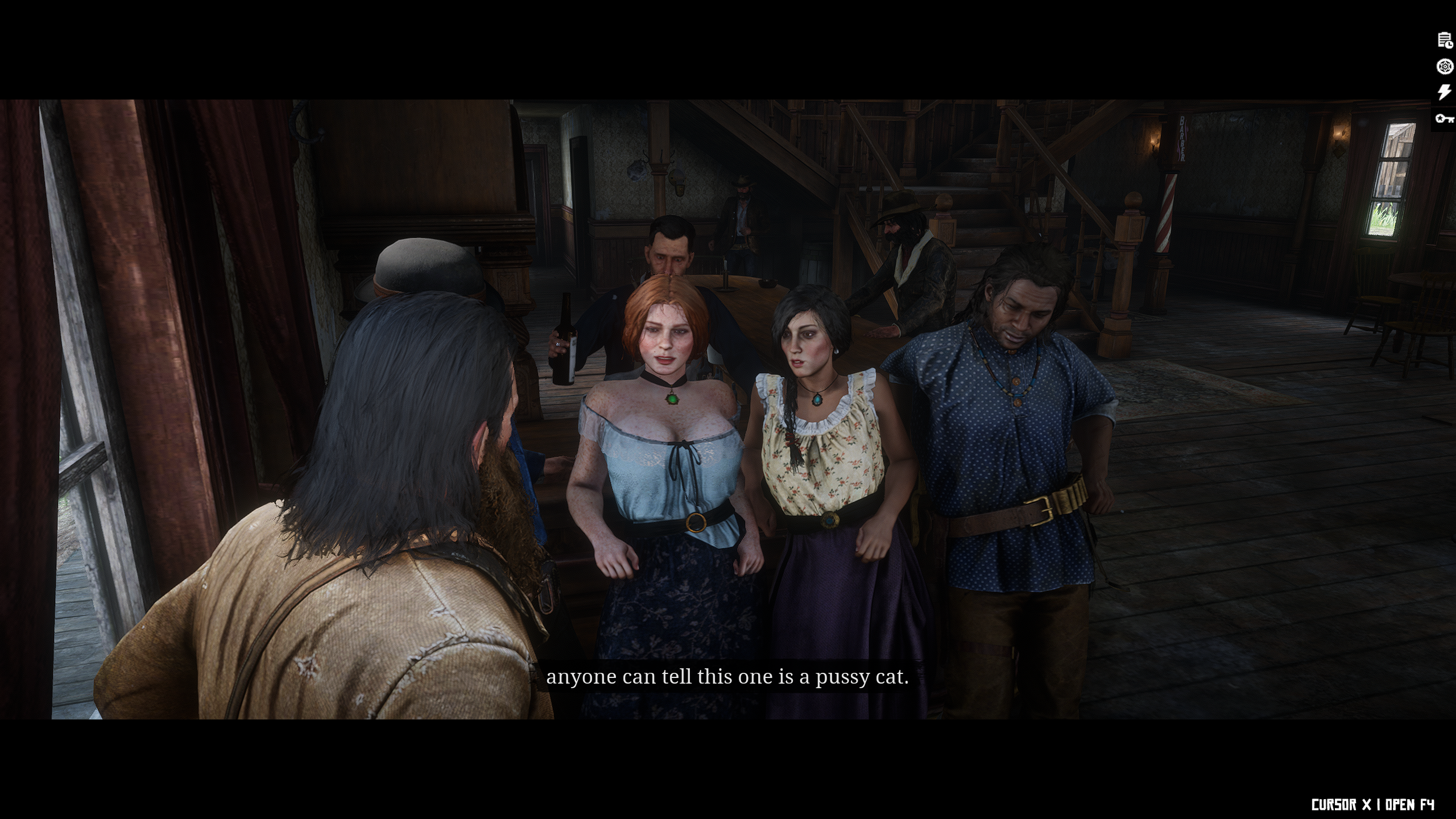

A mod for viewing cutscenes in first or third person, or if you wish take the camera wherever you want inside a cutscene!
Keybinds:
F1 – Enables/Disables the cinematic camera, please be aware when enabled that some missions/scripts such as shops may not work correctly (pressing F1 to disable again will fix the issues)
F2 – Forces first person/third person camera (this can be used in a cutscene)
F3 – Adds a toggle removing the black bars across the entire game
F5 – This needs the cinematic camera *disabled* (and preferably in thrid person), when pressed you’ll have a camera you can guide around the cutscene! This has additional key inputs, see below:
F9-F12 + 0-9 – Holding F9/10/11/12 and pressing 1 – 0 will apply one of the filters used in photo mode, this can be used in the middle of a cutscene or just for general gameplay.
CTRL + 0 – Reset all filters
Cutscene freecam keybinds
WASD – Moves the camera around
R – Raises the camera level
F – Lowers the camera level
O – Reduces the camera FOV by -10
P – Increases the camera FOV by +10
Numpad7 – Freezes the cutscene
Numpad8 – Resumes
Numpad4 – Sets the next shot up in the cutscene to play at 50%
Numpad5 – Sets the next shot up in the cutscene to play at 25%
Numpad0 – Sets the next shot up in the cutscene to play at normal speed
Arrow keys – Rotates/Angles the camera, allowing you to effectively roam any cutscene as you wish
Requires: ScriptHook (RDR2)
Changelog:
Version 1.5
Added the ability to use this inside actual Cutscenes (for example the beginning of the game), enjoy!
Removed the Cutscene experimental option (Rampage does an amazing job, use that!)
Version 1.4
Significantly fixed up the Camera checks that the keybinds use by keeping them locked inside the AnimScene only.
Added a new feature, PedSnap, this allows you to view Arthur in an AnimScene from their perspective, when pressed again it’ll snap to another character if they are there.
Fixed the ability to toggle Freecam while in a AnimScene, it’ll now work instantly vs the hacky way of doing it before, yay! (This also works with the new PedSnap camera)
When toggling Force Perspective (F1 by default) it’ll persist and stay active through each AnimScene, once the Scene starts it’ll then kick it on the next camera shot.
Version 1.3.2
Added a toggle (F10) which when pressed applies a PostFX, press it again to choose another and see what funky shots you can get
PostFX can be removed with F11
Version 1.3.1
Experimental feature added which allows you to force a AnimScene (Cutscene), the names of these can be found in anim_0.rpf and in the AnimScenes folder, try it out!
Fixed: You now have to toggle the perspective, due to how this is done it means to use Freecam you have to toggle it, enable Freecam, untoggle it and then toggle it again (sorry), once you’ve done that it’ll work as normal.
Changed the default Freecam keybind to F7 to avoid clashing with Rampage
Version 1.3
Rewritten from scratch
The 1P/3P camera in Cutscenes now only kick in while in the scenes to keep it stable.
Freecam now uses full mouse controls to make it much easier to setup shots
Added a INI file to edit the binds as you wish.
Credits:
Shauny
If the download link is outdated or doesn't work, you can add your download link. (If your link is valid, we will approve it within 24 hours.)
Download mod
| File | File size |
|---|---|
 1P3P-Cutscenes-AndMore-1-5
|
145 KB |
|
Cutscenes-AndMore-1-4
|
143 KB |
|
1P3P-Cutscenes-PlusMore-1-32
|
122 KB |
|
1P3PCutScenes - Workaround for crashes-1-2-1
|
54 KB |