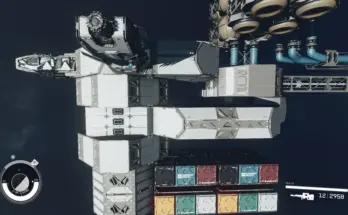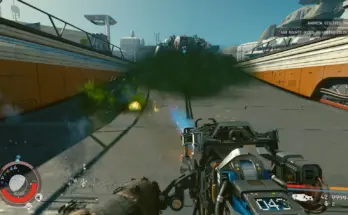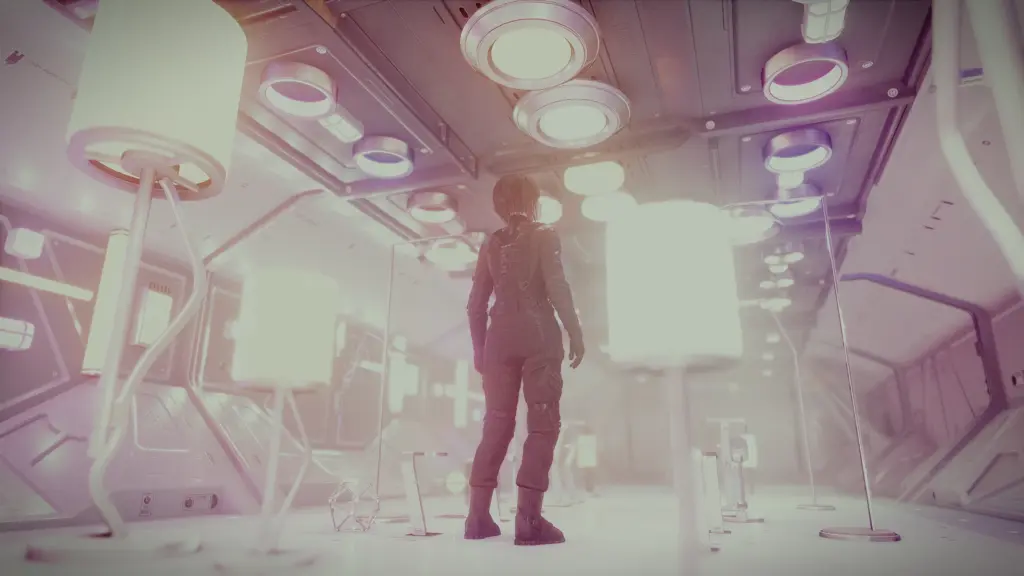
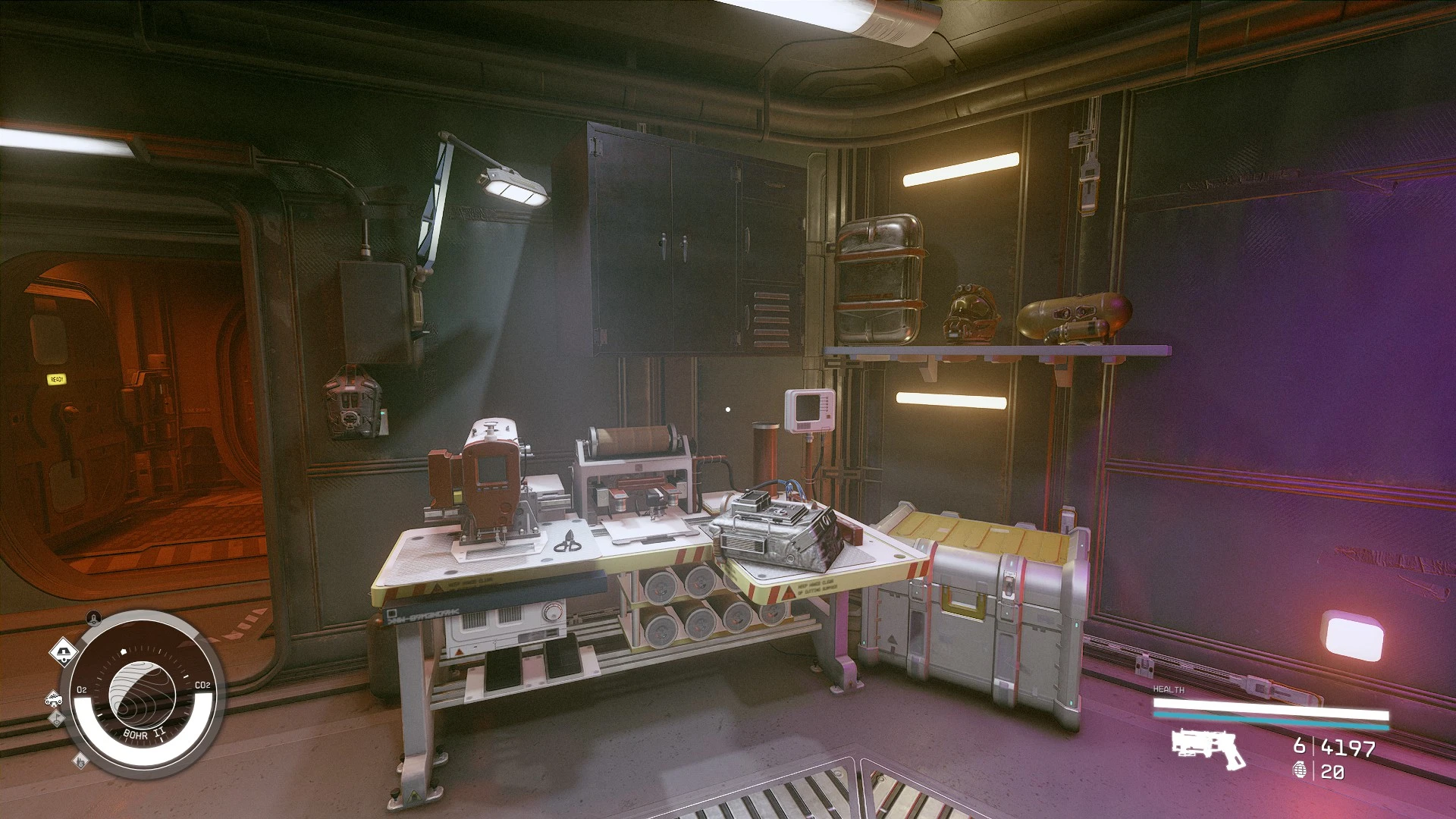
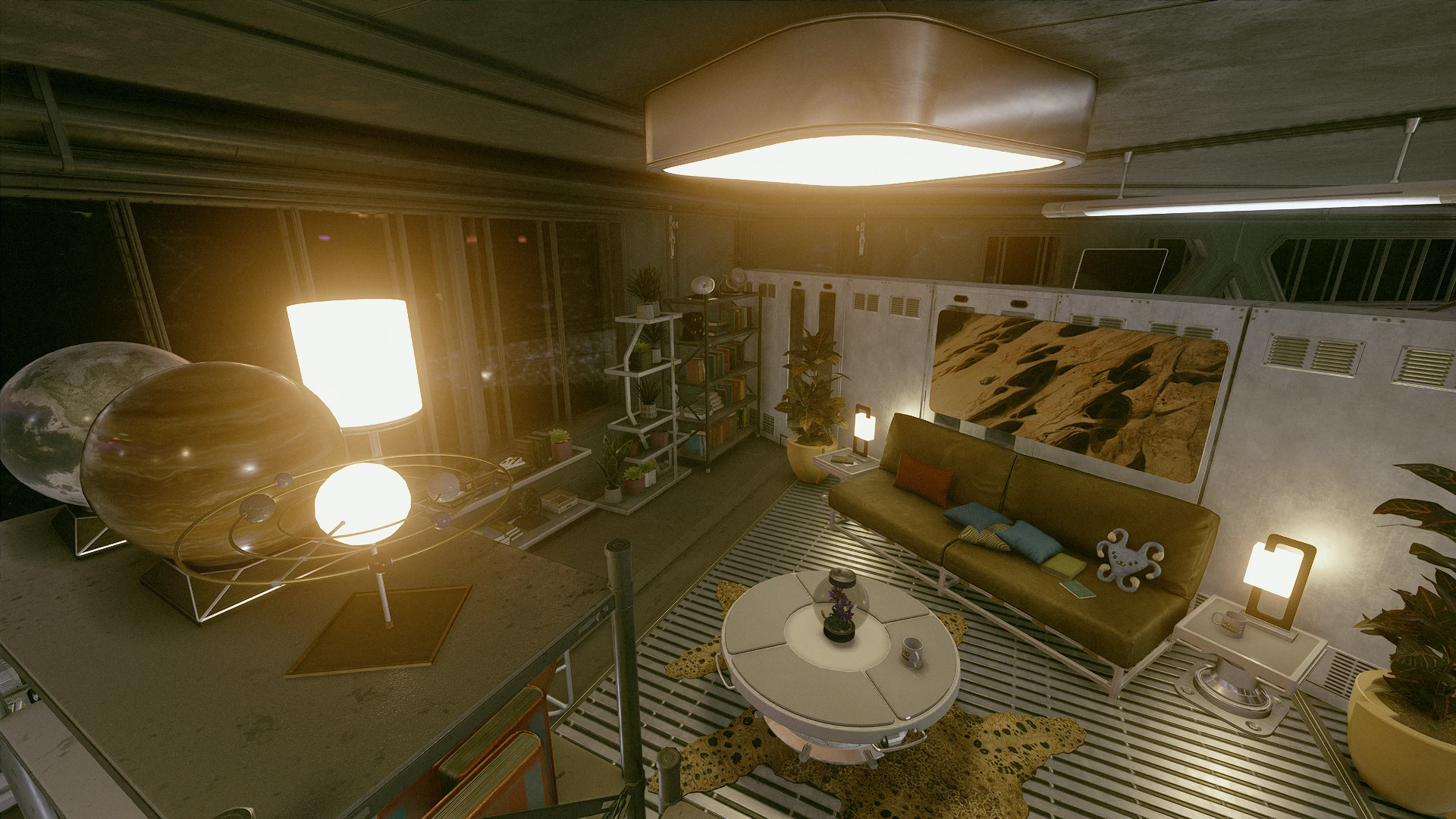
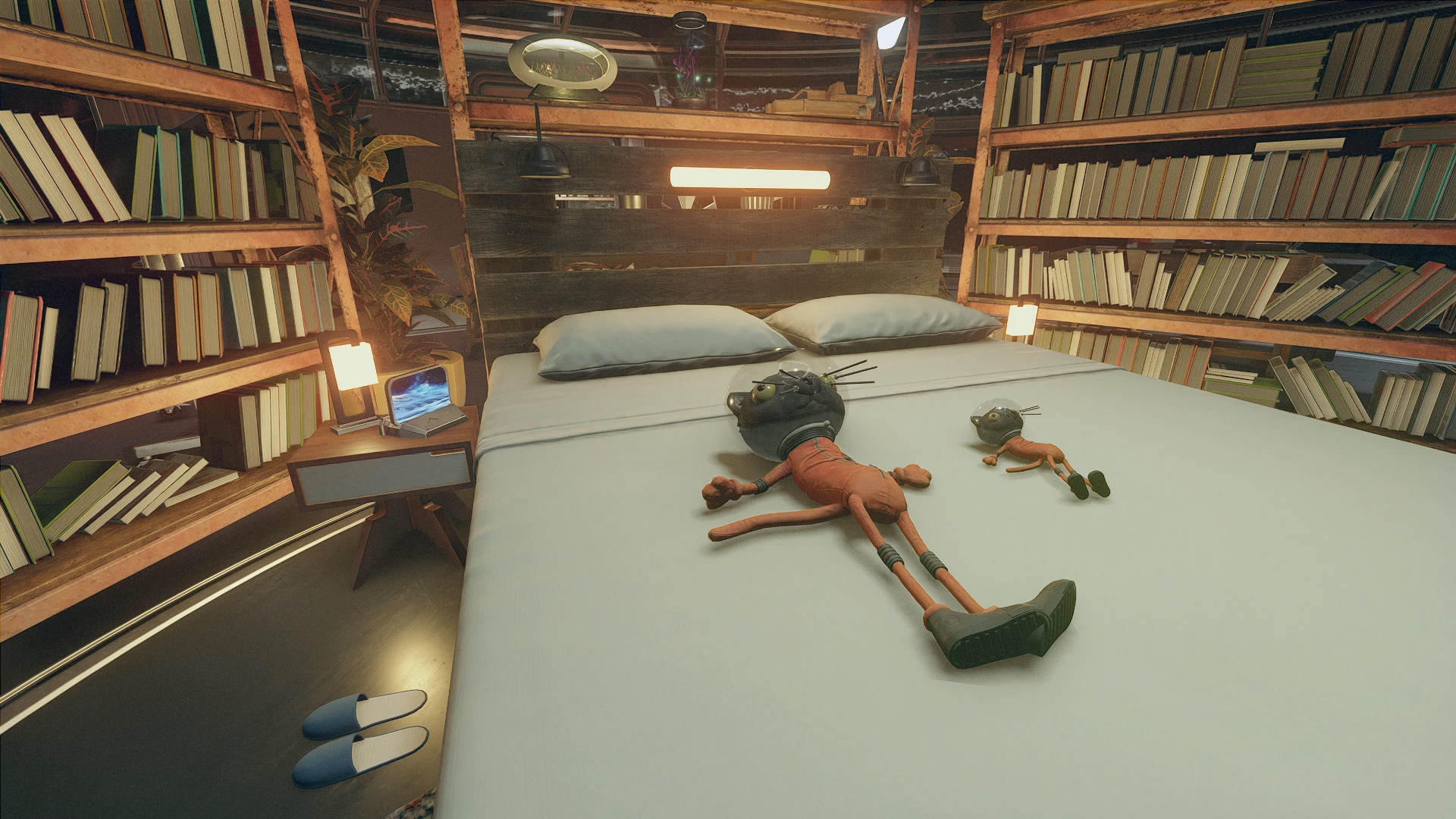
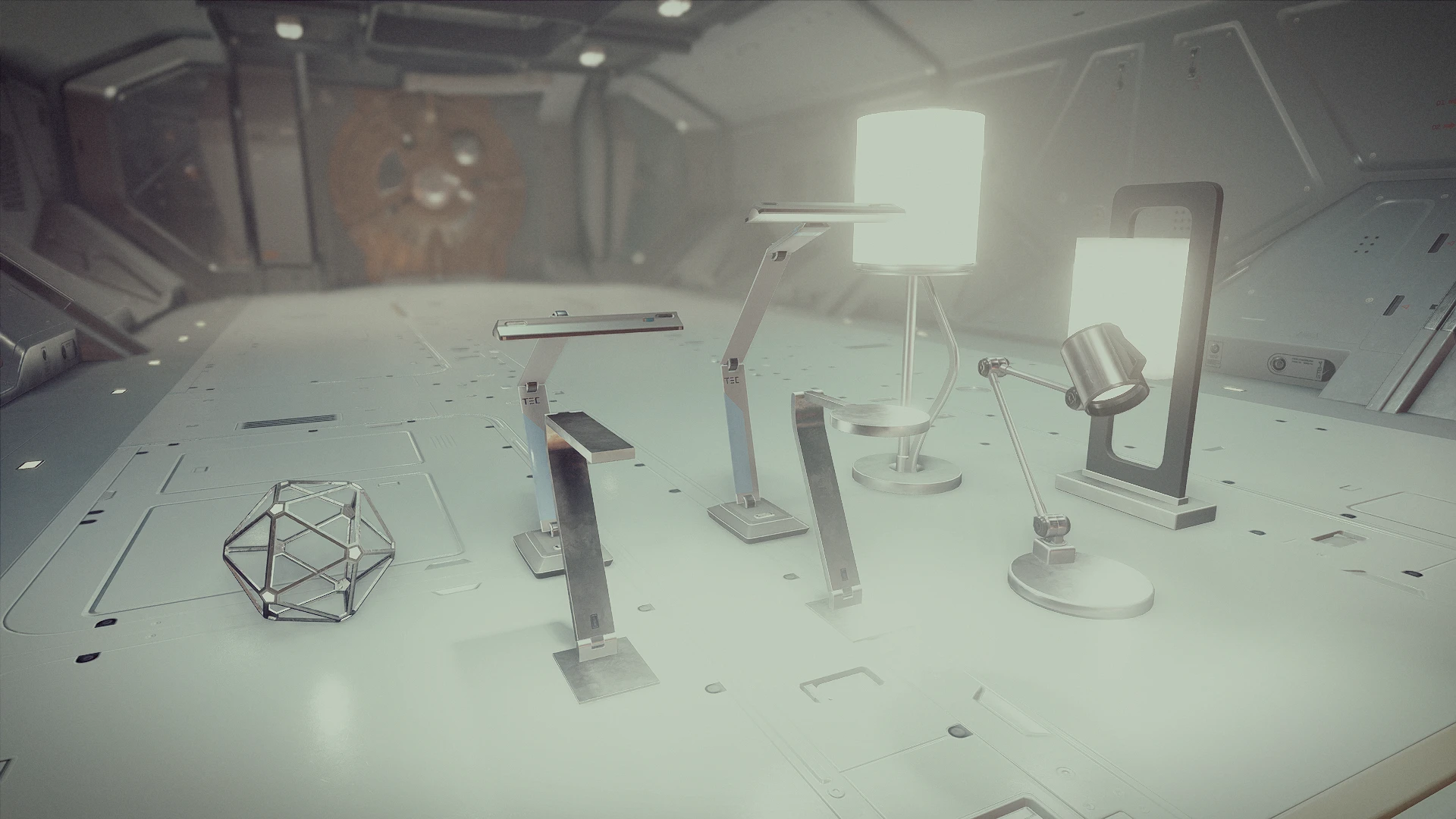
Buildable lights for decorating outposts, player homes, and ship interiors.
This mod adds buildable lights for decorating outposts, player homes, and ship interiors. Brighten up the dark corners, add mood lighting, burn your retinas, etc.
Once you are in the decorate/outpost mode, you’ll find two new tabs that are added by this mod: ZY_Lights_Interior and ZY_Lights_Coloured.
ZY_Lights_Interior tab contains an extensive list of light fixtures, available as ceiling lights, wall lights, and desk/table lamps, all (except the antique table lamp from the Lodge) are available in default cool white and warm white.
ZY_Lights_Coloured tab contains lights in various colours: red, yellow, green, blue, and violet (orange is covered as “warm” in the other tab). However, the light fixture selections are more limited.
Aside from the usual buildable lights, there are also buildable Miscellaneous/Junk items that emit lights. They are named as “Moveable…”. These items can be picked up outside the decorate mode, and can be hand-placed to brighten up difficult-to-reach areas, like the middle of the shelf. These items can be put into your inventory, but cannot be scrapped. Sell them or jetison them to get rid of them.
All items cost one iron. No outpost research is needed.
Unfortunately, there are no icons for the lights, but they should be clearly labelled.
INSTALLATION:
Download the main file via a mod manager.
TIPS
You can use the setscale console command to resize the lamps.
Stand close to the lamp, then enter the console command window by hitting the “`” key, then click on the lamp. You should see something like STAT ” (FF123456) [PP]. Then type setscale (number). Numbers smaller than 1 shrink the lamp, and numbers larger than 1 enlarge it. For example, the command setscale 0.6 shrinks it to 60% of the original size. However, some items may not be able to be placed after enlarging (especially problematic with the ceiling lights). Shrinking the object doesn’t reduce the collision; you can’t squeeze in more lights by making them smaller.
If the ID is not STAT and there’s no [PP], you’ve selected the wrong object. If you accidentally rescaled the wrong object, don’t panic. Without exiting the console window (if exited, reopen the console window immediately), type setscale 1 to revert it to the original size. Sometimes it’s easier to place the lamp in a more empty area, resize it, and then place it in the desired location.
Quirks and limitations:
– The light level of the habs of ships and outposts is affected by the exterior lighting and weather conditions. You’ll find that the lights are brighter at night, but can be barely perceptible during the day. (Compare screenshots 32-33 in the gallery.)
– When the lights are used for decorating ships, the lights and glow are almost non-existent when you’re in space. This issue also affects some vanilla ship lights and vanilla items that emit light (like the lamp planter), and I don’t know a workaround yet. Just avoid decorating your ship in space. (Compare screenshots 32-34 in the gallery, and focus on the brightness of the microfloaters and lamp planter)
– The light levels were balanced based on the vanilla game’s visual settings. If you altered the visual with mods or ini settings, you may get a different outcome.
– The game tries to imitate the physiological adaptation of human eyes to light levels. If you enter a hab full of lights during nighttime (or load a game into a bright hab), you’ll be flash-banged, and it can take quite a few seconds for the game to adjust the brightness level.
– When placing the first light in a very dark hab (like some of the Stroud’s living habs), it can be very bright. Keep adding more lights, and the brightness should drop (and then it’ll go up again as you add more lights).
Changelog:
Version 1.3.1
Fixed a dirty edit.
Added a scaled-down version of ceiling light for all colours.
Version 1.2.0
Tweaked the radii of some omni lights.
Renamed the tab “ZY_Lights_Coloured” to “ZY_Lights_Misc.”
Moved the “Moveable Lights” category to the “ZY_Lights_Misc.” tab
Merged the “Moveable Coloured Lights” with the “Moveable Lights” Category.
Added new categories: Candles, Lanterns, Flood Lamps, and Exterior Light Poles
Expanded the colour selections of the Planetary Model and the Microfloater Terrarium Lights
Added two large ceiling lights for all light colours
Version 1.1.1
Fixed an incorrect colour assignment for the Moveable Velocity Violet.
Credits:
ZY20042
If the download link is outdated or doesn't work, you can add your download link. (If your link is valid, we will approve it within 24 hours.)