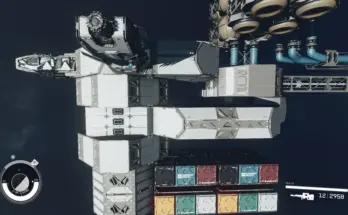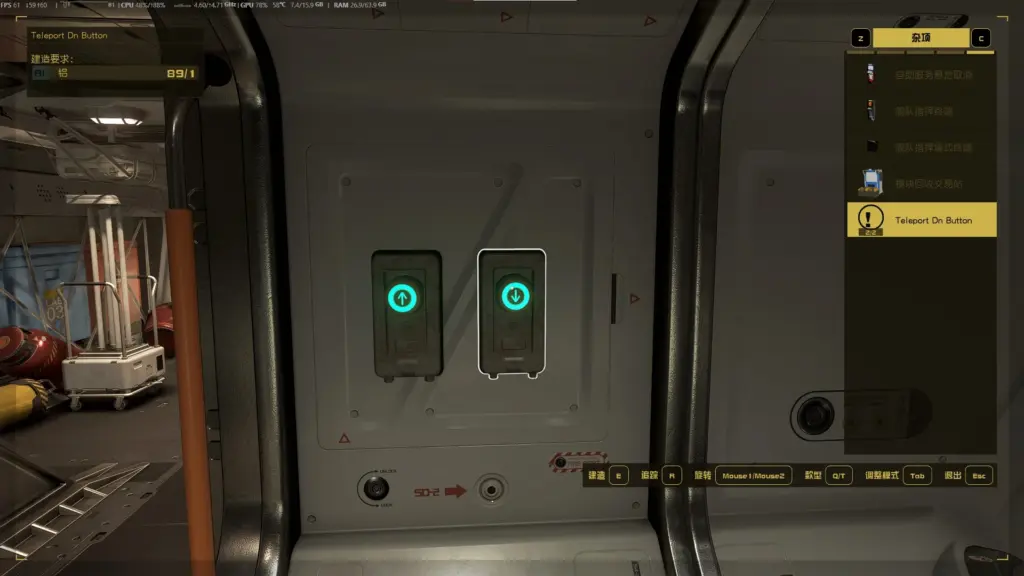
Added two buttons to the game’s ship/outpost decoration list, which can be attached to the wall. Clicking them will teleport the player up or down a short distance.
Description
Tired of climbing ladders in your spaceship or using a jetpack to get up and down? Especially when you’re on the middle deck of a three-story ship, using a jetpack to reach the upper decks is nearly impossible. There needs to be an easier way to get up and down.
You can attach this button to the wall of your spaceship. When you click it, it instantly teleports you to the next level up or down, without any loading screens or ladders.
Known Issues
Destination detection isn’t currently implemented. If your character is in an awkward position when you click this button, it might teleport you above the ship’s ceiling or underground.
So, I only recommend this mod for going up and down stairs in a ship’s cabin, provided the button is placed appropriately (for example, directly below or directly above the button, also in the cabin, with no obstructions).
While teleporting doesn’t trigger a loading screen, the process is similar to a rapid ejection, with the screen moving rapidly in a short period of time. I think this will definitely cause some players to feel dizzy, so I added a gradient effect. I found that a black gradient can create the illusion of blinking, which can be annoying if you’re mentally fatigued while using this mod, so I used a white gradient. While it’s a bit dazzling, it works well in brightly lit rooms.
These two buttons are missing icons in the build menu.
Changelog:
Version 1.1
Modified the teleport logic and usage. For details, please see the MOD description. Players who have used the old version should remove the button and re-place it to make the button function effective.
Change the white gradient that appears during teleportation to a screen blur effect
Credits:
YBChun
If the download link is outdated or doesn't work, you can add your download link. (If your link is valid, we will approve it within 24 hours.)
Download mod
| File | File size |
|---|---|
 Teleport Up Button-1-1
|
14 KB |
 Teleport Up Button-1-0
|
11 KB |