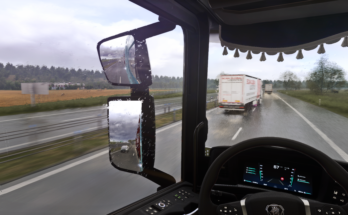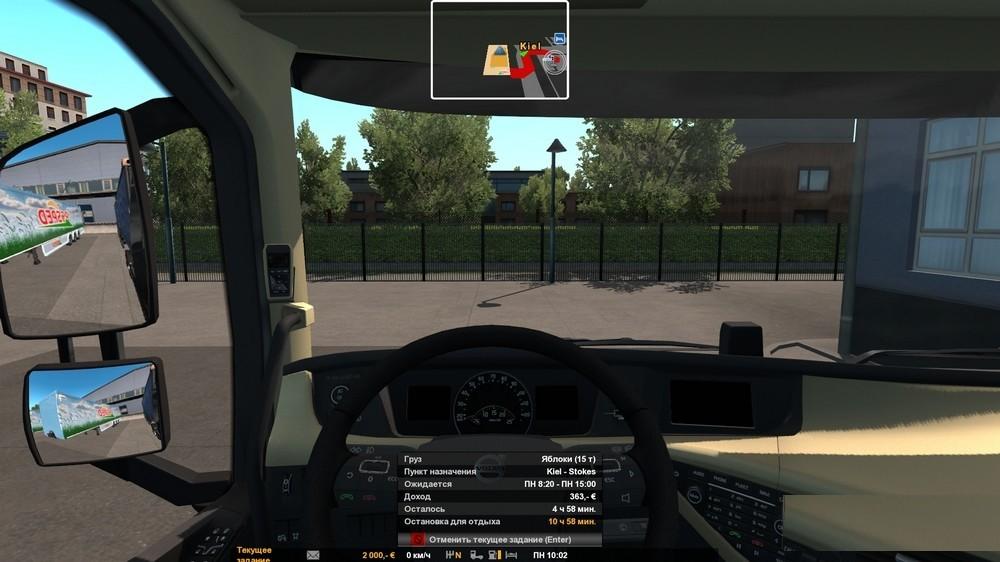
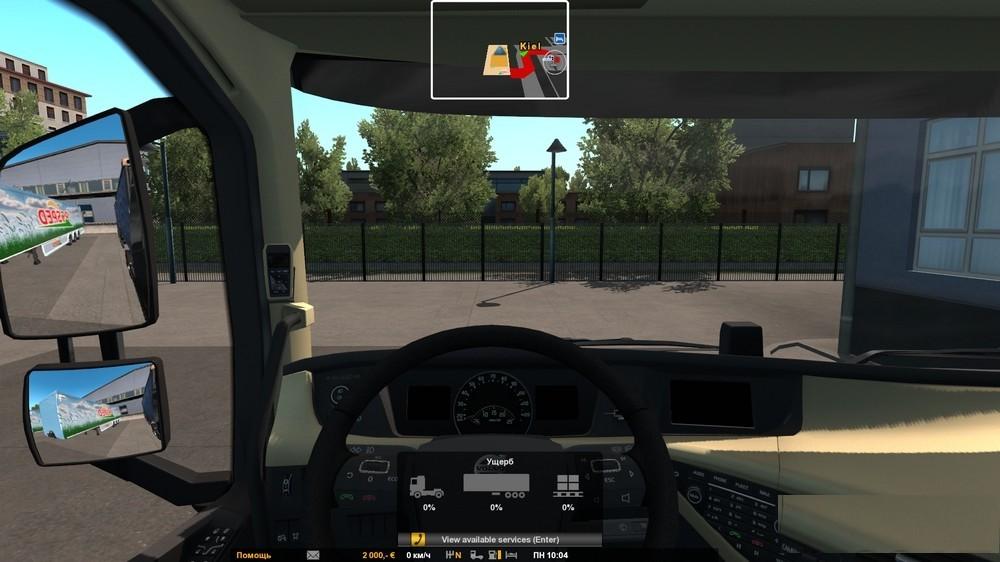
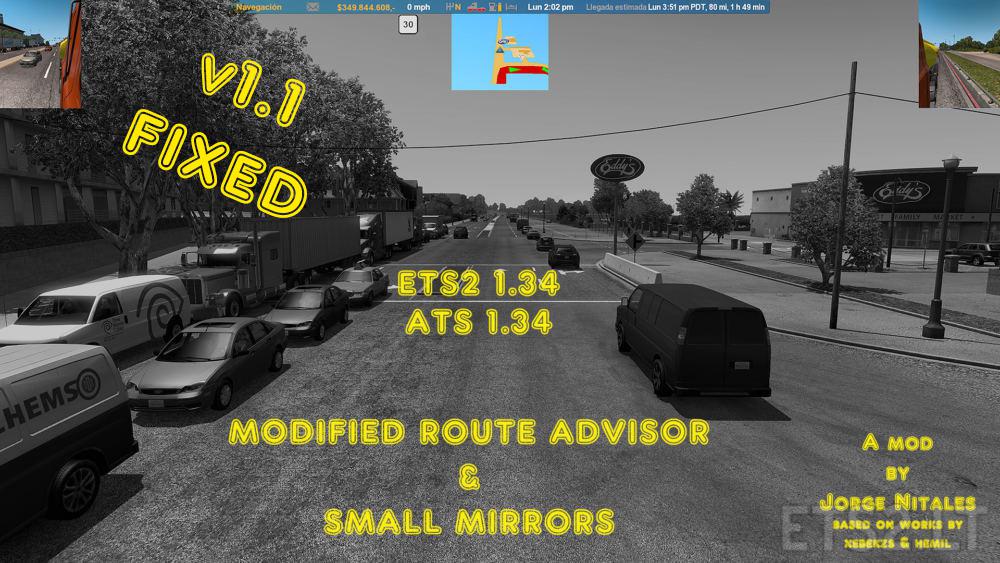
One of the options “Hemil’s Route Advisor”.
The mini-map at the top, center, when you switch on F3, one click is the map, second click – no; message by pressing F6, F7 and F8 at the bottom, center, if enabled mini-map, if you encounter these messages, it is not working (but not updating the display of the location of the truck); infostrada – bottom; Ticker – on the right and bottom edge of the screen. Light green color; mirrors in fashion is not.
Version 1.32.x ETS!
v1.1: Fixed crash when press F7.
Credits:
Hemil, wik412
Updated by Jorge Nitales
If the download link is outdated or doesn't work, you can add your download link. (If your link is valid, we will approve it within 24 hours.)
Download mod
| File | File size |
|---|---|
 Route_Adviser
|
57 KB |
|
Route_Advisor_and_Mini_Mirrors_1.34_v1.1
|
60 KB |