Follow Instruction:
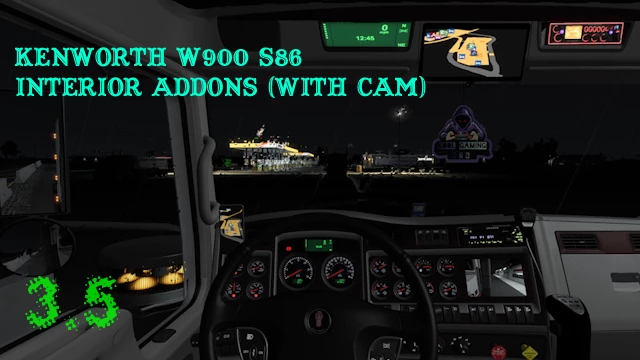
To get “cam” working %100
1) Click on “cam node” in the interior and select the “cam”
2) If you were already using any “double panel mirror”
purchase a “single panel mirror”
3) Head back to truck config
4) Re-purchase any “double panel mirror”
5) Your done “cam” will now work %100
without having to look a little to the right.
Credits:
To SCS Software The Game Developer
Mod Creator Kool gaming 876
If the download link is outdated or doesn't work, you can add your download link. (If your link is valid, we will approve it within 24 hours.)
Download mod
| File | File size |
|---|---|
 w900custominterioraddons
|
33 MB |