
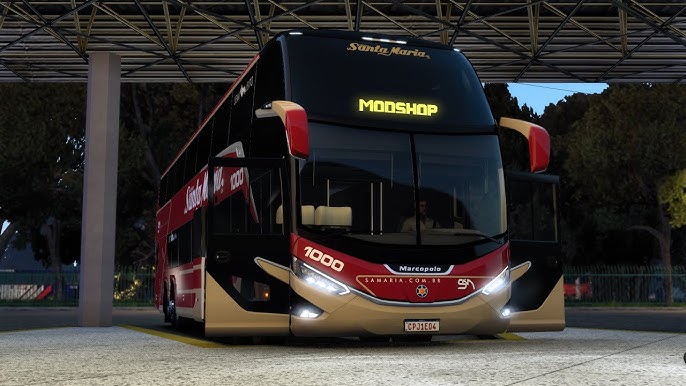
Locate your mod folder:My Documents → Euro Truck Simulator 2 → ModCopy and paste (or drag and drop) all provided .scs files into this folder.
Load Order (Recommended)For best performance, load the files in the following order:
EDIT.scs (optional)MAIN BUS.scsACTIVATOR.scs
Accessing the Mod In-GameNavigate to:Menu → Services → Dealerships → Mod Dealerships
Ensure the mod is enabled in the Mod Manager before launching your profile.Feel free to leave a small donation to support my mods 🙂
Credits:
karvlog

Olá, baixei esse mod, coloquei ele na sequencia mas no mapa do clube rotas ele não aparece, ele aparece no mapa original do jogo (europa). Pode ajudar a ver este erro?