ersion Compatibility: Always check the version of ETS2 for which the mod was developed. The game receives constant updates, and a mod made for an old version may not work correctly (or cause crashes) in a newer version.
Installation: Most mods come in .scs files. You will need to copy them to the Documents/Euro Truck Simulator 2/mod folder and then activate them in the Mod Manager in the game.
Quality: Free mods can vary greatly in quality. Paid mods often offer a higher level of detail and customization, as well as updates and support.
Trusted Sources: Always download mods from trusted sources to avoid corrupt or malicious files.
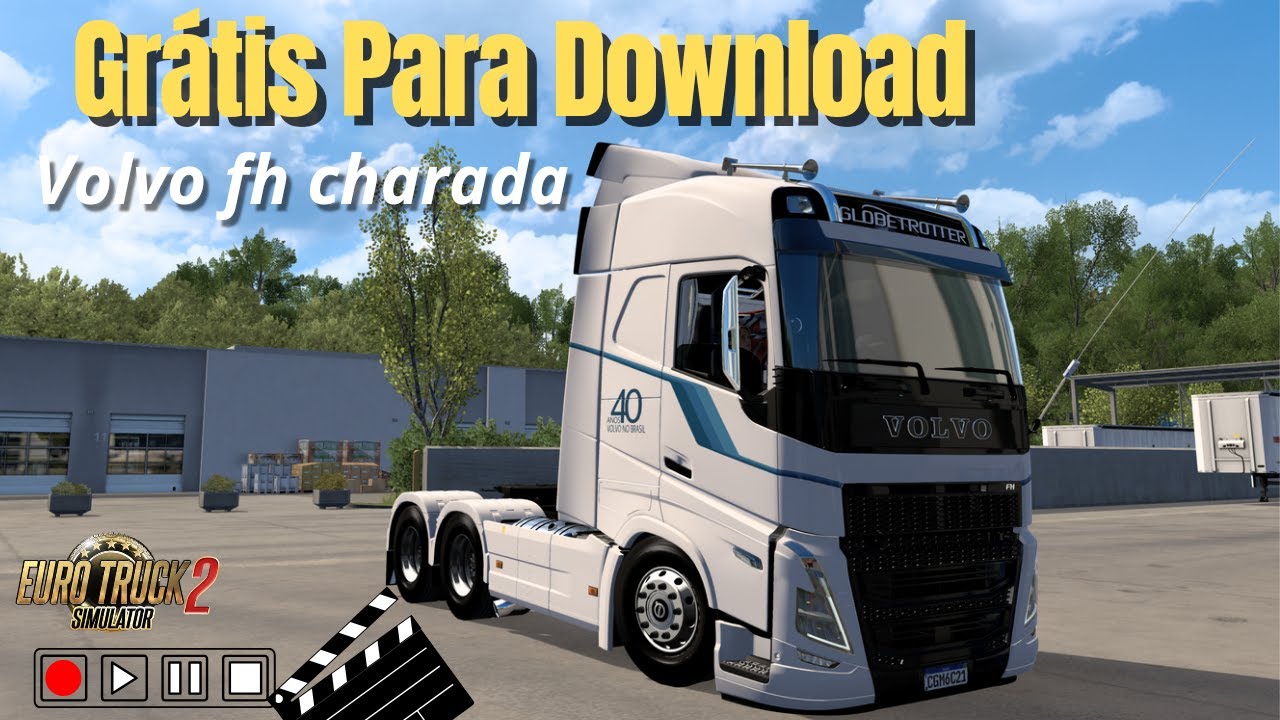
Do you already have a Volvo FH build in mind, or a specific “Riddler”-style detail you’d like to find?
Credits:
CARGAME
If the download link is outdated or doesn't work, you can add your download link. (If your link is valid, we will approve it within 24 hours.)