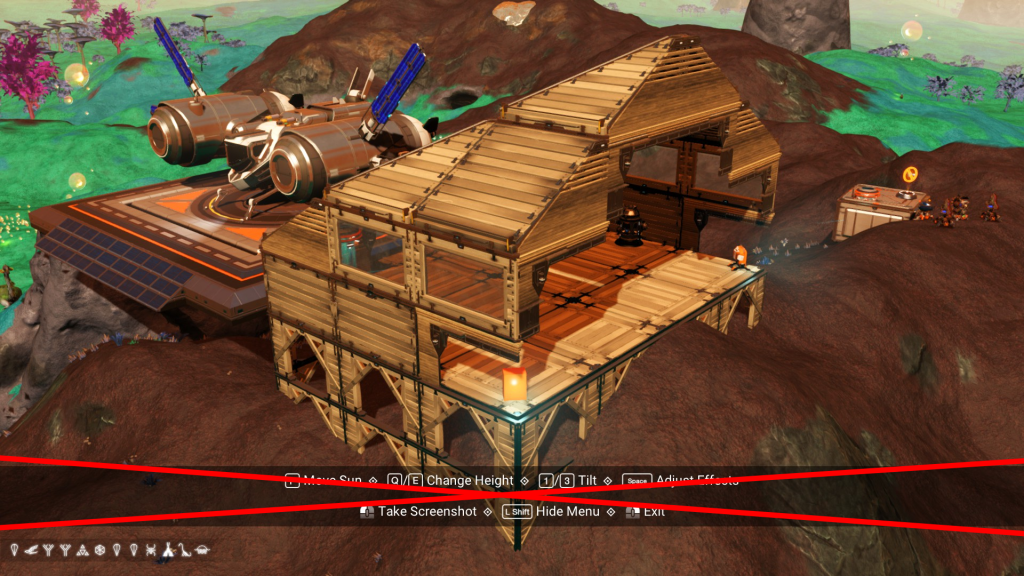
Removes the controls banner as well as the vignette in photo mode. Glyphs and options are not affected.
Note: Vignette only disappears after pressing spacebar to get into the options, it then disappears on it’s own. It can be brought back by clicking “Restore Defaults” button.
Files modified:
PHOTOCAMMODE.MBIN for the removal of the controls banner
GCSKYGLOBALS.GLOBALS.MBIN for the vignette behaviour
Credits:
Lenni
If the download link is outdated or doesn't work, you can add your download link. (If your link is valid, we will approve it within 24 hours.)
Download mod
| File | File size |
|---|---|
 3.90 LessAnnoyingPhotoMode
|
3 KB |