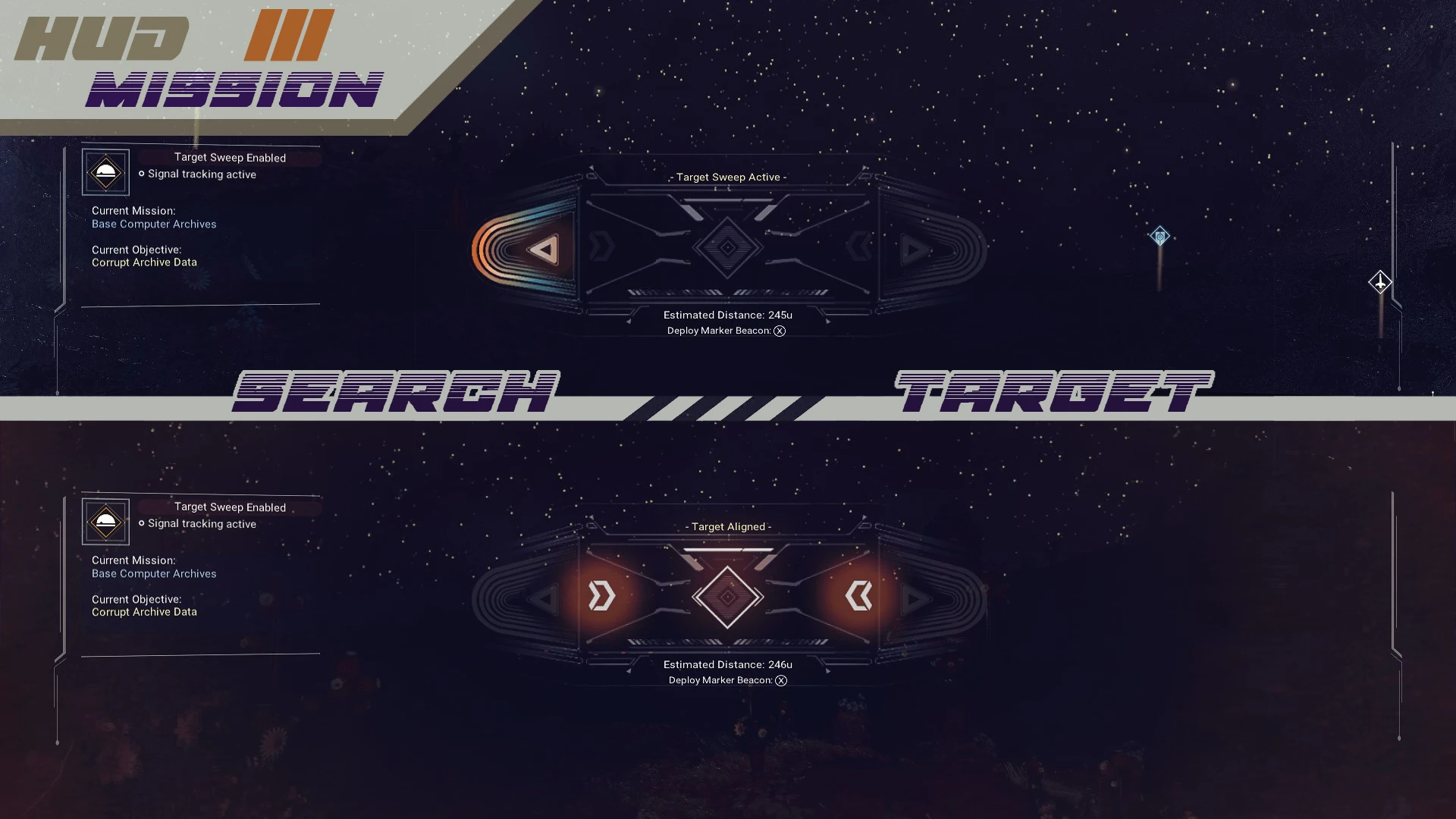
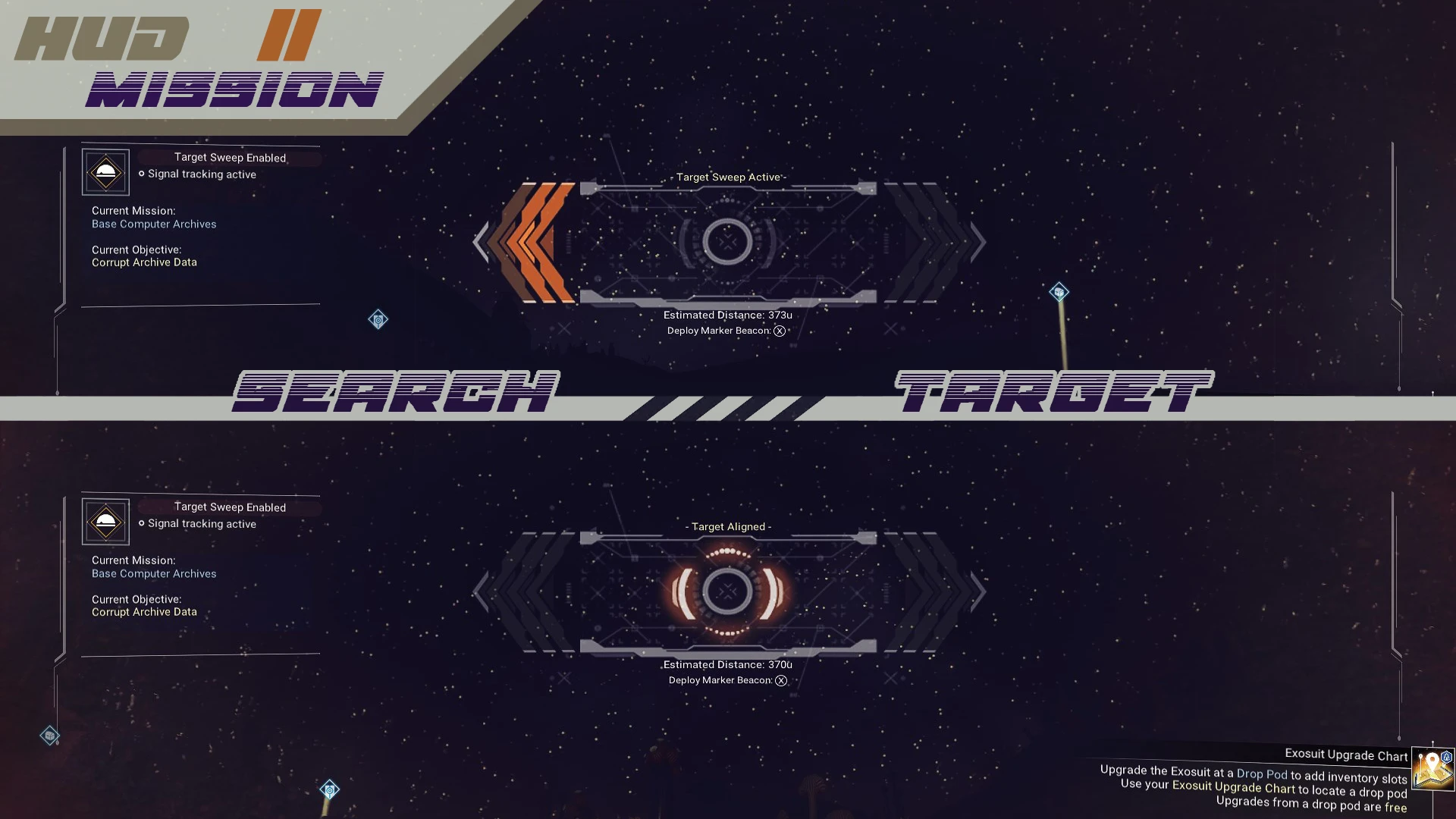
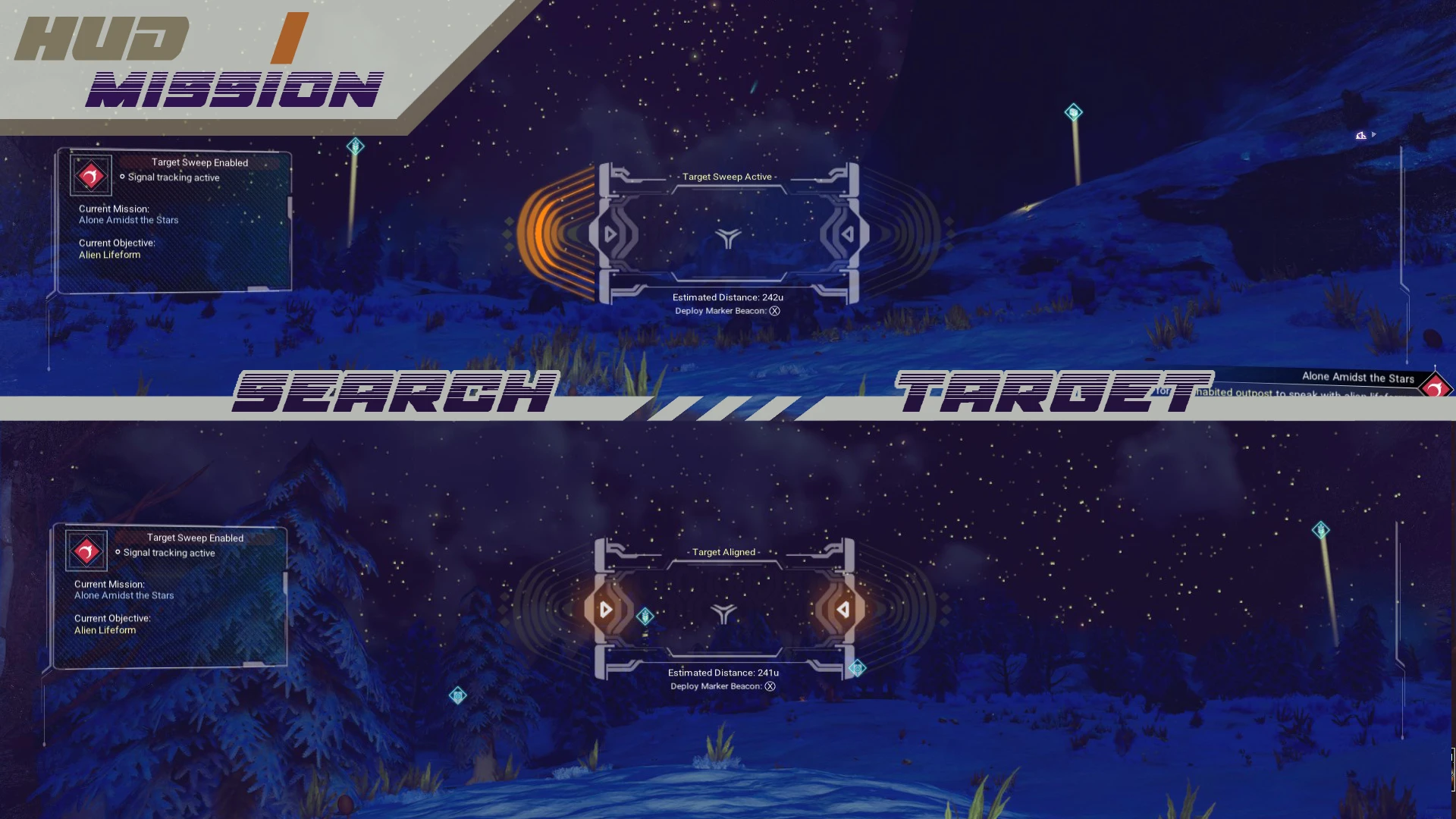
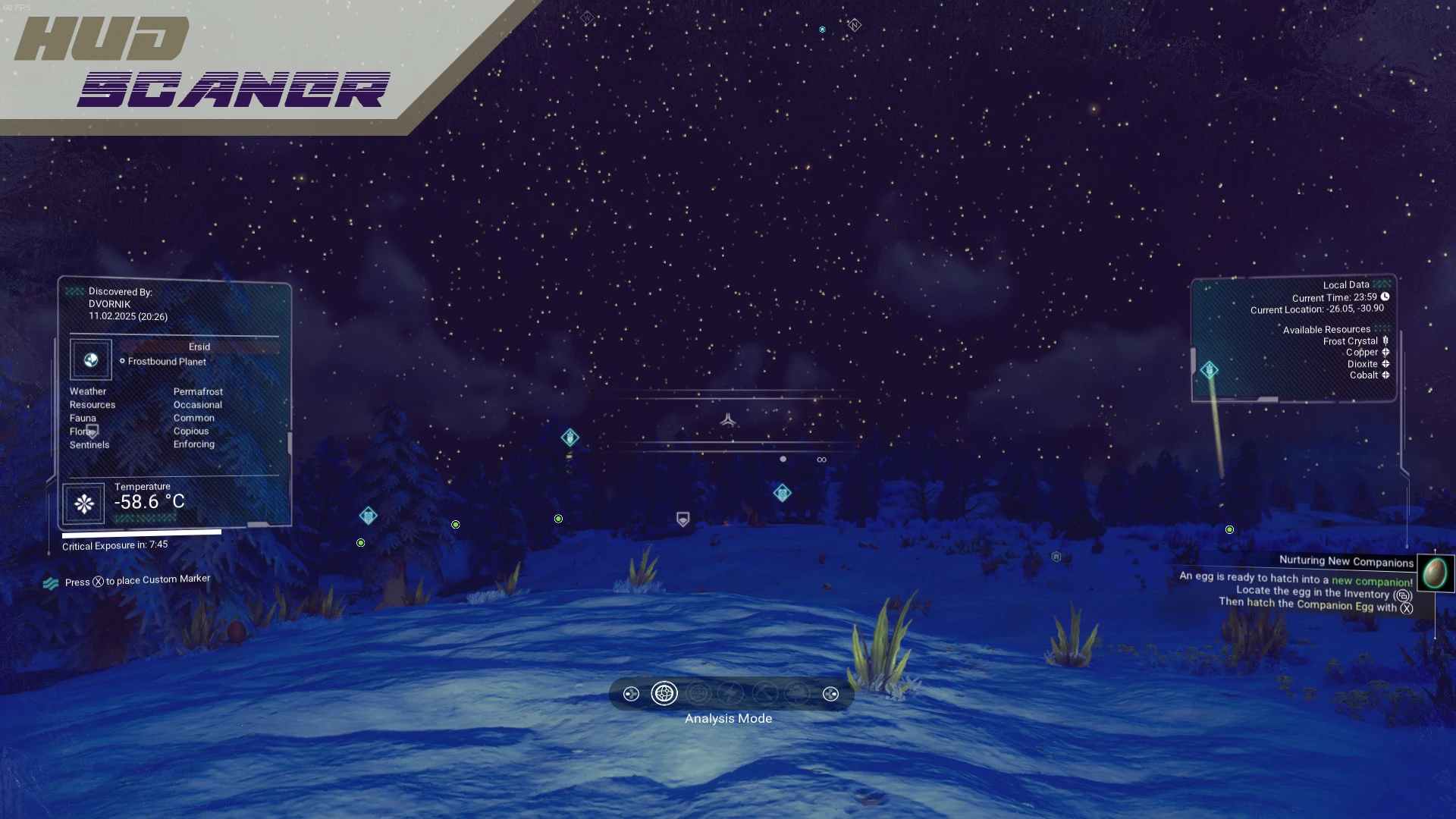
Completely reworks HUD, RESEARCH, MISSIONS and SURVEYING. Several variants of MISSIONS and SURVEYING HUD. Change of scanning color (before and after), change of creature paw icon to an inconspicuous green dot.
General changes:
◆ Changed the general appearance of the HUD Scanner, removed annoying elements, replaced some icons, changed the color
◆ Options for displaying the Scanner View Filter, several options and several large-scale resolutions (70-100% difference in the interface) Changed in the main menu of the game
◆ Options for displaying the Mission Scanner – HUD, Colors and Shapes
◆ Options for displaying the Surveing Scanner – HUD and Search Color
◆ Scan color filter – before and after
◆ Icon for displaying the Scanned creature
●┅ Open the Game folder ≼ \No Man’s Sky\GAMEDATA\MODS\ ≽
◎ If the “MODS” folder is missing, create it yourself
●┅ Drag and drop folder ≼ VISOR_UPDATE_(ALLinONE) ≽ in MODS folder
◎ For the “All-in-one KIT”, TXT instructions for replacement inside the MOD
Old Version (Pre Worlds Part II)
1. Remove or rename DISABLEMODS.TXT and ENABLEMODS.TXT from \SteamLibrary\steamapps\common\No Man’s Sky\GAMEDATA\PCBANKS folder.
2. Put downloaded .PAK file (example – “Visor_UPDATE.pak”) into
\SteamLibrary\steamapps\common\No Man’s Sky\GAMEDATA\PCBANKS\MODS folder.
4. Launch the game!
Credits:
DVORN1K
If the download link is outdated or doesn't work, you can add your download link. (If your link is valid, we will approve it within 24 hours.)
Download mod
| File | File size |
|---|---|
 VISOR UPDATE (ALLinONE) MMC-1-2
|
9 MB |
|
VISOR UPDATE PAK version 1var-1-1
|
3 MB |
|
VISOR UPDATE (ALLinONE)-1-1
|
4 MB |