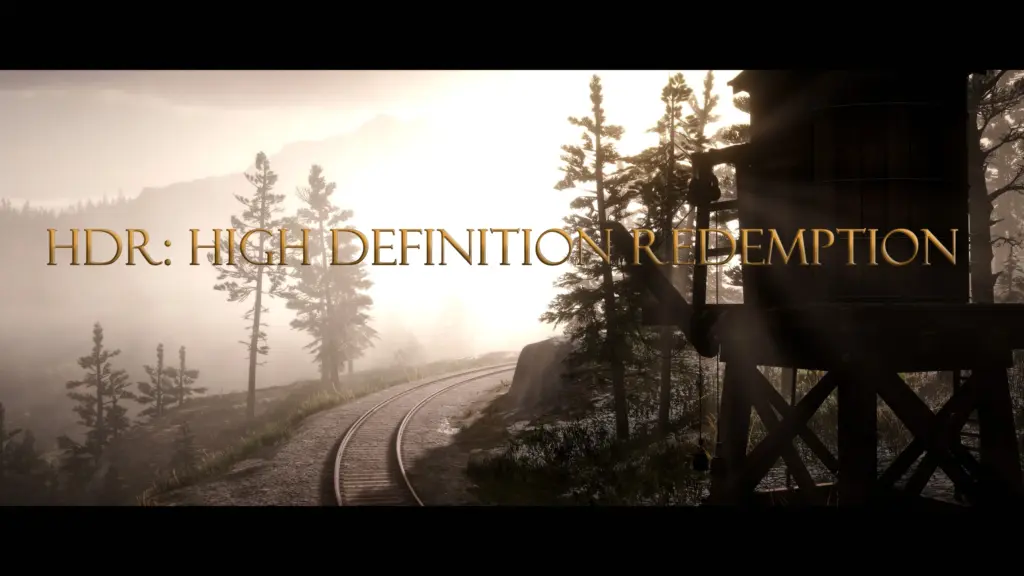
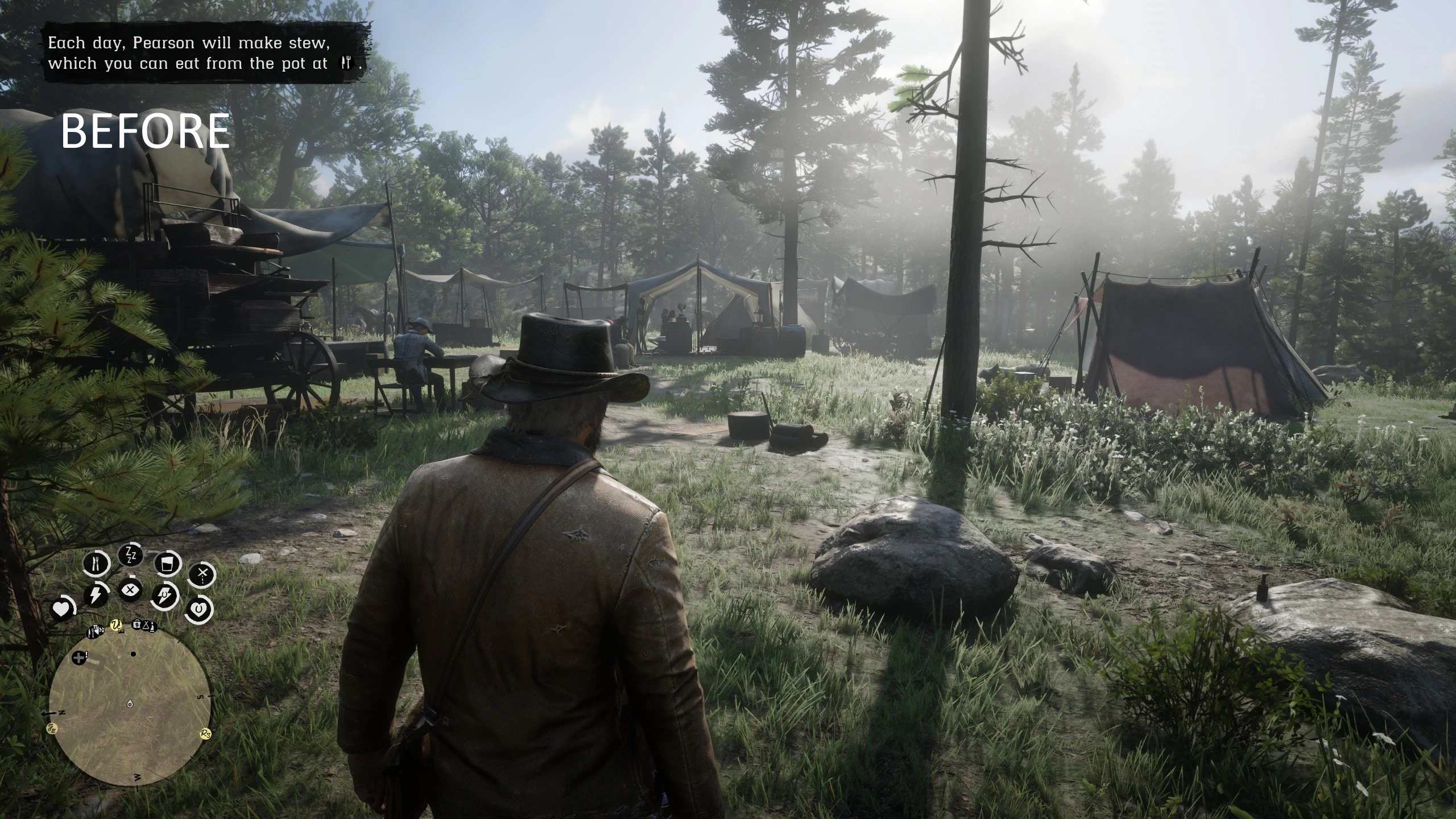
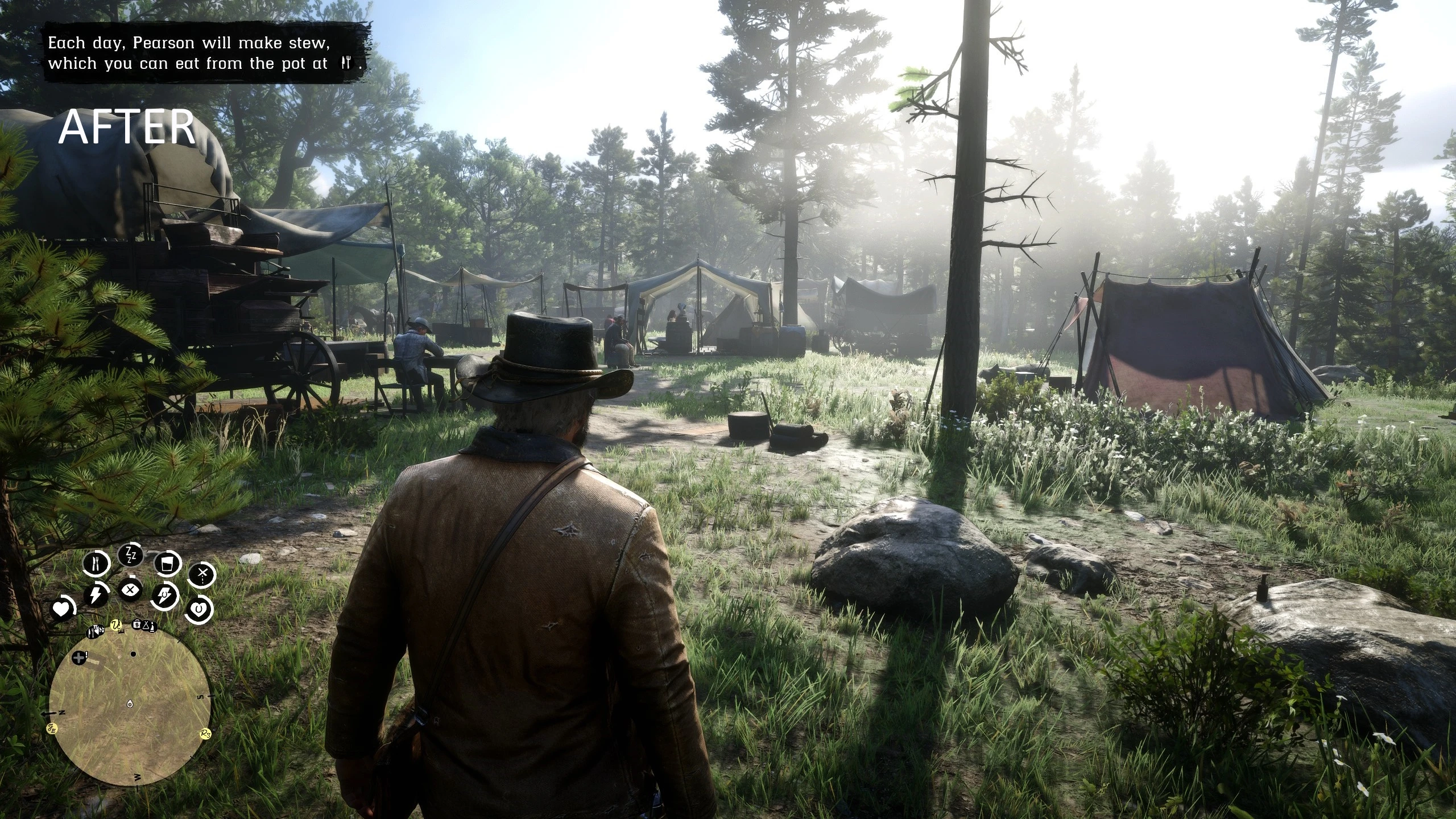
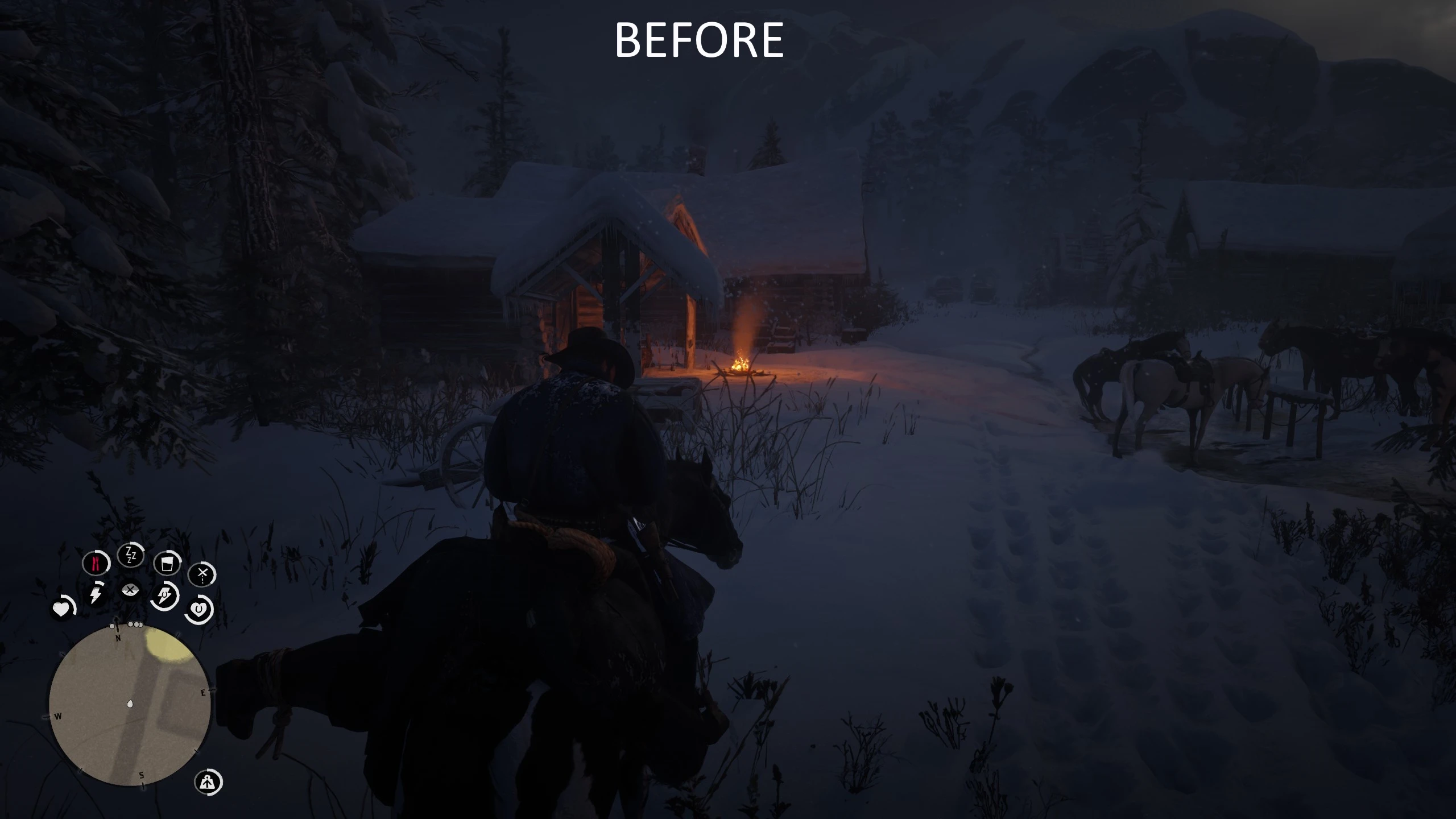
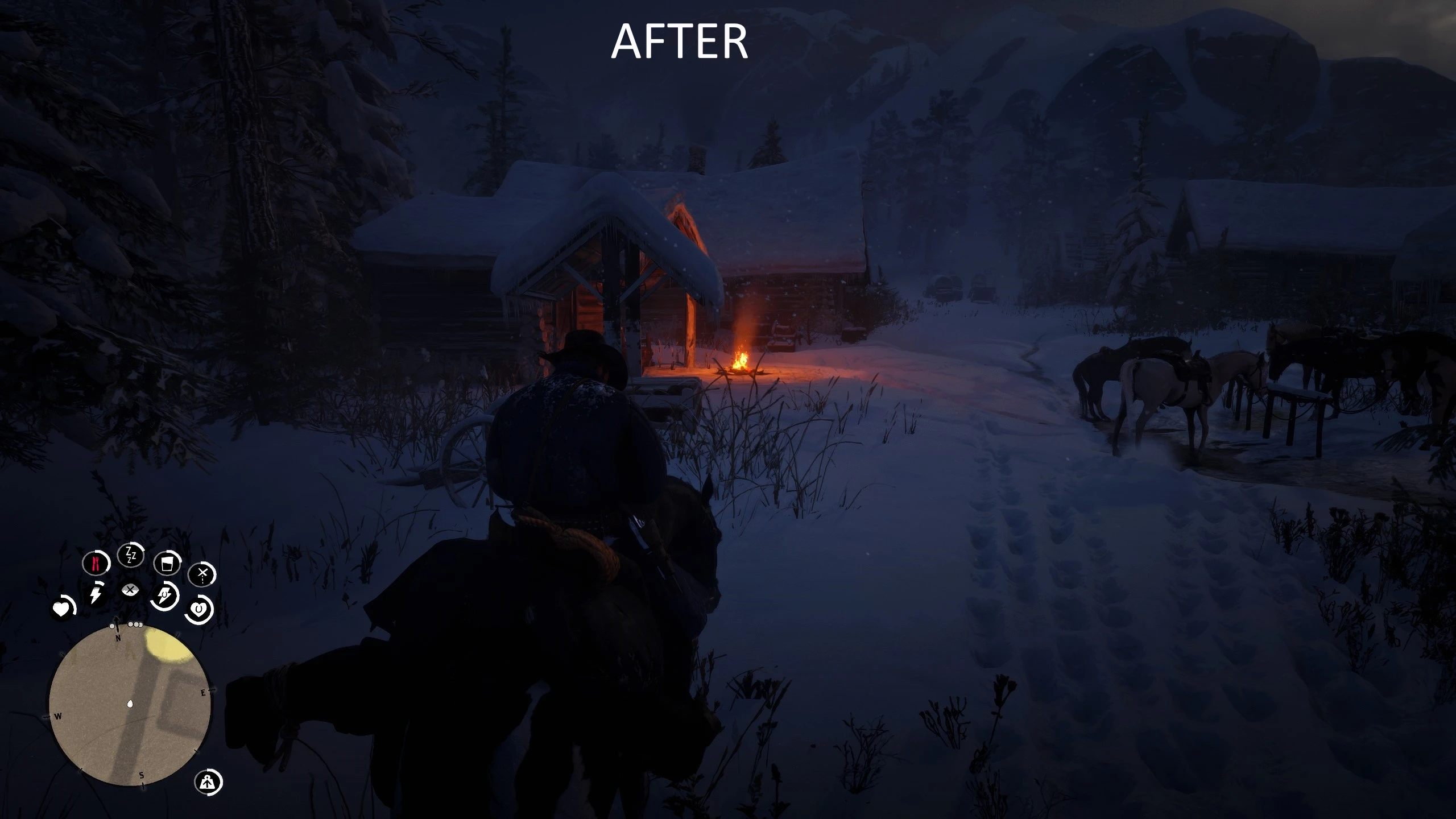
High Definition Redemption is a cinematic ReShade preset that sharpens, deepens, and redefines RDR2 with clean, performance friendly clarity.
🔍 What This Preset Does
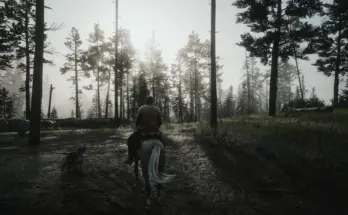
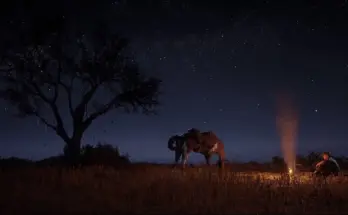
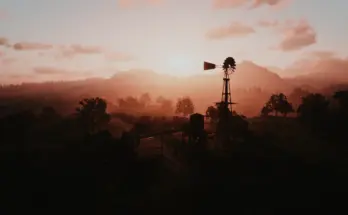
HDR: High Definition Redemption is a handcrafted ReShade preset designed to elevate Red Dead Redemption 2 with sharper detail, bolder contrast, and cinematic clarity, all without breaking the original tone or tanking performance. From golden plains to stormy ridgelines, this preset brings every moment into crisp, high definition focus.
Whether you’re navigating the windswept peaks of Ambarino or riding through the amber glow of a Saint Denis sunset, HDR unlocks the visual potential of RDR2 with modern, film inspired enhancements.
🟫 Clarity – Enhances midtone definition and surface contrast for terrain, buildings, and character detail.
✏️ LumaSharpen – Sharpens environmental texture and model detail without causing aliasing.
💫 Gaussian Blur (Light) – Smooths out noise and edge flicker for a polished, immersive finish.
🌈 Vibrance – Selectively revives natural tones (greenery, skies, sunsets) while maintaining realism.
🎞️ DPX – Adds a subtle film-grade curve, for deeper, richer scenes with cinematic impact.
📈 HDR – Expands dynamic range to bring out brighter highlights and richer shadows across all times of day.
📉 Levels – Calibrates contrast and tonal balance, improving visual depth without crushing blacks.
If you want a clean, atmospheric, and performance friendly upgrade that transforms your game into a living Western film, this is High Definition Redemption.
📦 INSTALLATION INSTRUCTIONS
Download the ReShade installer
During installation:
Select Red Dead Redemption 2
Choose DirectX 12 or Vulkan (Vulkan preferred)
Install all available effect packages when prompted
Download the HDR: High Definition Redemption preset
Extract the .ini file from the zip
Copy the HDR: High Definition Redemption.ini file into your main RDR2 install folder, → The same folder as RDR2.exe
Launch the game and press Home or whatever key you have set to open the ReShade menu
From the dropdown, select HDR: High Definition Redemption.ini
⚙️ Optimize reshade for Performance
In the ReShade UI:
Navigate to the “Settings” tab
✔️ Check “Load Only Enabled Effects” — this disables unused shaders and reduces overhead
Go to the “Add-ons” tab
❌ Turn off “Generic Depth Filter” — this can reduce or eliminate any stuttering with depth effects
Credits:
Patman023
If the download link is outdated or doesn't work, you can add your download link. (If your link is valid, we will approve it within 24 hours.)
Download mod
| File | File size |
|---|---|
 HDR - High Definition Redemption-1-0
|
669 B |