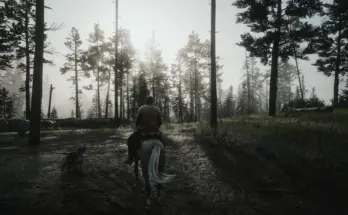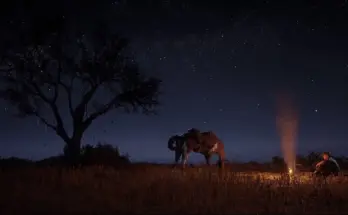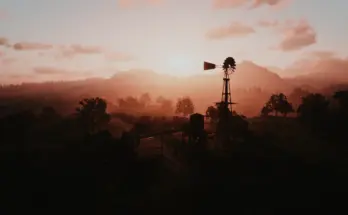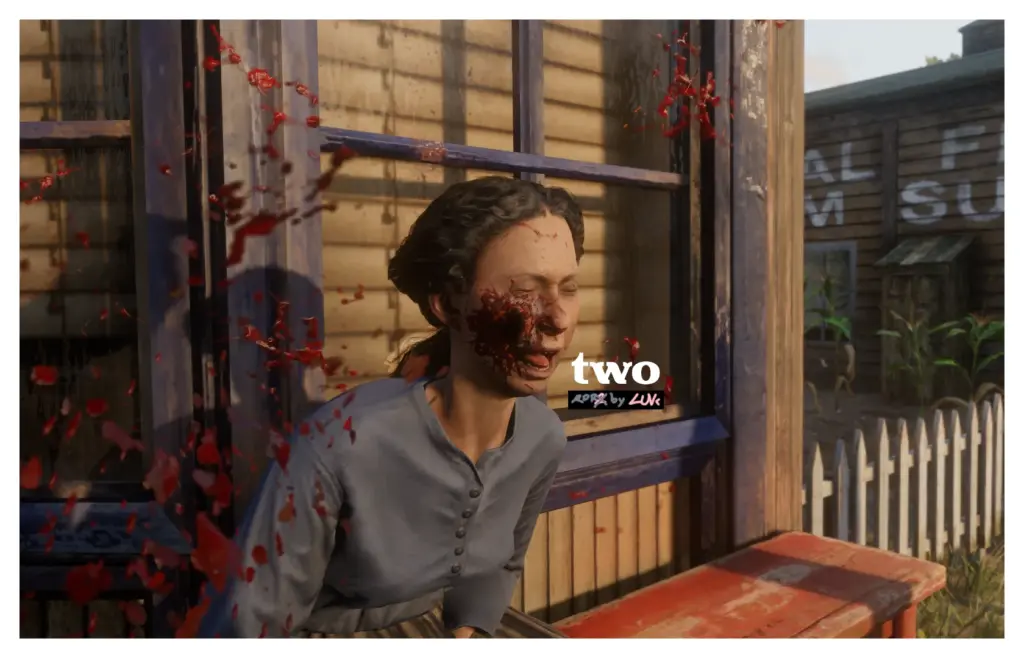
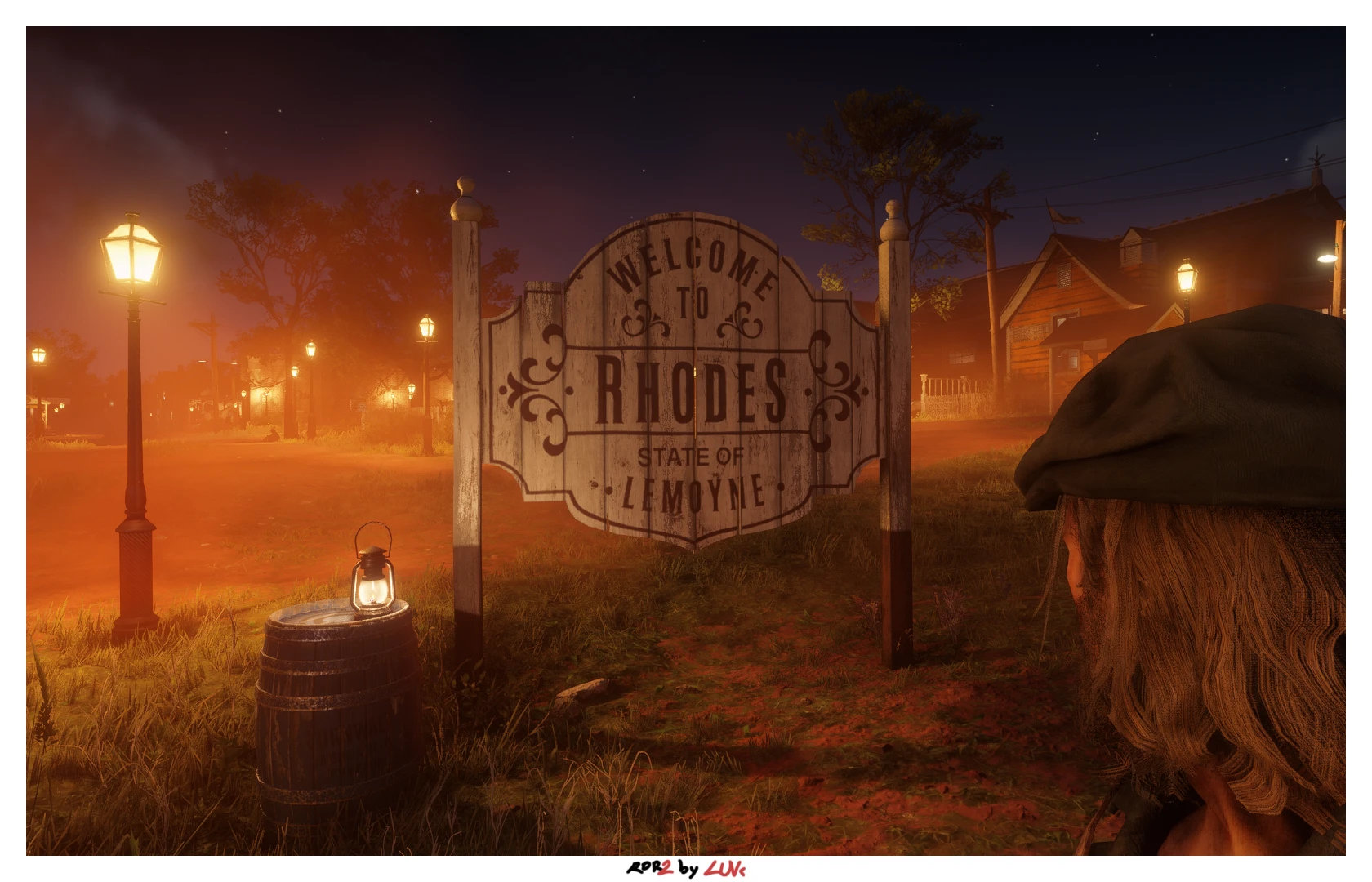
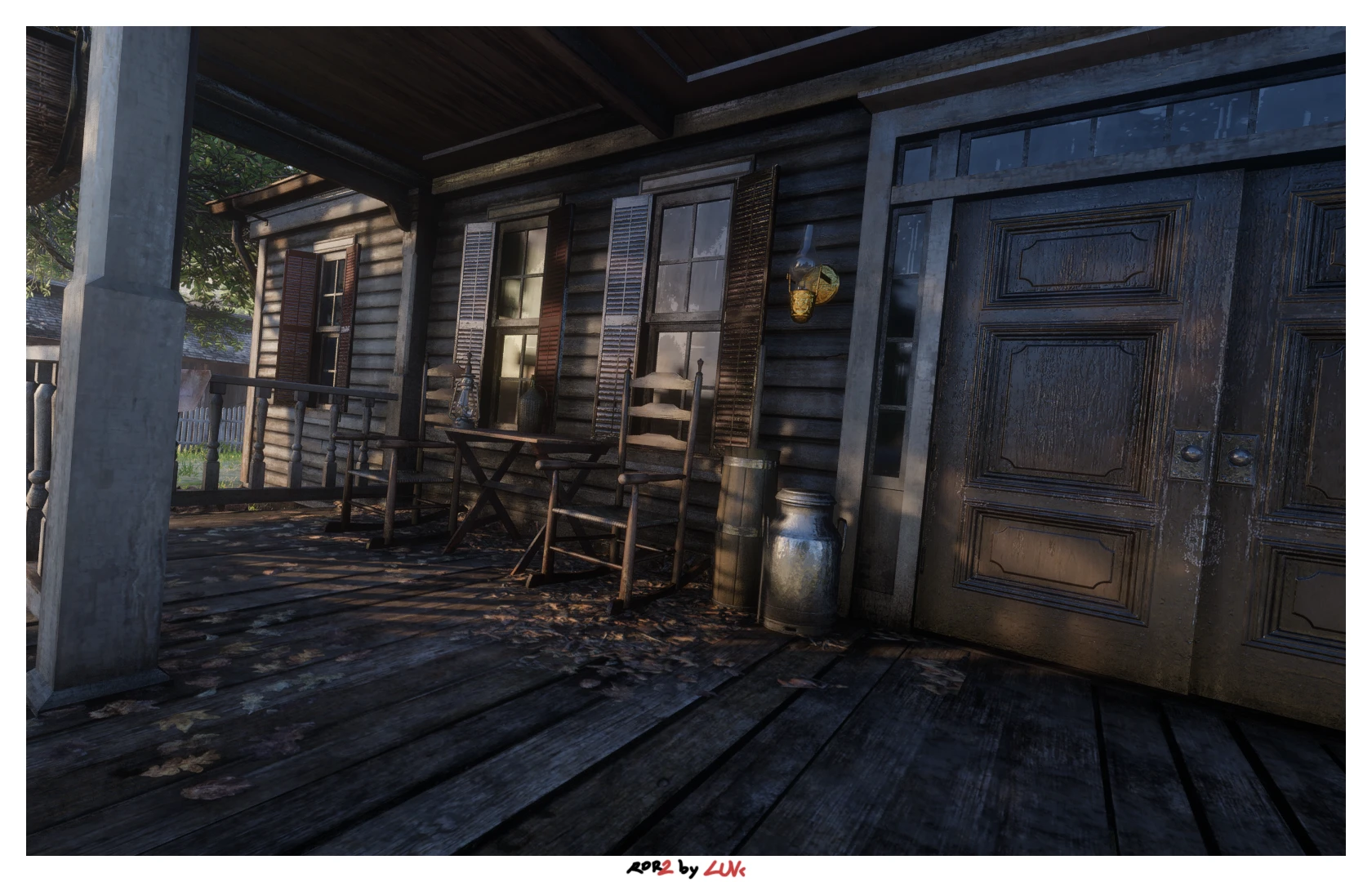
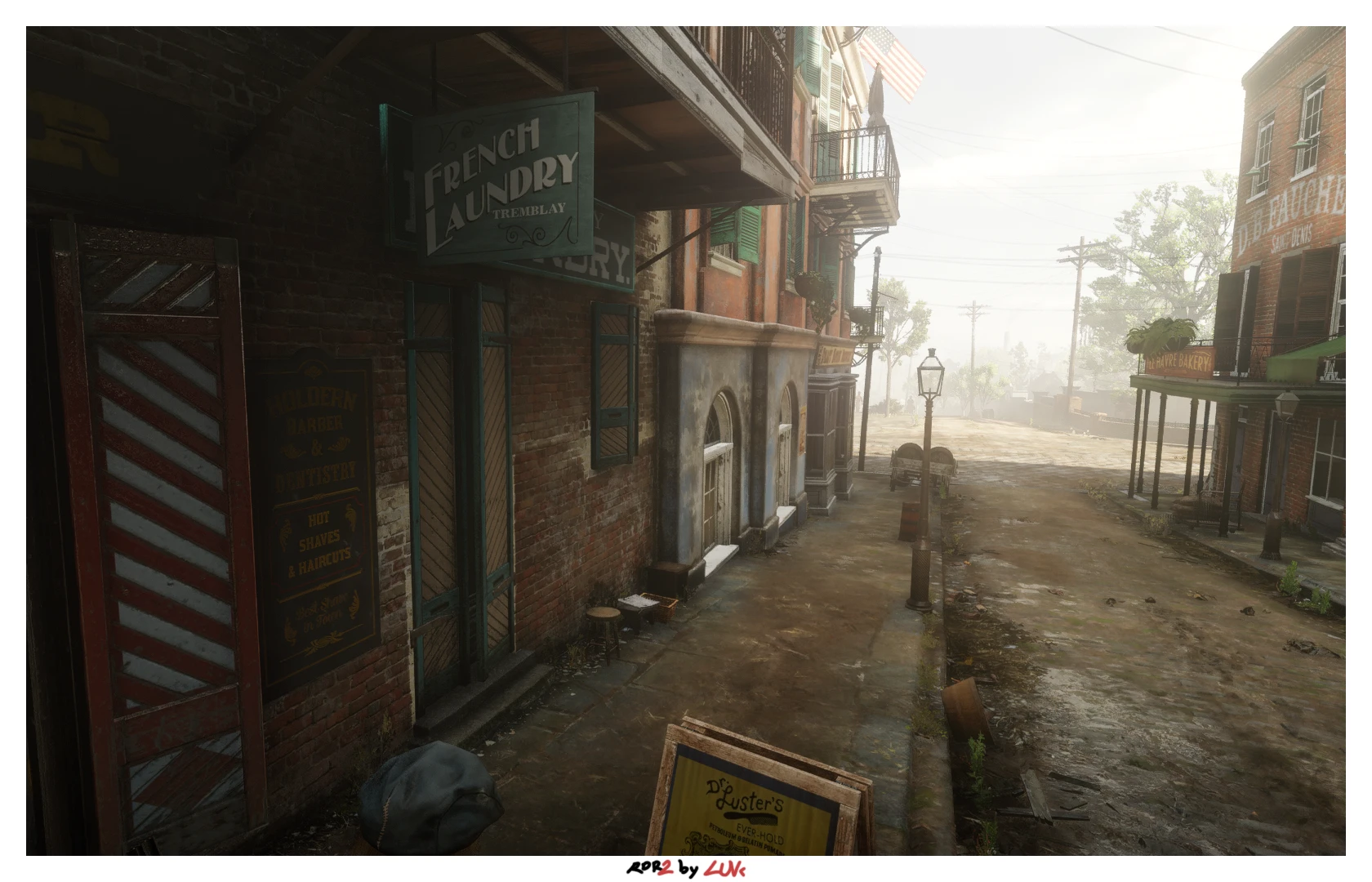
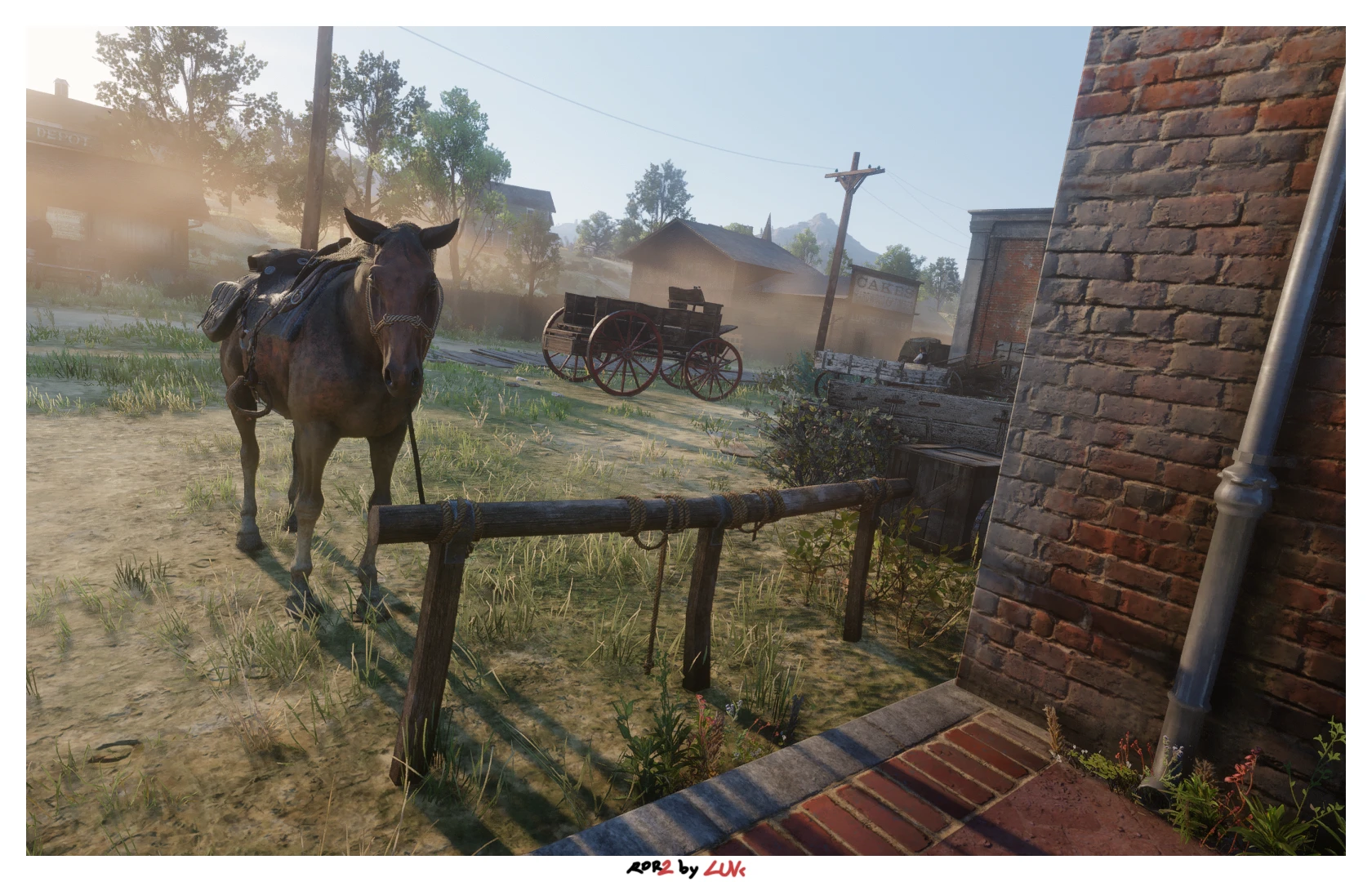
Vivid, and stronger. RTGI support included with Zenteon (TurboGI.)
messing around with Reshade again, and recently started getting into RTGI.
haven’t tested with default graphics or another visual modification, my favorite is “Renewal” by WhyStopNow. let me know how it looks with others, i’m interested!
Installation
1 move the .ini to your game root folder, most likely in C:\Program Files (x86)\Steam\steamapps\common\Red Dead Redemption 2.
2 load up the Reshade setup, if not downloaded, it’s linked for you under Reshade 🙂 (specific version is not necessary)
3 find RDR2.exe (not PlayRDR2, that is the launcher) in the list, if not, exe is in your game directory
4 click modify, select DirectX 10/11/12, or Vulkan. whichever should work! afterwards, go to root folder of RDR2 and find the same .ini I added to download the .fx files across Reshade community. 🙂
Credits:
luvK
If the download link is outdated or doesn't work, you can add your download link. (If your link is valid, we will approve it within 24 hours.)
Download mod
| File | File size |
|---|---|
 RDRtwo-v1
|
718 B |