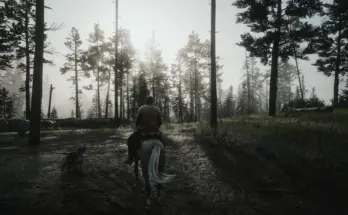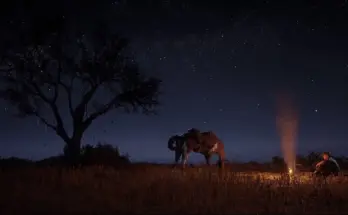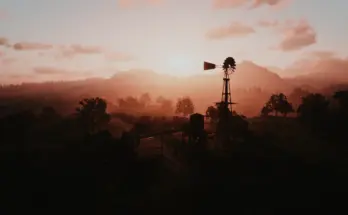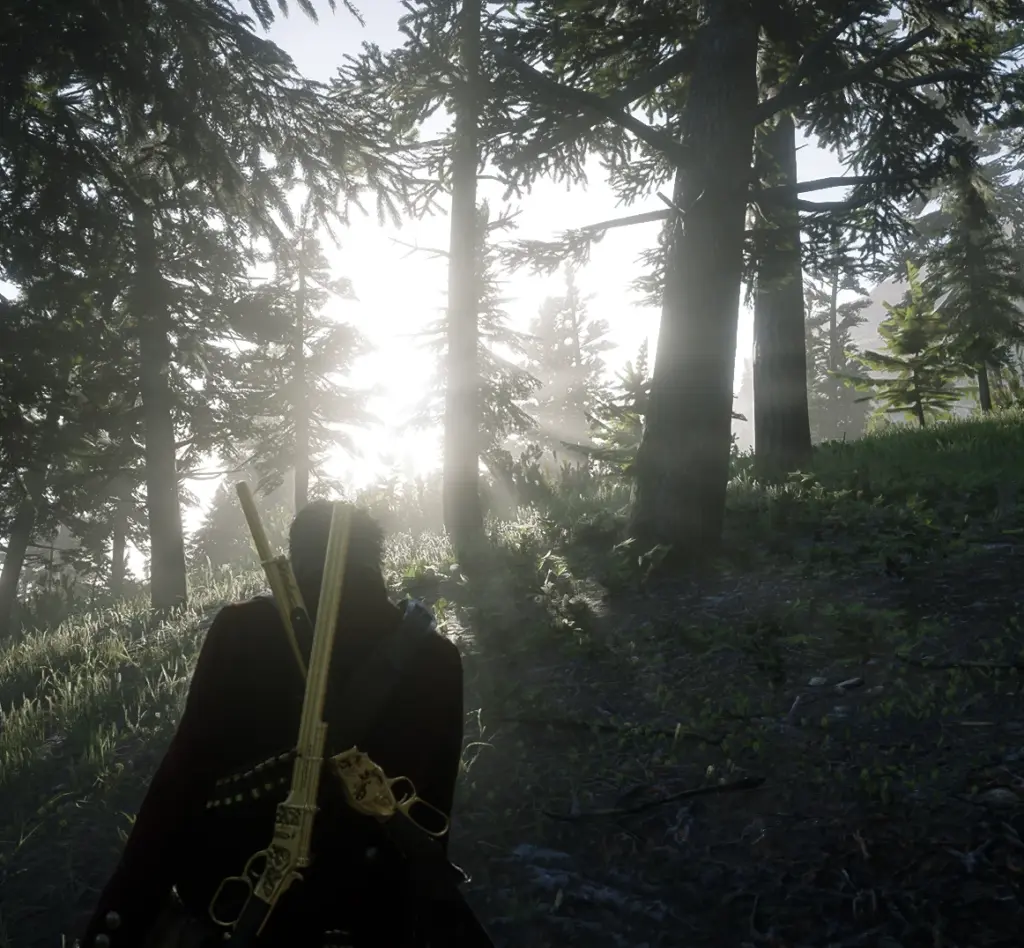
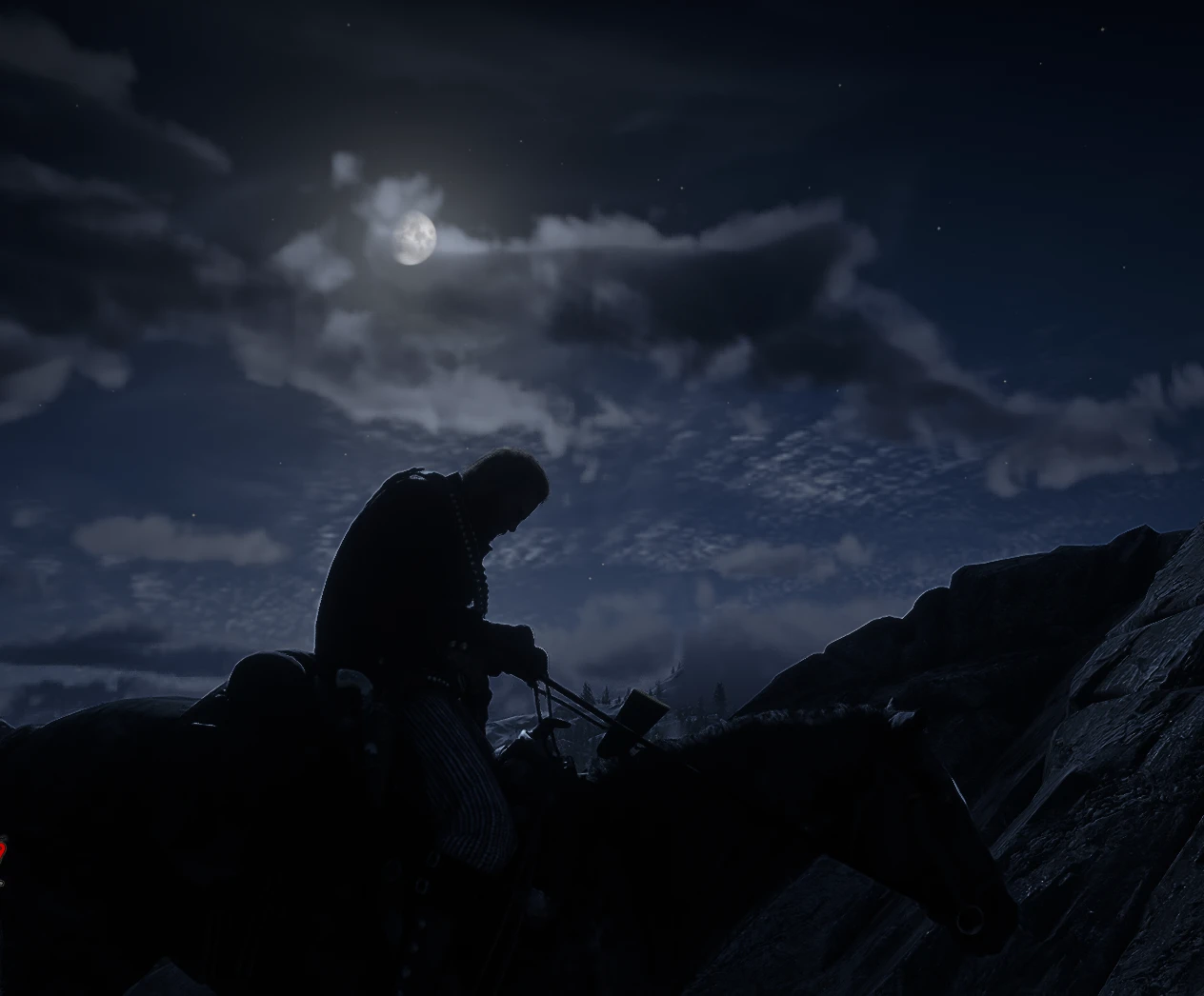
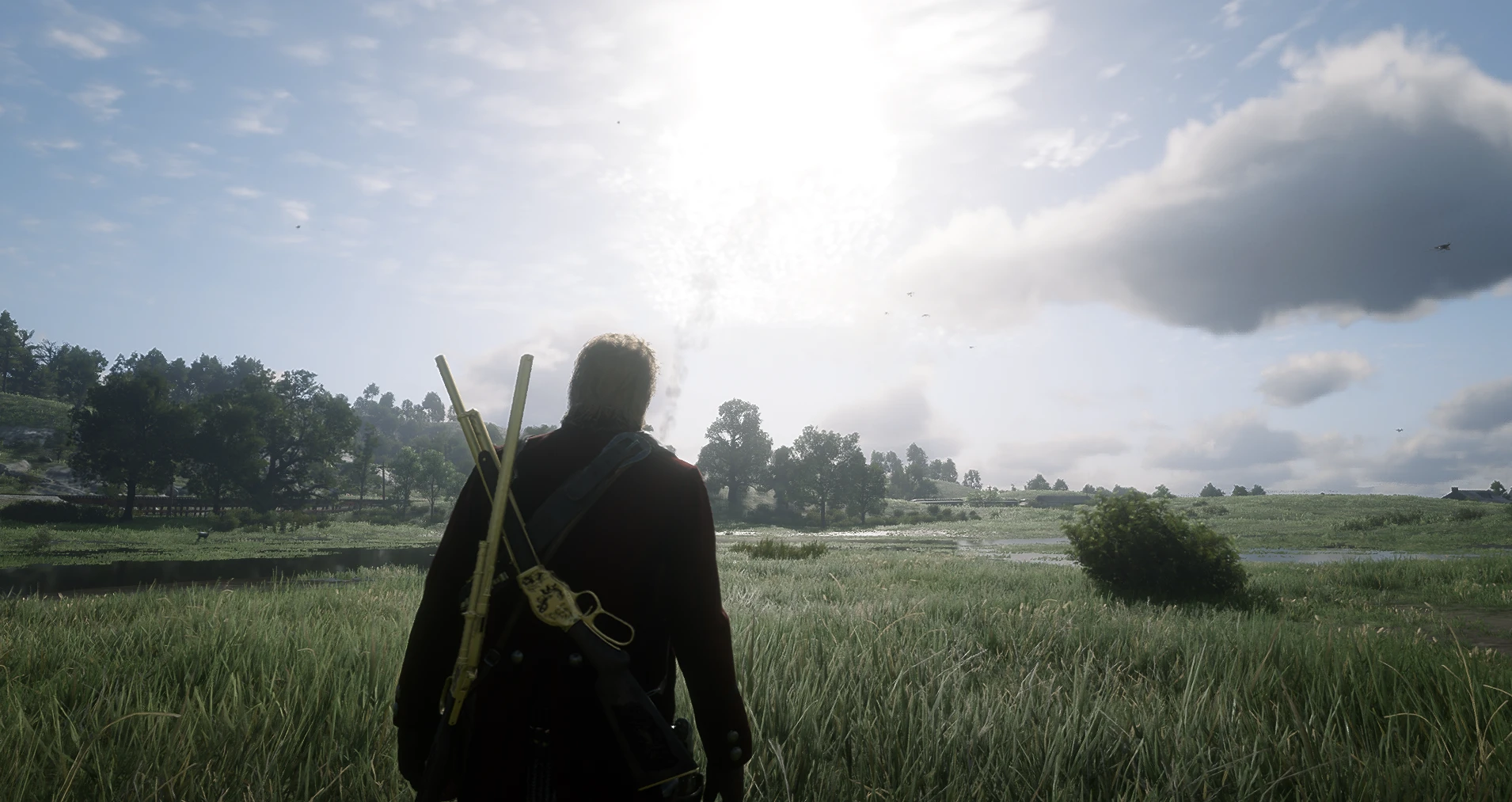
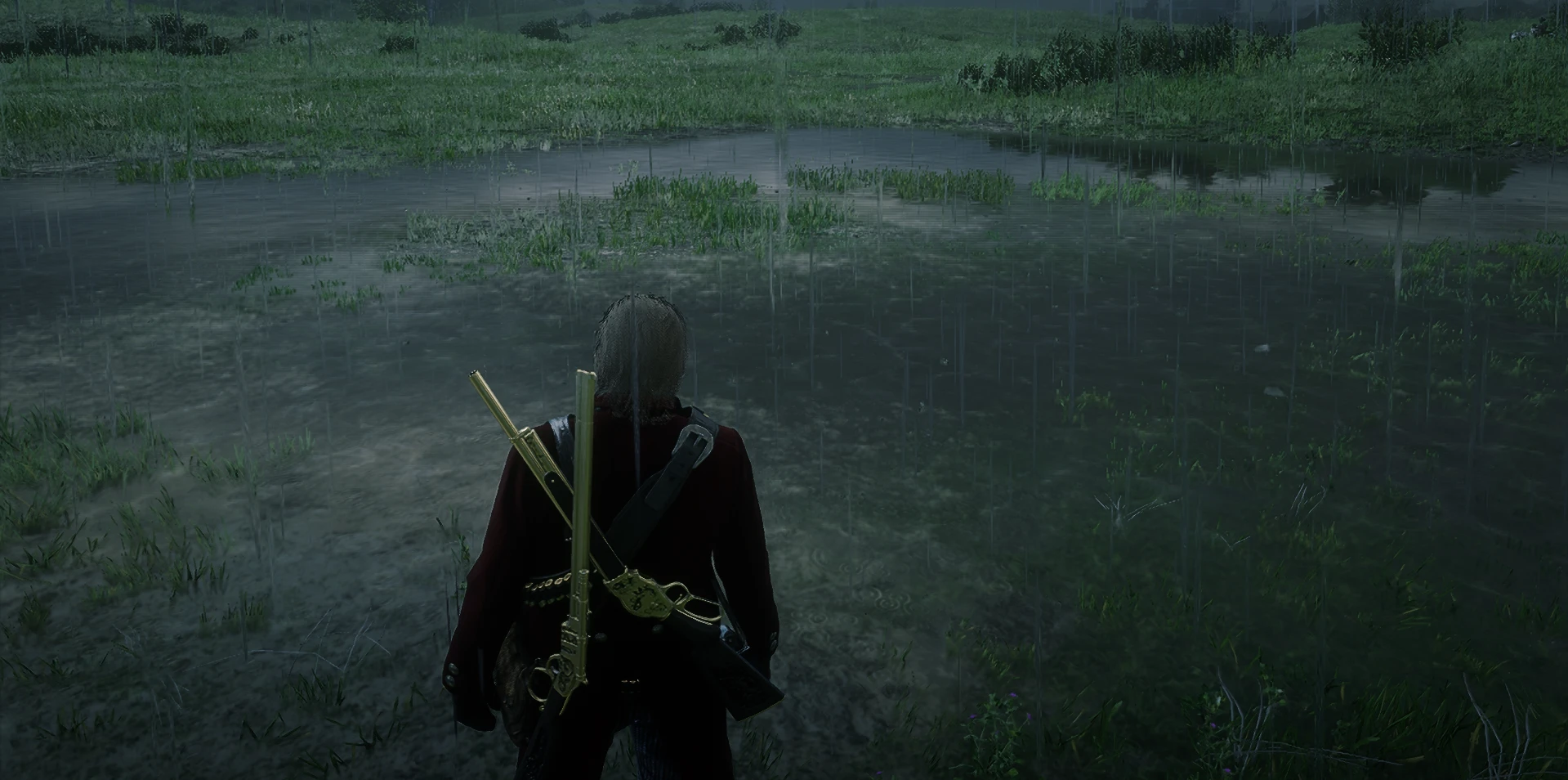
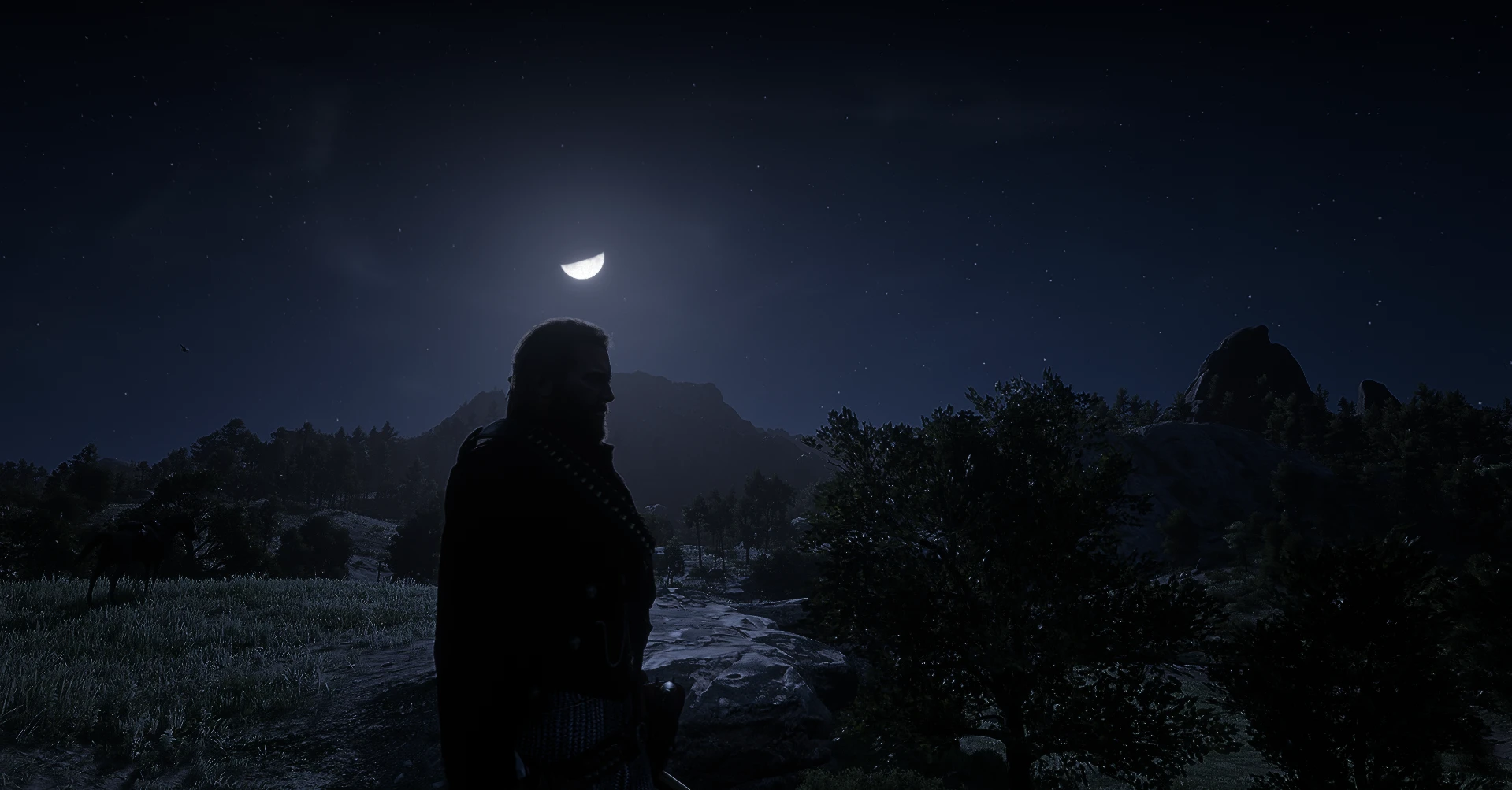
All screenshots taken in-game with no Reshade or post-processing.
Description (Detailed)Transform your Red Dead Redemption 2 experience with Realistic Lighting Overhaul, a lightweight LML-compatible visual mod designed for mid and high-end PCs. This mod refines the game’s natural lighting to create a more immersive and atmospheric world without relying on Reshade or other heavy post-processing tools.
Key Features
True-to-life Time of Day
Morning, Noon, Evening, and Night lighting fine-tuned for realism.
Subtle sun intensity and ambient adjustments for natural progression throughout the day.
Enhanced Night Environment
Darker nights for immersion while keeping visibility comfortable.
Brighter and colder moonlight that illuminates landscapes naturally.
Dynamic Weather Adjustments
Rain, fog, and overcast settings enhanced to feel atmospheric yet realistic.
Cloud brightness, contrast, and sharpness refined to break the vanilla “flat” look.
God Rays Through Foliage
Sunlight naturally filters through trees in forests and wooded areas.
Volumetric light intensity and scatter adjusted for realistic light shafts.
Optimized for Performance
Designed for mid to high-end PCs.
Uses native RDR2 timecycle, weather, and visual parameters — no heavy shaders.
Installation Instructions
Extract the Realistic_Lighting_Overhaul_LML_v2.zip file.
Copy the Realistic_Lighting_Overhaul_v2.zip
folder into your LML mods directory:
Red Dead Redemption 2/LML/
Launch the game offline. The mod is active by default, with no additional settings required.
Recommended Settings
Volumetric Lighting: High
Near Volumetric Resolution: Medium or High
Lighting Quality: High
TAA Sharpening: Off
Testing Locations
Big Valley forests for god rays at sunrise.
Heartland Overflow for the moon, rain, milky way, clouds and the sun.
Requirements:
Terrain Textures Overhaul – TTO – download this its worth it
Credits:
PATKOCSKA
If the download link is outdated or doesn't work, you can add your download link. (If your link is valid, we will approve it within 24 hours.)
Download mod
| File | File size |
|---|---|
 Realistic Lighting Overhaul-2-0
|
2 KB |