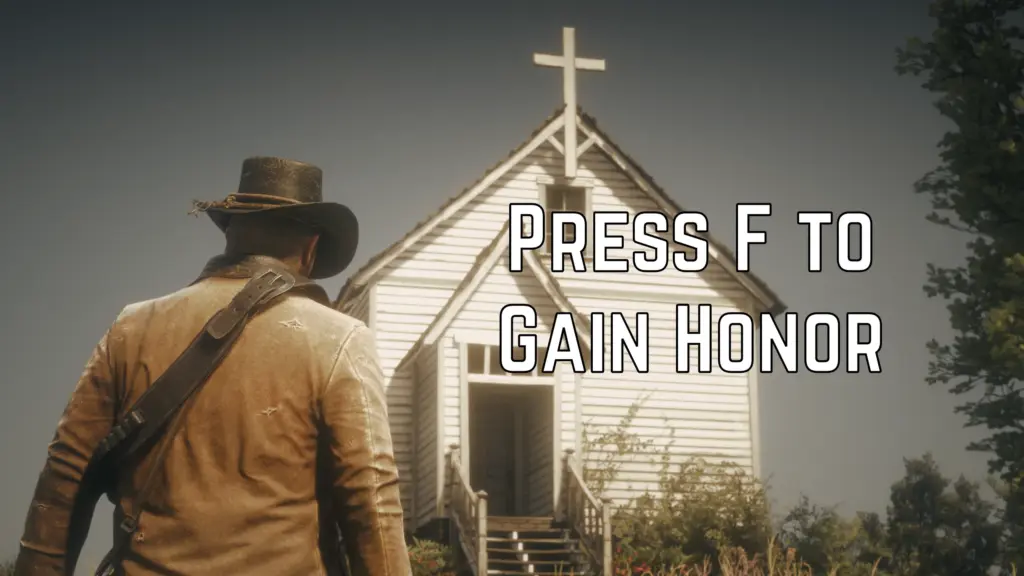
Adds a configurable hotkey, for both keyboard and controller, to apply an honor change instantly. No menu. Built as an ASI. Single-player Story Mode only. Not for Red Dead Online.
Since this is my first ever mod, I also added an easter egg 🙂 You can encounter how you actually gain this honor in one of the missions if you’re lucky enough. Good luck finding it, and please let me know in the comments if someone ever finds it 🙂
Features ⌨️ / 🎮
• Configurable hotkeys via INI for both Keyboard and Controller
• Supports: single key/button, combo (hold + press) for both and double-tap only for controller
• Positive or negative honor pulses
Defaults
• Keyboard: F1
• Controller: RS + RS (double-tap)
• Honor: +50
Requirements
• ScriptHookRDR2 (Alexander Blade)
• ASI Loader (Either version.dll or dinput8.dll)
Installation
1) Install ScriptHookRDR2 and an ASI loader (version.dll or dinput8.dll).
2) Drop HonorHotkey.asi and HonorHotkey.ini next to RDR2.exe.
Usage
• Press your hotkey while in Story Mode to apply an honor pulse.
• You can change hotkeys and the amount while the game is running: edit the INI, then press F6 in-game to hot-reload.
Important‼️
• Please read the INI carefully before changing it. It includes supported key/button names and examples.
• Keyboard: e.g., VK_F1, VK_ESCAPE, VK_OEM_3, VK_UP; or F1…F24; letters A…Z; digits 0…9; or numeric codes (0x70 / 112).
• Controller: use PAD names from the native DB (e.g., INPUT_FRONTEND_RB, INPUT_FRONTEND_DOWN).
Uninstall
• Remove HonorHotkey.asi and HonorHotkey.ini from the game folder.
Troubleshooting
• If nothing happens, confirm ScriptHookRDR2 is installed and loading ASIs from its log.
• If other mods bind F1, change Hotkey in the INI.
• If there is something else please do not hesitate to post it.
Changelog:
1.1.0 — Added controller support (single, combo, double-tap), new INI keys HotkeyPC and HotkeyController, default controller = RS double-tap.
1.0.0 — Initial release (keyboard hotkey & configurable amount).
Credits:
MrBK9
If the download link is outdated or doesn't work, you can add your download link. (If your link is valid, we will approve it within 24 hours.)
Download mod
| File | File size |
|---|---|
 HonorHotkey-ControllerSupport-1-1
|
85 KB |