I’ve been thinking about this mod ever since I started playing Starfield. Much to my surprise, no one has decided to build it yet, even after all this time (strange to me because I think it’s the most obvious thing that’s wrong with the game). So I decided to challenge myself and build it.
Storage is one of those things that’s overlooked by gamers and modders alike. People just throw down an infinite container and forget about it I guess. Well for me, that just breaks the game. Why bother with a large outpost or a cargo ship, when you can just chuck an infinite amount of mass into a shoebox-sized container? And why, for the love of god, do I need to carry all my things across New Atlantis, when there’s a flipping WAREHOUSE right there on the landing pad??
However, I do appreciate the temptation to just give up and use infinite storage, because the vanilla game is seriously lacking in this department. Once you fill up the Frontier’s cargo hold for the first time, it’s time to take a deep breath, break your immersion, and teleport to the Lodge (IMO this was clearly an afterthought on behalf of Bethesda, otherwise infinite storage would just be available everywhere).
Unless there was another way…
Storage is not infinite – no more cheating!
Storage costs money – you have an infinite demand for storage, yet a seemingly infinite number of credits…let’s address that.
Storage is convenient – accessible from many locations, but not everywhere.
Space travel is more immersive – No more jumping back to the Lodge to drop off resources and gear in the middle of a long journey. Instead, you can organise your inventory at the nearest spaceport/space-station while you Re(al) Fuel.
Does not break any of Starfield’s existing storage mechanics – Large cargo ships and outposts are still just as relevant as you want them to be. This mod simply provides another (possibly more fun and convenient) way of achieving the same goal.
Storage Containers are linked to nearby workbenches, so you can craft on the go.
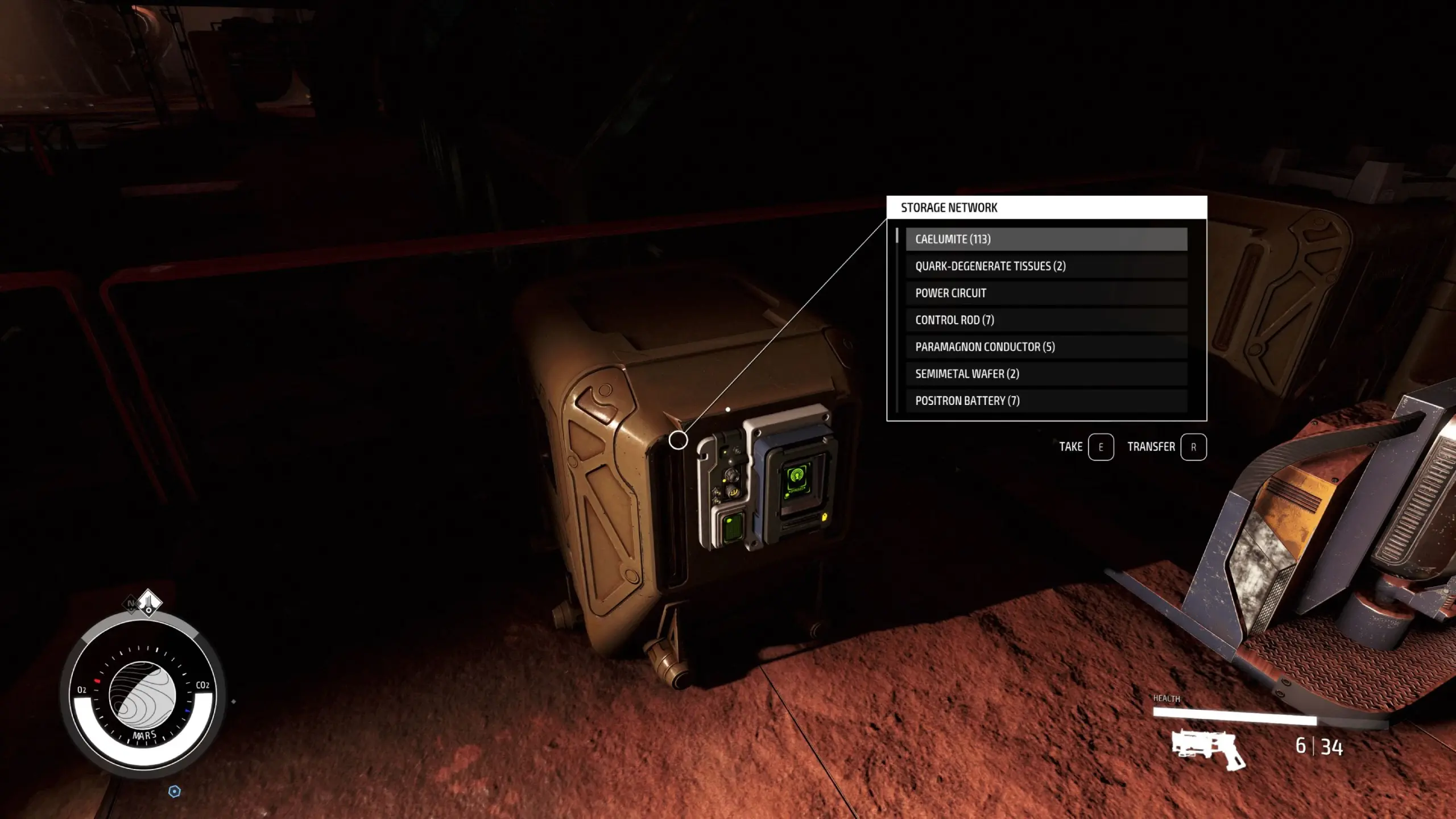
Access the storage network at your outposts, using the buildable container.
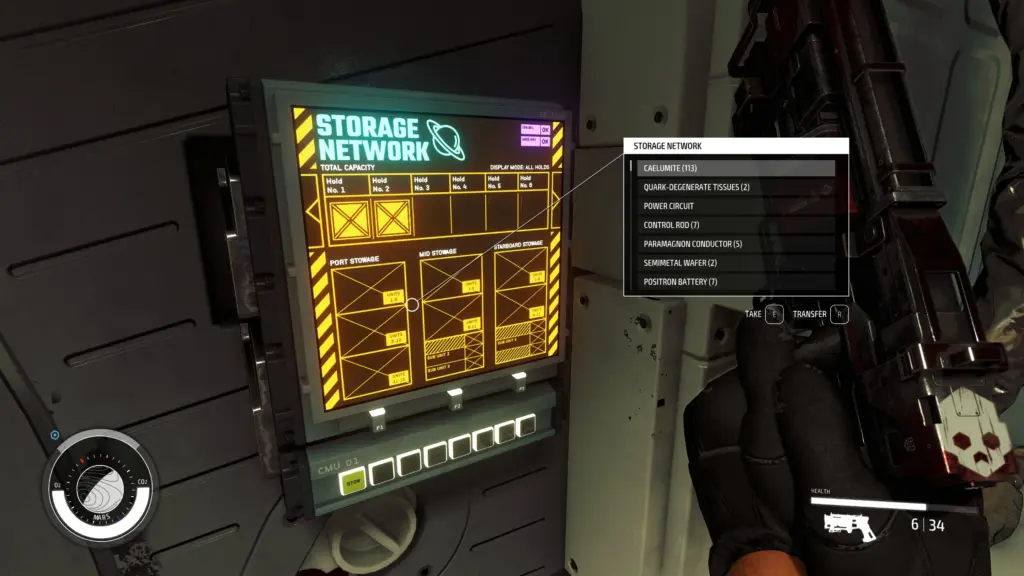
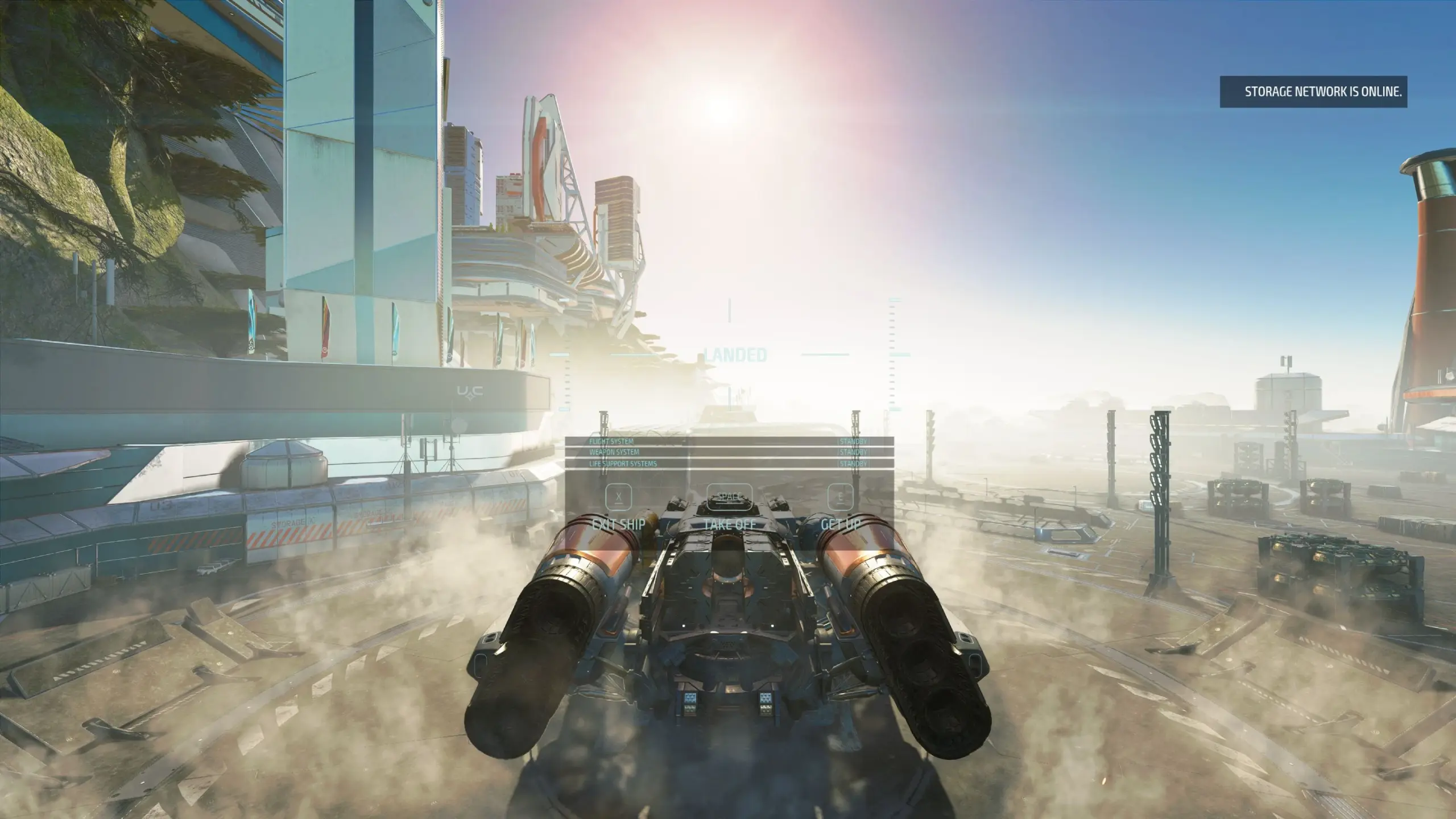
When landed or docked, you may access a nearby container directly from inside the ship, using the buildable panel.
When the panel is installed, the ship’s decorate panel and all workbenches will be immediately connected to storage when you arrive at a location that has a container that you have unlocked. They will then disconnect upon your ship’s departure.
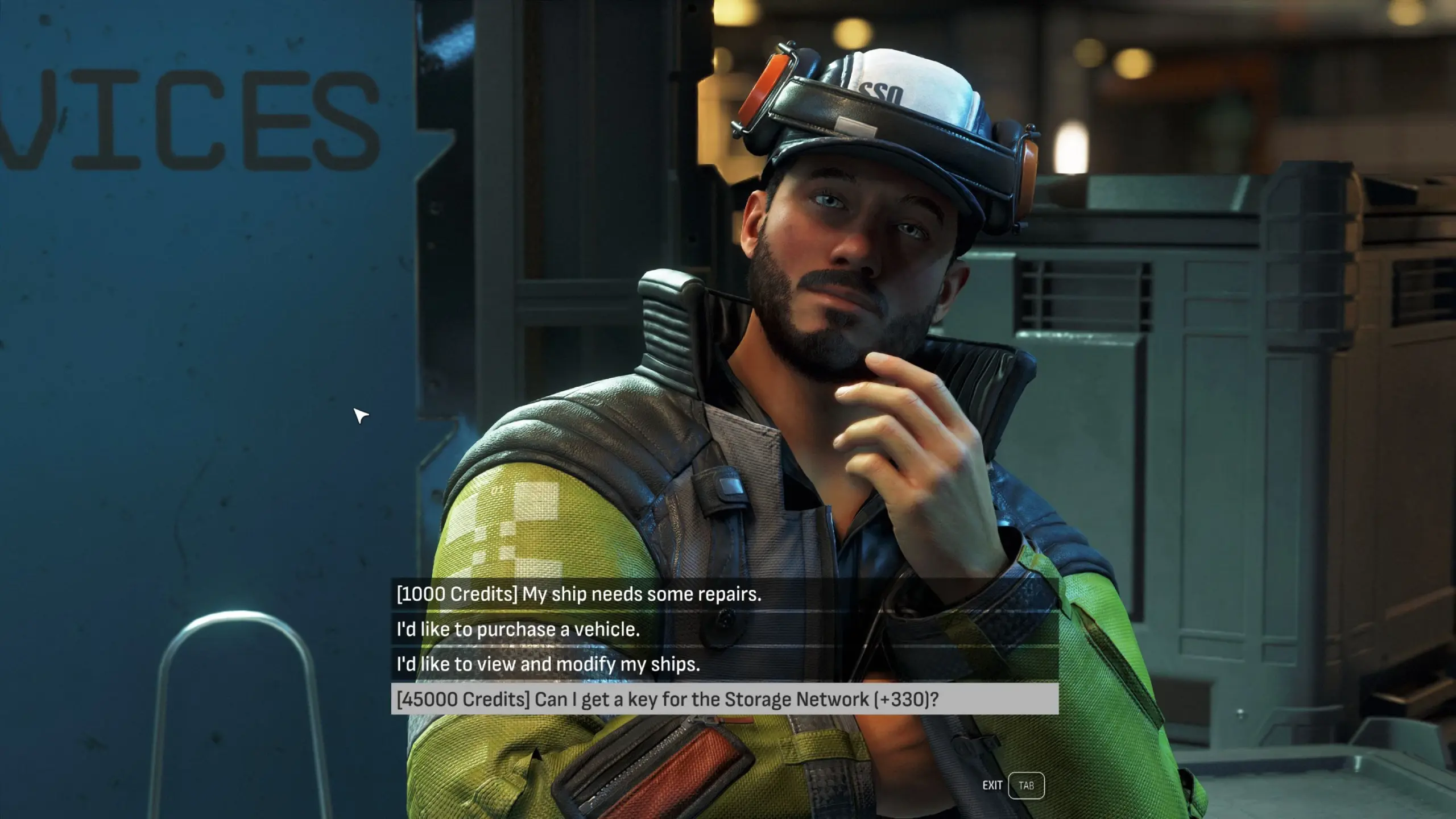
Container keys can be purchased at all spaceports. Prices can vary, depending on the perceived value of the location.
Storage upgrades can be purchased, if you simply want to increase your overall network capacity.
There is a cool down period of 48hrs between storage purchases (Universal Time).
Your Payloads and Commerce perk ranks will have an effect on how much storage you have, and the cost thereof.
It is possible to obtain some storage keys for free.
On occasion, containers and their keys can be discovered in other (possibly unusual) locations.
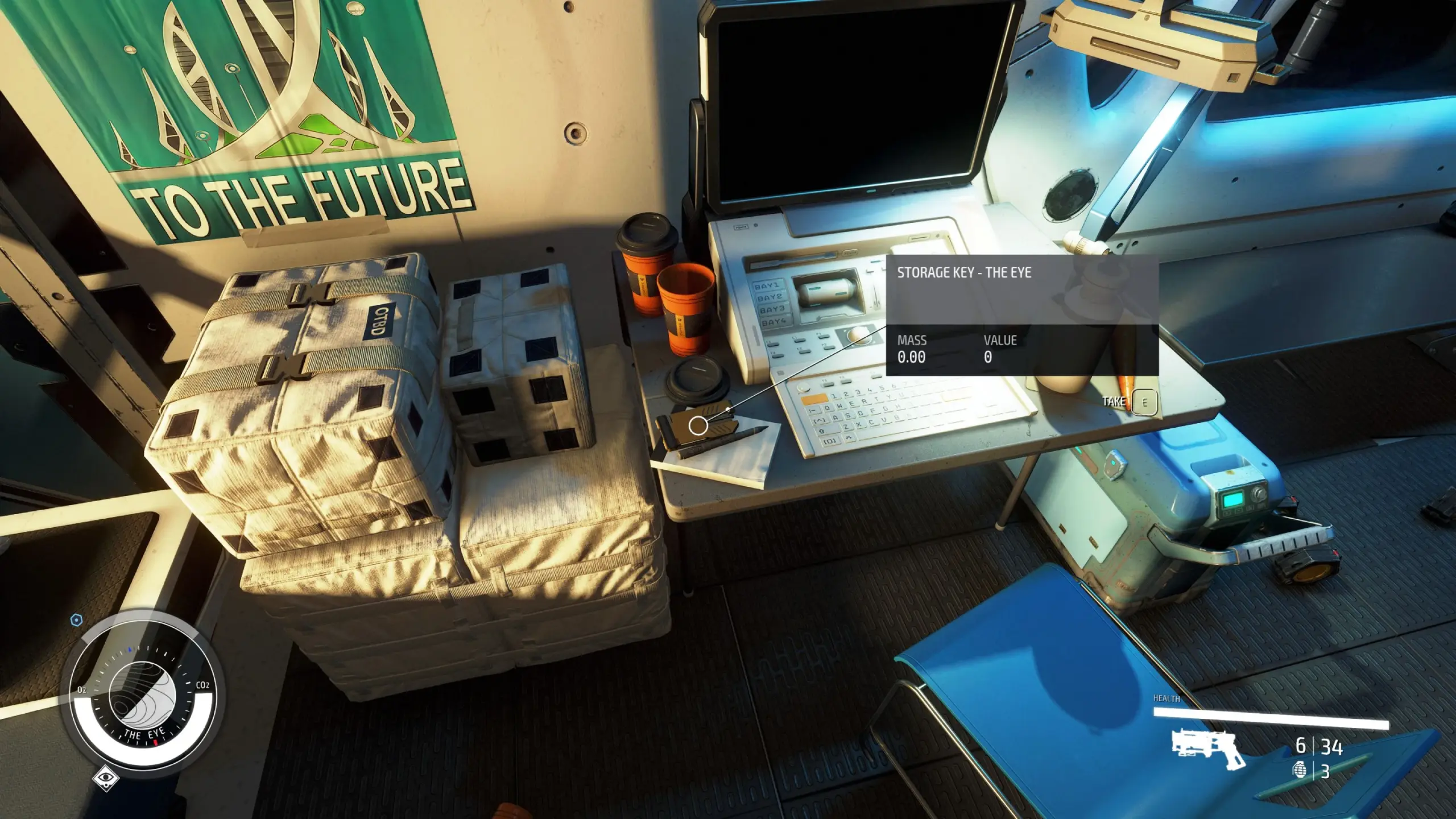
Constellation has some free containers to get you going. The Lodge Key will open the container in the basement. You will also find a key for New Atlantis Spaceport in the bedroom.
When you install the mod, all items from the vanilla Lodge basement container will be moved into the network. You start off with a very small amount of storage, so if you already have things stored in the vanilla container, I would advise moving them elsewhere before you start.
Your items will be returned to the same Lodge container should you decide to disable the mod using in game settings (please make sure you always do this before you update or uninstall).
Outpost Container
Requirements:
– Unlocked at least one container in the world for this to show up
– Outpost Engineering skill rank 1
– 80,000 credits
– A few other resources
The “Deactivate” button prepares the container for deletion from your outpost by locking it – which moves all items back to the Network’s MasterContainer (at the Lodge). This is to prevent the engine from annoyingly putting everything in your personal inventory when you delete the container.
Ship Panel
Requirements:
– Payloads skill rank 1
– 1800 credits
– A few other resources
Deleting this panel when it is connected will move all of the items into your inventory.
Rather than having a “Deactivate” button, all you need to do is move your ship to another location – ensure the screen is turned off before you delete.
Changelog:
Version 1.1.1
Fixed a bug where panel references were lost when editing a ship. HandleShipChange() was only being called from OnHomeShipSet. Fixed by adding additional event handler – OnPlayerModifiedShip
When the game is first loaded, if the player is on the ship and the network is disconnected, the Ship Panel would show an incorrect visual state. Fixed.
Please disable the mod in Gameplay Settings before installing. This is required to ensure new event handlers are registered.
If you are updating from a version prior to v1.1.0, you will also need to rebuild your ship panel.
Version 1.1.0
Complete refactor of the Ship Panel. Players can now install multiple panels.
Refactor of all ship location change / docking / undocking event handlers. This should make for much more reliable connection/disconnection events.
Version 1.0.8
Improved handling of deleted constructibles, prevents unwanted notifications
Version 1.0.7
Tweak to debug message
Version 1.0.6
Single line bug fix to prevent an unneccessary Ship Panel disconnect/connect notification that was introduced in v1.0.5
Version 1.0.5
Added condition to Ship Panel unload event – if ActiveContainer is not 3DLoaded, move items to MasterContainer instead. This hopefully fixes a fast travel edge case where both the ship panel and container on the landing pad are unloading at the same time.
Version 1.0.4
Fixed a bug where keys would be taken by the authorities when being arrested.
IDCardReader would eventually respawn in an incorrect visual state. Fixed by playing the green idle animation onload if container is unlocked
Storage costs now scale based on the amount of storage the player already owns. For every 100 mass capacity owned, storage prices will increase by 2%
ShipPanel screen texture has been updated to a higher res version. Thanks to ClearanceClarence for creating the asset!
Tidied up a few redundant things in Creation Kit.
Version 1.0.3
Reduced the storage capacity of small containers from 80 to 50 – this is to ensure that unlocking these “”bonus”” containers has a minimal impact on the overall cost/mass balancing, while still providing just enough space to be useful in the moment e.g if the storage network was otherwise full, the player has now gained enough storage to dump a bunch of items if they are overencumbered.
Another reason is, I felt in my own game that I was acquiring too much storage too quickly.
Balancing changes like this are retroactively applied – the mod tracks how many small, medium and large containers you have unlocked, including storage upgrades, and recalculates your storage capacity on the fly. So I can see how these changes will become annoying. I’ll resist the temptation to tinker any more and will leave the numbers as they are for a while, and we’ll see how things go:
Small containers (fairly common, found in various locations): 50
Medium containers (all spaceports and purchased storage upgrades): 250
Large containers (extremely rare): 400
Made a couple of notifications I previously missed translatable
Fixed a race condition whereby fast travelling from inside the ship to another location on land would cause items to get stuck in the container on the landing pad, rather than being returned to Master – this caused the next container to load in empty. This also fixes another similar, possible race condition involving the ship panel when disabling the mod in the game settings
Version 1.0.2
If a container did not have a key assigned, it was still possible to unlock it without a key – Fixed
On a particular starstation, game engine would incorrectly fire docking events when navigating between cells inside the starstation, causing the Ship Panel to be in an incorrect state. Fixed – Added check to docking handler that the Ship Panel is 3D loaded.
Replaced Debug Notifications with Message forms, allowing translations.
Added a small script to keys, ensures ownership is always set to PlayerFaction – avoiding any potential problems with stolen keys.
Placed keys for 3 Spaceports in secret locations.
Placed containers and keys in 5 new (non-spaceport) locations.
Credits:
stevek1ng
If the download link is outdated or doesn't work, you can add your download link. (If your link is valid, we will approve it within 24 hours.)
Download mod
| File | File size |
|---|---|
 Galactic Storage Network-1-1-1
|
5 MB |
|
Galactic Storage Network-1-1
|
5 MB |
|
Galactic Storage Network-1-0-8
|
5 MB |
|
Galactic Storage Network-1-0-5
|
5 MB |
|
Galactic Storage Network-1-0-4
|
5 MB |
|
Galactic Storage Network-1-0-3
|
5 MB |
|
Galactic Storage Network-1-0-2
|
5 MB |
|
Galactic Storage Network-1-0-1
|
4 MB |