Before Updating
1.) Sell Pathfinder
2.) Save game
3.) Go to Creations – View LO4.) Delete the Pathfinder mod
5.) Go into Game without the Pathfinder mod Save
6.) Go to Creations7.) Download updated Pathfinder mod
8.) Organize LO if needed (if you have the DarkStar mod place Pathfinderbelow DrakStar)
9.) Save LO
10.) Start game
11.) Get the Pathfinder ship
Or Unity
(DEPENDING ON YOUR MOD LIST, YOU MAY NEED TO MAKE IT YOUR HOME SHIP BEFORE LEAVING THE SYSTEM OR IT WONT LET YOU LEAVE WITH THE SHIP)(THERE MAY BE ISSUES WITH ANY MOD THAT INCREASES SHIP BUILDING AND LANDING SIZE, AS THIS MOD DOES THAT.)
MOD conflict: This mod does not play nicely with Darkstar Mods. Placing this mod below it could resolve the issues.
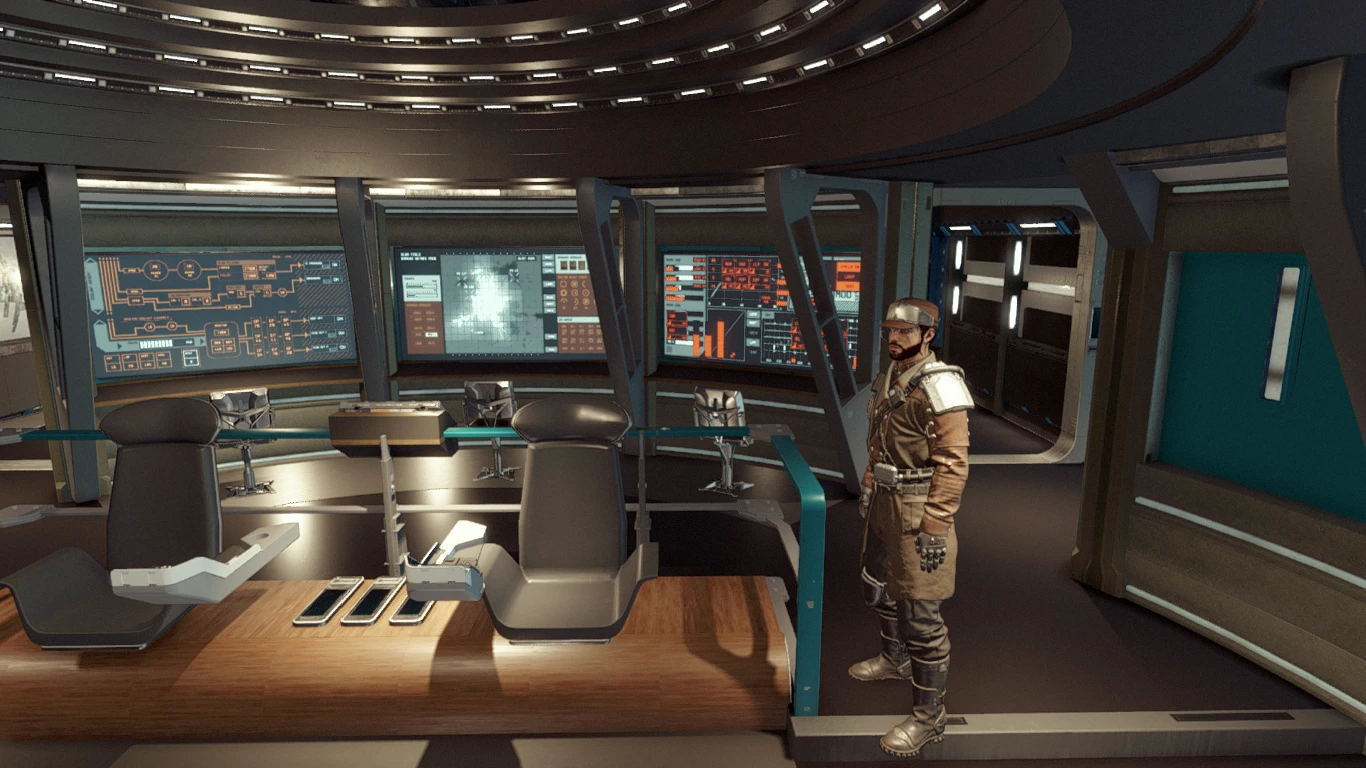
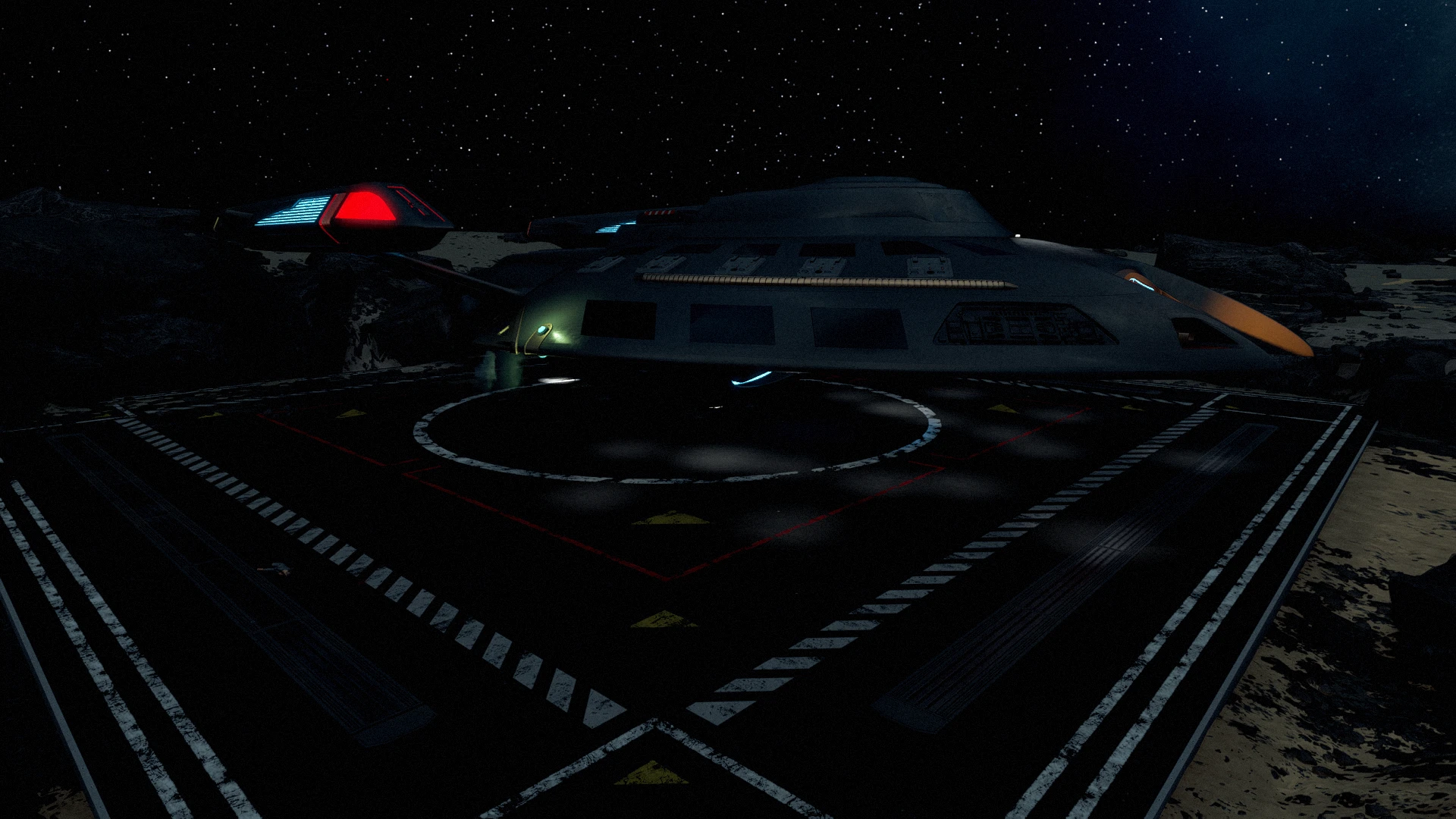
OwlTech Mod Pathfinder: A Star Trek-Themed Ship for Starfield. Embark on a bold new adventure in Starfield with the OwlTech Mod Pathfinder, a meticulously crafted Star Trek-inspired ship that brings the spirit of
exploration and discovery to the Settled Systems. This mod introduces the USS Pathfinder, a sleek, advanced starship designed for those who dare to go where no one has gone before.
OwlTech Mod Pathfinder: A Star Trek-Themed Ship for Starfield. Embark on a bold new adventure in Starfield with the OwlTech Mod Pathfinder, a meticulously crafted Star Trek-inspired ship that brings the spirit of
exploration and discovery to the Settled Systems. This mod introduces the USS Pathfinder, a sleek, advanced starship designed for those who dare to go where no one has gone before.
Features
The USS Pathfinder: A fully functional, Star Trek-themed ship that blends Federation design with the
rugged aesthetic of Starfield’s universe.
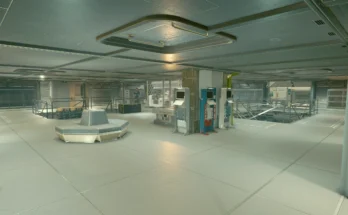
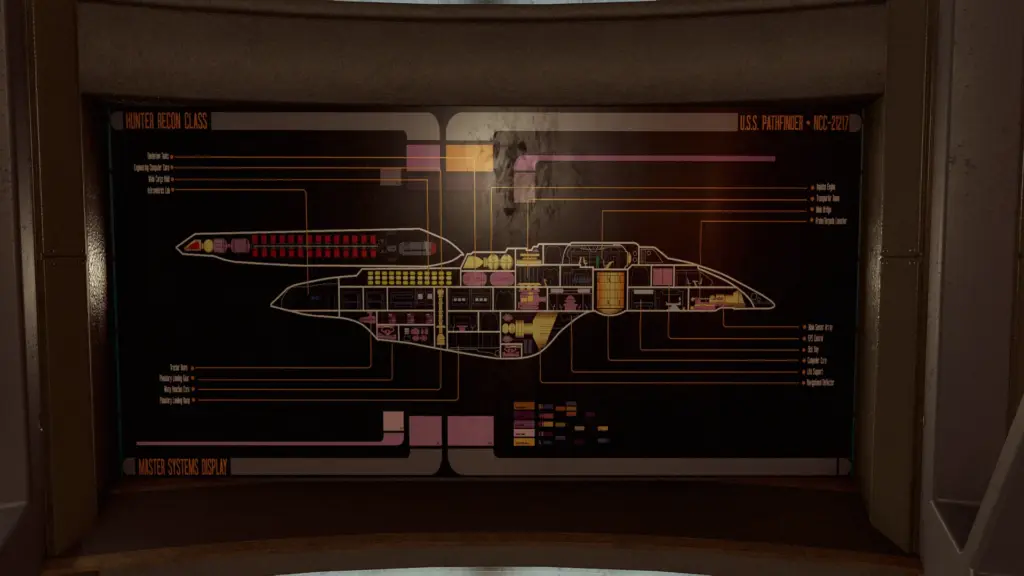
5 Decks: Explore a detailed interior with engineering, science labs, a medbay, crew
quarters, and a fully equipped bridge.
Custom Design: Inspired by Star Trek’s iconic starships, the Pathfinder features a Trek-shaped hull,
warp nacelles, and deflector dishes.
Advanced Systems: Equipped with a Warp drive, regenerative shielding, and state-of-the-art sensors
for long-range exploration.
Lore Integration: The USS Pathfinder comes with its own backstory, tying it into the Starfield
universe. Discover logs and crew records that reveal the ship’s mysterious origins and its connection to an ancient alien civilization.
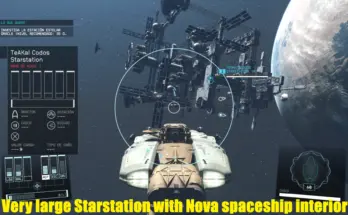
Findable Ship: The USS Pathfinder is hidden in the Ophion System, waiting for a worthy captain to uncover its secrets.
Warnings
Turbolift: Do not leave the ship while the Turbolift is moving. This will break the Turbolift,
requiring you to reload a previous save to resolve the issue.
EMH: Do not attempt to make the EMH a companion. This will break him.
Do Not Attempt to Edit or Modify This Ship. It is a block, but do not try with other mods, it will break the ship and may even crash your game
You may need to hit the button more than once to get the EHM to spawn, give a second between hits
to let it spawn. He likes to hide.
Armillary Console may be turned on; it will still work. You may have to install the armillary, then remove and reinstall the armillary before jumping to get it to
Turn on the right
Deck Layout The USS Pathfinder features 5 decks, each meticulously designed for exploration and functionality:
Deck One
Bridge
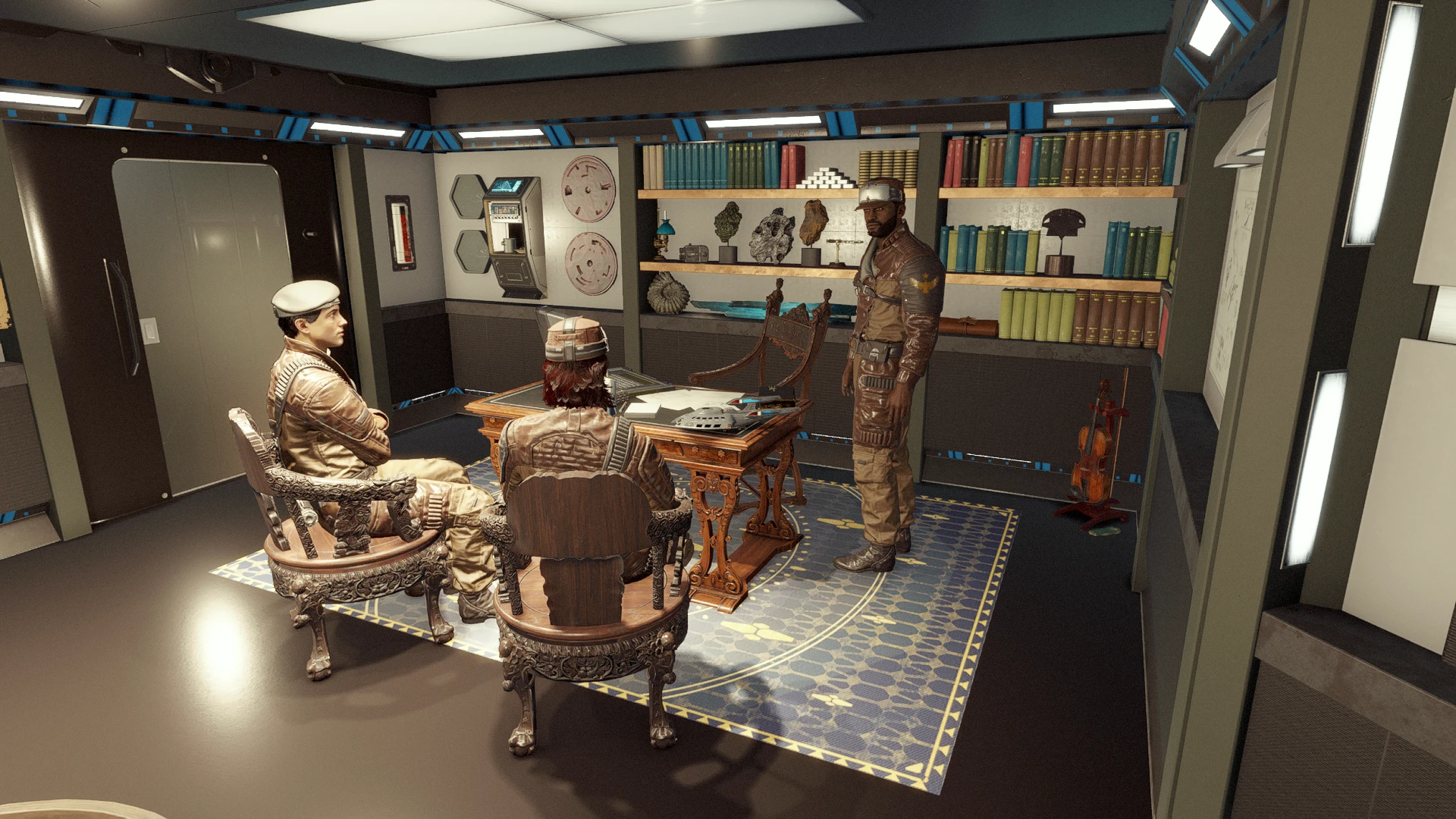
Captain Ready Room
Deck Two
Crew Quarters
Armory
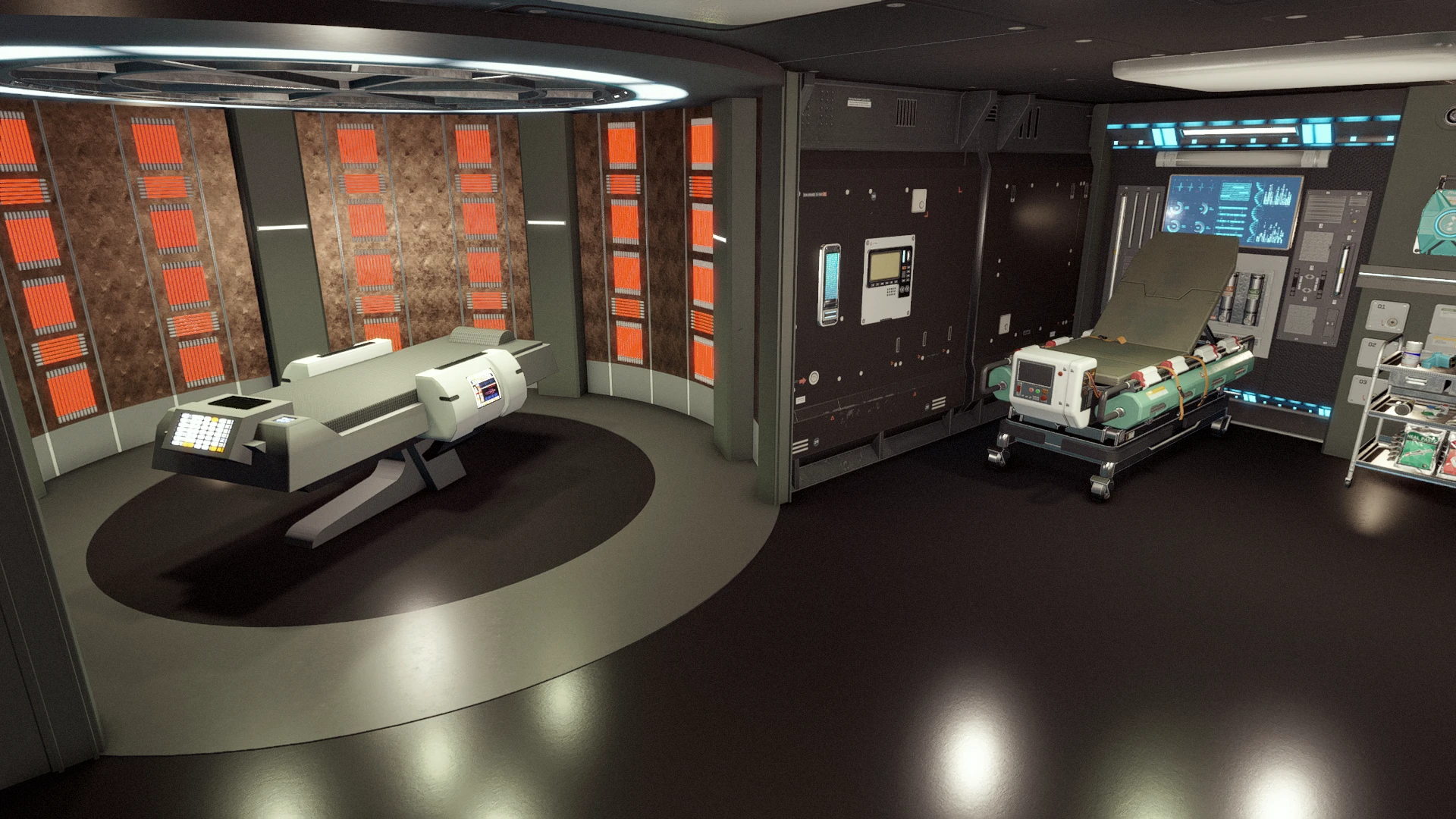
Transporter Room
Holodeck (Currently with 4 Programs)
Deuterium Storage
Main Battery Compartment
Impulse Engine Control
Deck Three
Medical Bay
Mess Hall
Cargo Bay 1
Cargo Bay 2
Secondary Deflector Control
Torpedo Room 1
Torpedo Room 2
Botany Lab
Xeno Lab
Main Research Lab
Main Engineering
Astrometrics Lab
Main Computer Core
Crew Hall
Brig
Deck Four
Main Deflector Control
Lower Engineering
Crew Quarters
Deck Five
Landing Bay
Why Install the Owltech Mod Pathfinder?
For Star Trek Fans: Relive the wonder of Star Trek’s iconic starships in the vast universe of Starfield.
For Explorers: The USS Pathfinder is the ultimate vessel for discovering new worlds, uncovering
secrets, and charting the unknown.
For Roleplayers: Immerse yourself in a rich, Star Trek-inspired story that blends seamlessly with
Starfield’s lore.
How to Find the USS Pathfinder: The Pathfinder is hidden in the Ophion System, orbiting the gas giant Ophion.
Changelog:
Version 1.5
Fixed issue where you would be placed in the Pathfinder holodeck program when fast traveling.
Version 1.4
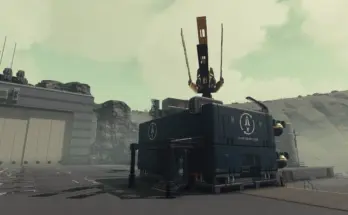
fixed the missing drydock
Version 1.3
7th July 2025 Pathfinder Update Last Update: This mod is being retired After careful consideration, I’ve decided to streamline my projects. Instead of maintaining multiple Star Trek mods, I’ve spent the past few days consolidating all ships, outfits, and items into the upcoming New Perditus Fleet Mod, which is not yet released. The new drydock has been completely redesigned into a large, city-like structure that you can fly through. It will serve as a hub for learning about all the ships, Star Trek habitats, and buildable items, as well as provide information on lost ships throughout the game and their locations. Please note: Perditus Fleet will not be compatible with the old Pathfinder mod, as the Pathfinder content is now integrated into the new version. I plan to retire the Pathfinder mod entirely as of January 1, 2026. Thank you for your continued support! Stay tuned for the release of the new mod and upcoming updates. Before Updating 1.) Sell Pathfinder 2.) Save game 3.) Go to Creations – View LO 4.) Delete the Pathfinder mod 5.) Go into the Game without the Pathfinder mod, save 6.) Go to Creations 7.) Download the updated Pathfinder mod 8.) Organize LO if needed 9.) Save LO 10.) Start the game 11.) Get the Pathfinder ship 12.) Have fun Or Unity In Update Features added • New Trek Items • Update to the Drydock
Version 1.2
28th Jun 2025 Pathfinder Update In Update Features added New Holodeck Program New Trek Items New Asteroid Space Station In The Tidacha Systems Update And Improvements To The Engineering Room Moved The Pilot Seat To The Front Seat Added More Lights Add Ship Ambient Sounds Added Buildable Star Trek Items New Patch To Move The Pilot Seat Back To The Captain’s Chair Fixes Fixed issue with Crew hiding in the Holodeck · Moved Vasco from the landing bay to a cargo bay to make room for the rover for those using the rover mod Armillary Console Issues Fixed Game settings that were changed None
Version 1.1
Features added • Added CBHs (Cleaning Bot Holograms) to Deck 3 • Added load doors for NPC movement of each deck • You can now remove most items from the holodecks • Update to the Info in Directory Terminal • Update to info in Pathfinder Engineering Terminal on deck 4 • Add new star trek items • NPCs to the Bar that can be turned on and off • New Holodeck Program • New Trek Items with better Textures
Fixes • Fixed Collision on the ship shell no more wholes (Thanks to the help of Michael Oliver, Author of the: JJ U.S.S. Enterprise 1701 Mod, SR2 Normandy mod and many more) • Fixed the missing L in Starfleet • Fixed the robot marker in the landing bay • Trek Items Texture for Xbox (Maybe)
Game settings that were changed • Spaceship Builder Max Size X – Remove/ Back to Base Game • Spaceship Builder Max Size Y – Remove/ Back to Base Game • Spaceship Builder Max Size Z – Remove/ Back to Base Game • Spaceship Builder Max Modules – Remove/ Back to Base Game • Spaceship Builder Max Modules – Remove/ Back to Base Game • Spaceship Builder Module Hard Limit – Remove/ Back to Base Game • Spaceship Landable Max Size X – Changes to 240 From 210 • Spaceship Landable Max Size Y – Changes to 240 From 210 • Spaceship Landable Max Size Z – Changes to 120 From 210 • Spaceship Landable Medium Size – Changes to 120 From 200 • Spaceship Landable Small Size – Changes to 65 From 210
Credits:
Sgtowl
If the download link is outdated or doesn't work, you can add your download link. (If your link is valid, we will approve it within 24 hours.)
Download mod
| File | File size |
|---|---|
 OwlTech_Pathfinder-1-5
|
120 MB |
|
OwlTech_Pathfinder-1-4
|
120 MB |
|
OwlTech_Pathfinder_Move_The_Pilot_Seat-1-2
|
10 KB |
|
OwlTech_Pathfinder_Move_The_Pilots_Seat_Patch-1
|
10 KB |
|
OwlTech_Pathfinder-1
|
34 MB |
|
OwlTech_Pathfinder_Move_The_Pilots_Seat_Patch-1
|
15 KB |