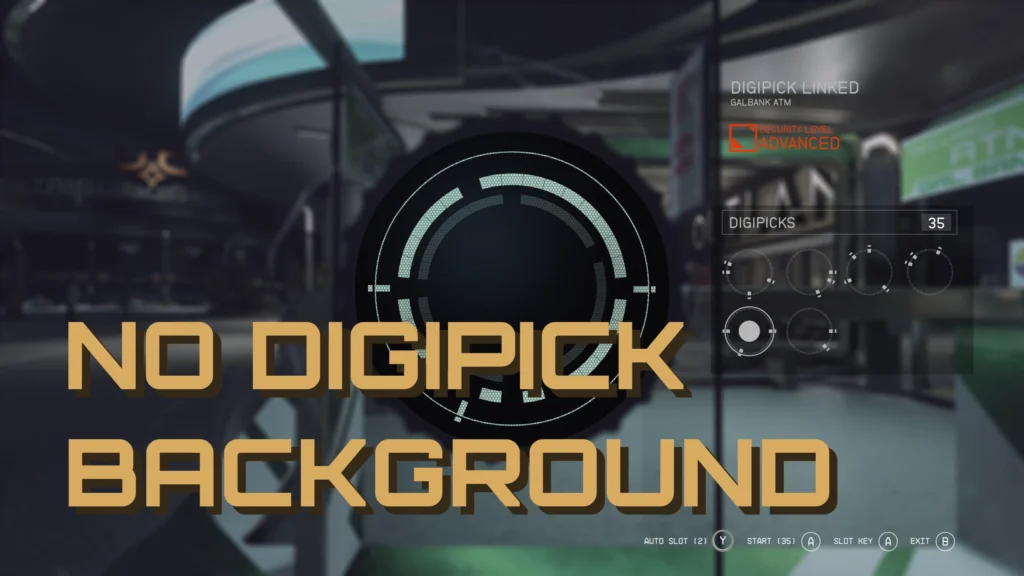
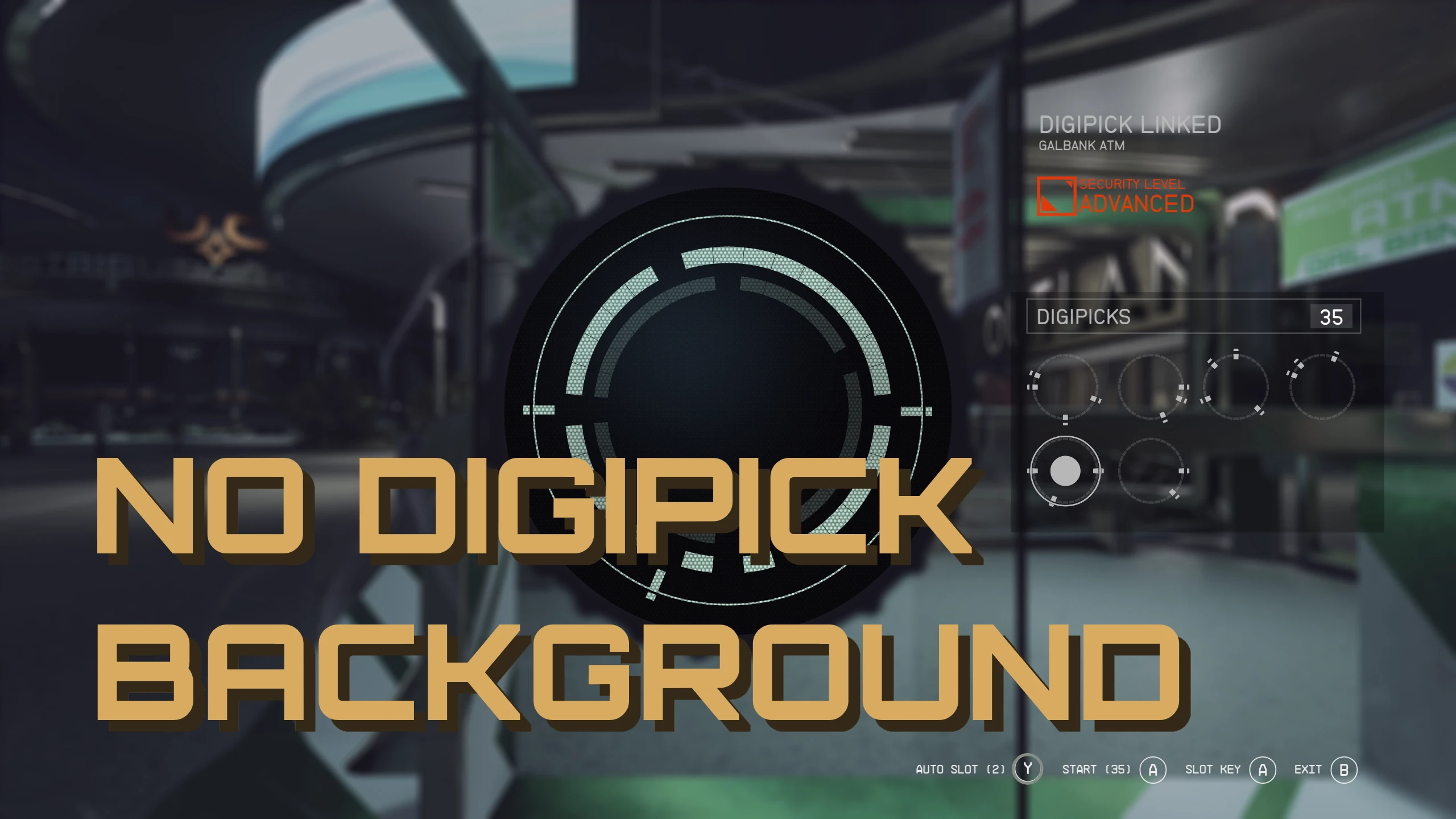
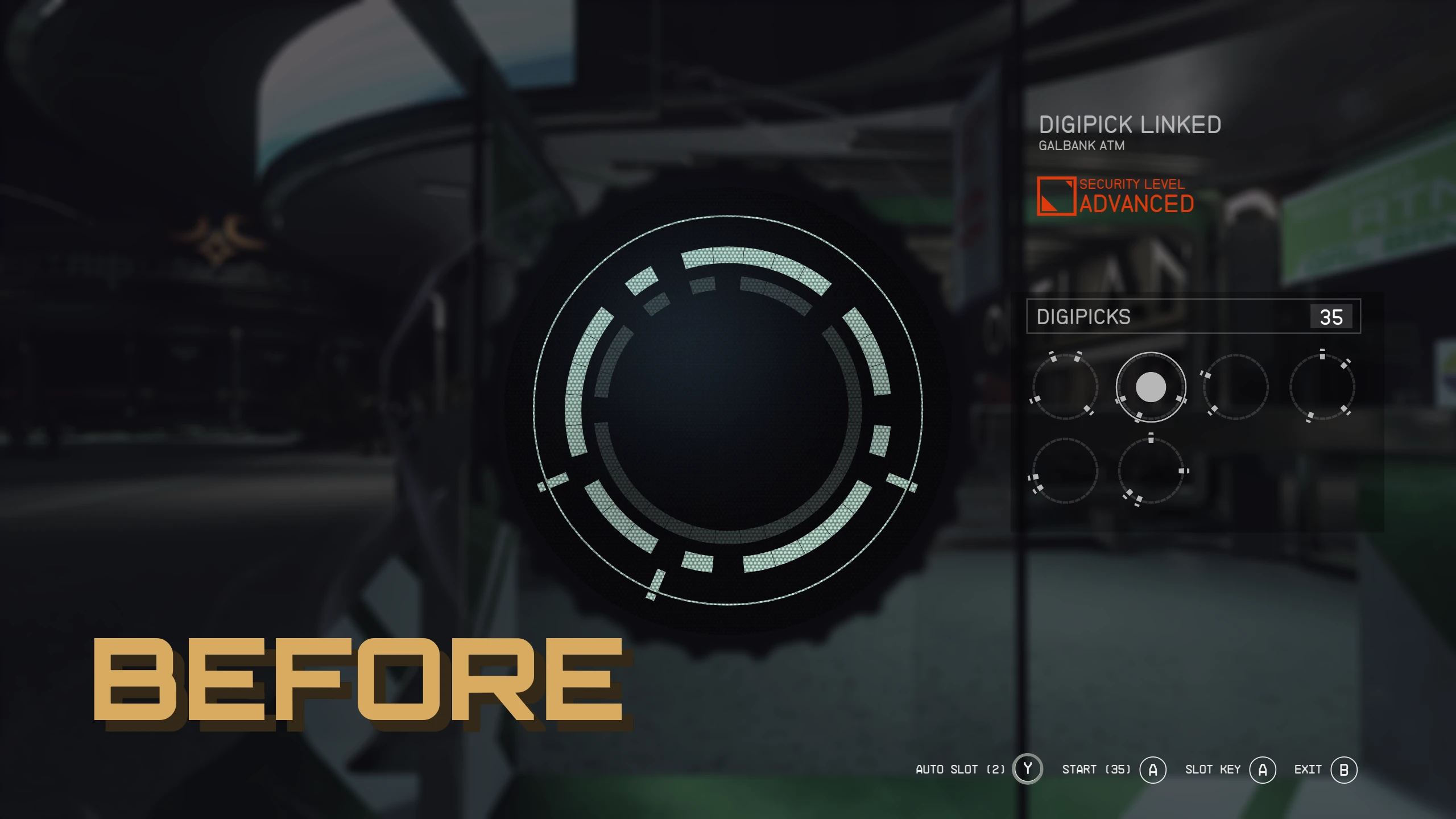
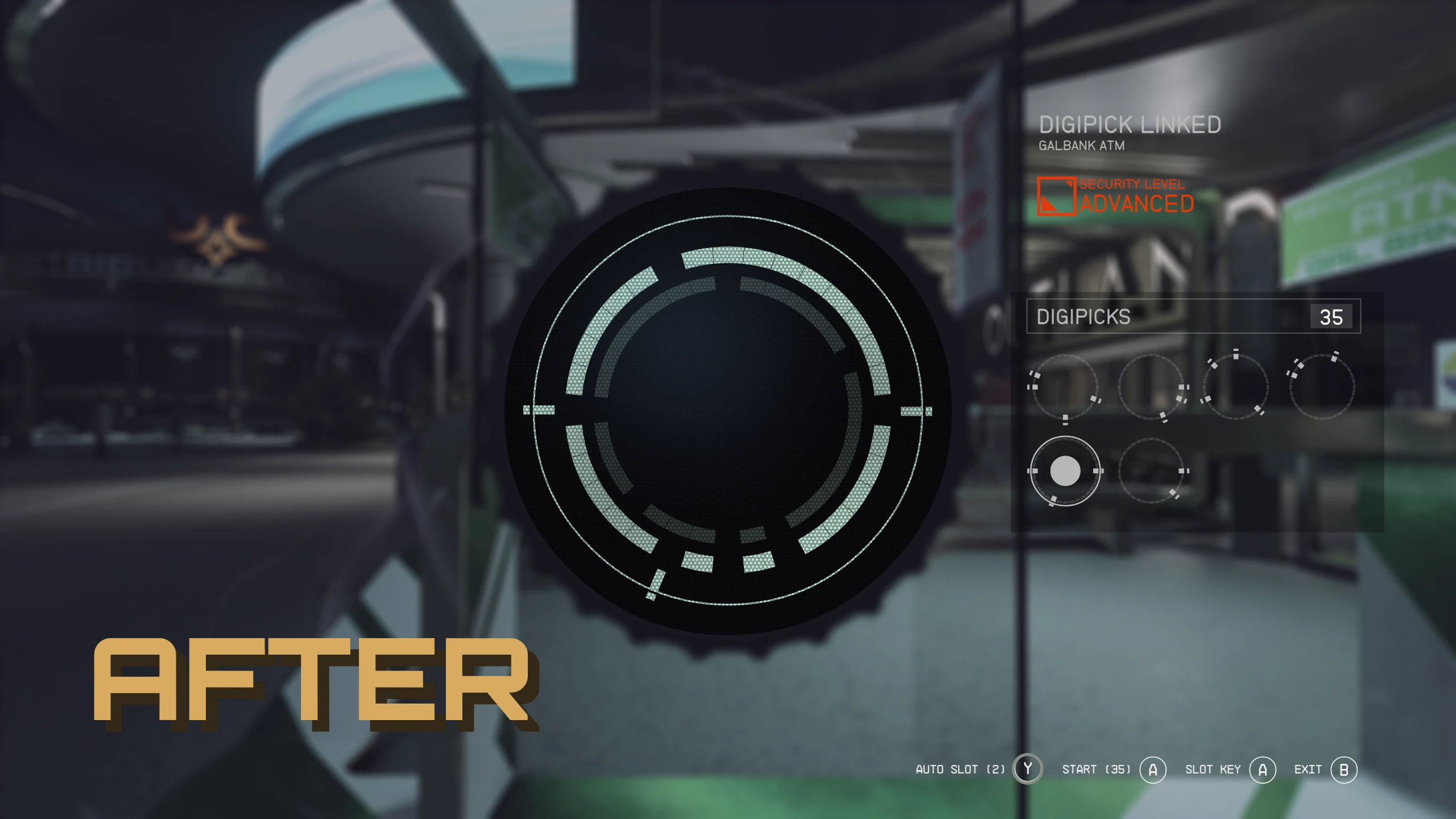
Removes the Digipick Menu background.
Fixes the background cut off on ultrawide monitors.
INSTALLATION
– FOMOD Install: Select desired options + mod manager in the installer.
– Manual Install: Extract your desired Data folder into the Starfield game directory.
– Make sure this mod overwrites any mod changing the same files!
– Download the Basic StarfieldCustom.ini under miscellaneous files.
– Place StarfieldCustom.ini in “Documents/My Games/Starfield”
– If you already have a preexisting StarfieldCustom.ini add the following.
[Archive]
bInvalidateOlderFiles=1
sResourceDataDirsFinal=
Changelog:
Version 1.3
Updated for Starfield Vortex Extension 0.5.7
Version 1.2
Updated for Starfield 1.7.36
Version 1.1
Updated for Starfield 1.7.33
Credits:
Stentorious
If the download link is outdated or doesn't work, you can add your download link. (If your link is valid, we will approve it within 24 hours.)
Download mod
| File | File size |
|---|---|
 No Digipick Menu Background-1-3
|
1 MB |
|
No Digipick Menu Background-1-0
|
1 MB |
|
Basic StarfieldCustom.ini-1-0-No Digipick Menu Background
|
233 B |