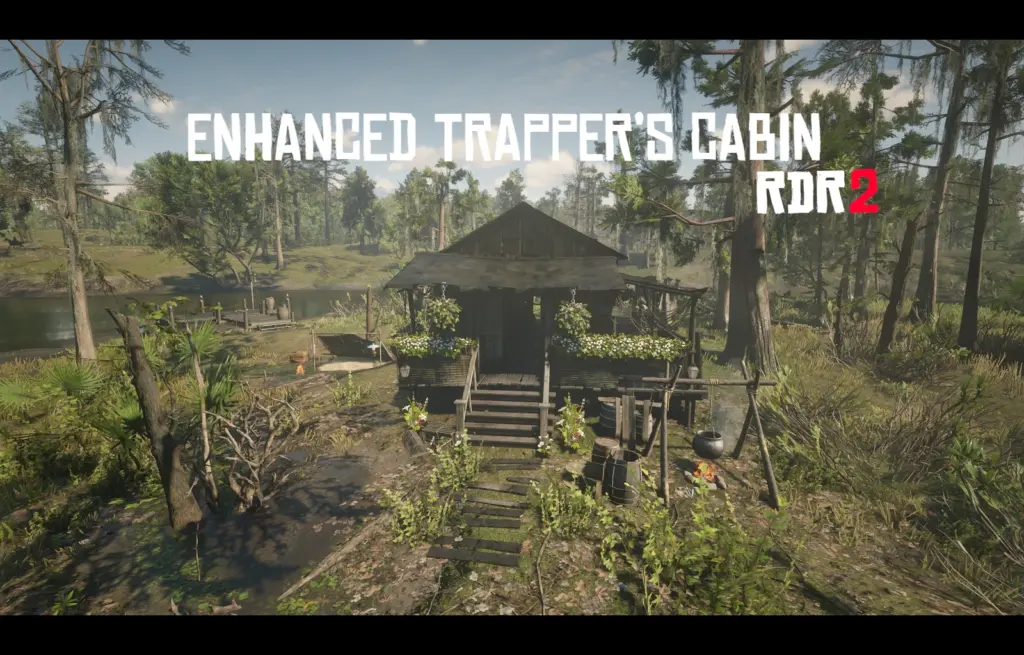
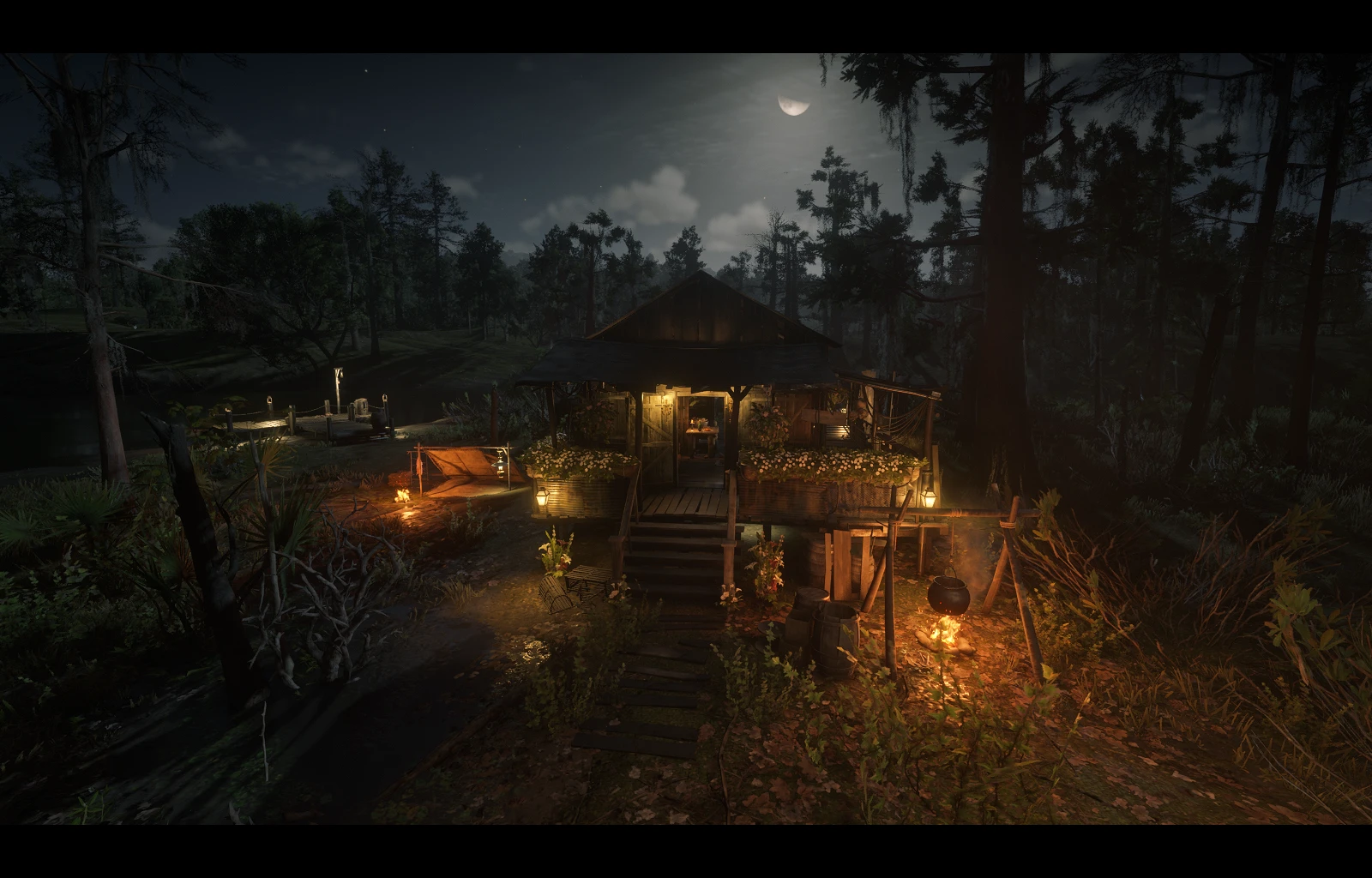
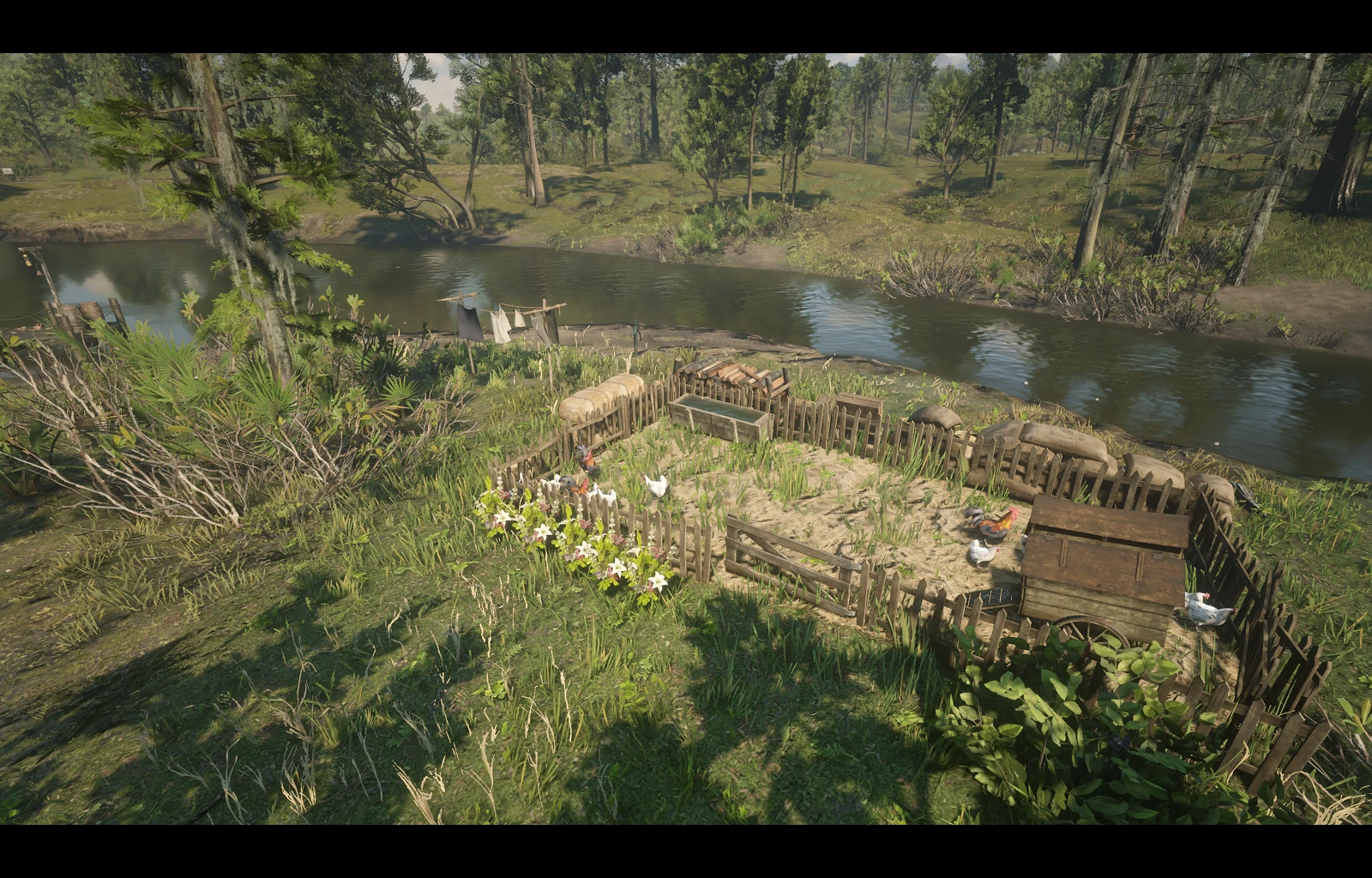
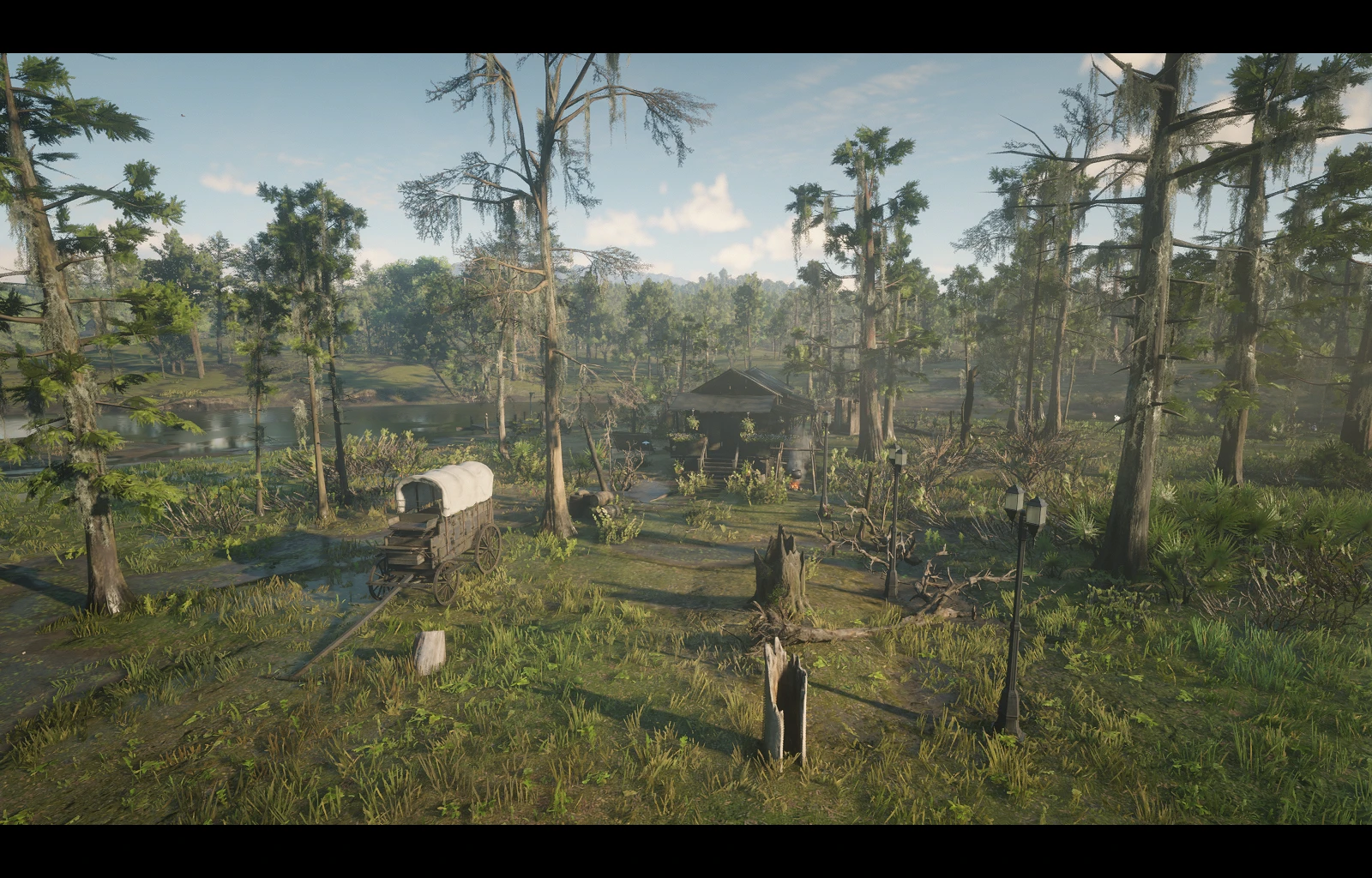
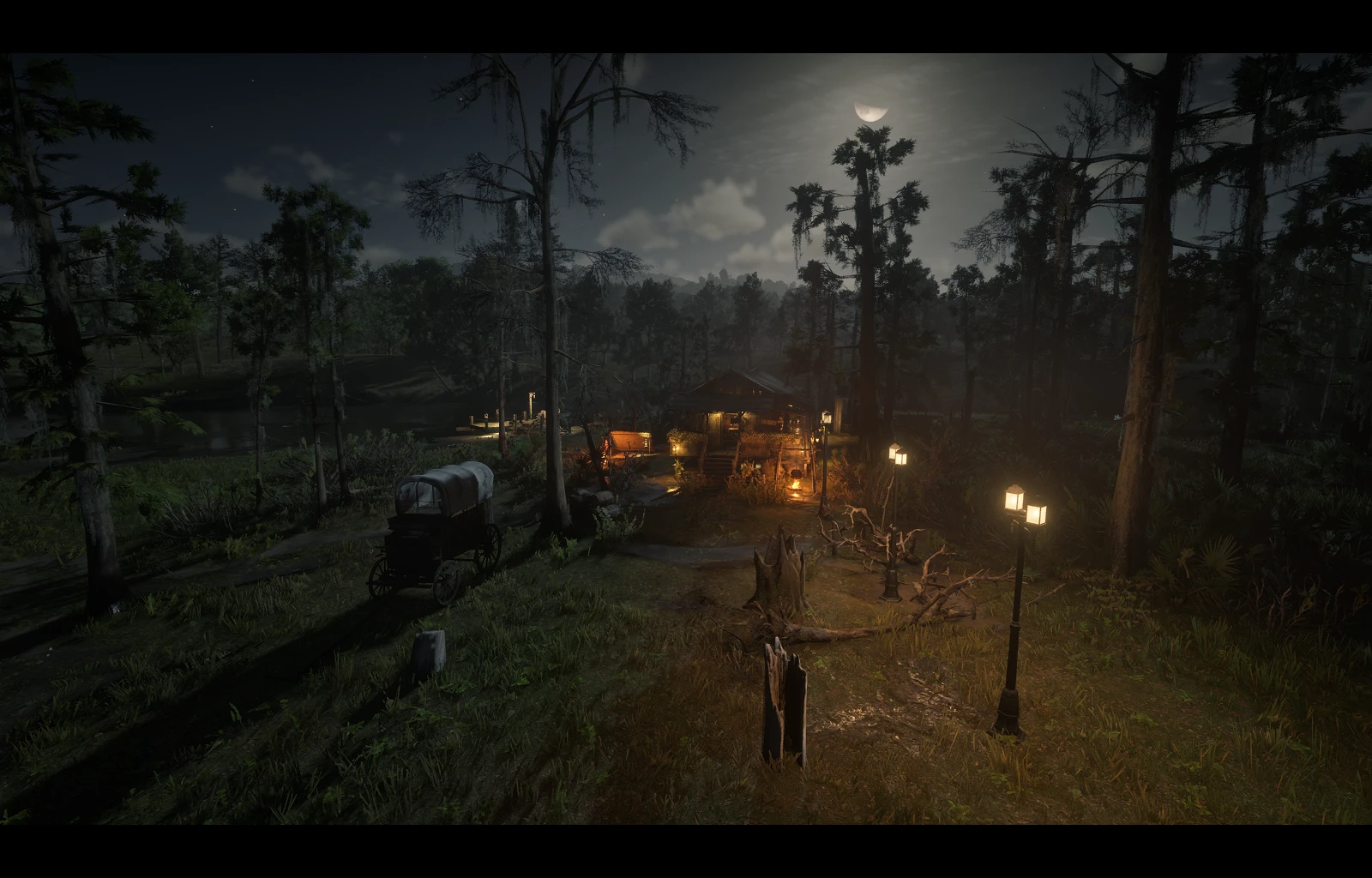
A complete redesign of the Trapper’s Shack, transforming it into a fully working small home with lighting, landscaping, fencing, and a chicken coop.
About this mod
This Trapper’s Cabin is now a complete working comfy home. It has nice lighting, pretty flowers and a chicken coop + food and water for the chickens. The update includes decorations inside and improvements outside, making it a great safehouse with food and storage.
Features
Interior:
Furniture & storage
Medical supplies
Ammunition storage
Food supplies
Cupboards & bed
Hitching posts & candles
Decorated table
Exterior:
Ambient lighting for day/night. (Looks better at night, check images)
Flower arrangements and landscaping.
Chicken coop with fencing.
A canoe + wagon
Installation
IMPORTANT: This mod requires files to be placed in different Map Loaders! – Interior uses Map Editor system, exterior uses Rampage Trainer system.
In the .zip file are video instructions with .txt file instructions included aswell.
Installation Steps:
1. Download the .zip archive. Extract the contents – you’ll find a folder called ”Drag the contents of this folder into main rdr2 folder”
Drag the contents of that folder (2 subfolders) into your main RDR2 directory. (where rdr2.exe is located)
Ensure these files are in your main game directory
ScriptHookRDR2.dll
dinput8.dll or version.dll (ASI loader)
MapEditor.asi (and folder)
Rampage.asi (and folder)
If those folders aren’t in your directory, try launching the game after you installed them. (This also applies for Rampage.)
Requires:
Map Editor RDR2 – Required for interior features
Rampage Trainer – Required for exterior features
Alexander Blade’s ScriptHookRDR2
Usage
Loading the Enhanced Cabin:
Step 1 – Interior: Load through Map Editor menu (F9 by default > Load map > Enhanced_Shack_Interior.xml – Done loading interior
Step 2 – Exterior: Load through Rampage Trainer > open menu (F5 by default) > Spawner > Objects > Load/Save > Enhanced Shack Exterior.xml – Done loading exterior
Recommended: Load interior first, then exterior for better experience (at least that’s what I did)
Controls:
Map Editor: Follow standard Map Editor keys.
Interior: Standard RDR2 keys.
Troubleshooting
Common issues:
Q: Only interior or exterior features are working: Ensure both file sets are installed in their correct respective folders (MapEditor/Maps and RampageFiles/Spooner)
Q: Features not loading properly: Make sure you have both Map Editor and Rampage Trainer properly installed and functioning.
Q: Performance issues: Try loading interior and exterior features separately, or turn off other active mods temporarily.
Q: Missing objects or lighting effects: Verify all files from both folders were extracted to correct locations and check mod load order.
This mod doesn’t interfere with the ”A Fine Night For It” stranger mission. (Link to Red Dead Wiki – Mission)
The game’s story mission usually overrides map modifications during cutscenes, so your extras will temporarily disappear during the mission and then come back. If you do have issues, just disable the mod through Rampage Trainer & Mod editor (by unloading).
Credits:
RancherRose
If the download link is outdated or doesn't work, you can add your download link. (If your link is valid, we will approve it within 24 hours.)
Download mod
| File | File size |
|---|---|
 Enhanced_Trappers_Cabin-1-0
|
57 MB |