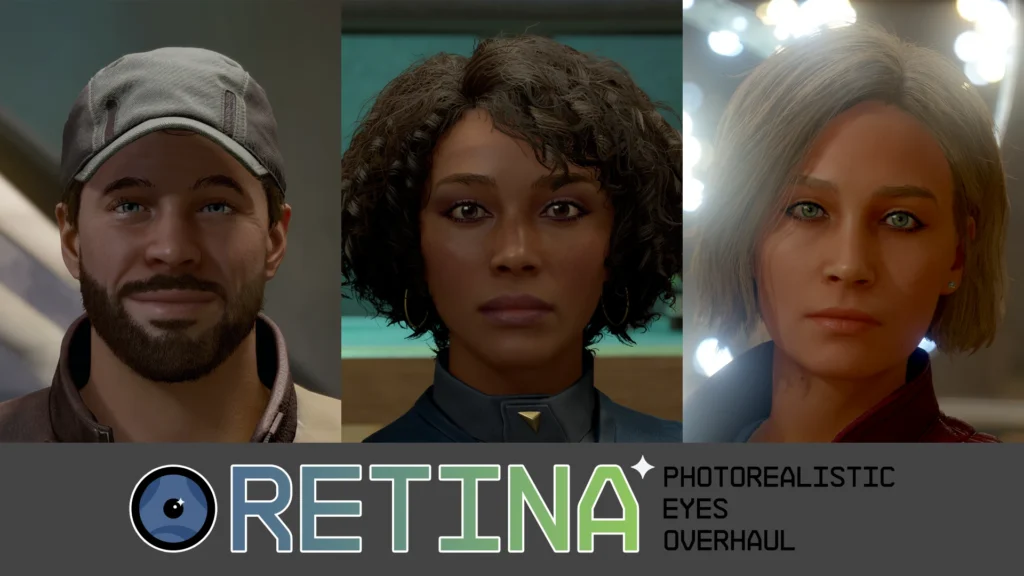
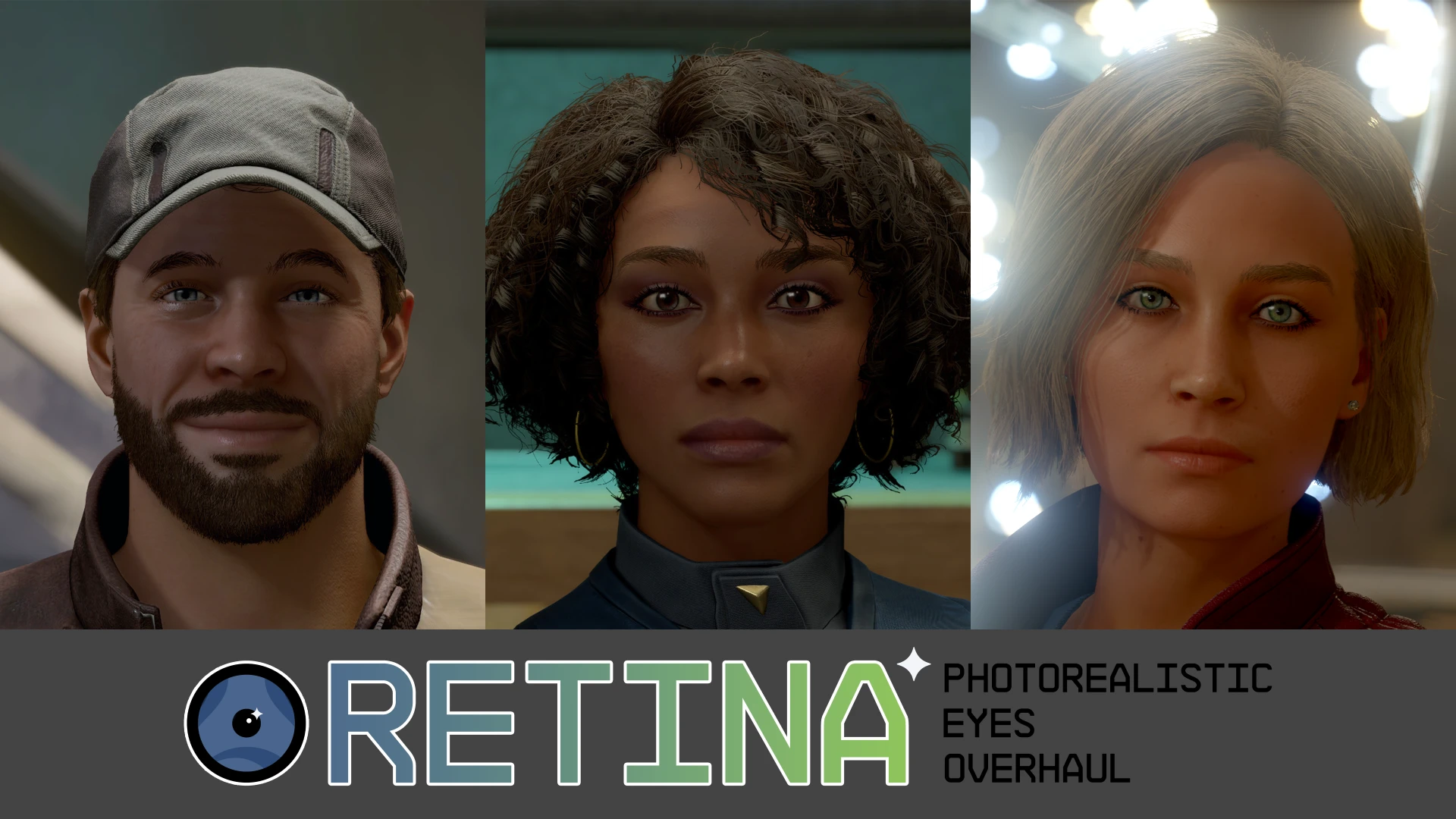

Realistic eye colors
New lighting and reflections
High-quality hand-made textures
Resolution options for optimal performance in the files section
No more gray pupils, watery eyes, or weird iris shapes!
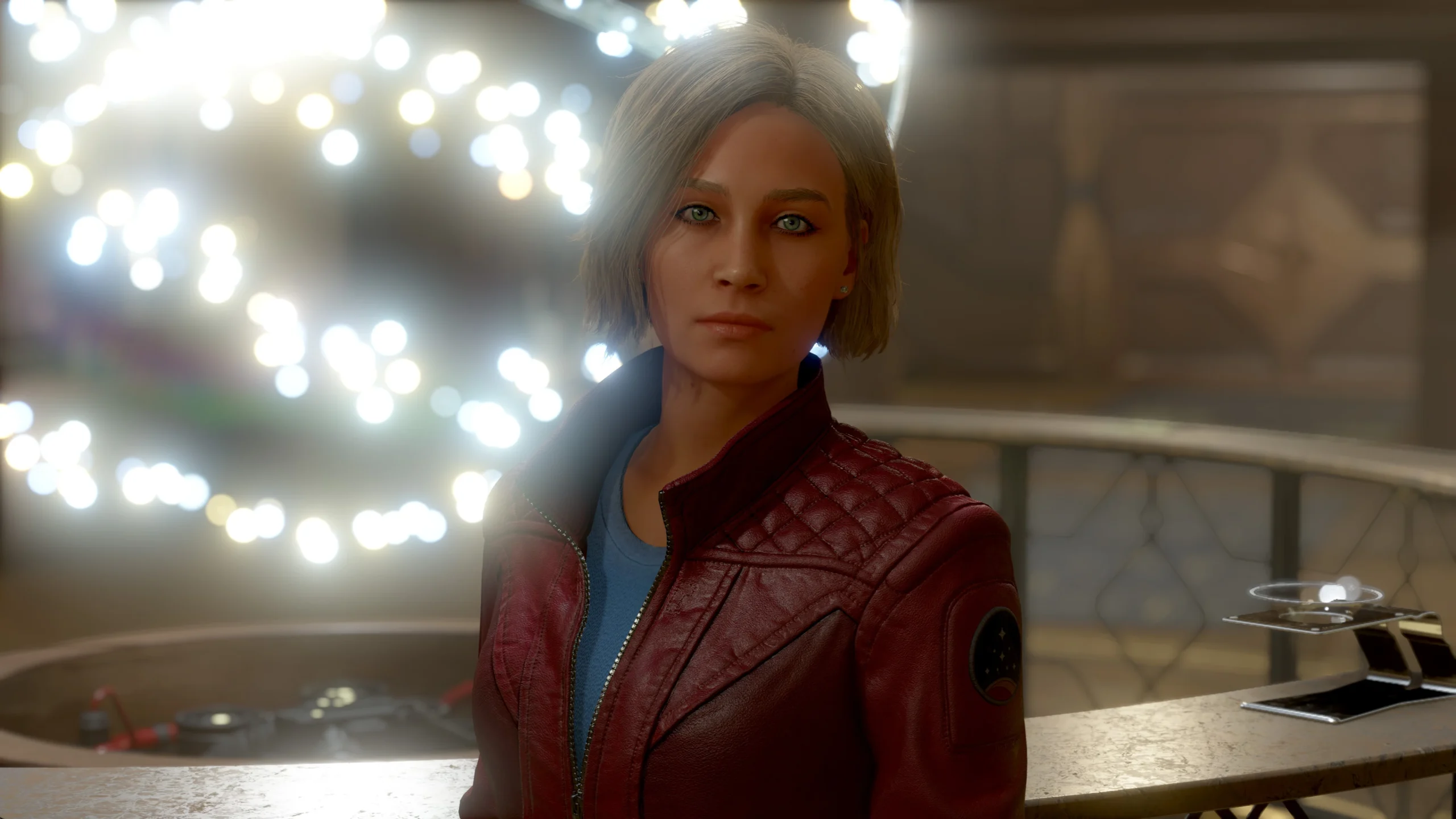
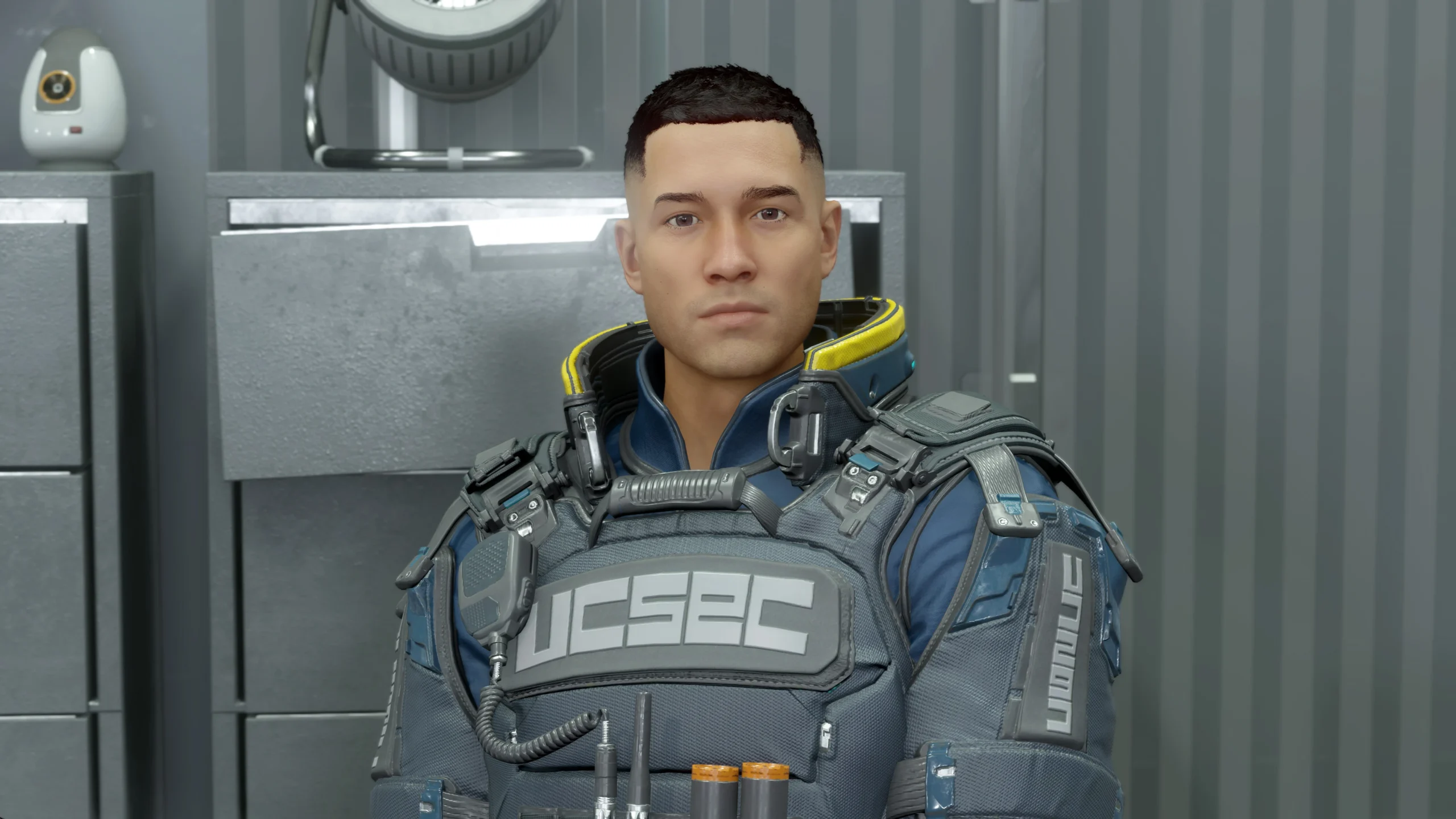
This mod changes the appearance of eyes in Starfield with realistic and gorgeous retextures and accurate reflections.
Your character, NPC’s, and population will get RETINA’s photorealistic eyes.
This mod won’t affect achievements or save files.
It is safe to install/uninstall during a playthrough.
Thank you for the endorsements and feel free to add your own screenshots!
DEV NOTES
Because Vortex Mod Manager isn’t quite ready for Starfield;
You should install this mod manually, see the INSTALLATION part below.
Some more color alternatives will be available in the future through a FOMOD installer. This decision is to keep the installation process as simple as possible.
RESOLUTION OPTIONS
The UHD version is 2K (2048×2048).
This version has the highest quality (Four times higher than vanilla Starfield). This is for 8K displays or close-up screenshots in a 4K display.
The default version is 1K (same as vanilla res, 1024×1024).
This version is the perfect spot between quality and performance and is compatible with almost all setups. Should work well with up to 4K displays.
The performance version is 0,5K (512×512).
This version might even improve performance while going pretty well with 1080p displays. It also should go along nicely with performance texture packs.
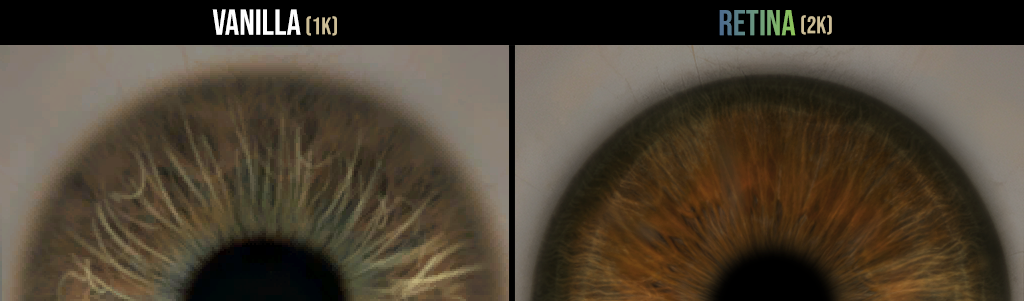
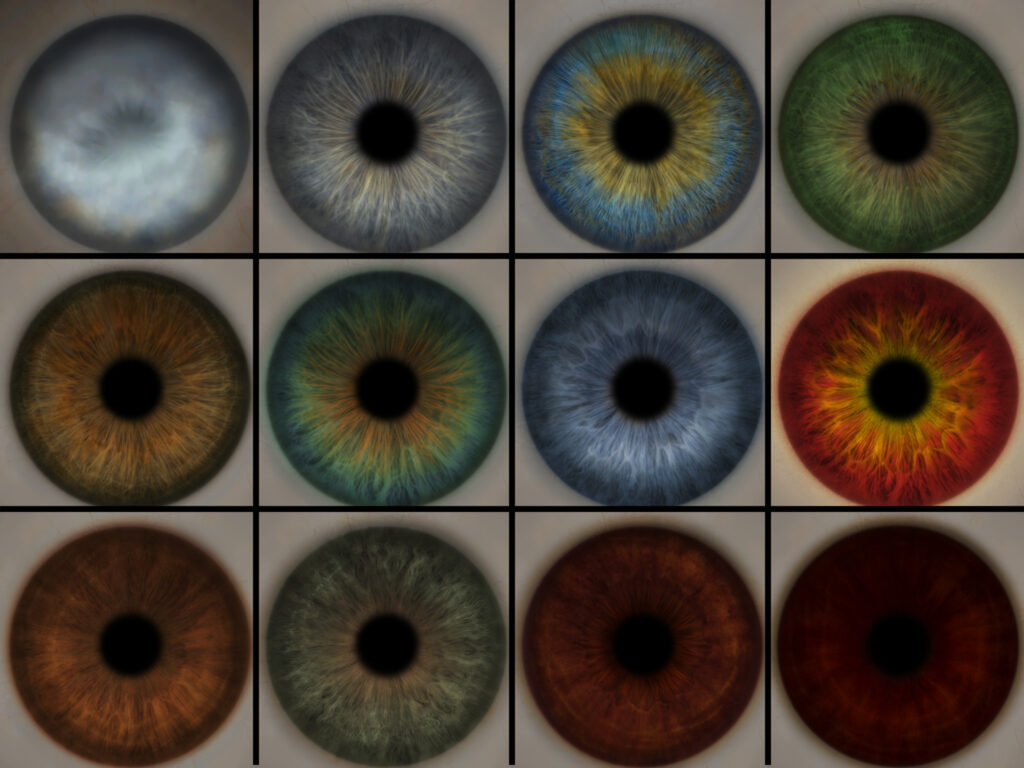
ALL REPLACED EYE COLOR OPTIONS
This mod replaces all 12 default eye color options in Starfield.
The colors are made as realistic as possible without deviating too much from the original Starfield colors.
I tried to make sure they were realistic without giving people (NPC’s for instance) different eye colors.
INSTALLATION
I recommend installing this mod manually until mod managers work on Starfield correctly.
Manual Installation:
Download the mod. (Should be a 7z archive.)
Extract the DATA folder from the mod archive to Documents > My Games > Starfield
Is this your first Starfield mod? If so, you need a .ini file to ensure the game loads all mods accordingly.
Go to Documents > My Games > Starfield
Create a .ini file named StarfieldCustom.ini
Add these lines in the .ini file:
[Archive]
bInvalidateOlderFiles=1
sResourceDataDirsFinal=
COMPATIBILITY
Main version is not compatible with other mods that alter eye textures.
However; if you want to use RETINA’s new reflections + gray pupils/watery eyes/misshaped iris fix with another eye textures mod;
you may download RETINA – Reflections and Fixes Only in the files > optional files section. That version is compatible with other eyes texture mods.
Changelog:
-
Version 1.2.3
- Another new optional color for the blue eye, the violet, is added!
- Adjustments have been made to the Sky Blue color option.
- Fixed missing black eye preview in the FOMod installer.
- Made sure that the FOMod Installer version number matches the mod version this time.
-
Version 1.2.2
- Improvements have been made to eye reflections.
- The FOMod installer has undergone some minor adjustments and corrections.
Version 1.2.1
Fixed the roughness map mismatch that caused the right eye to look darker than the left one. Thanks to “Zuts” for reporting the issue.
Small improvements on the FOMod installer to make the installation process easier.
A potential bug is fixed in the FOMod installer that might’ve caused wrong resolution installation when going back and forth between pages and options.
Version 1.2.0
Brand new fomod installer is included with more options and easier installation! (Vortex or MO2 recommended for the installation.)
Three new optional color textures are introduced for blue, red, and dead eyes!
Texture quality and the color of the blue eye is improved.
Credits:
UFR
You can download this mod by clicking here.