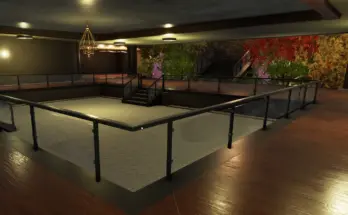
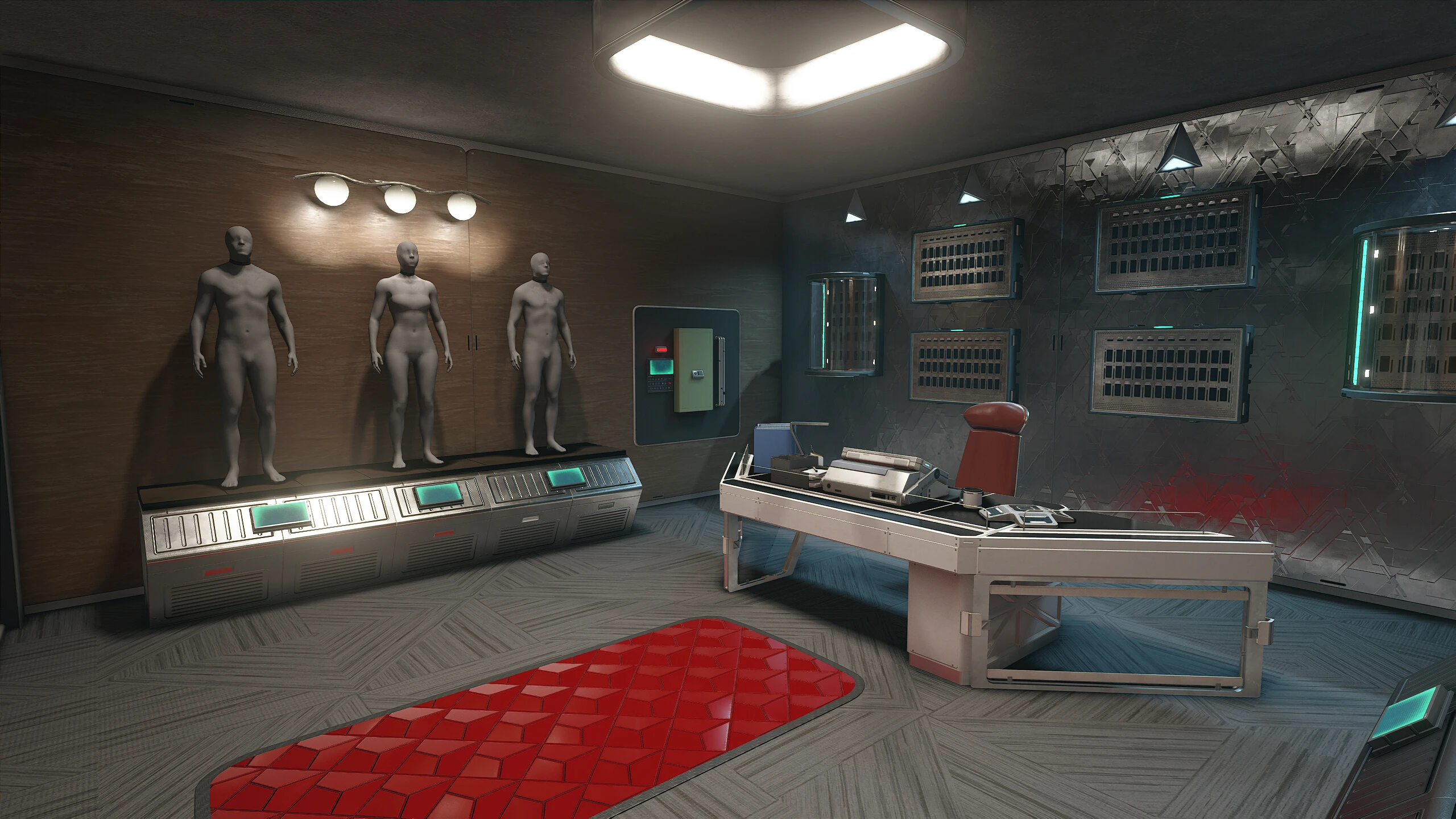
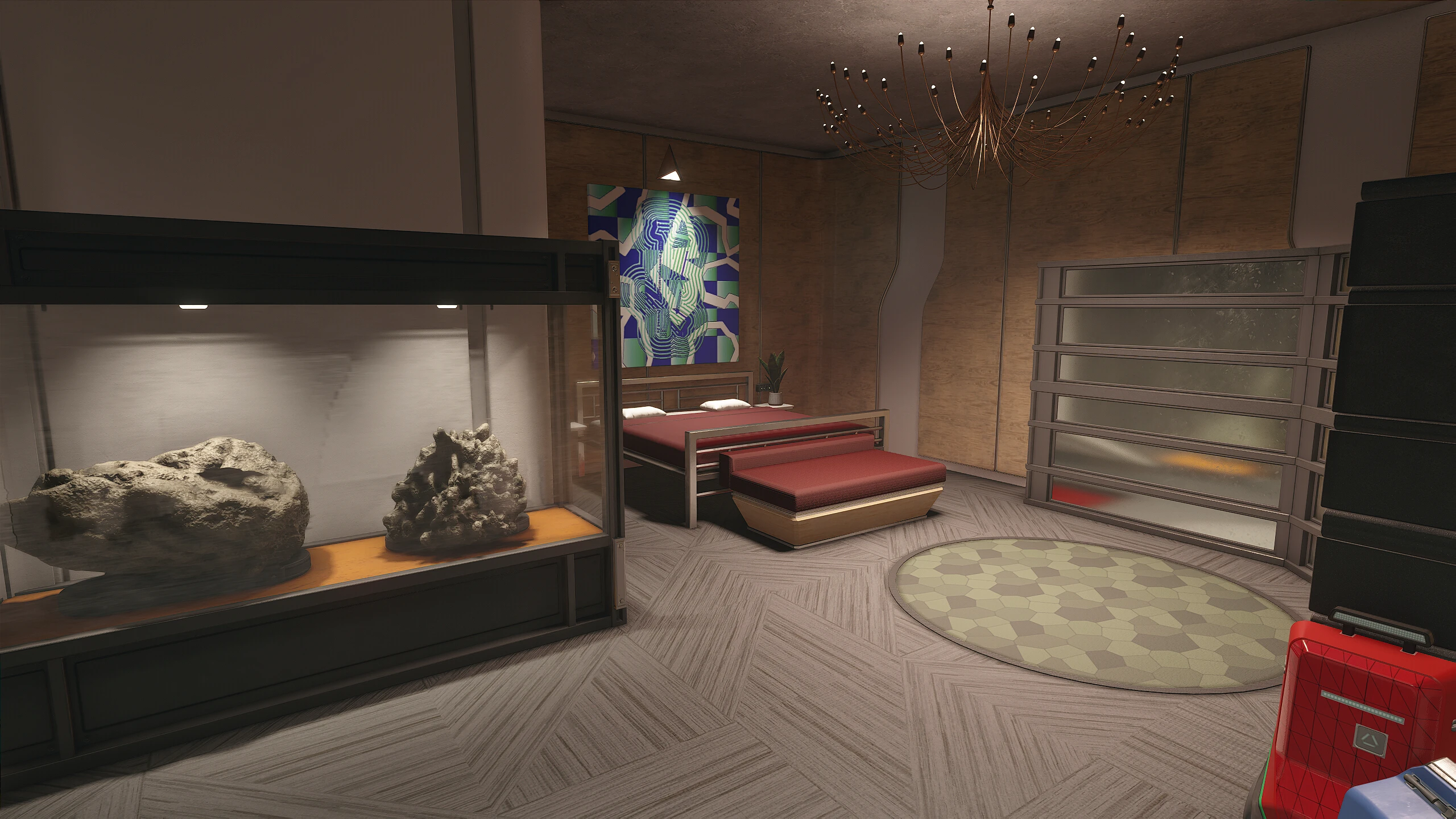
In June 2024 I started my first ever Starfield mod, the Mercury Tower Penthouse – Furnished. Since then, I have learned a lot about the Creation Kit, how to do mods and consistently improved on my works and features I add into these homes for everyone to enjoy.
I took all I learned and went back to the very beginning, to give this penthouse yet another furnished version, with a new design and many more features than the original had!
At this point I also want to say a big THANK YOU to this amazing community of creators, mod enjoyers and Bethesda. It has been an incredible year since I started modding Starfield and has been something I never imagined, only possibly because of every one of you!
And as always, I am open for suggestions and feedback! If you encounter any issues, please leave a comment on this mods Nexus page or send me a DM on Discord.
Obtaining the Penthouse
The penthouse gets unlocked once you finish the UC Vanguard questline! To start it, simply head to John Tuala in the MAST lobby.
Features
Fully furnished Mercury Penthouse
You can still place down your own objects and decorations via the build menu
All decorations and clutter are static
Bathroom and bedroom mirrors allow changing your appearance
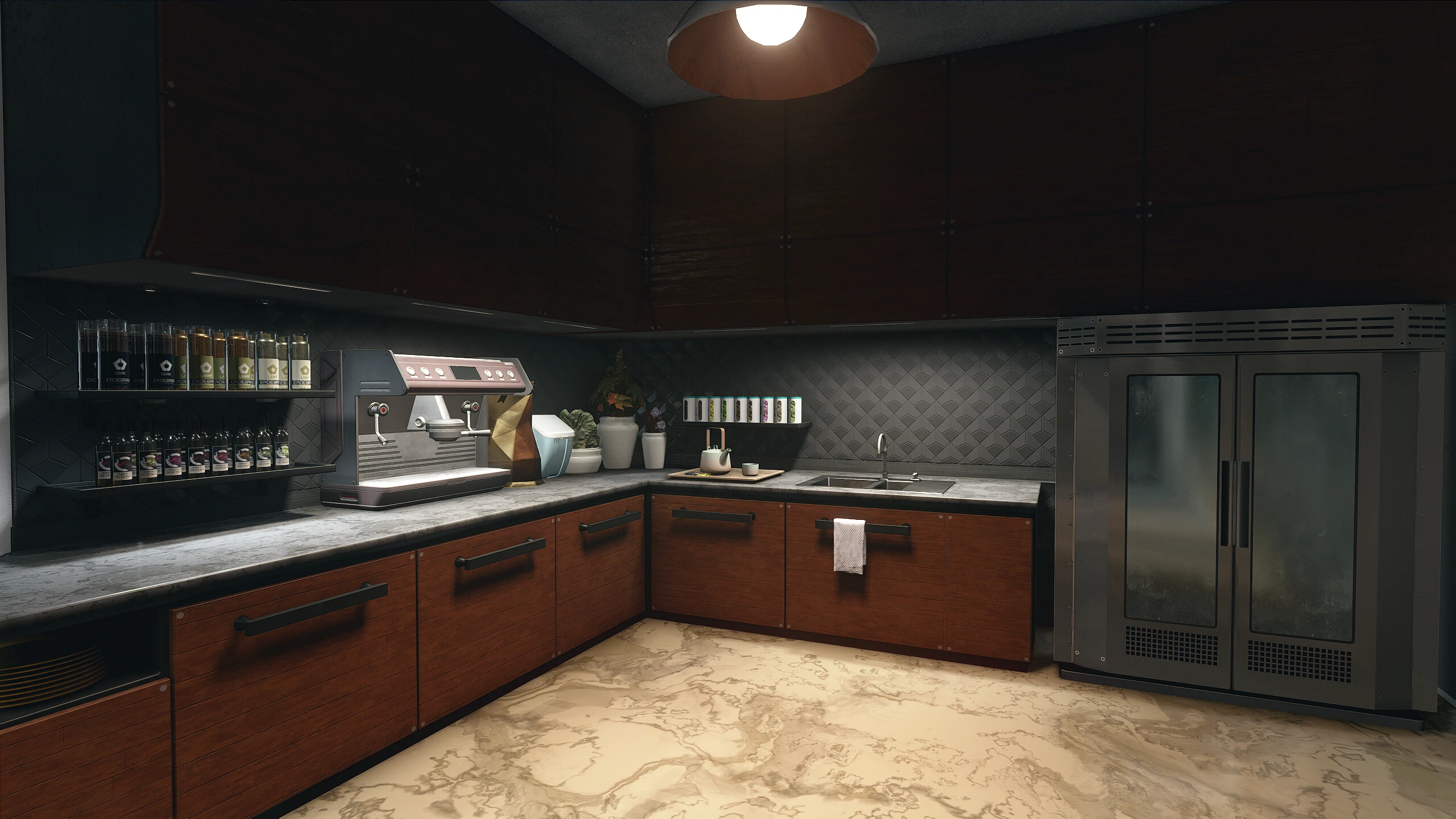
The kitchen features a working tea and coffee brewer
Sinks provide water
The living room features a stereo
Many smaller objects with interactions, such as lights
Each room has a working light switch
Rooms with windows have working shutters
The guest room furniture can be disabled to allow you to decorate this room yourself
The shower gives an 5% XP boost for 30 minutes after using it
Multiple wardrobe storages
Plenty of weapon and armor displays in the office
Custom spacesuit, weapons and industrial workbench
Research lab and pharmaceutical workbench included too
Working stove as cooking station
Multiple storage containers scattered around, each providing 250 or more capacity
All storage objects are safe to use and are linked to all the workbenches to allow using their contents for crafting
Companions can walk around just fine
Installation
If you are on an existing save, please head to Venus and wait there for 24 hours. This will ensure that all objects are in their correct place and work as expected.
I recommend using a Mod Manager like MO2 or Vortex.
If you install manually:
Download and unpack the file
Place DWN_MercuryTowerPenthouseRedone – Main and DWN_MercuryTowerPenthouseRedone.esm into your Starfield/Data folder
Start the game, head to the Creations menu and activate the mod under Load Order
Updating the Mod
I will do extensive testing for updates to ensure everything is working. If extra steps are needed for an update, I will list them in a pinned comment and the changelog!
Compatibility
Not compatible with any mods that alter the penthouse, my old version included.
Changelog:
Version 1.1.2
– Fixed the large bedroom lamp not working
Version 1.1.1
Fixed an issue with the weapon workbench showing the wrong menu
Made the large bedroom lamp functional
Version 1.1
Moved chest in the workshop to be useable by players
Added lights to the living room shelf by the balcony door
Added storage to the chem lab shelf
Added a “My Journey” progression board to the penthouse hallway, between the bedroom and guest room
Credits:
DownfallNemesis
You can download this mod by clicking here.