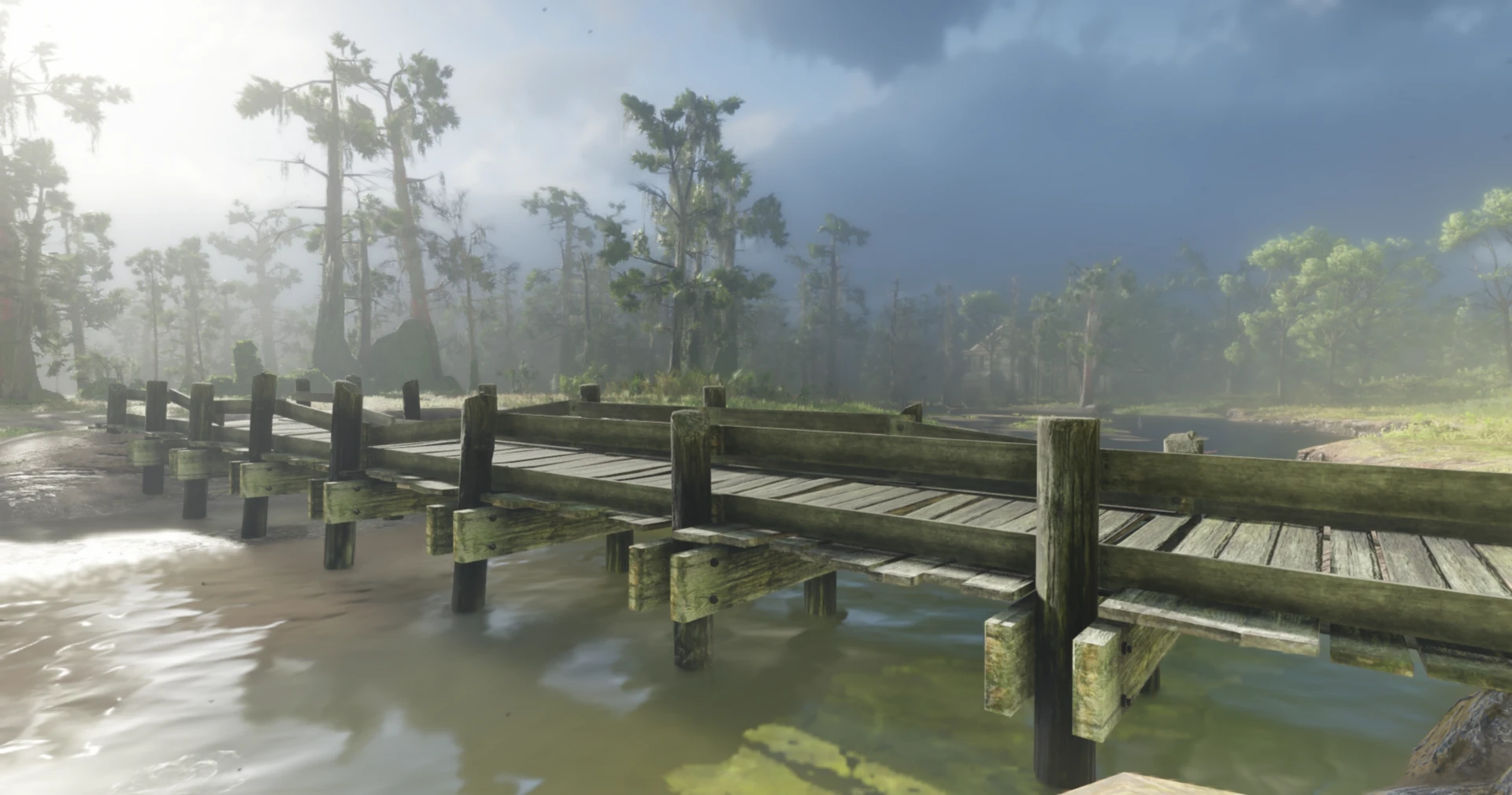
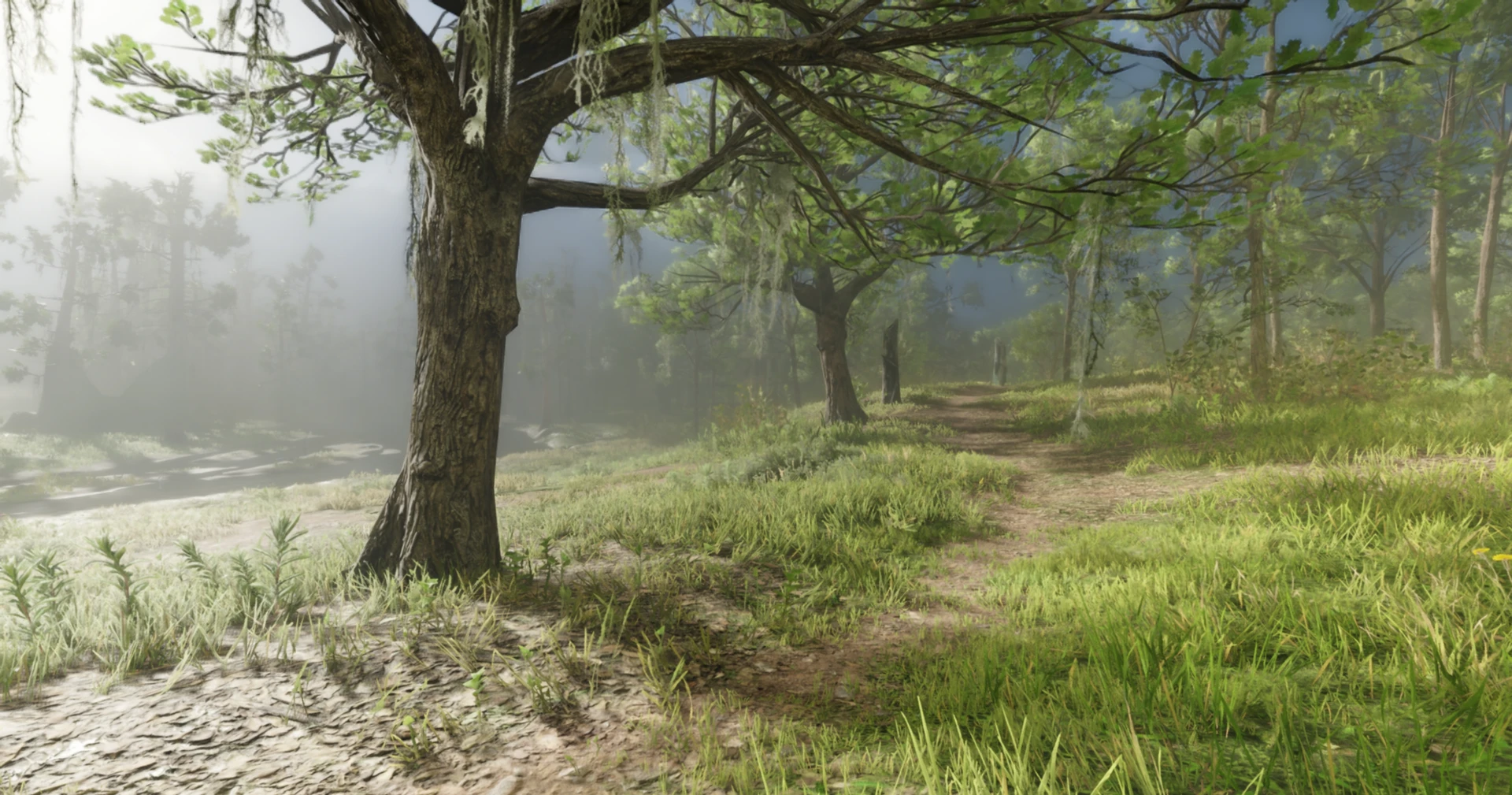
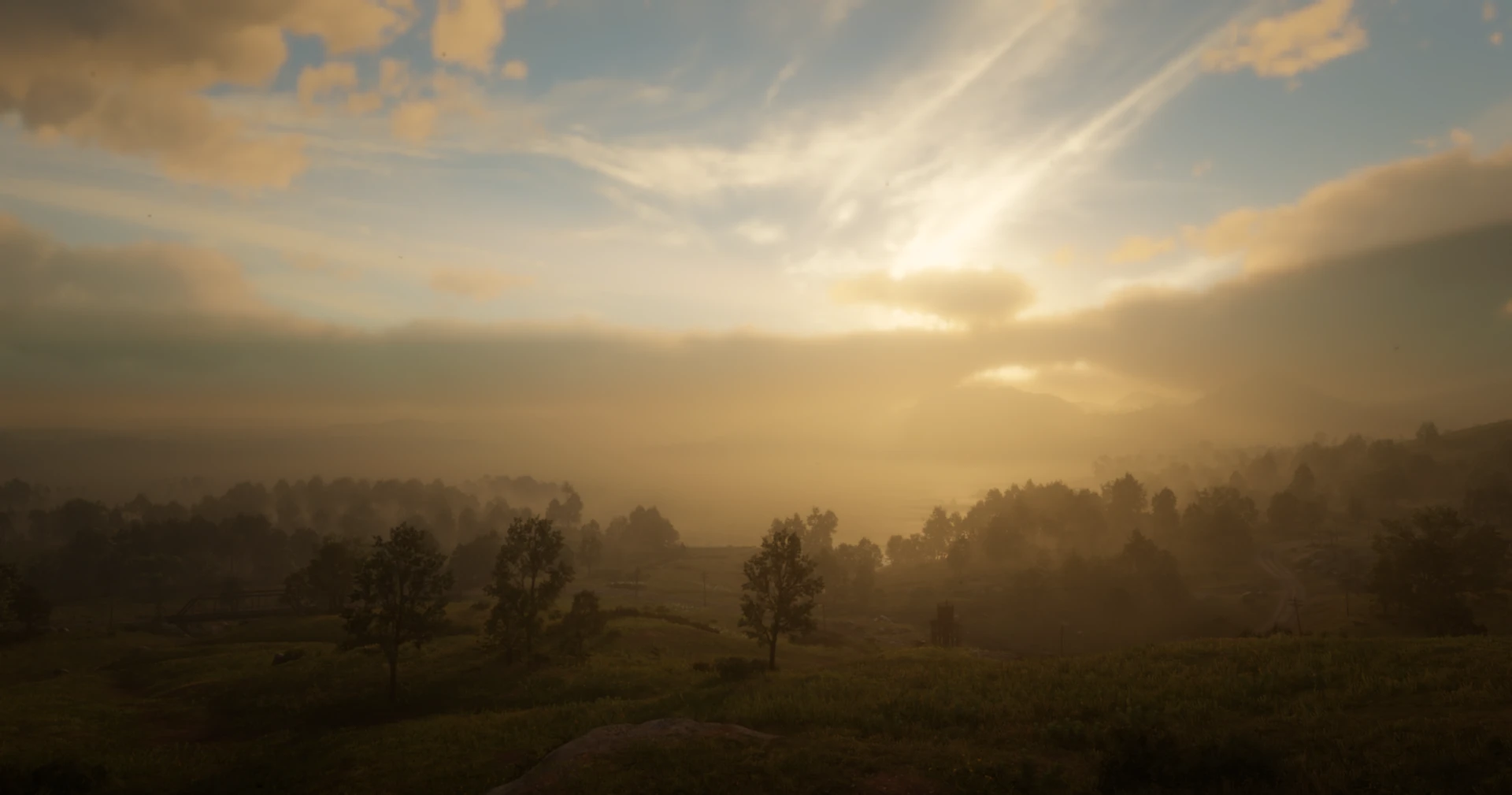
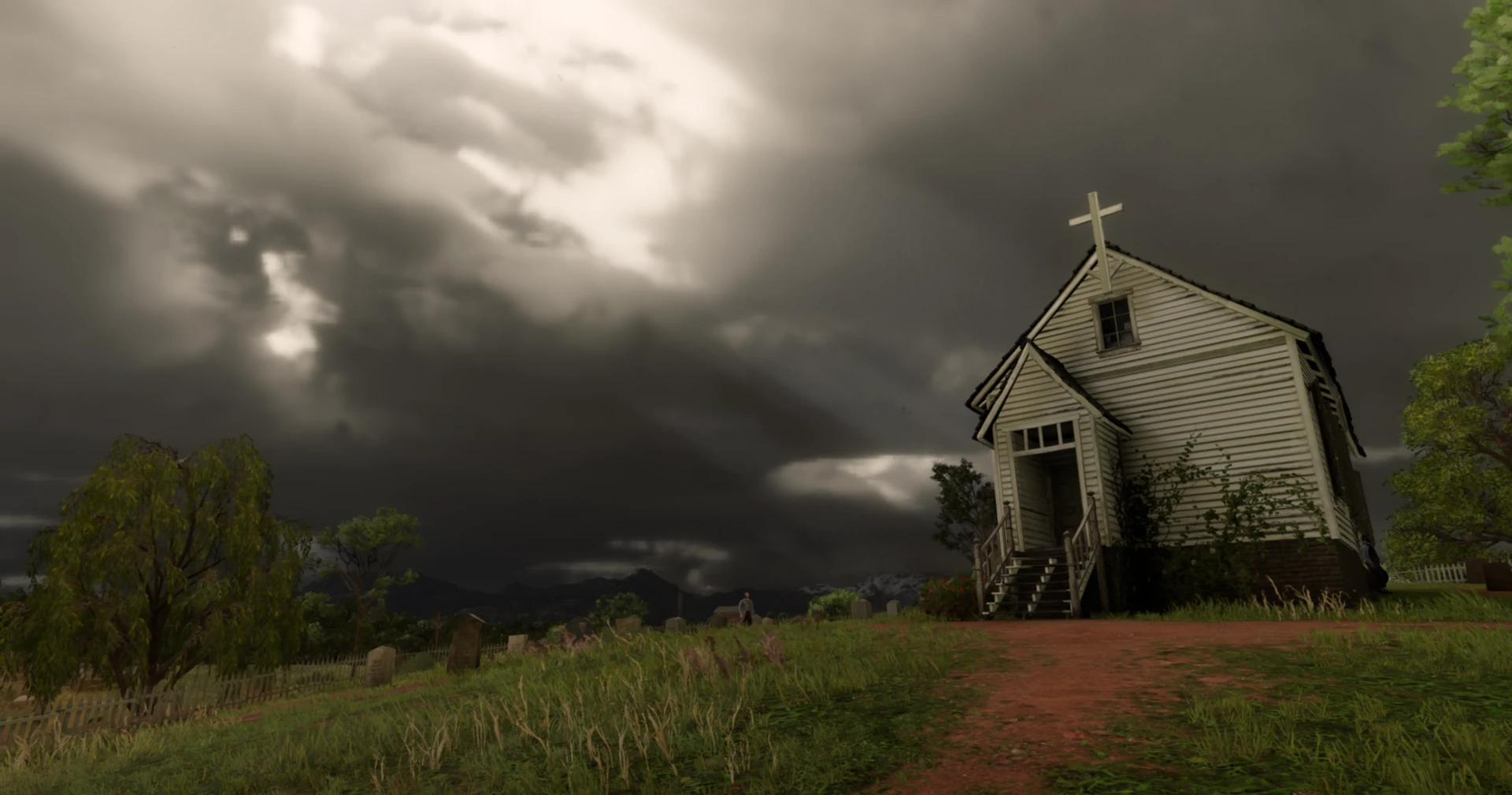
Full Light & Atmosphere Rendering Enhancement
A complete overhaul of Red Dead Redemption 2’s lighting, weather, and atmosphere, meticulously crafted for cinematic visuals.
Description
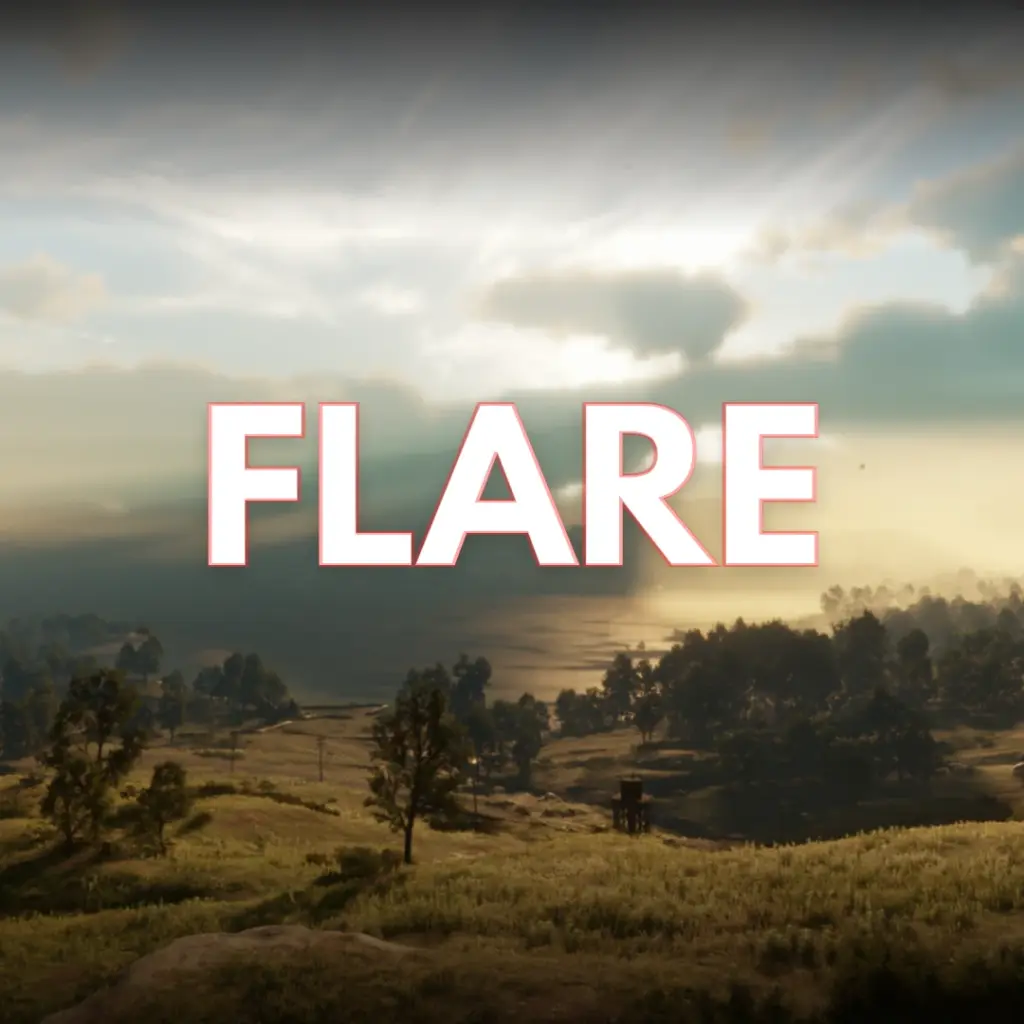
FLARE – Full Light & Atmosphere Rendering Enhancement is a complete overhaul of Red Dead Redemption 2’s timecycle and weather cycle, meticulously crafted to enhance visual fidelity and realism. Every in-game hour has been carefully adjusted to ensure dynamic and breathtaking lighting across different times of the day.
This mod fine-tunes global illumination, modifying its intensity hour by hour for maximum immersion. Indirect light has been rebalanced, creating softer and more natural shading in the environment. Cloud movement, atmospheric density, and the molecular composition of the sky have been adjusted for greater realism, inspired by real-world photography of the game’s locations.
Additionally, wind mechanics have been restored, meaning every weather cycle now includes dynamic gusts that vary in intensity and duration, adding another layer of realism.
What’s Included?
This public version of FLARE includes the first two fully completed weather cycles, which have been polished for a stable and beautiful experience:
Sunny
Misty
Development Roadmap
FLARE is an ongoing project. Development on all other weather types is happening right now, with Alpha versions available through Patreon. This includes:
Overcast & Overcast Dark
Fog & Clouds
Rain & Thunderstorms
Blizzard & Snow
Once these weathers are fully finished, they will be considered for addition to the public version.
Requirements
You MUST have Lenny’s Mod Loader installed.
Installation
1. Download the latest version of FLARE from the “Files” tab.
2. Open your Red Dead Redemption 2 main game directory.
3. Navigate into the “lml” folder. If it doesn’t exist, you have not installed LML correctly.
4. Extract the contents of the downloaded zip file. You should have a folder named “Flare”.
5. Drag and drop the entire “Flare” folder into the “lml” folder.
6. The final file path should be `[Your RDR2 Directory]\lml\Flare`.
7. Launch the game and ensure the components are active in the LML Mod Manager.
Uninstallation
Simply delete the “Flare” folder from your `lml` directory.
Compatibility
This mod will conflict with ANY other mod that alters `weather.xml` or other timecycle files. Please place FLARE higher in the LML load order to ensure it overwrites other visual mods.
Frequently Asked Questions (FAQ)
Q: Why is only part of the mod on Nexus? Is the rest behind a paywall?
A: Absolutely not! There is no paywall. The full, final version of FLARE will be 100% free on Nexus when it is complete.
The reason for the split release is for organization and quality control.
Public version is for stable, polished, and bug-free releases that are ready for everyone.
The Patreon page is used as a free, public hub for testing early-access Alpha builds. This helps me gather feedback without cluttering the Nexus page with reports for unfinished features.
Q: How can I try the early Alpha versions? Do I have to pay?
A: You do not have to pay. You can get access to all Alpha builds for free simply by following my Patreon page. It’s used as my central hub for development because I also post other creative work there, like assets for Unreal Engine.
Q: Is this mod compatible with other weather or visual mods?
A: It will conflict with any mod that edits the same files, primarily `weather.xml` and the timecycle files.
Q: When will the full version be released on Nexus?
A: The full version will be released when it’s ready! This means when every weather cycle has been fully tested, polished, and is up to the high-quality standard I’ve set for the project. The goal is to deliver a complete and stable experience for the public release.
Changelog:
V1.2.1
Patreon Version! Highpressure weather low exposure fixed, 80% of weathers completed. (Sandstorm, Whiteout, Hurricane still in progress)
Credits:
Pullow
Download mod
| File | File size |
|---|---|
 FLARE v1.2.1
|
198 KB |
|
FLARE v1.0
|
42 KB |