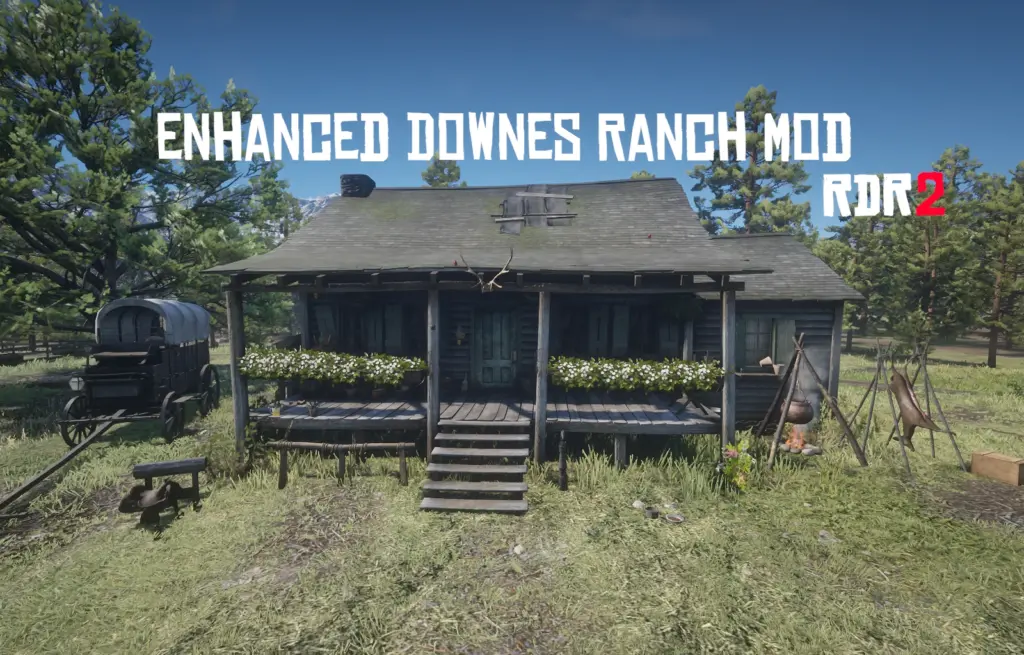

Redesign of the abandoned version of Downes Ranch
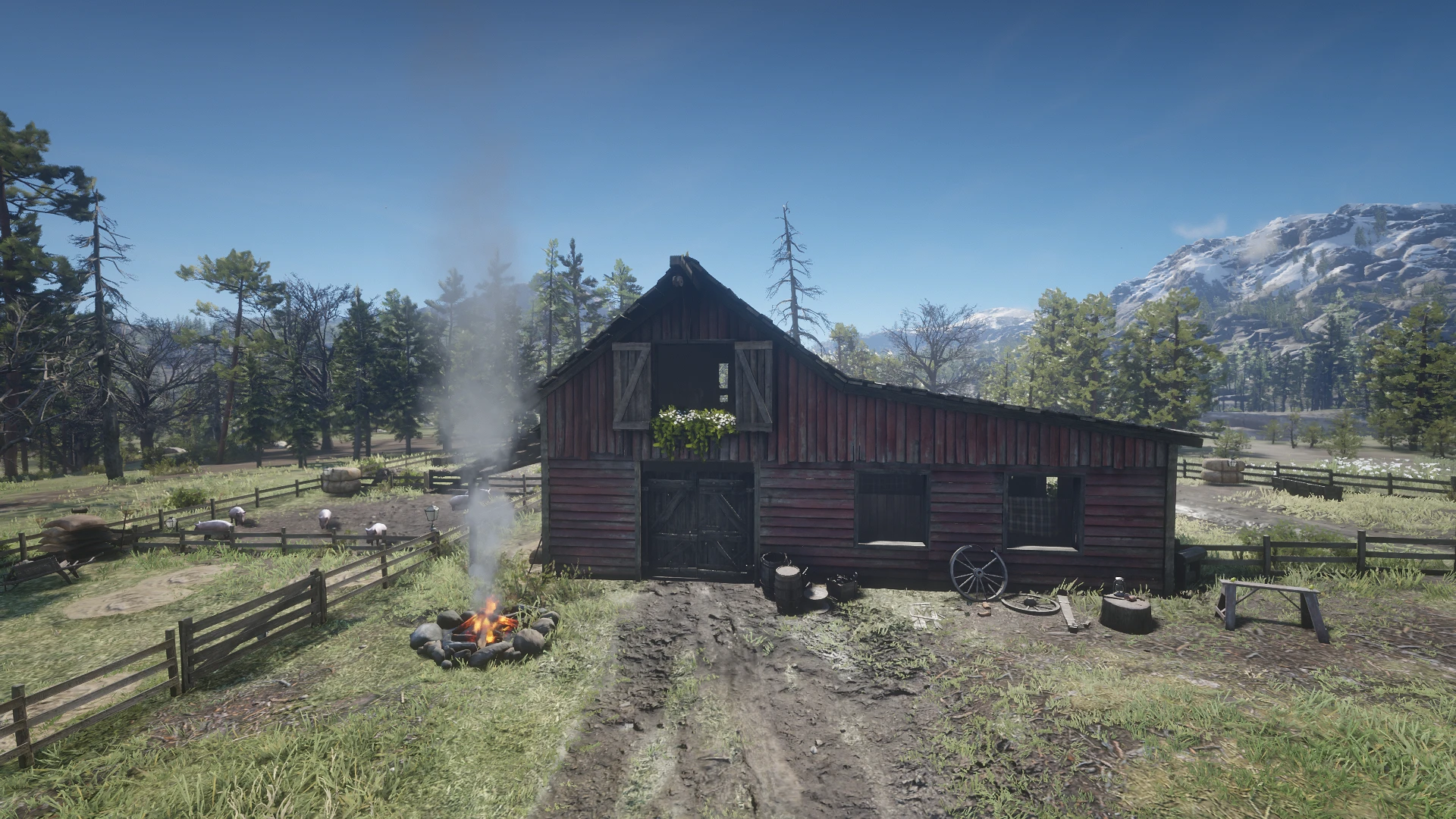
A complete redesign of the Downes Ranch, transforming it into a fully working homestead/farm with lighting, landscaping, fencing, barn, horse paddock, chicken coop and a pig/cow paddock.
About this mod
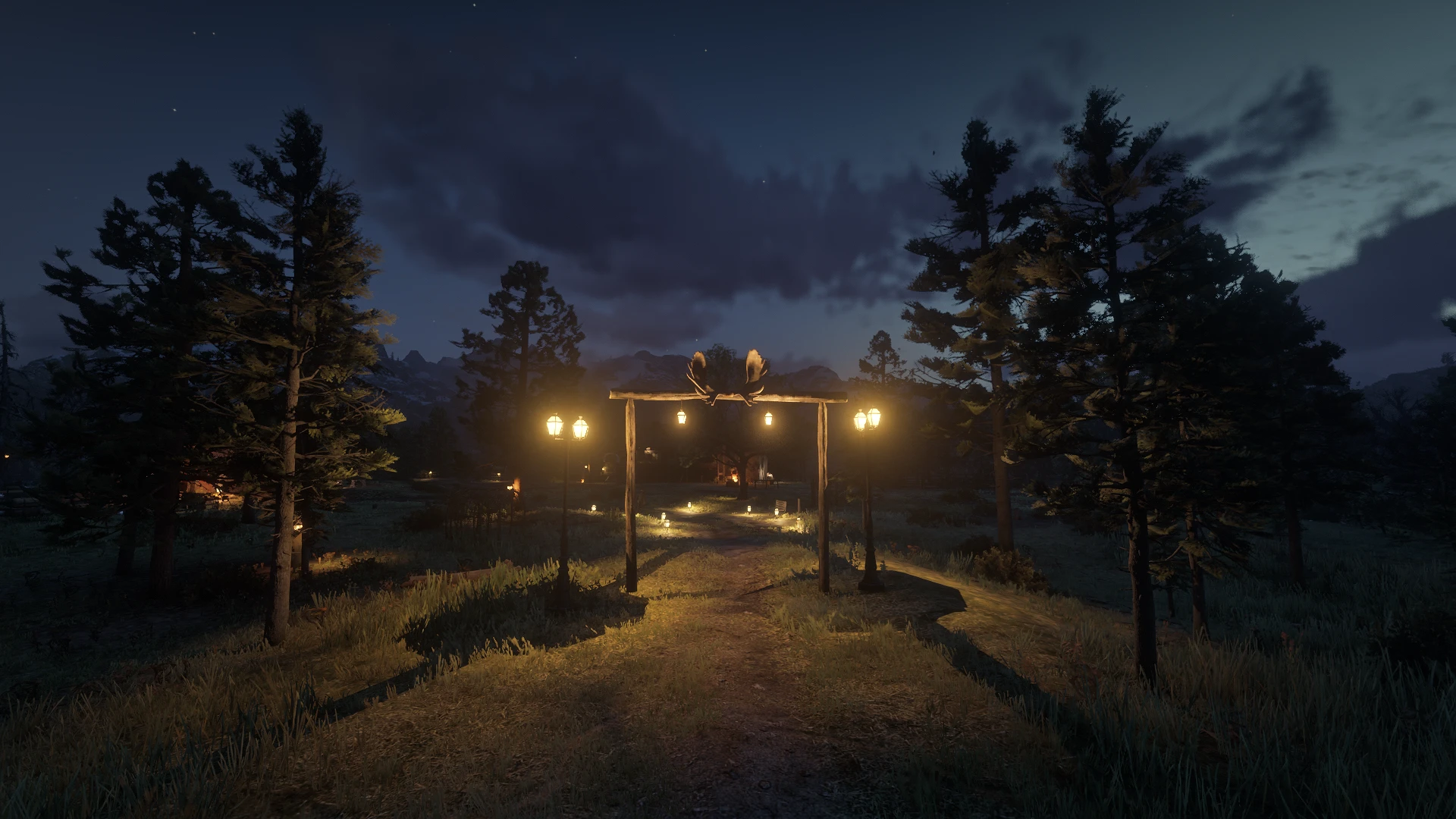
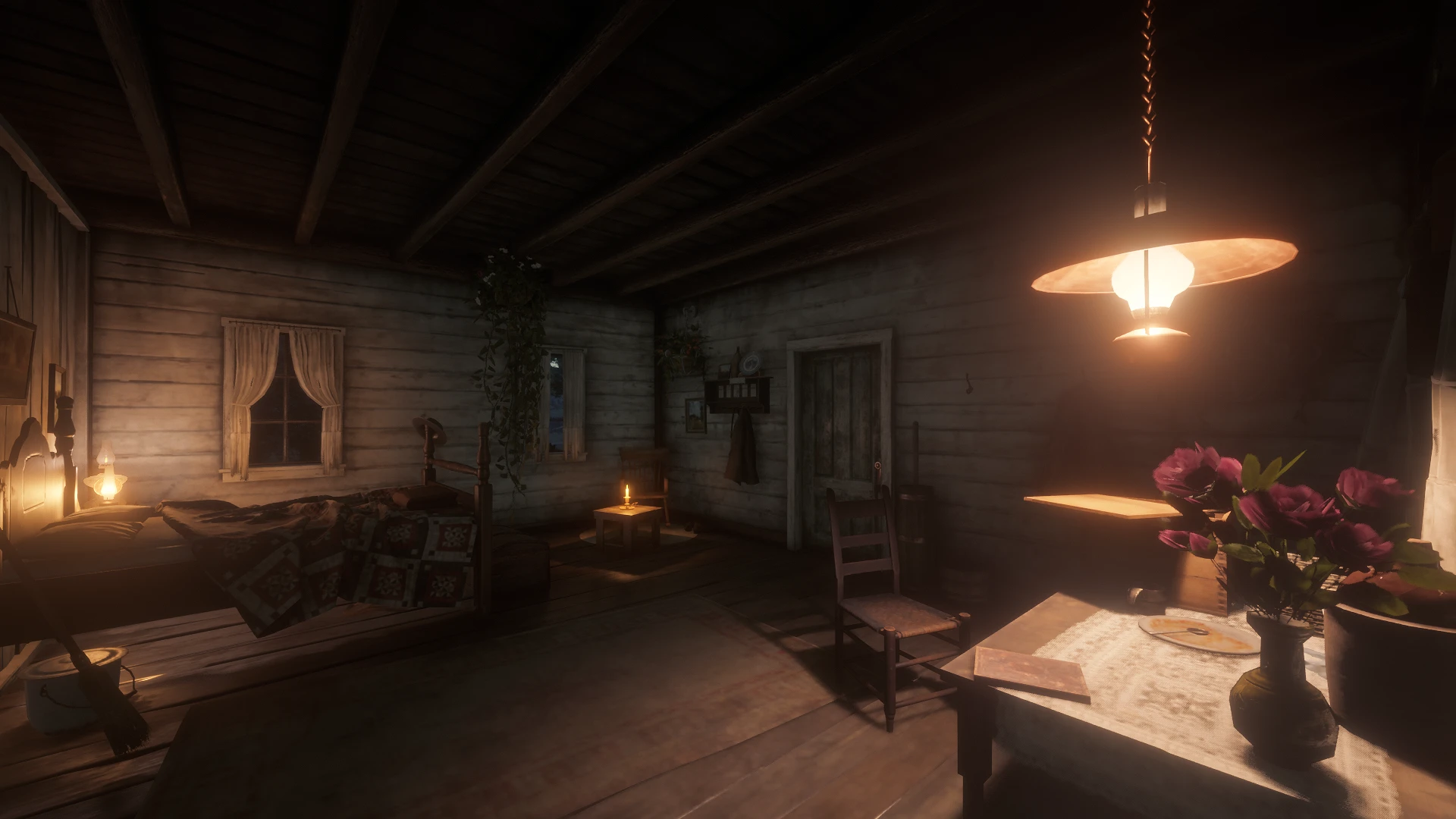
Downes Ranch is now a complete farm with animals and better exterior/interior. It has nice lighting, pretty flowers, a fenced yard with gates, a barn, working bed, pig, cows and horse paddocks and even a chicken coop. The update includes decorations inside and improvements outside, making it a great farm with food and storage.
Check a showcase + how to use videos on my Youtube: Link to Youtube Channel
Features
Interior:
Furniture & storage
Medical supplies
Ammunition storage
Food supplies
Cupboards & bed (the only usable bed is in the barn.)
Hitching posts & candles
Decorated table
Exterior:
Ambient lighting for day/night. (Looks better at night, check images)
Flower arrangements and landscaping.
Chicken coop with fencing.
Horse paddock with fencing.
Pig paddock with fencing.
Cow field with fencing.
Fully working barn.
A wagon
Installation
IMPORTANT: This mod can only be used after the ’Money Lending and Other Sins III’ mission, otherwise the ranch won’t be abandoned and the animals + interior won’t load.
In the .zip file are links to video instructions with .txt file instructions included aswell.
Installation Steps:
1. Download the .zip archive. Extract the contents – you’ll find a folder called ”RampageFiles”
Drag that folder into your main RDR2 directory. (where RDR2.exe is located)
Ensure these files are in your main game directory:
ScriptHookRDR2.dll
dinput8.dll or version.dll (ASI loader)
Rampage.asi (and folder)
If those folders aren’t in your directory, try launching the game after you installed them. (This also applies for Rampage.)
Requires:
Rampage Trainer – Needed to load animals and objects
Alexander Blade’s ScriptHook RDR2
Usage
Loading the Ranch:
Rampage Trainer > open menu (F5 by default) > Spawner > Objects > Load/Save > Downes Ranch Enhanced > Done!
Troubleshooting
Common issues:
Q: Only interior or exterior features are working: Ensure both file sets are installed in their correct respective folders (MapEditor/Maps and RampageFiles/Spooner)
Q: Features not loading properly: Make sure you have both Map Editor and Rampage Trainer properly installed and functioning.
Q: Performance issues: Try loading interior and exterior features separately, or turn off other active mods temporarily.
Q: Missing objects or lighting effects: Verify all files from both folders were extracted to correct locations and check mod load order.
Credits:
RancherRose
You can download this mod by clicking here.