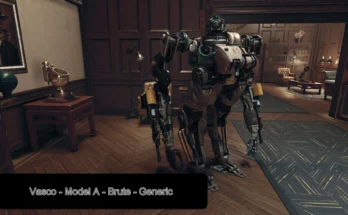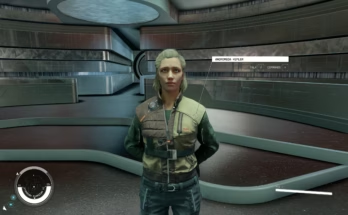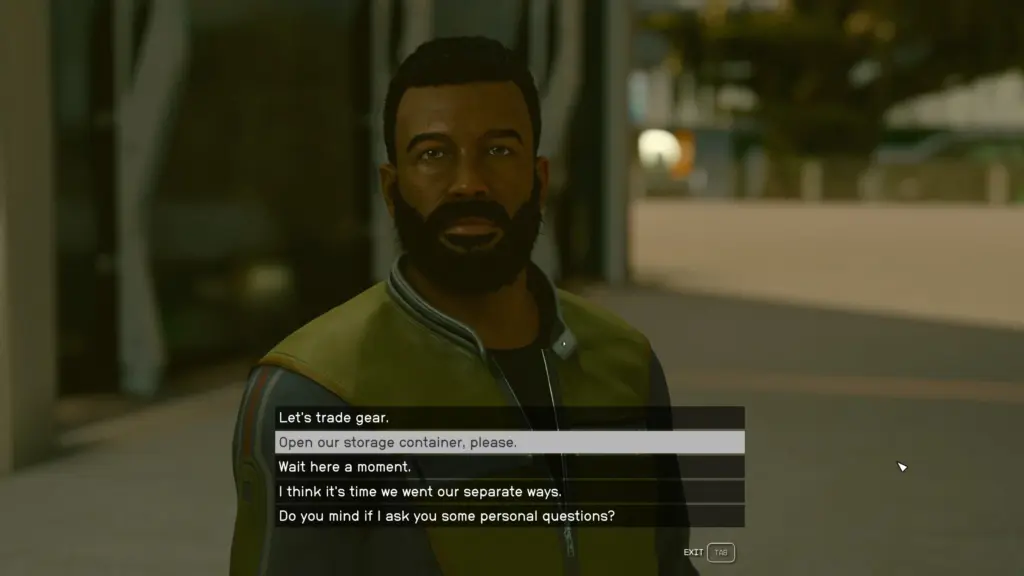
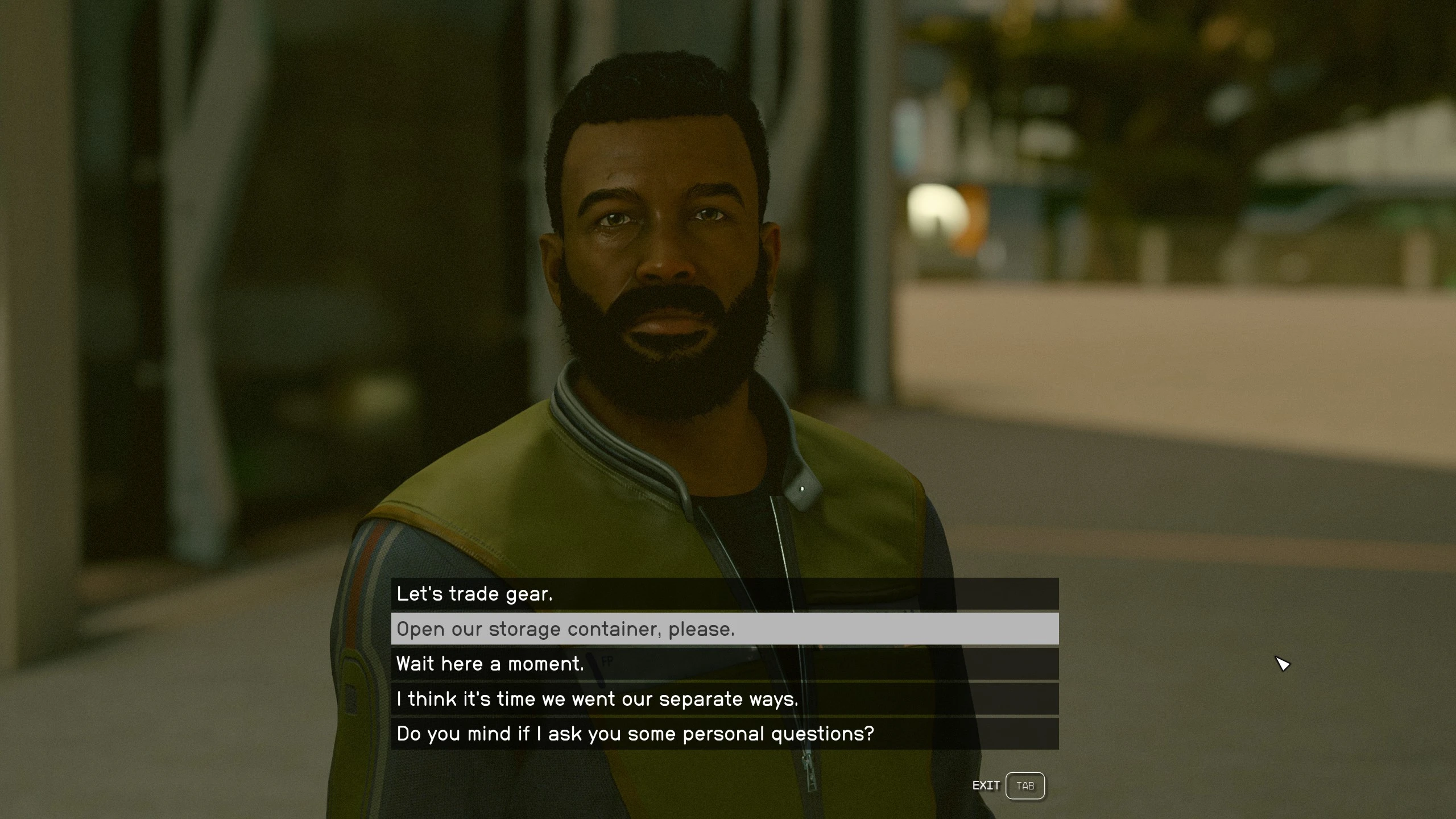
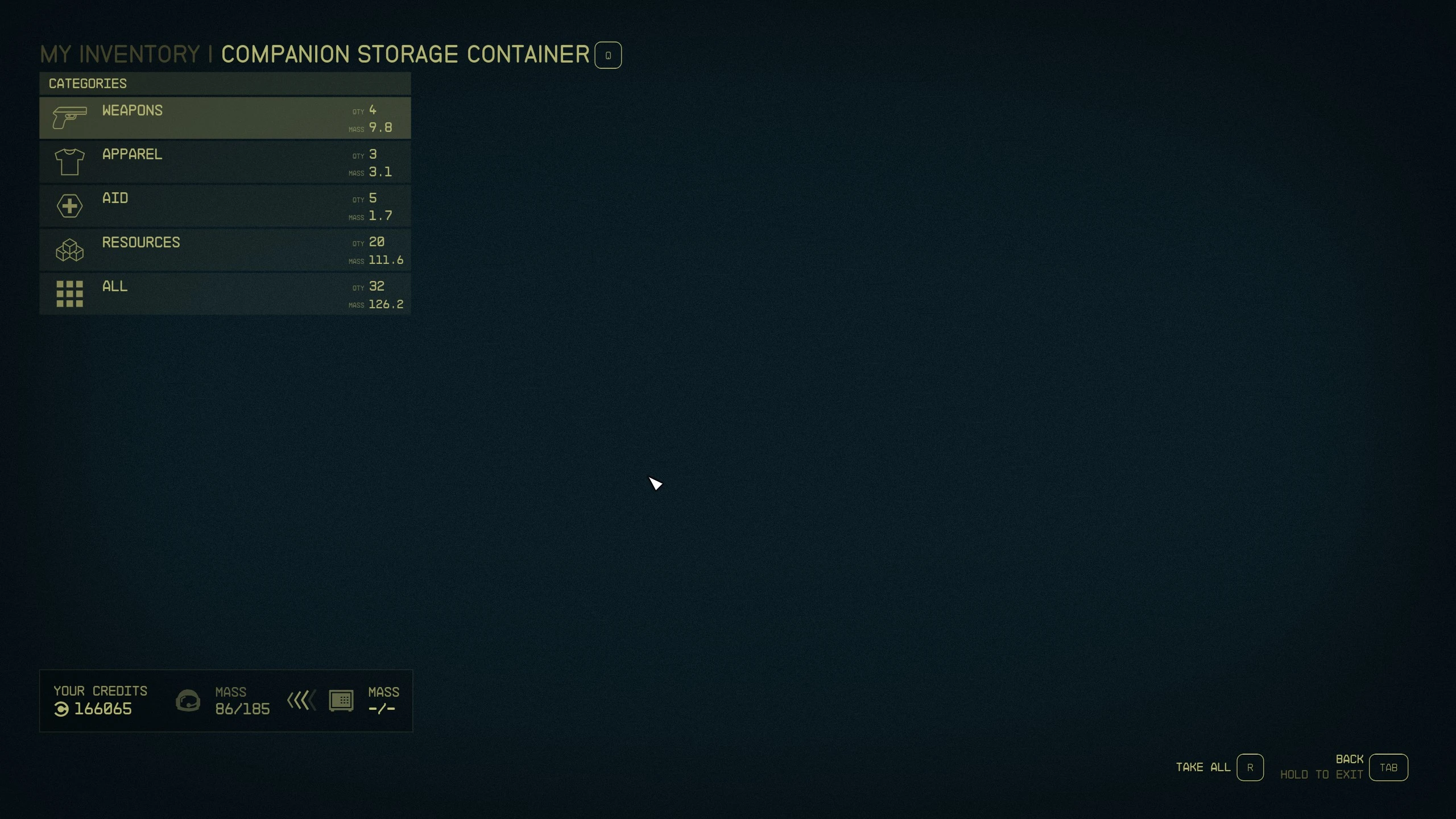
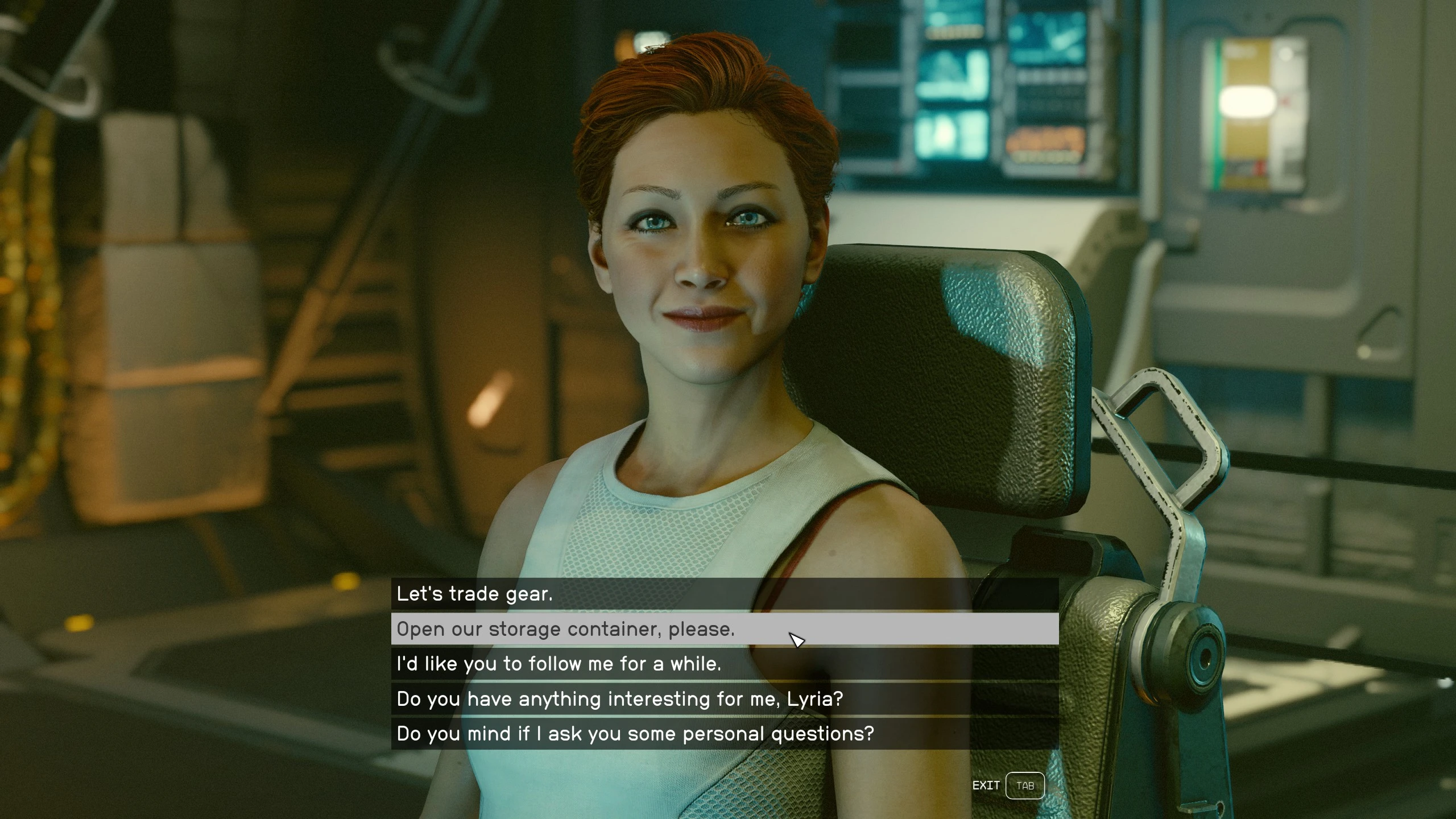
This mod adds a storage container that you can access from a dialog topic when talking with your companion.
There is no storage limit on the container. This is a separate container from the NPC.
The same container is shared and opened by all companions, so you don’t have to shift stuff around when you change followers.
INTRODUCTION:
This mod adds a storage container that you can access from a dialog topic when talking with your companion.
There is no storage limit on the container. This is a separate container from the NPC.
The same container is shared and opened by all companions, so you don’t have to shift stuff around when you change followers.
The dialog topic ‘Open our storage container, please’ will appear with the main companions and the crew companions.
The companion’s responses will be fully voiced with their vanilla ‘Trade’ voice responses.
DLC and other mod-added companions will also have the dialog option as long as they are part of the crew companion system and use the SQ_Followers Trade Scene. This works with the “Lyria” mod for example.
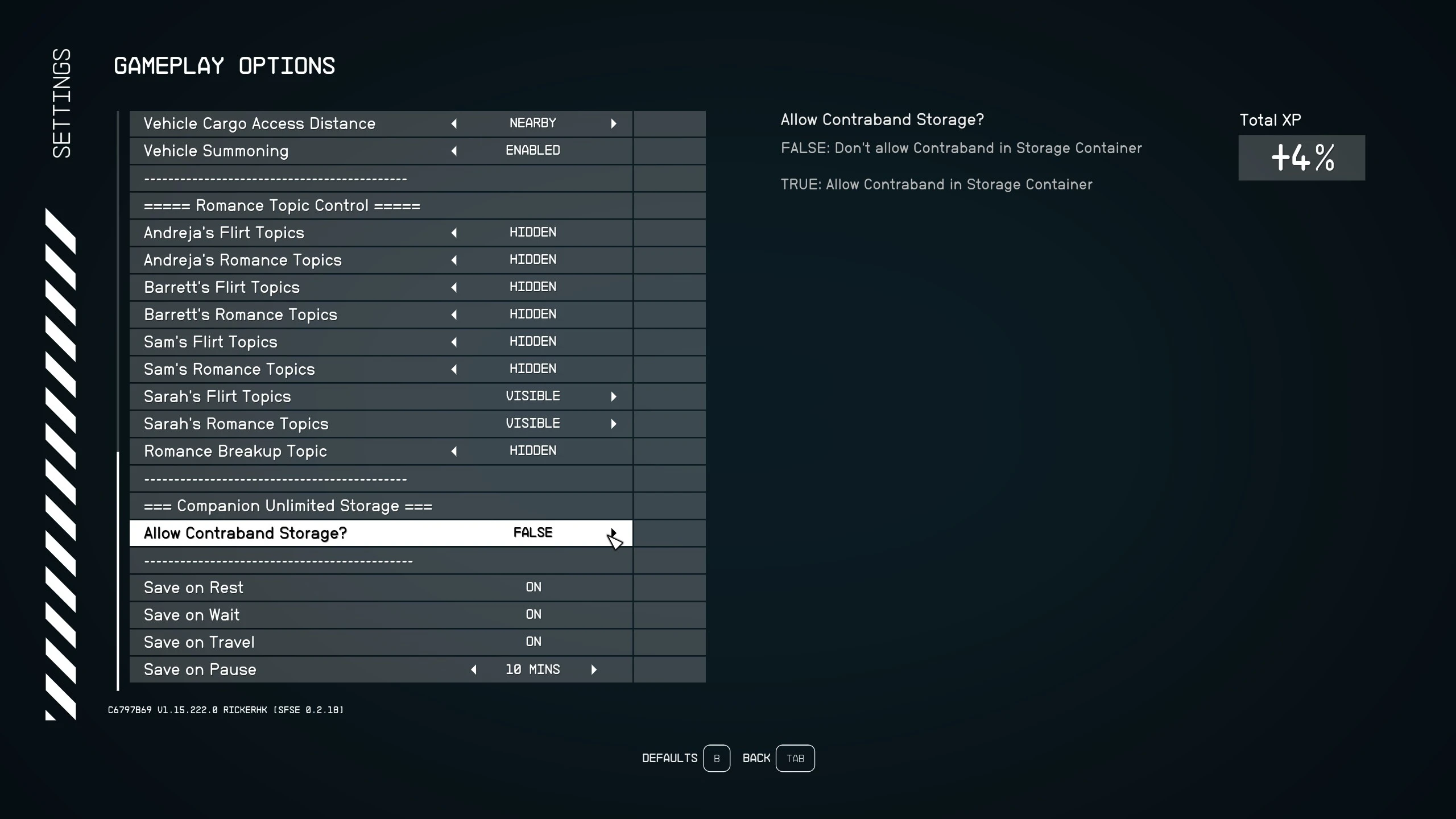
Contraband is removed from the container, back to the player, by default but there is a Game Setting Option to allow it.
There are no edits to vanilla objects or scripts at all.
INSTALLATION:
Requirements – None – just the base game.
Install with your favorite mod manager. The plugin format is small ESM.
Uninstallation – As with any other Starfield mod – Not recommended.
USING THE MOD:
After loading the game and then your save game, hit ESC, then SETTINGS, then GAMEPLAY OPTIONS if you want to enable the Contraband cheat.
Scroll down to ===== Companion Unlimited Storage ===== (see screenshot)
Toggle the option as desired. The setting is saved when you save your game.
Note: Toggling it off won’t remove contraband that is already in the container.
Credits:
RickerHK
Download mod
| File | File size |
|---|---|
 RHKCompanionUnlimitedStorageV1dot0-V1-0
|
4 KB |