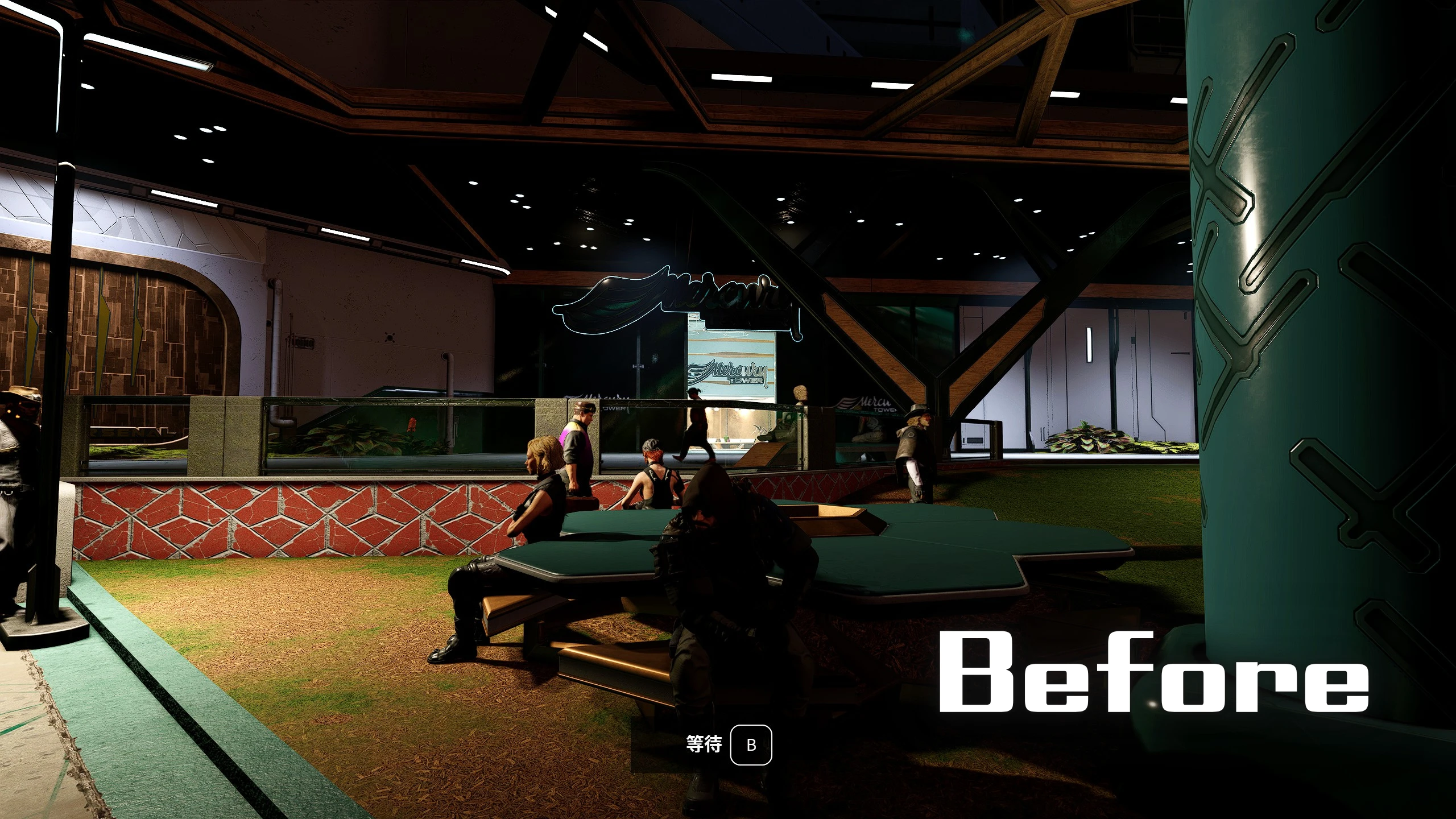
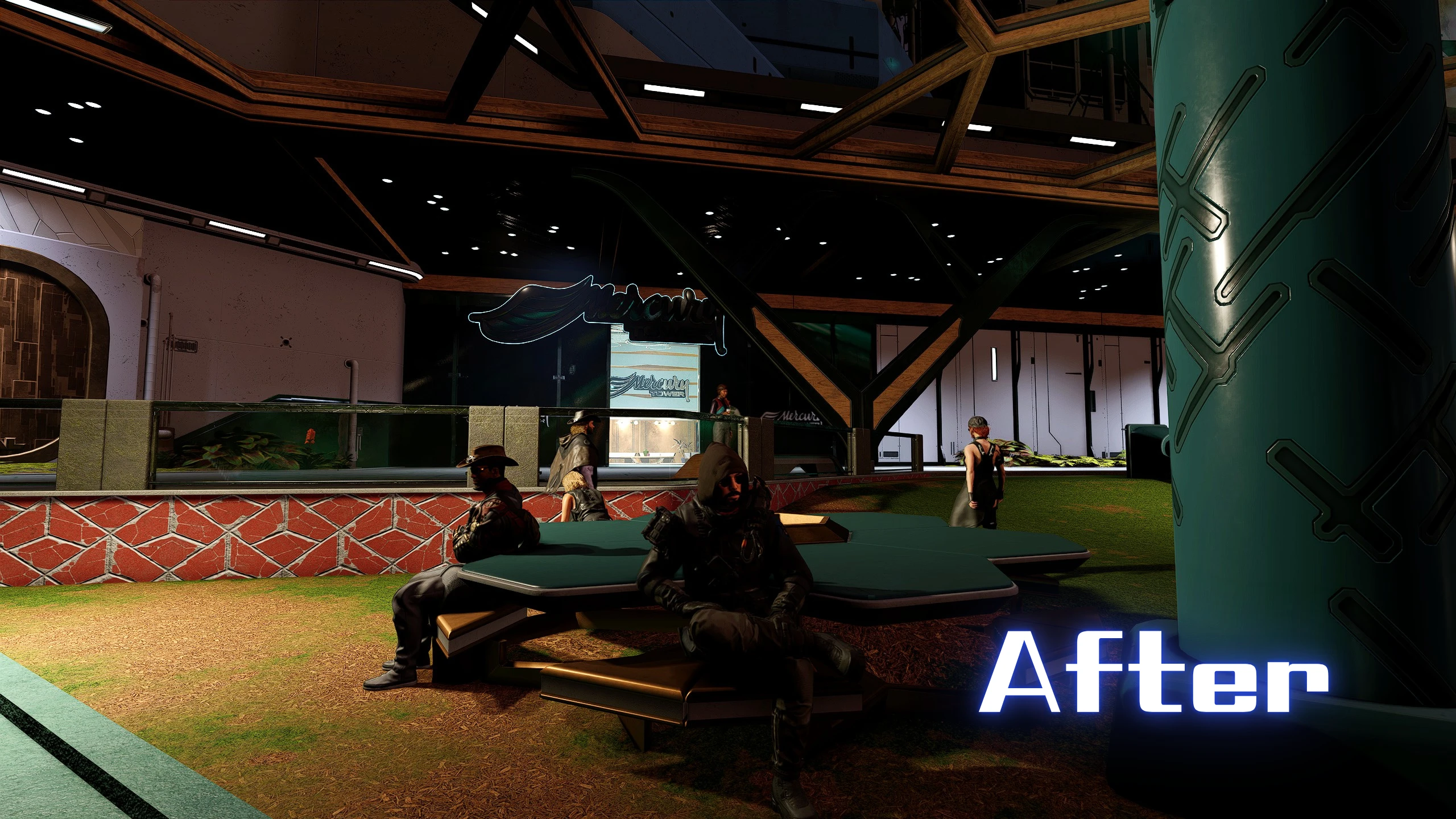
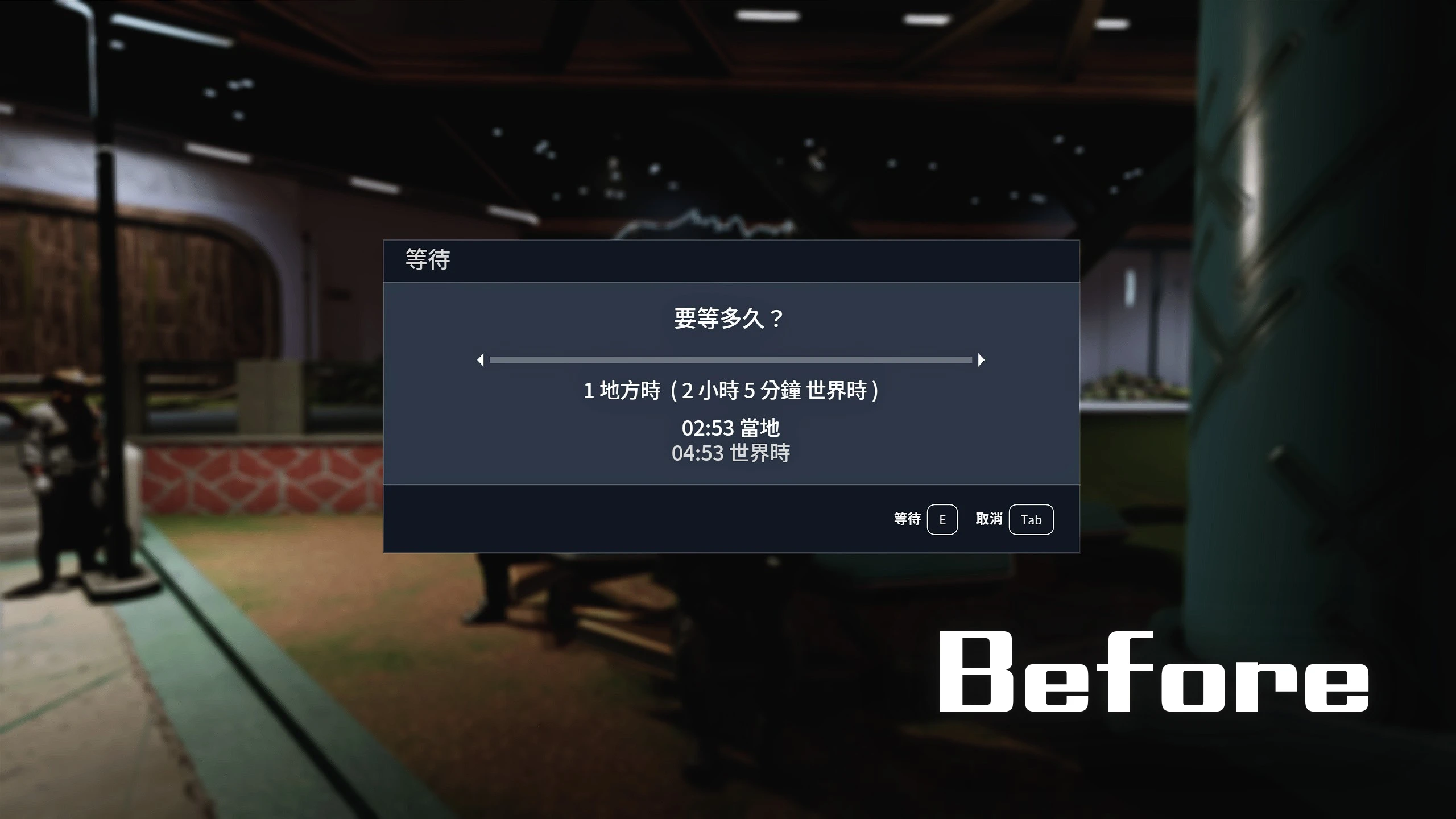
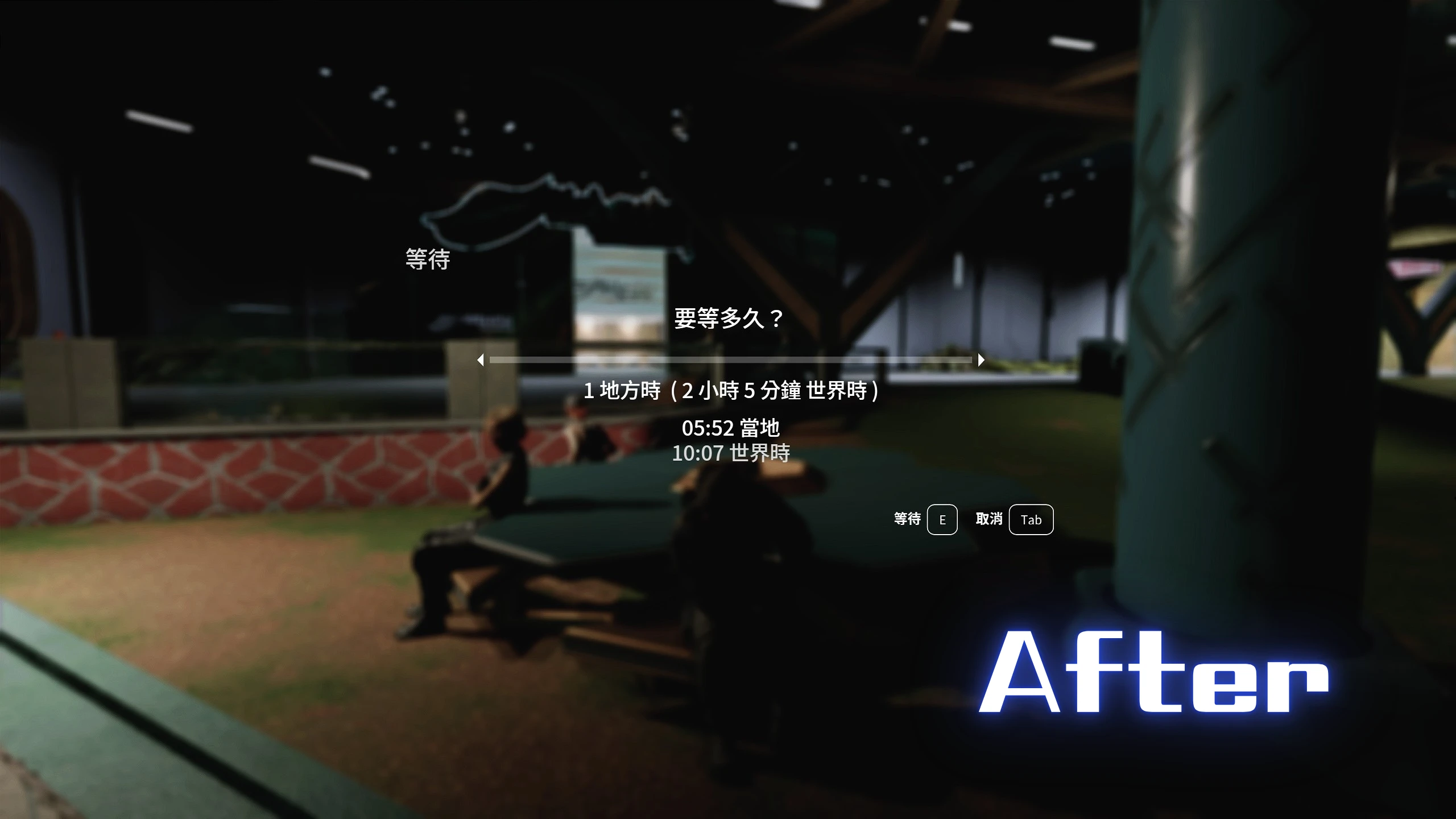
This mod removes the “Wait” button and the background UI shown during waiting and sleeping, for maximum immersion. Now, enjoy every moment of sitting down.
I’ve always wanted to sit in a bar on some distant planet, just watching the scenery through the window , but the ever present “Wait” prompt kept ruining the moment.
If you’ve ever felt the same, this mod is for you. It removes the intrusive on screen “Wait” button and makes the background UI for waiting and sleeping fully transparent, allowing for a cleaner, more immersive experience.
Now, you can truly sit down and enjoy the view, uninterrupted.
Features:
Removes “Wait” prompt while sitting
Removes the solid background UI during sleeping and waiting for a cleaner, more immersive experience.
Now you can enjoy the view from your seat without distractions.
Installation:
1. Download the mod files.
2. Copy the contents of the mod into your Starfield installation folder:
Starfield\Data\Interface
3. Launch the game and enjoy.
Make sure you have:
[Archive]
bInvalidateOlderFiles = 1
sResourceDataDirsFinal =
In your StarfieldCustom.ini
Compatibility:
Should be compatible with all mods.
Notes:
This mod only modifies AS scripts and replaces the background, so it does not affect other functions.
If you don’t want the transparent background UI, simply delete sleepwaitmenu.swf
Changelog:
Version 2.0
Four new features have been added.
A configurable INI file has also been introduced.
Version 1.1
Created a Vanilla Transparent version upon request.
Credits:
PeterMaster
Download mod
| File | File size |
|---|---|
 Immersive Wait and Sleep menu-2-0
|
68 KB |
|
Vanilla Transparent-1-1
|
25 KB |
|
Immersive Wait and Sleep menu-1-0
|
66 KB |