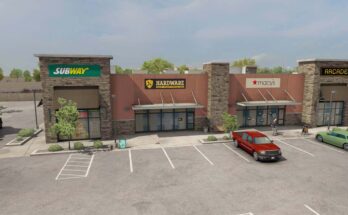
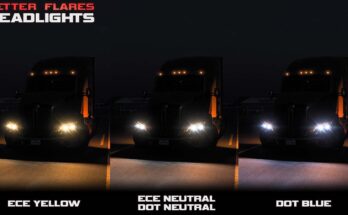
![[ATS] RESHADE PRESET MORE REALISTIC LIGHTING DX11 V1.0](https://allmods.net/wp-content/uploads/2019/12/RESHADE-PRESET-MORE-REALISTIC-LIGHTING-DX11-V1.0.png)
![[ATS] RESHADE PRESET MORE REALISTIC LIGHTING DX11 V1.0](https://allmods.net/wp-content/uploads/2019/12/RESHADE-PRESET-MORE-REALISTIC-LIGHTING-DX11-V1.03.png)
![[ATS] RESHADE PRESET MORE REALISTIC LIGHTING DX11 V1.0](https://allmods.net/wp-content/uploads/2019/12/RESHADE-PRESET-MORE-REALISTIC-LIGHTING-DX11-V1.02.png)
It is recommended to install Realistic Graphics Mod or Project Next-Gen Graphic mod.
In game settings:
– Anti-Aliasing (MLAA): ON
– High Dynamic Range (HDR): ON/OFF (recommended ON)
– Depth of Field (DOF): ON
– Rays of Sunshine: ON
– Color Correction: ON
I recommend use FullHD resolution, Ultra settings and scaling 200% or higher.
Use console cammand g_bloom 0
Credits:
evtevred
If the download link is outdated or doesn't work, you can add your download link. (If your link is valid, we will approve it within 24 hours.)
Download mod
| File | File size |
|---|---|
 RedATS_RSv1
|
5 KB |