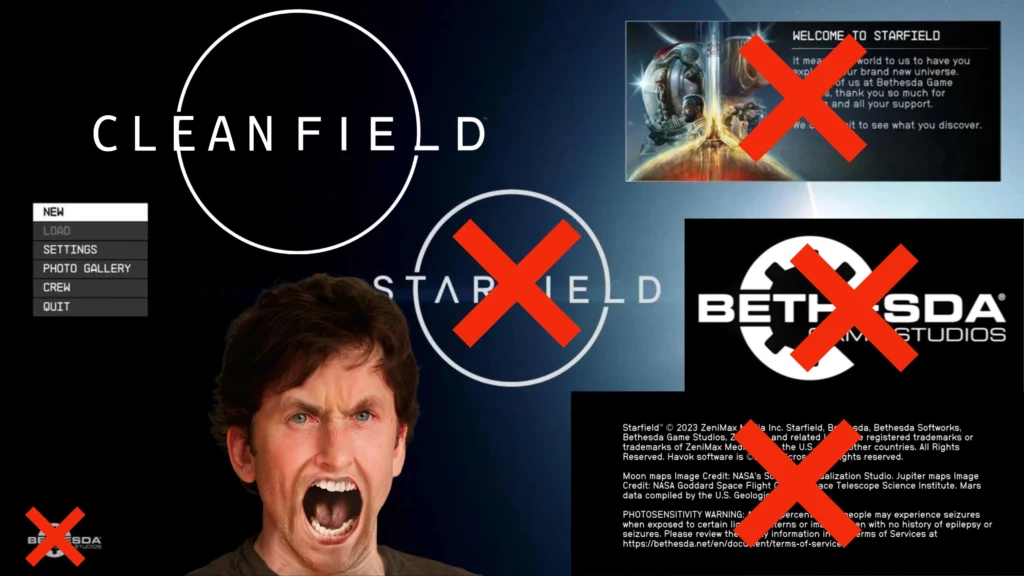
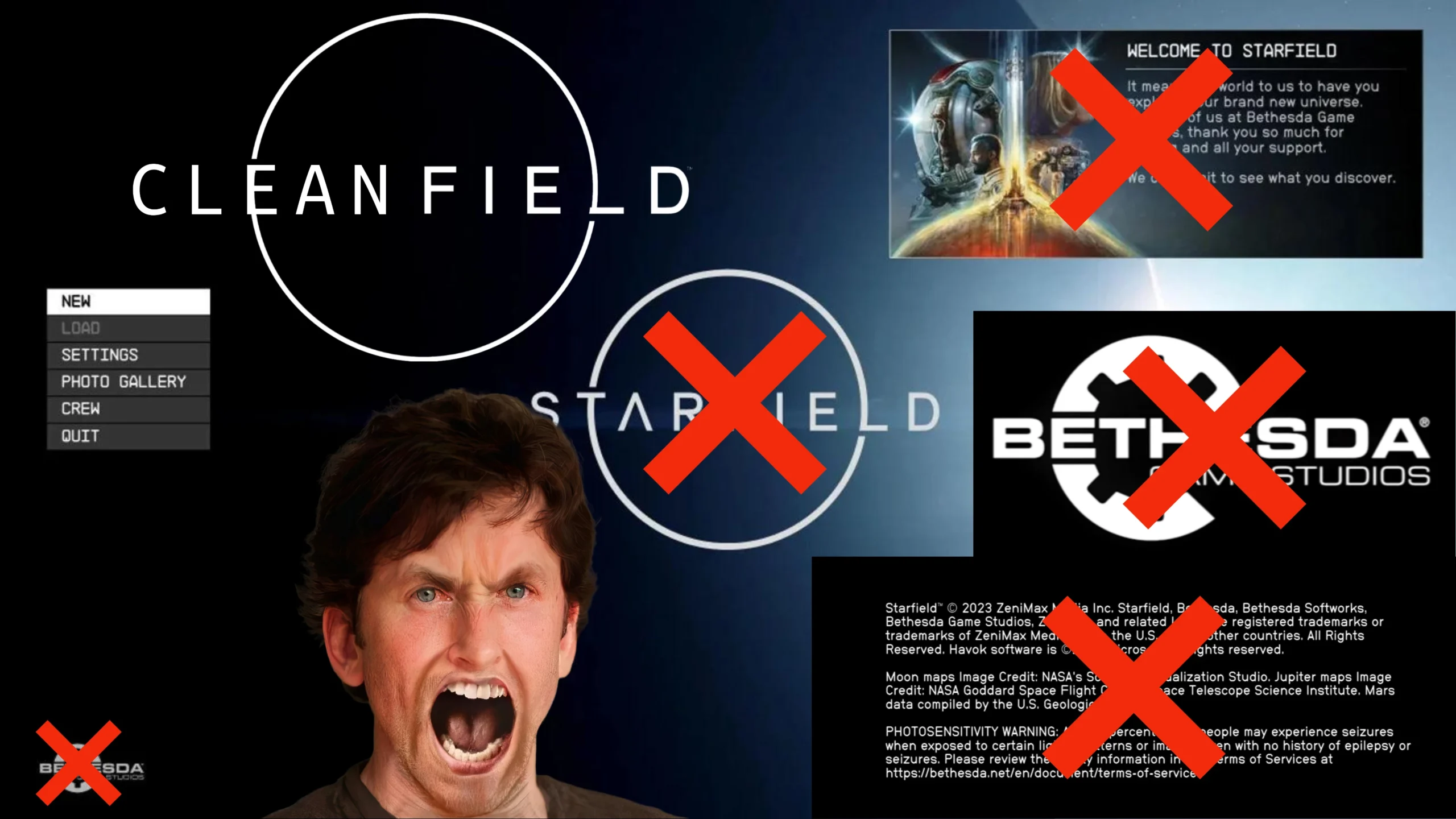
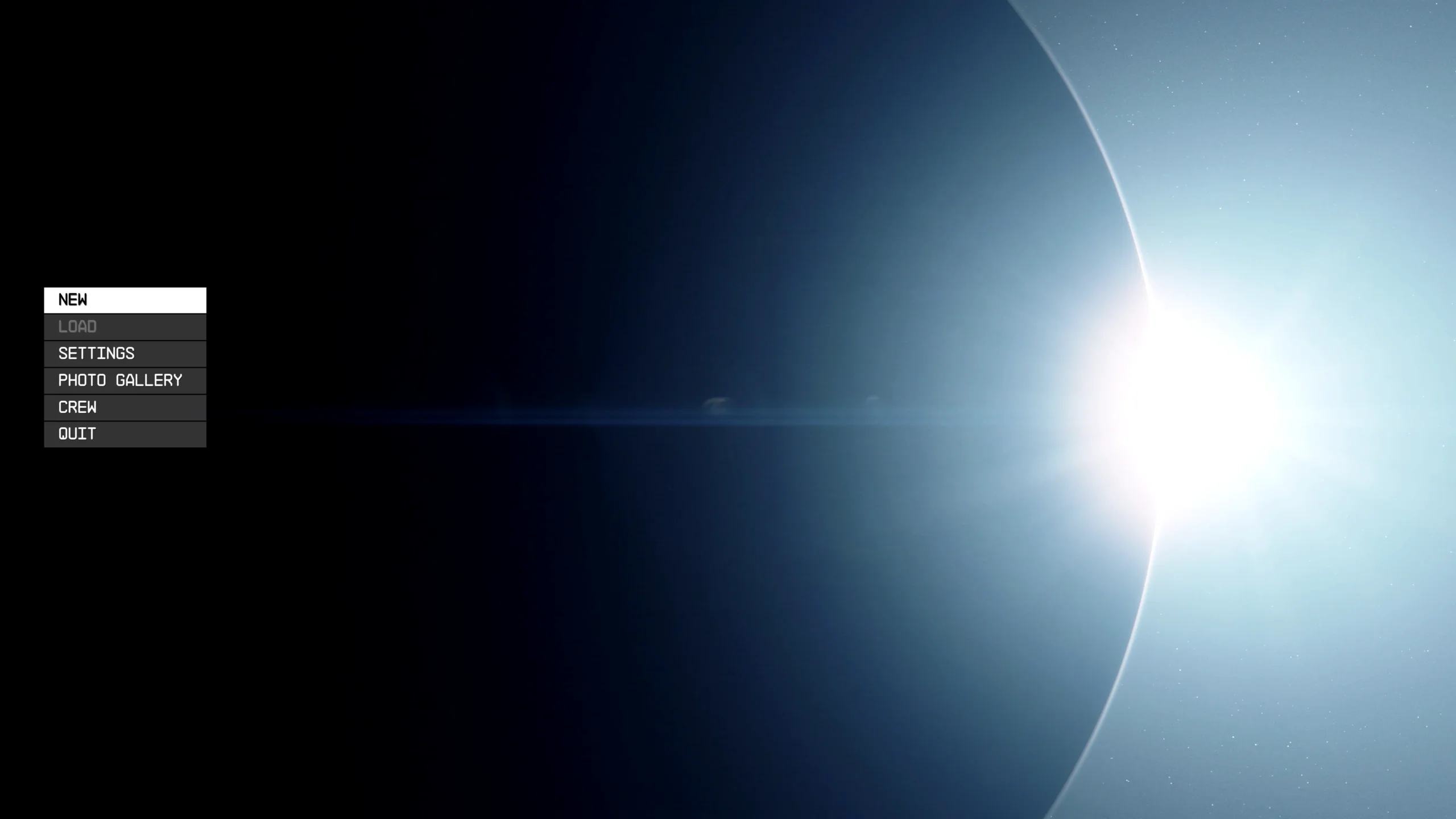
I made Cleanfield. A No-Intro Videos & Clean Menu Fix.
Cleanfield:
– Instant Menu Loading (120 FPS)
– No Epilepsy & Seizure Warning
– No Bethesda Logo Video
– No Bethesda Logo
– No ‘Message of the Day’
– No Starfield Logo (Optional)
File info:
Cleanfield.v.1.4-VortexNMM
Vortex/NMM
Don’t forget to add the following lines to your ‘StarfieldCustom.ini’
[Archive]
bInvalidateOlderFiles=1
sResourceDataDirsFinal=
Cleanfield with Menu Logo.v.1.4-VortexNMM
Vortex/NMM
-With Starfield Menu Logo-
Don’t forget to add the following lines to your ‘StarfieldCustom.ini’
[Archive]
bInvalidateOlderFiles=1
sResourceDataDirsFinal=
Changelog:
Version 1.7.2
Brought back the dummy file for the Bethesda Logo Video as an optional install
Version 1.7.1
Nothing major just improved Readme with more detailed instructions. No need to update if you have 1.7 installed
Version 1.7
MO2 support, Installer improvements, New options, Removed video file because it would cause problems for some users for whatever reason (unconfirmed) –> to skip the Bethesda logo video you need to have “SIntroSequence=” in your INI
Version 1.6
Reduced file size, Improved Vortex install, More compact instructions, Minor tweaks
Version 1.5
Vortex Support, New Options, Better Instructions
Version 1.4.2
New options: Keep MOTD + Logo or only MOTD
Hotfix: MOTD + Logo Black Screen
Hotfix: Only MOTD Black Screen
Version 1.4.1
Nothing major, just added some missing lines in the README and reduced file size slightly
Credits:
Gametism
If the download link is outdated or doesn't work, you can add your download link. (If your link is valid, we will approve it within 24 hours.)
Download mod
| File | File size |
|---|---|
 Cleanfield.v.1.7.2-Manual Install-1-7-2
|
7 MB |
|
Cleanfield.v.1.7.2-Vortex-MO2-1-7-2
|
9 MB |
|
Cleanfield.v.1.5-Manual Install
|
6 MB |
|
Cleanfield.v.1.5-Vortex
|
7 MB |
 Cleanfield.v.1.4.1
|
876 KB |
|
Cleanfield.v.1.4
|
2 MB |
|
Cleanfield.v.1.4-VortexNMM
|
797 KB |
|
Cleanfield with Menu Logo.v.1.4-VortexNMM
|
798 KB |