



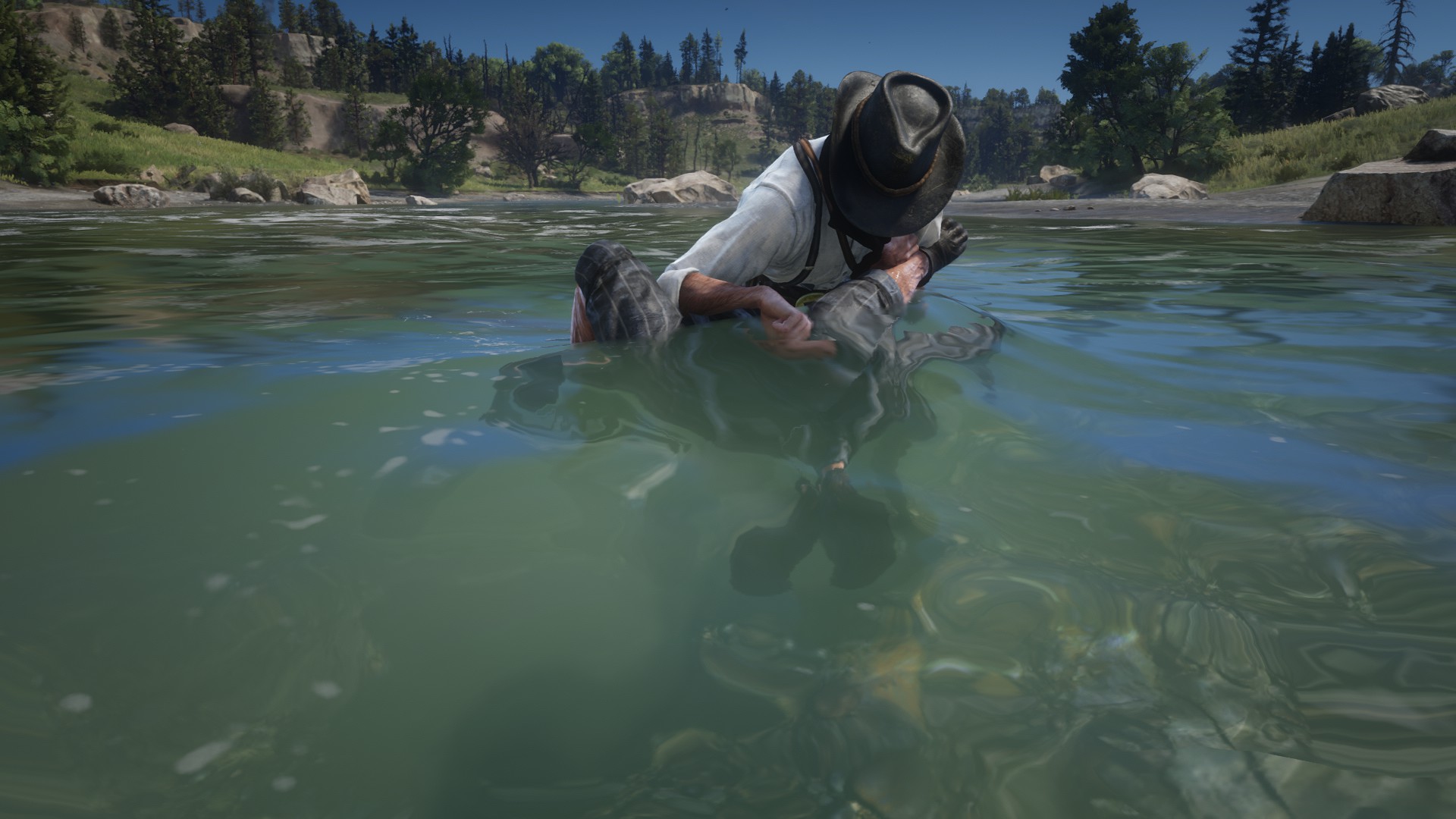
This mod allows you to drown people in troughs you can find around the world.
The old name of the mod “Drown NPCs” is now changed to Trough Drowning and the whole mod is made up from scratch. However this feature was left in a really unfinished state by Rockstar Games. I tried to fix the issues and made some improvements but it still has some minor bugs.
With the new update, you’ll get a “Drown” prompt when you’re grappling a NPCs near a trough. Pressing this button will start the drowning action.
[Controls]
Q/LB/LT = Start Drowning action
Hold / E / △ / Ⓨ = Drown
F / Ⓞ / Ⓑ = Quick dunk and release
R / □ / ✕ = Quick dunk and release
[Features]
– Drown prompt appears near a trough.
– The drowning action can play all of the troughs you can find around the world.
– You can start this action from both sides of the trough.
– Water splash effects, and drowning sound is added.
– Dismissing the enemy puts them into the intimidated state.
[Issues]
– Placement can look off depending on when you pressed the button.
– The entry animation Rockstar left in the game was broken. Because of that I used a custom animation.
– If you start the trough action and don’t press a button you’ll see that players looks in a other directions. However, when you press one of the action buttons this will be fixed.
Requires:
ScriptHookRDR2 V2
Lenny’s Mod Loader
Merge file:
Copy the given results.meta and paste it into your current Enhanced Brawling folder.
Changelog:
V1.5
– Drowning sound not playing when using John or any character is fixed.
– Post drown cough sounds are added.
– Small changes.
Version 1.4
Added an option to change the “Drown” Input. You can change that inside of the TroughDrowning.ini file.
V1.3
Config file added. You can change the “Drown” text to anything”
Version 1.2
The prompt is changed from Q to TAB. This fixes “Drown” the prompt not appearing when you grapple non enemies near trough.
The enemies die instead of getting knocked out after getting choked now.
Credits:
14N001st
You can download this mod by clicking here.