I’m not a modder yet… But I’m still making fun stuff!
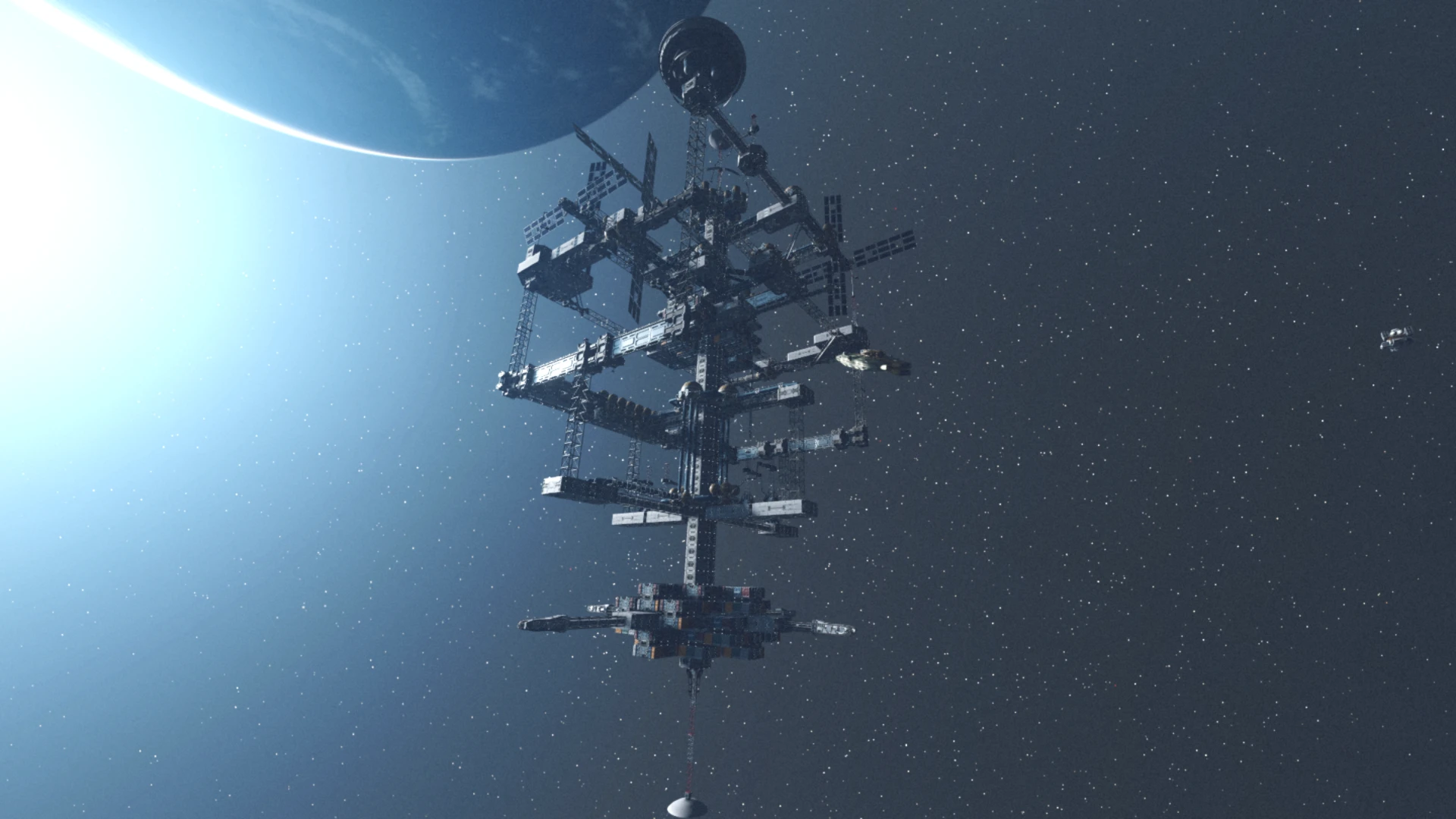
First things first; this mod wouldn’t be anything without jmpz11 and his magnificent and underrated 1-of-a-Kind Outpost Starstations mod. Without it, building starstations wouldn’t be possible. So, my sincerest thanks go to him.
What does this mod do?
– Makes (almost) all ship parts available in the starstation builder, including those added by other mods.
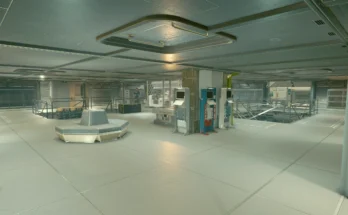
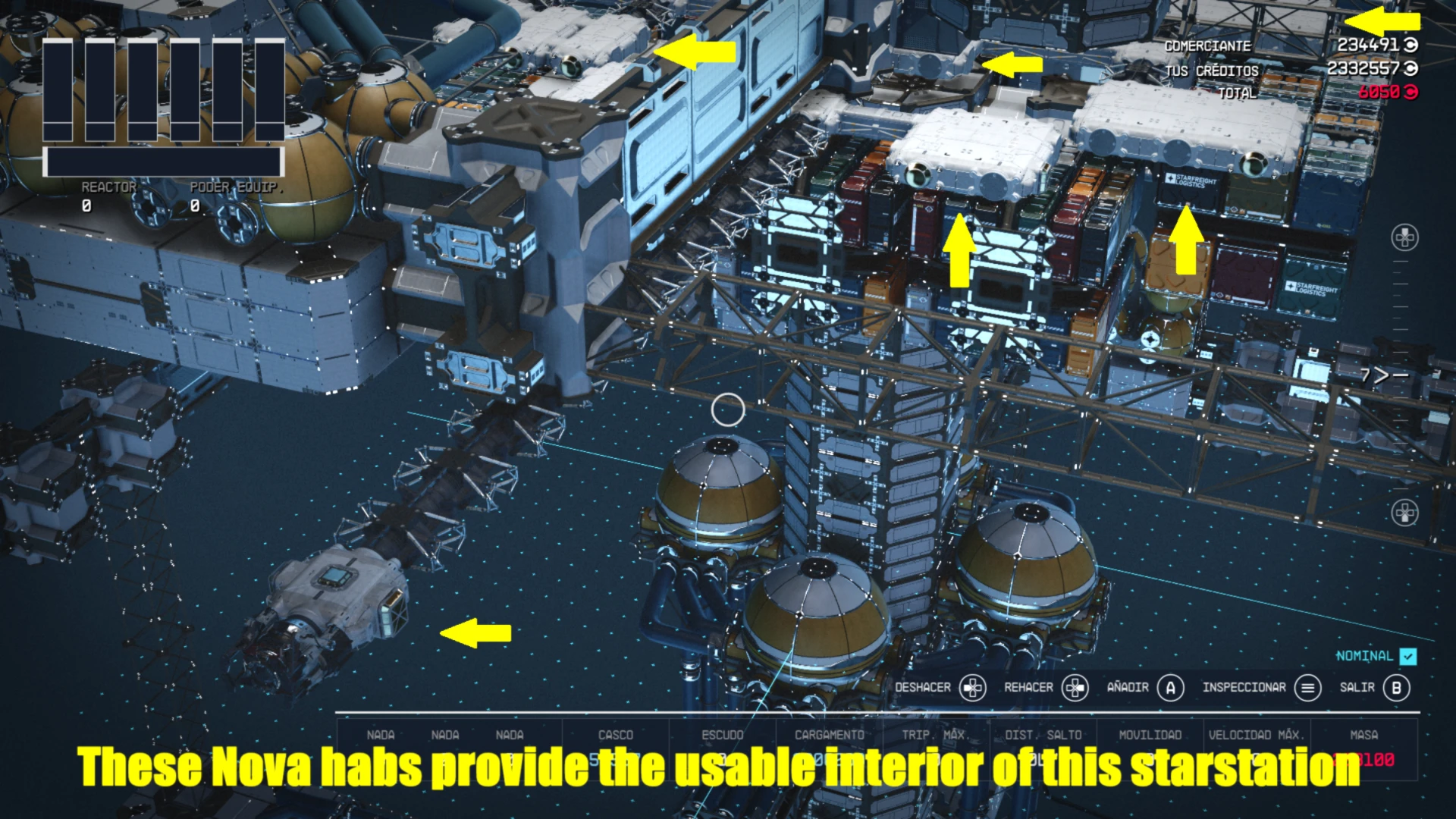
With this mod, you can use ship habs, furnished or empty, which have better navmeshes than the Starstation habs and don’t cause problems when decorating with interactive objects like workbenches.
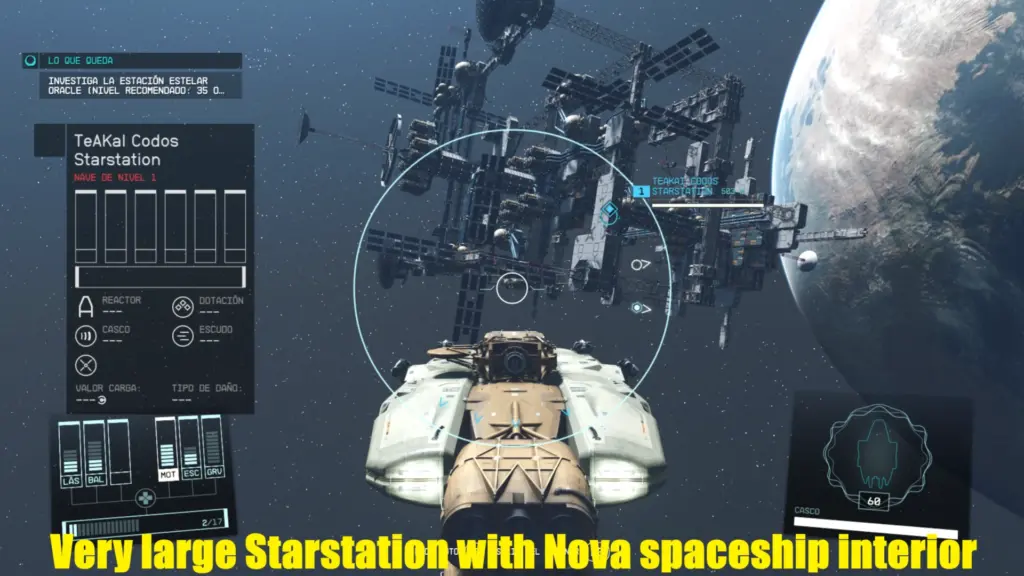
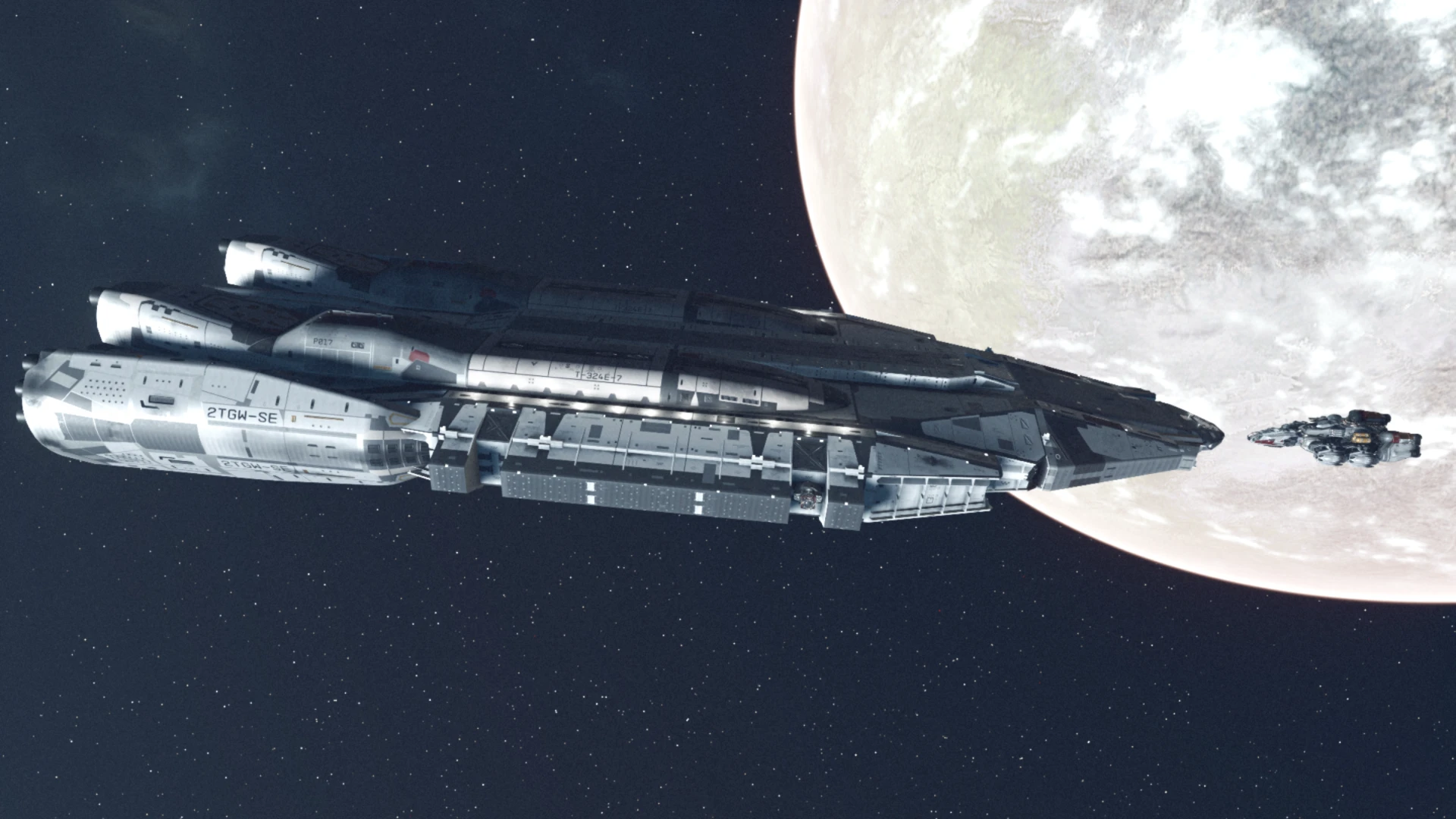
Furthermore, you can build a large ship using the Starstations builder, which will then remain in orbit to be used as a static space base.
You can also build decorative ships at your space stations.
– Increases the maximum size of ship and starstation construction to 400x400x500 (400x400x1000 in the case of Starstations).
It actually increases them slightly, but the game doesn’t allow exceeding 400×400 in width and length.
In any case, it’s not even reasonable to make a ship that size. I set that limit for Starstations, but it’s common to and inseparable from the limit for ships.
– Increases the maximum number of modules that can be built in ships and starstations to 1000.
That’s a very high limit; my PC starts to struggle when I go over 500 modules.
How many you can build without the game slowing down will depend on your hardware.
-It allows overlapping between modules of all types. You can even hide some inside others, or use M-class pieces as shells over other small modules. Be careful not to overlap pieces with the interiors of the rooms.
– Increases the number of floors available in the ship and starstation builder to 125.
– Increases significantly the zoom level in the ship and starstation builder.
Requirements
– 1-of-a-Kind Outpost Starstations, essential for building starstations. Without this mod, mine only makes tweaks to the ship builder.
– Console Command Runner Updated. Only needed to increase the size limits and maximum number of buildable modules. Without this, the floor and zoom increases and the overlapping cheat will still function, and ship modules will remain available for Starstations.
If you already have another mod that increases the maximum size and buildable modules, you don’t need this one.
Optional Download
If you already have other mods that modify the ship builder limits, you probably don’t need my tweaks.
You can download the version without limit modifications for the ship builder.
This version only adds the ship modules to the Starstations builder, without any other changes.
Not required but highly recommended
–No Unattached Module Error. This is practically the only error the Starstation validator can give you.
And if you plan to combine ship modules with Starstation modules, it’s going to be very difficult to get everything to attach correctly.
Some Starstation parts don’t even attach well with other Starstation parts. This mod makes things much easier.
I also recommend the rest of Synthlight’s mods for building ships without validation errors.
–Place Doors Yourself. I don’t think I need much explanation to recommend this.
If you want your doors or stairs in the right place and not just wherever they please, this is for you.
–TN’s Class M (and Starborn Guardian) Ship Building. This is still the best way to unlock large modules and use M-class ships.
If you only want to unlock the large modules, you can enter “set 00155F4A to 1” in the console. However, you won’t get the upgrades this mod provides, nor the ability to pilot M-class ships.
Decorating Your Starstation
You have several options to get the decorator for your starstation:
– Use the window with the decorator included in 1-of-a-Kind Outpost Starstations.
This decorator isn’t actually for ships, but for outposts. So you’ll have all the categories and buildables of an outpost, including buildings, extractors, and landing pads. Obviously, you can’t build any of this inside a starstation, except perhaps robots and turrets, as decoration.
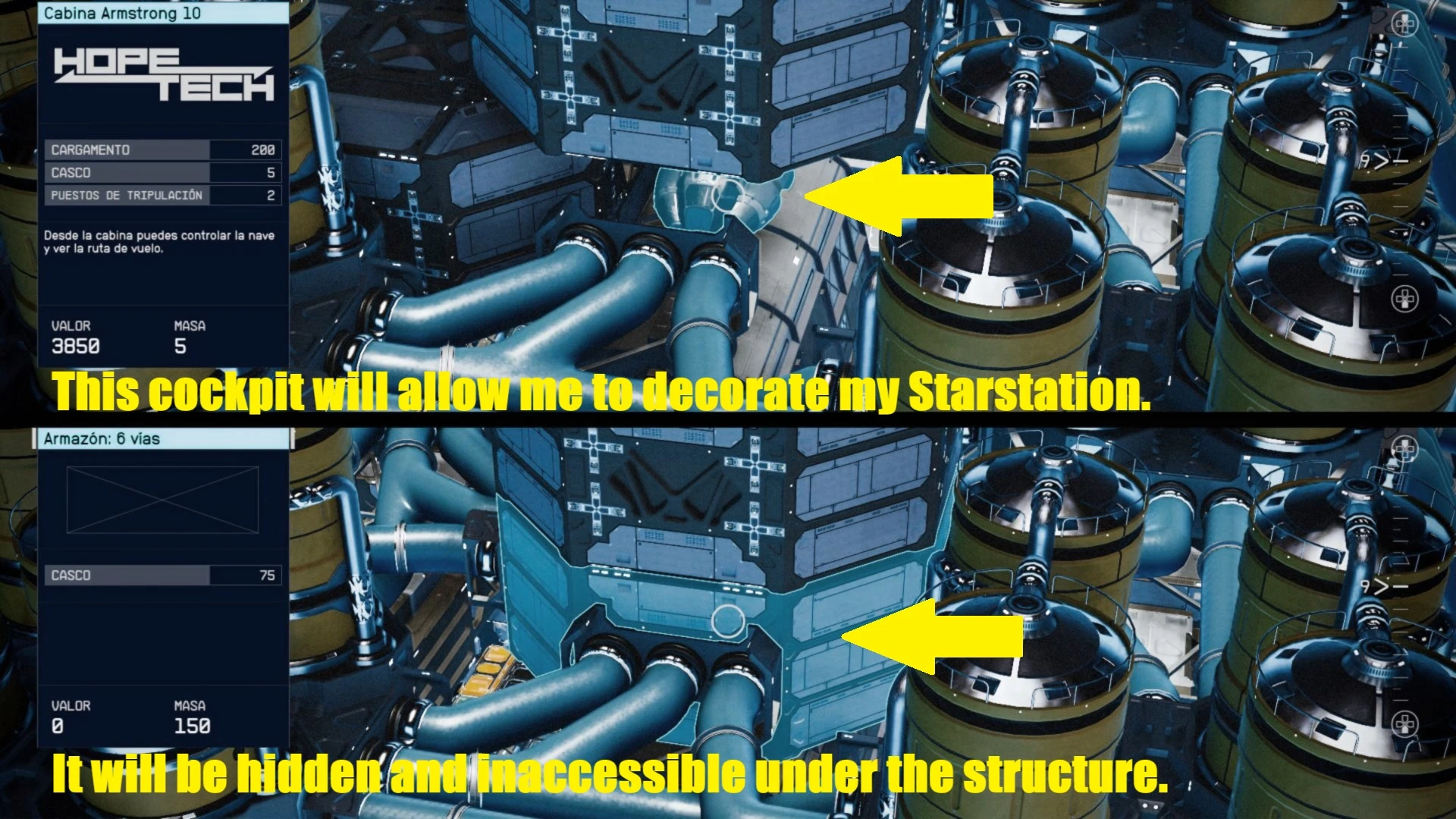
– Build a cockpit. All cockpits have a decorator. You can place it anywhere, even hidden under a structure; the decorator will work even if the cockpit isn’t attached.
Remember never to sit in the pilot’s seat! If you do, your other ship will detach, and you’ll be trapped in the starstation. Unless you land it, which is another pretty nasty problem. My advice is to build the cockpit in an inaccessible spot, or decorate the interior with something that blocks the way to the pilot’s seat.
– Use the command “player.placeatme 00024DC7”. This will spawn a functional decorator.
The only problem is that it appears in an awkward position, clipped to the ground. You can move it with console commands or using BuildBits
Precautions and Advice
The system for building starstations is problematic. My mod does not fix the problems described in the 1-of-a-Kind Outpost Starstations mod. Therefore, you should take all the precautions detailed in that mod’s description.
Building very large ships is also problematic and can cause various issues.
The only advice I can give is to save your game before doing anything outside the normal game limits.
It’s also not a good idea to build a lot at once. It’s preferable to build one part, exit the builder, check that everything works, save your game, and continue. This applies to both ships and starstations.
M-class modules are especially problematic. If you use too many, your game is very likely to glitch, and you may have to restart and load a previous save.
Building very large and complex interiors can also glitch the game. Too many connected habs or too many PDY doors can cause this. I can’t say how many doors you can place before something breaks, so I can only recommend building in sections and saving as long as everything works.
The most common glitches I’ve encountered are:
-Disappearing textures. If some pieces disappear while you’re building, you’re experiencing a bug. Even if you delete pieces and the textures reappear, ghost pieces will appear on all your ships. Restart and revert to a previous save.
-Disappearing interiors. This is harder to detect; you’ll only know when you exit the ship builder. Your ship will have no interior or doors, just an empty, inaccessible shell. As before, you need to restart and revert to a previous save.
The most important thing to remember is to save your game often. Save before you start building, save after each successful section you build, and save before adding problematic pieces or large sections. The longer you wait to save, the more work you can lose.
And if something is bugging your game, repeating the same action will almost certainly bug it again. Change your design if something isn’t working; don’t keep trying.
Other Mistakes to Avoid
Remember that Starstation dockers only work with Starstation habs, and ship dockers only with ship habs.
If you build decorative ships, don’t use dockers on them. They could become active, and you’d end up docking with a decorative ship that’s just an isolated part of your Starstation.
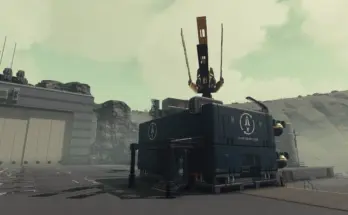
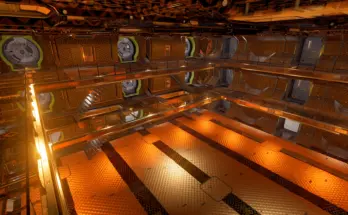
Starstation hab doors don’t connect to ship hab doors. TN’s Class M (and Starborn Guardian) Ship Building adds a tool to connect them. In my experience, this doesn’t work; the walls, floors, and ceiling of the Starstation hab disappear around the door, leaving a large gap through which you could fall (See the images).
Installation
Use Vortex, or your favorite mod manager.
To install manually, extract the archives to the Data folder and add it to your plugins list.
Disclaimer
This mod works on a system that Bethesda has abandoned due to instability, and it also exceeds the limits imposed by the developers. Use it at your own risk.
Credits:
TeAKaI01
If the download link is outdated or doesn't work, you can add your download link. (If your link is valid, we will approve it within 24 hours.)
Download mod
| File | File size |
|---|---|
 Ship Modules for Starstations-1-0
|
2 KB |
|
Ship Modules for Starstations - No SB tweaks-1-0
|
2 KB |